3D Stickers SVG designs
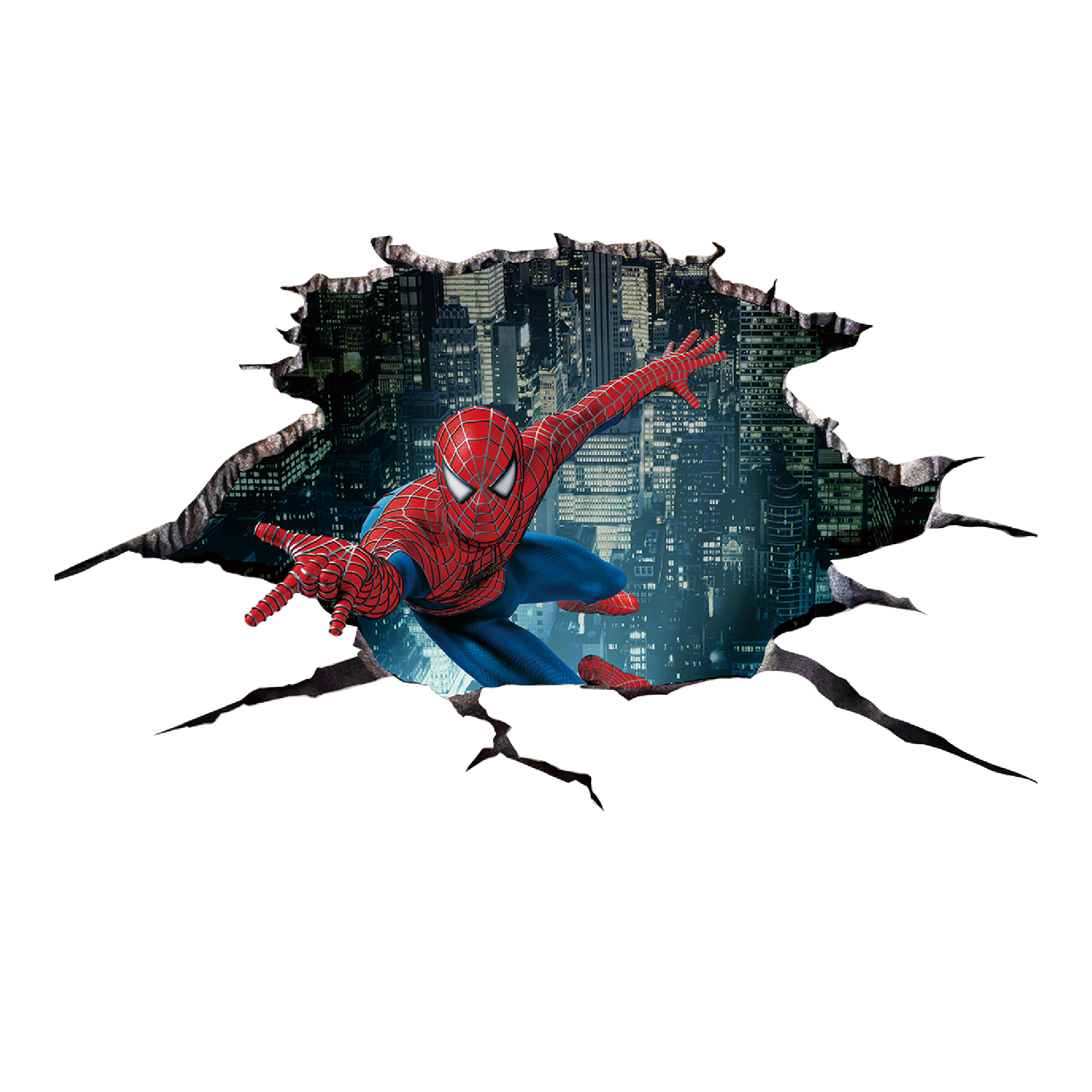
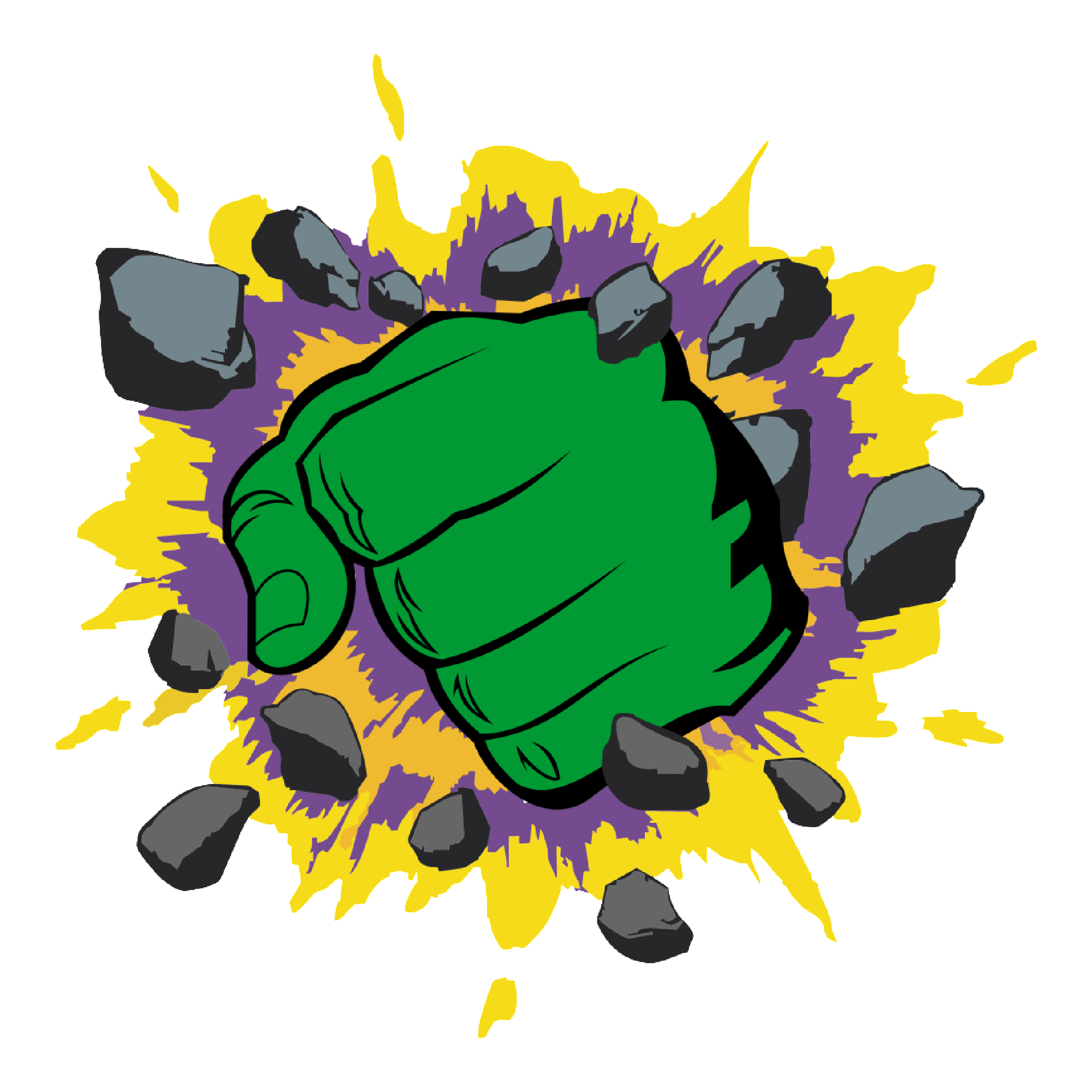
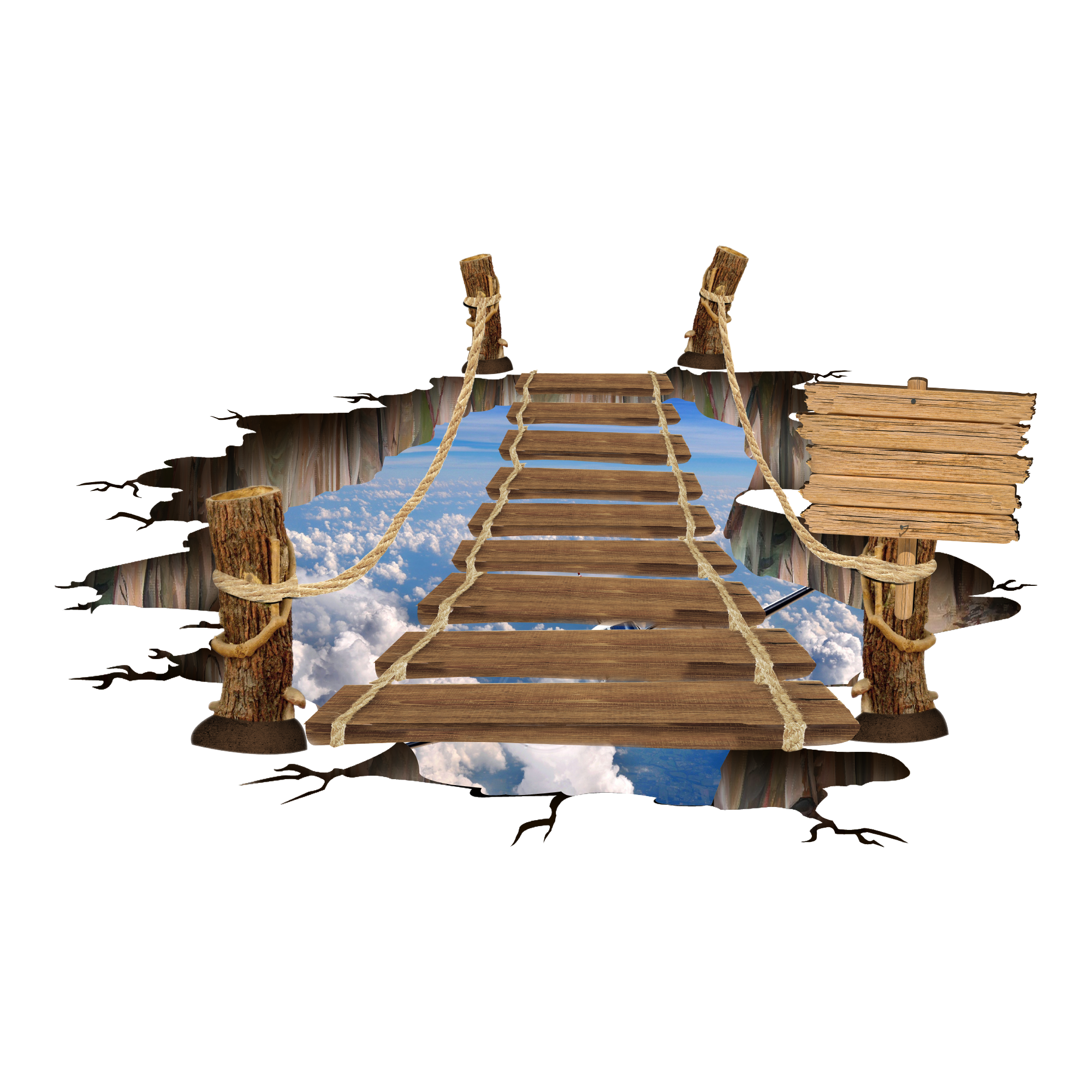
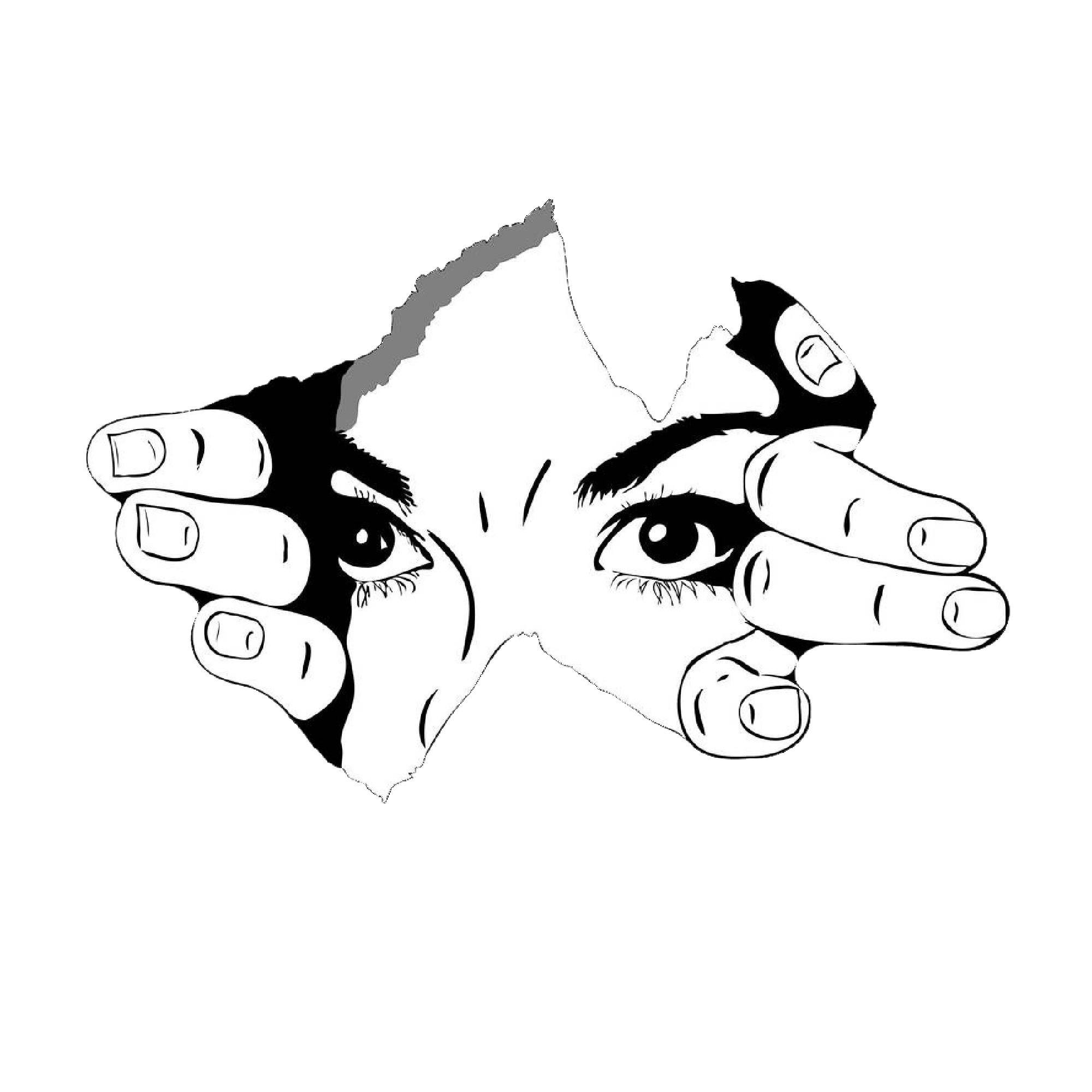
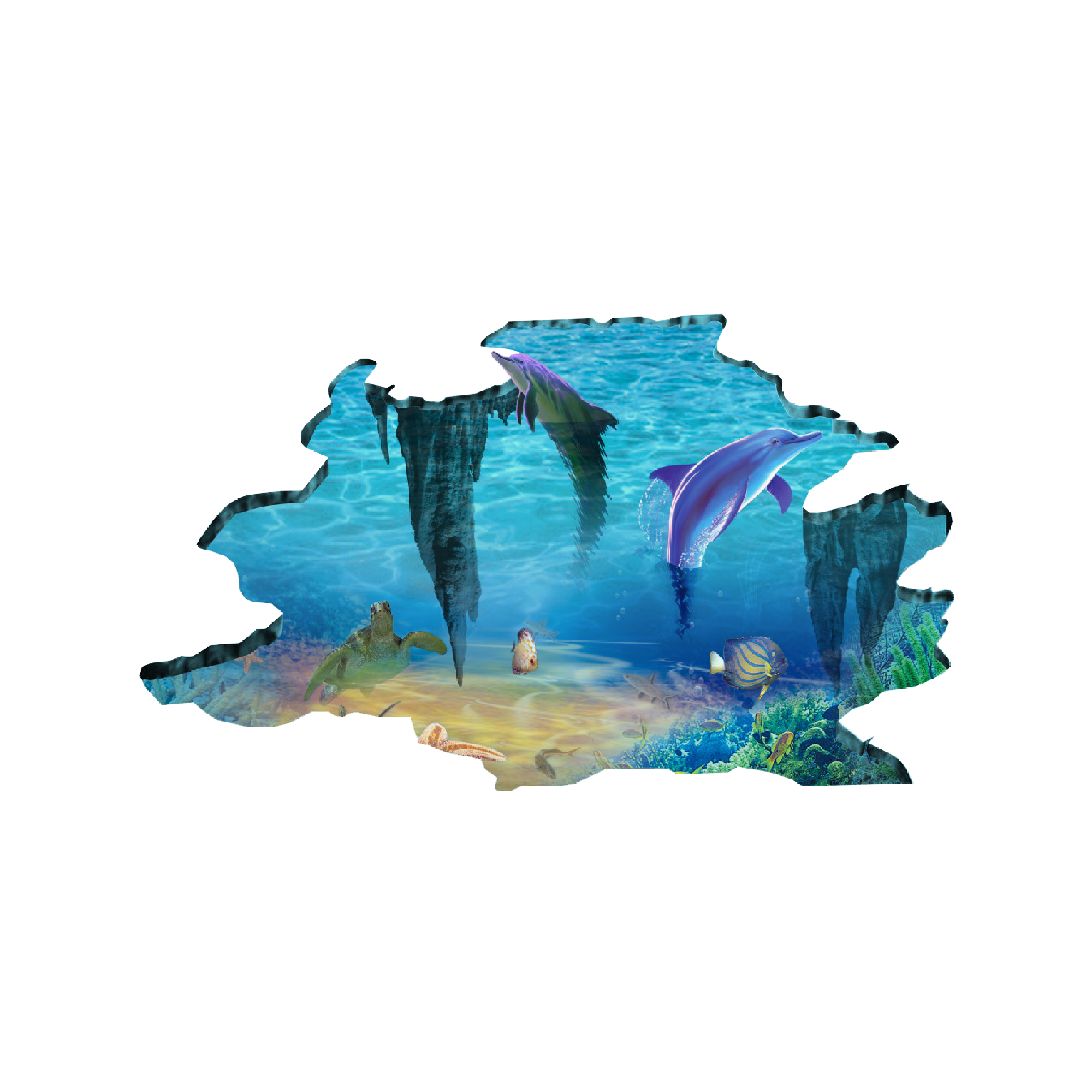
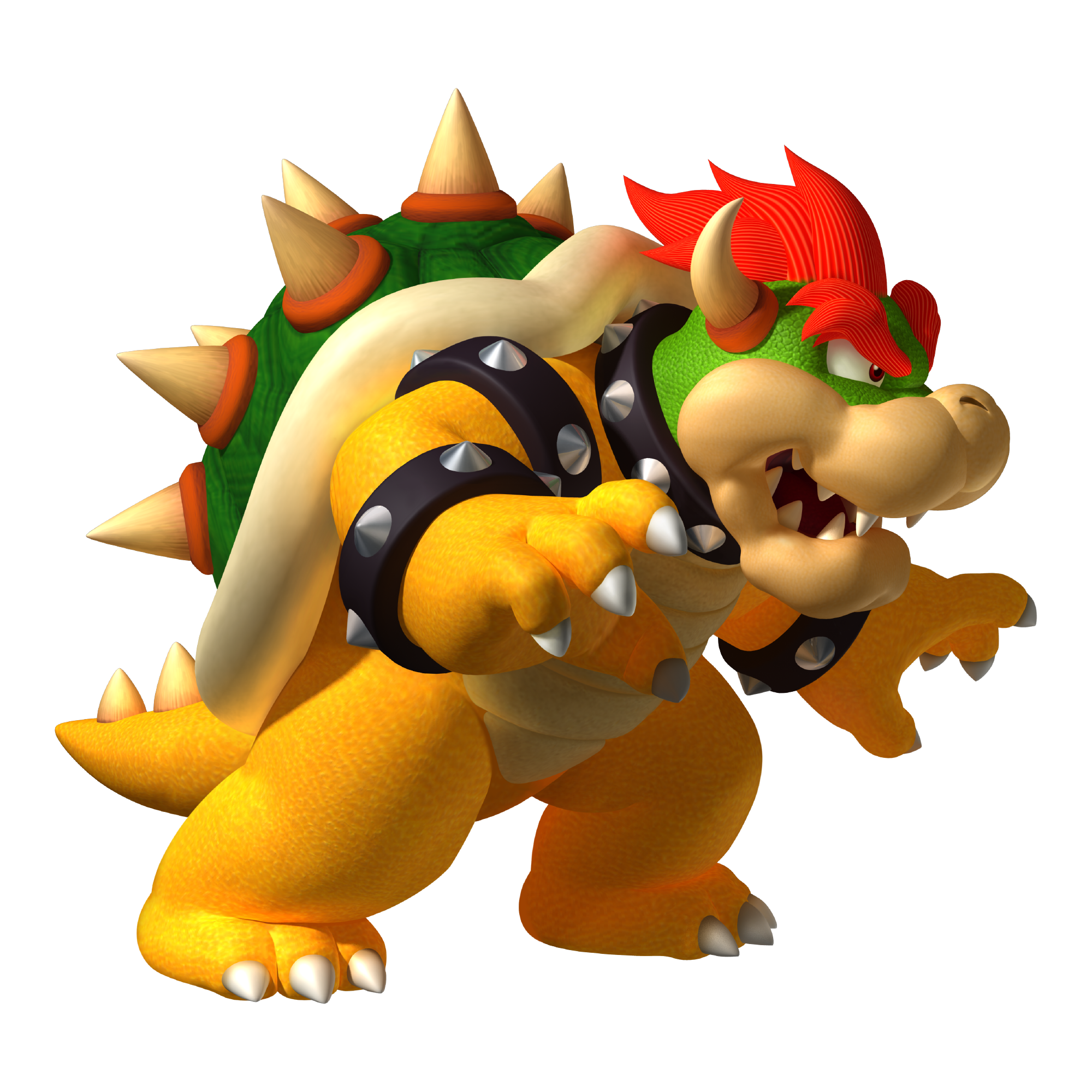
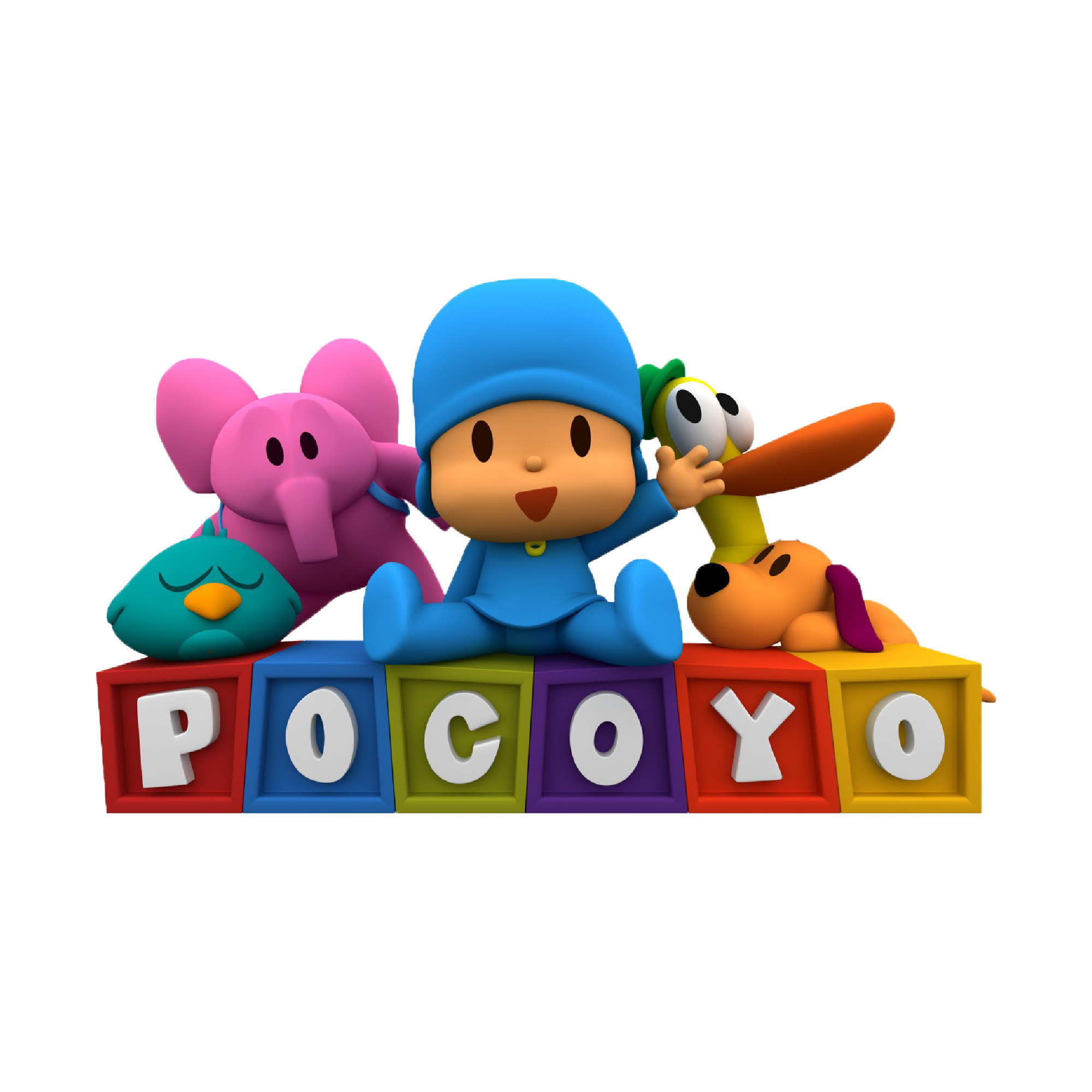
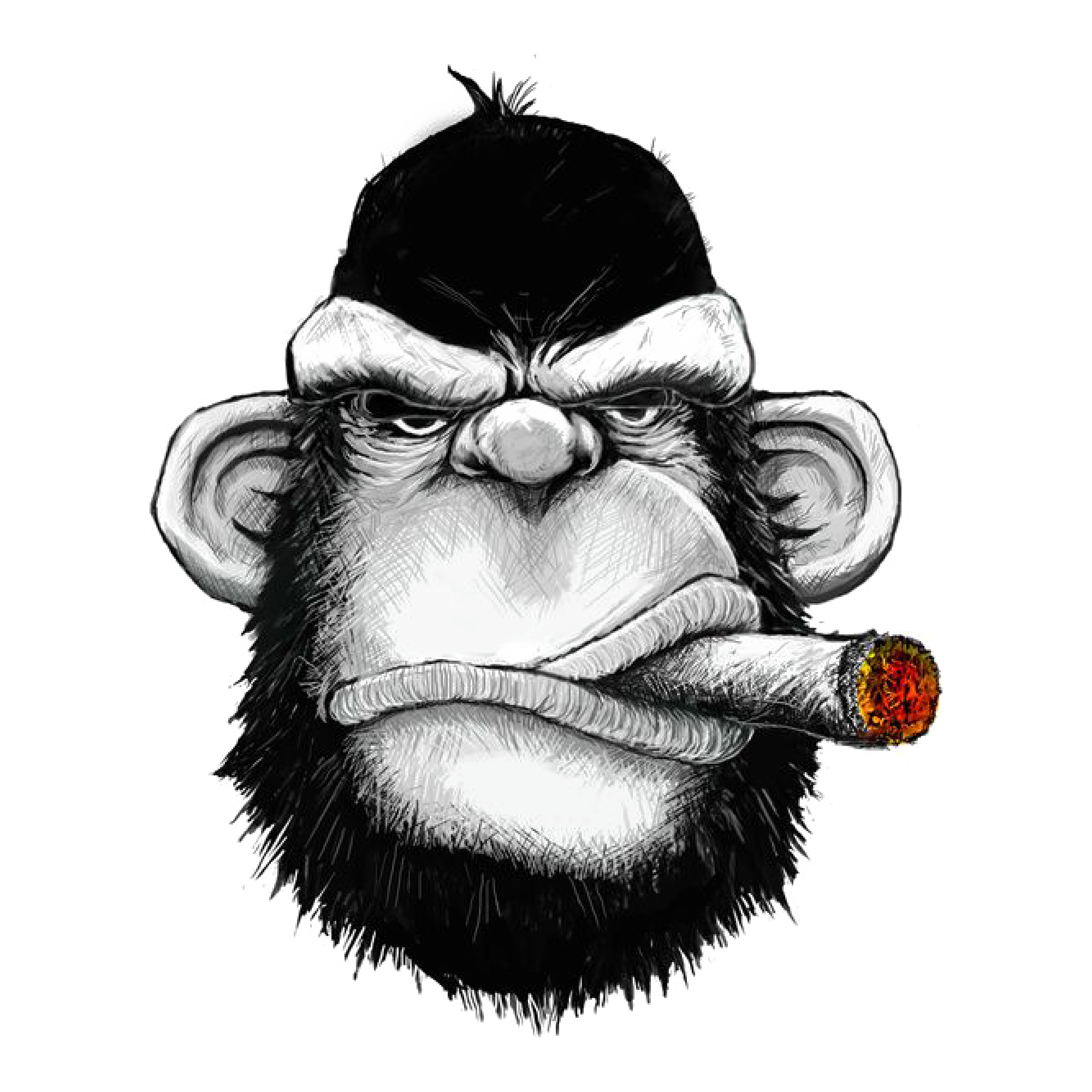
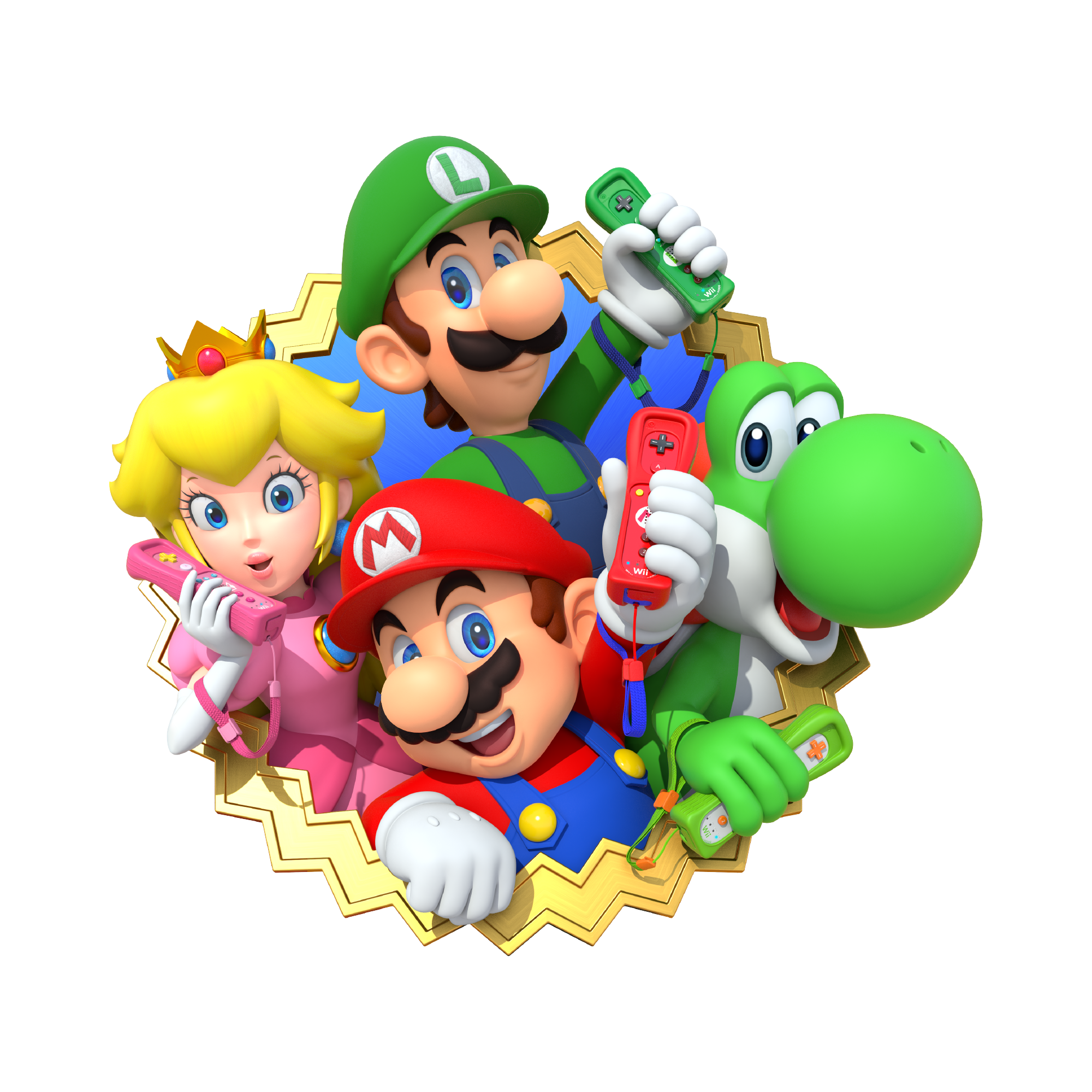
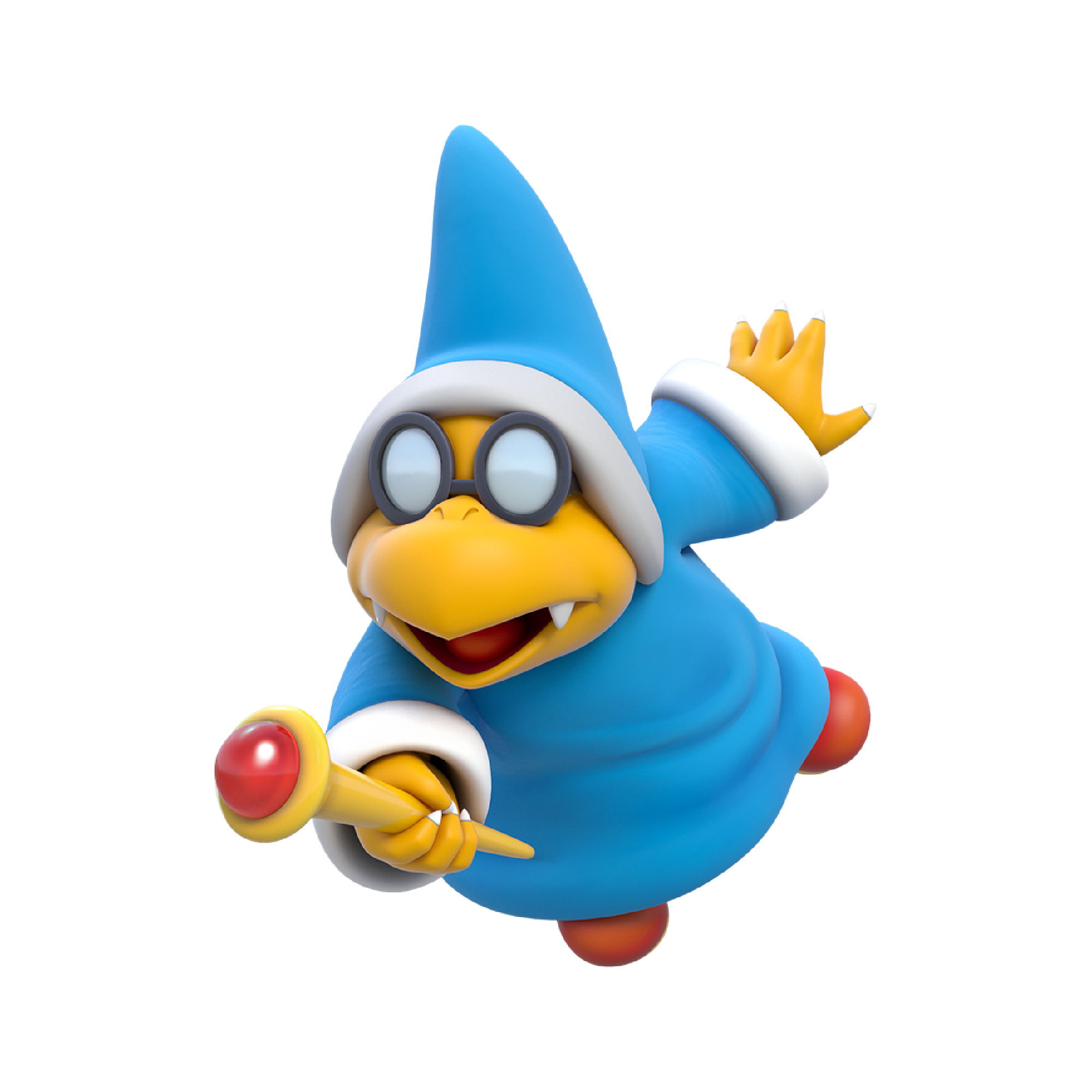
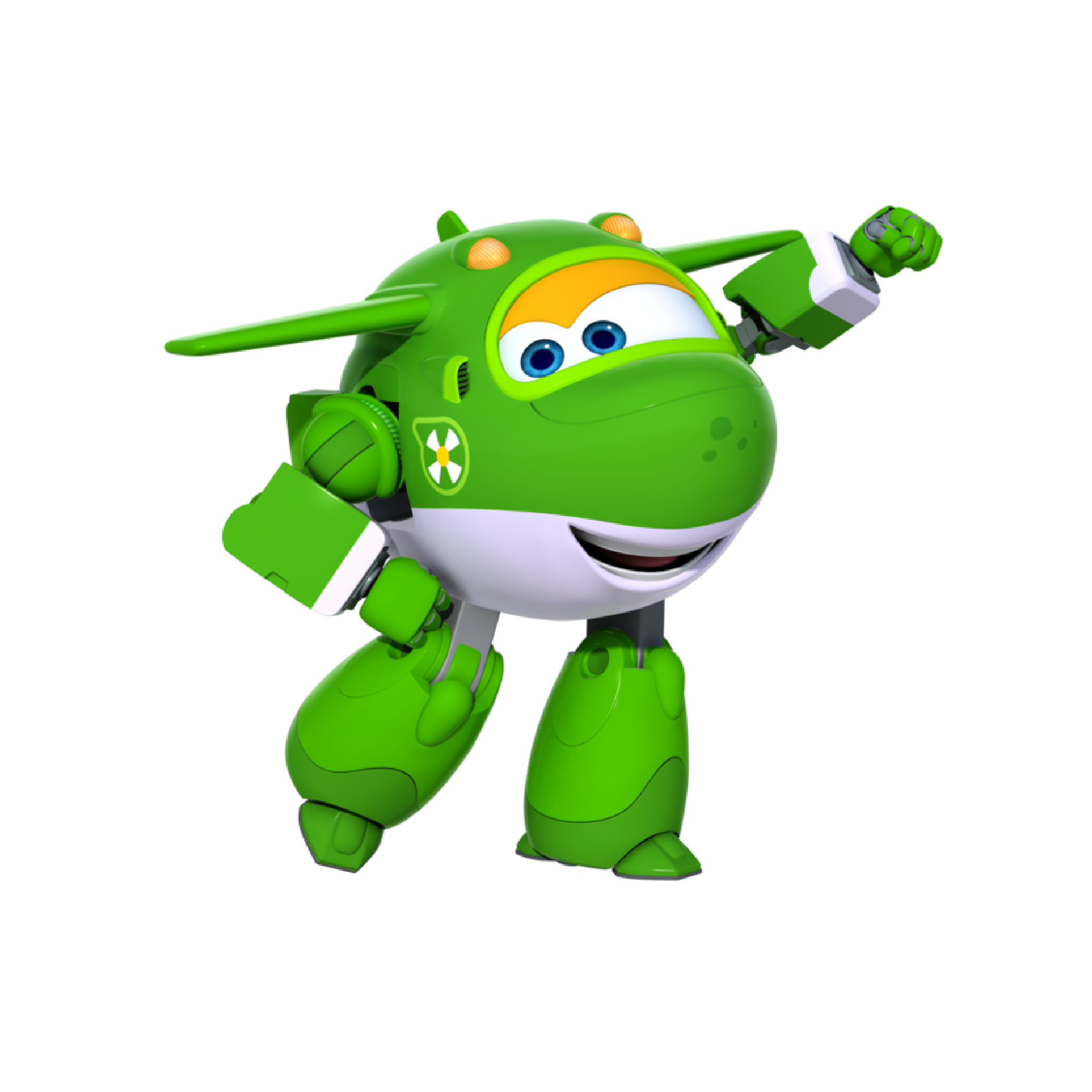
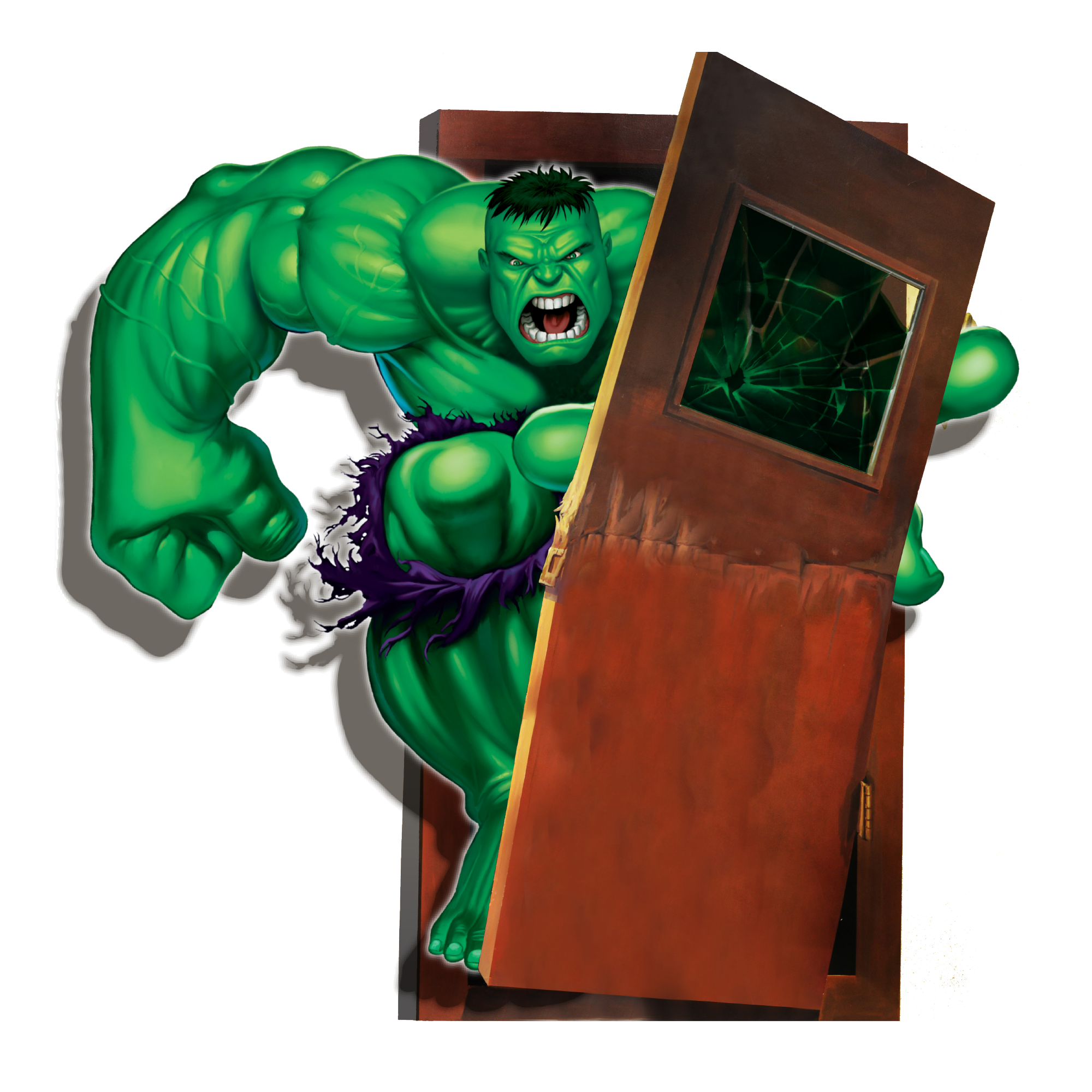
30 3d stickers designs, drawn as ready-to-cut vector designs. They are made for wall pieces, doormats, storage labels, shelf signs, ornaments and the layered mandala that ends up in a shadow box.
30 designs3D StickersNew

 Included with the Maker plan
 Included with the Maker plan
 Included with the Maker plan
 Included with the Maker plan
 Included with the Maker plan
 Included with the Maker plan
 Included with the Maker plan
 Included with the Maker plan
 Included with the Maker plan
 Included with the Maker plan
 Included with the Maker plan
 Included with the Maker plan
 Included with the Maker plan
 Included with the Maker plan
 Included with the Maker plan
 Included with the Maker plan
 Included with the Maker plan
 Included with the Maker plan
 Included with the Maker plan
 Included with the Maker plan
 Included with the Maker plan
 Included with the Maker plan
 Included with the Maker plan
 Included with the Maker plan
 Included with the Maker plan
 Included with the Maker plan
 Included with the Maker plan
What people make with 3d stickers 3d stickers
Wall pieces, doormats, storage labels, shelf signs, ornaments and the layered mandala that ends up in a shadow box — those are the pieces this collection gets used for. In this format they go on shirts, bags, signs, tumblers and the usual craft blanks.
From file to finished piece
Open a design in the studio, set the size in real inches, run whatever the piece needs — weld overlapping script, offset for a backing layer, slice one shape out of another — then export for your machine. Nothing is flattened on the way out, so the file that reaches your cutter is the same geometry you edited.
Getting 3d stickers designs right
Set the size in real inches before anything else — every other decision on the page, from stroke weight to how much detail survives, follows from how big the finished piece actually is. Doormats are not a vinyl job — cut a stencil, lay it on the coir and paint through it with outdoor paint. Vinyl will not bond to a coir mat, which is the single most common failed project in this theme.
Exporting for your machine
Export SVG for Cricut Design Space or Silhouette Designer Edition, DXF for Silhouette Studio Basic and laser software, PDF at true size for print-then-cut, or PNG for sublimation.
Cut, score, draw and engrave operations are written as named layers, so Cricut Design Space, Silhouette Studio and laser software map them to the right tool without manual reassignment. For a printed sheet, the print-then-cut guide covers registration and bleed.
Questions
Open a 3d stickers design now
Free, in the browser, no install. Edit it and export a cut-ready file in minutes.