Ready-to-cut SVG files, grouped by category and theme. Open any one in the studio and edit it before you export.
All designsPrintable stickers and sticker SVG files
Explore sticker designs for planners, labels and gifts. Customize your artwork in CricutCraft Studio, export a PNG for printing, or use SVG when your project needs editable vector shapes.
1,250 designs30 collectionsSVG · PDF · DXF · PNG export
Stickers collections
 4th of July50 files
 Back to School50 files
 Beach50 files
 Butterfly50 files
 Flower50 files
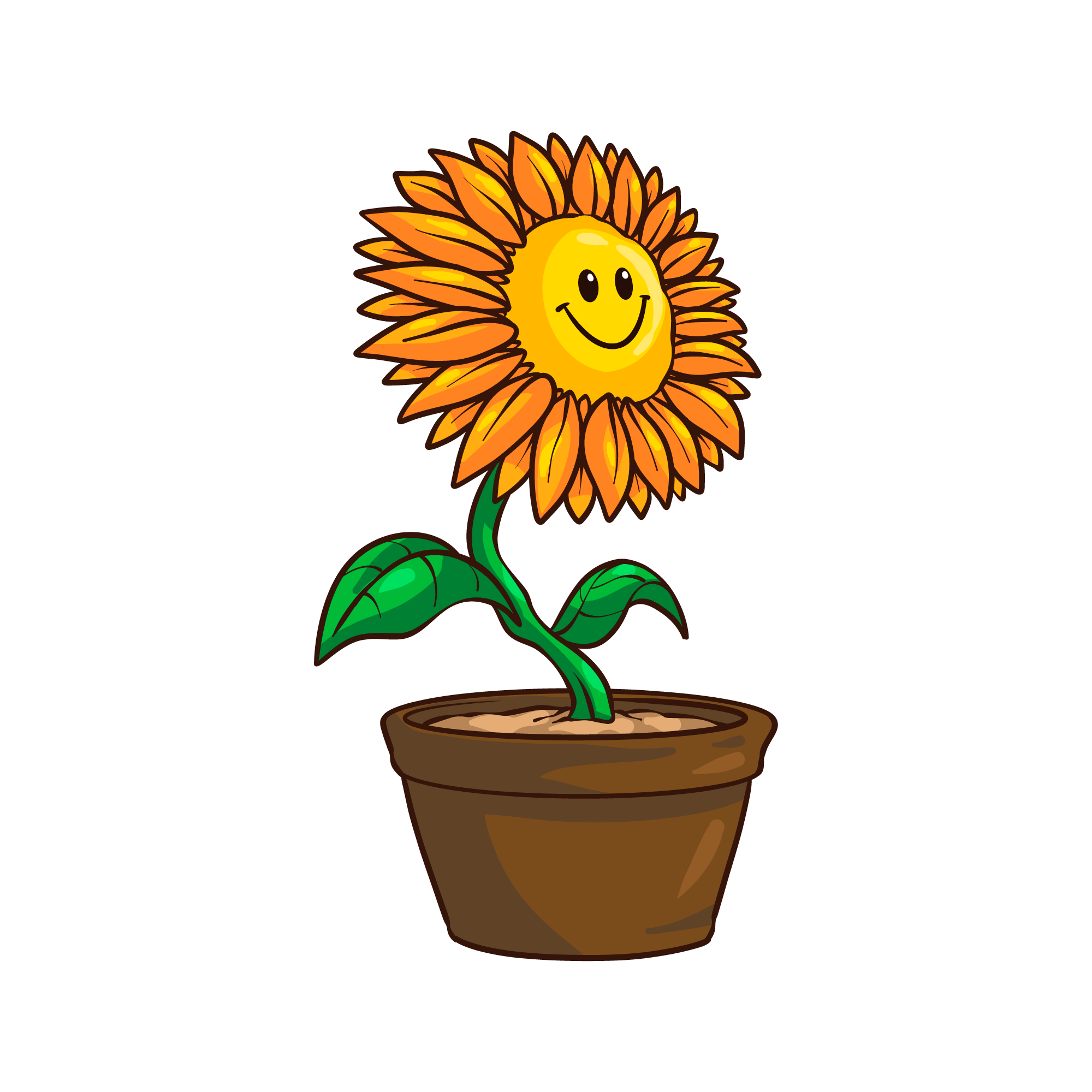 Sunflower50 files
 Teacher50 files
 Weed50 files
 Wonder50 files
 Yoga50 files
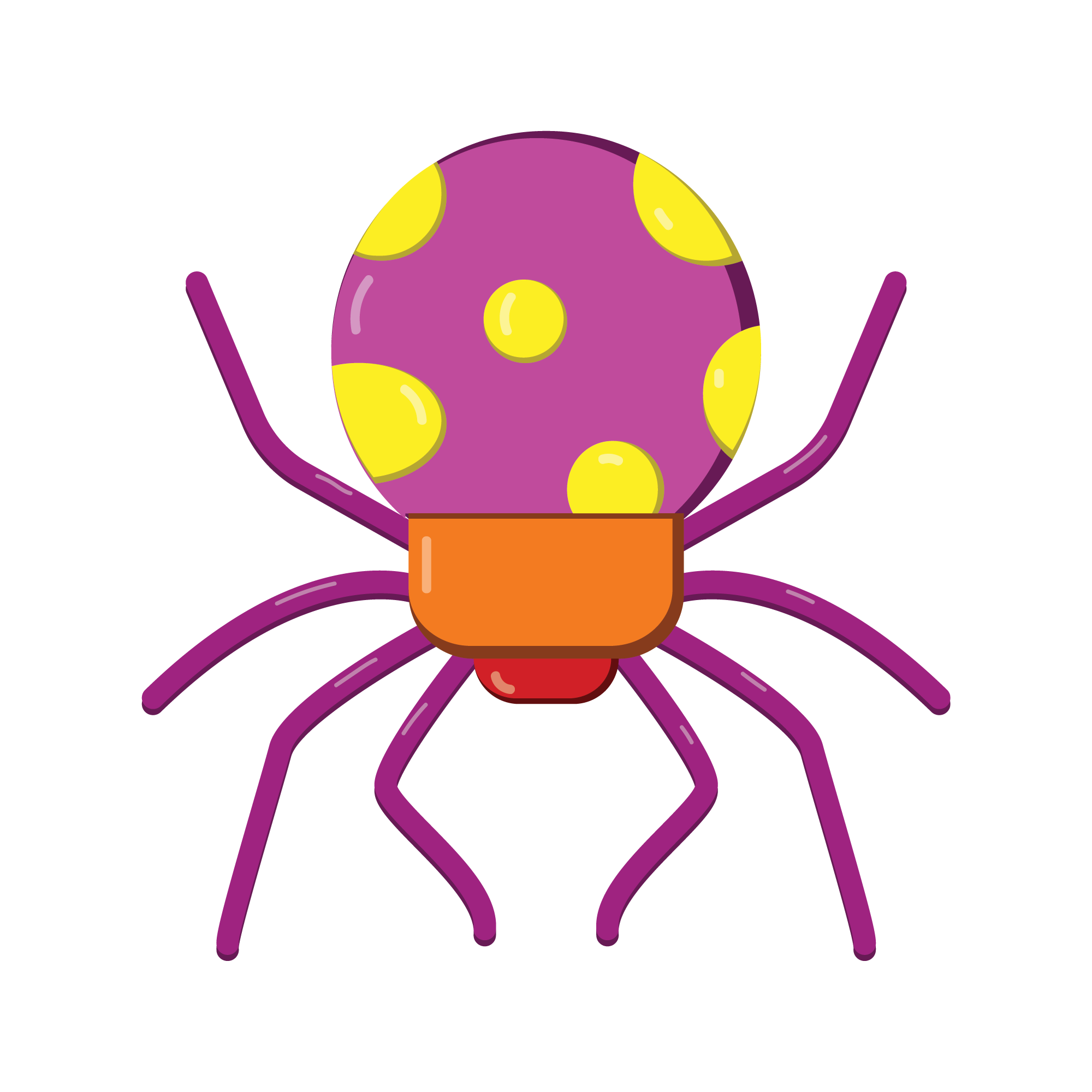 Spider50 files
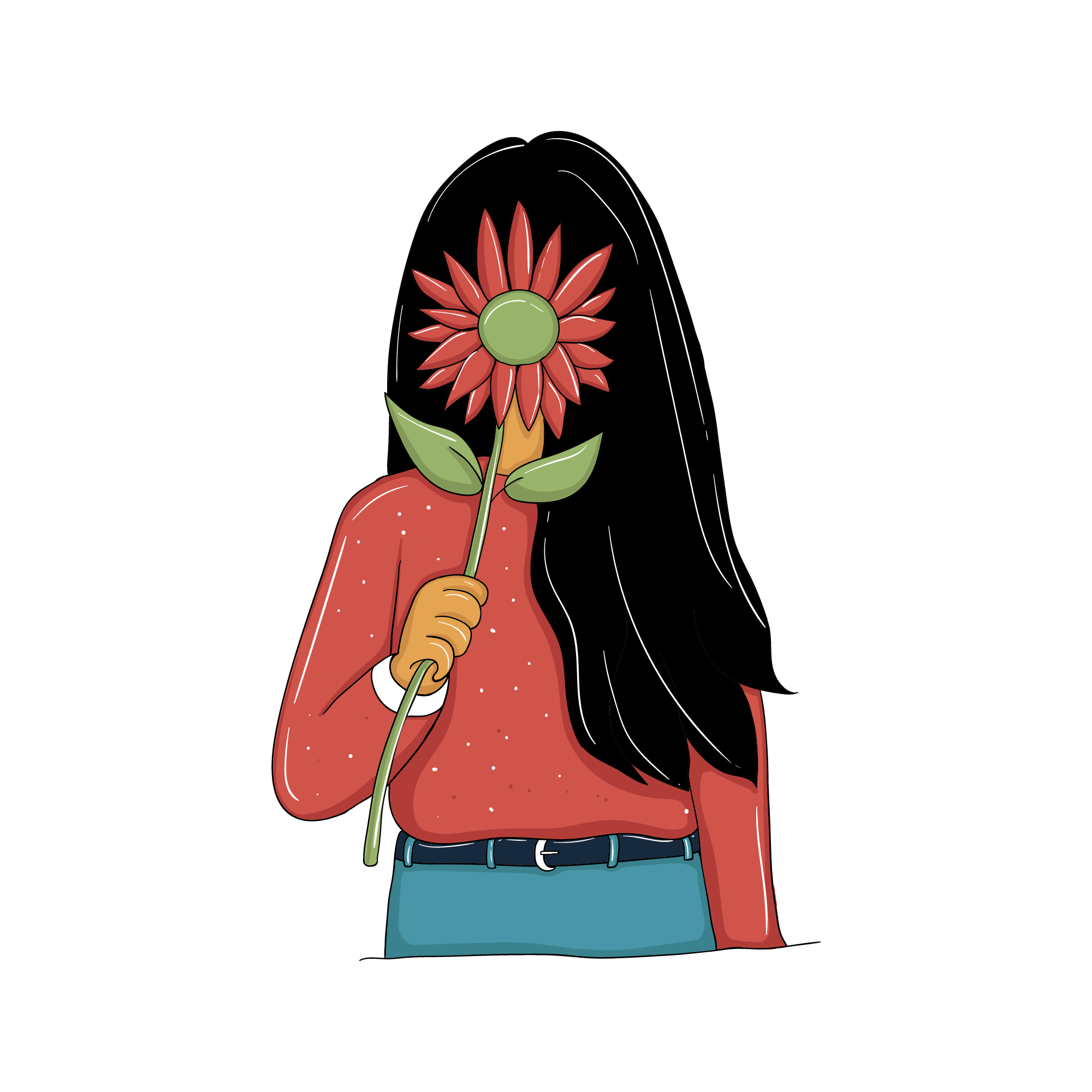 Spring50 files
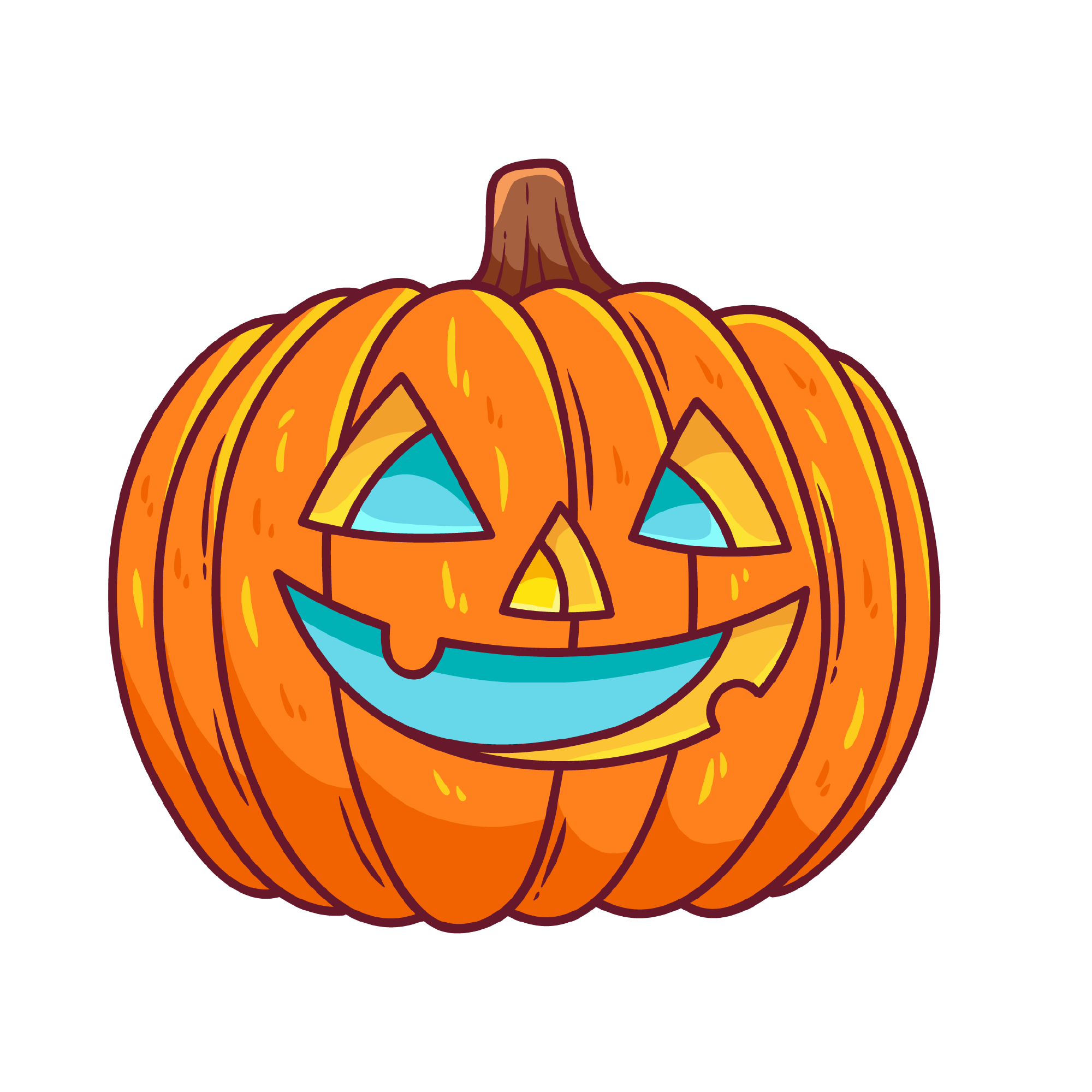 Pumpkin Face50 files
 Sloth50 files
 Food50 files
 Juneteenth50 files
 Easter50 files
 Autism50 files
 Bedroom50 files
 Summer50 files
 New Year25 files
 Nurse25 files
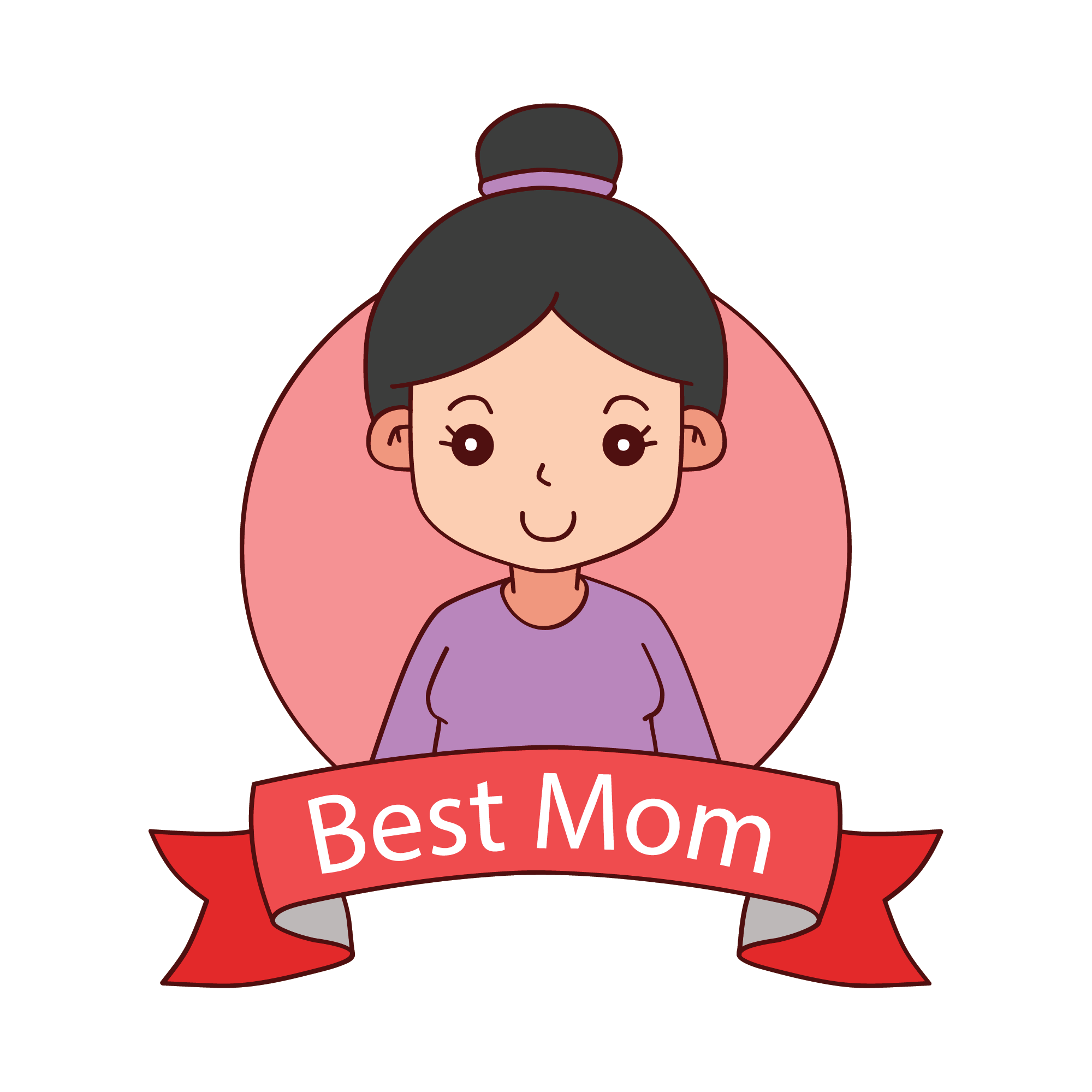 Mother's Day25 files
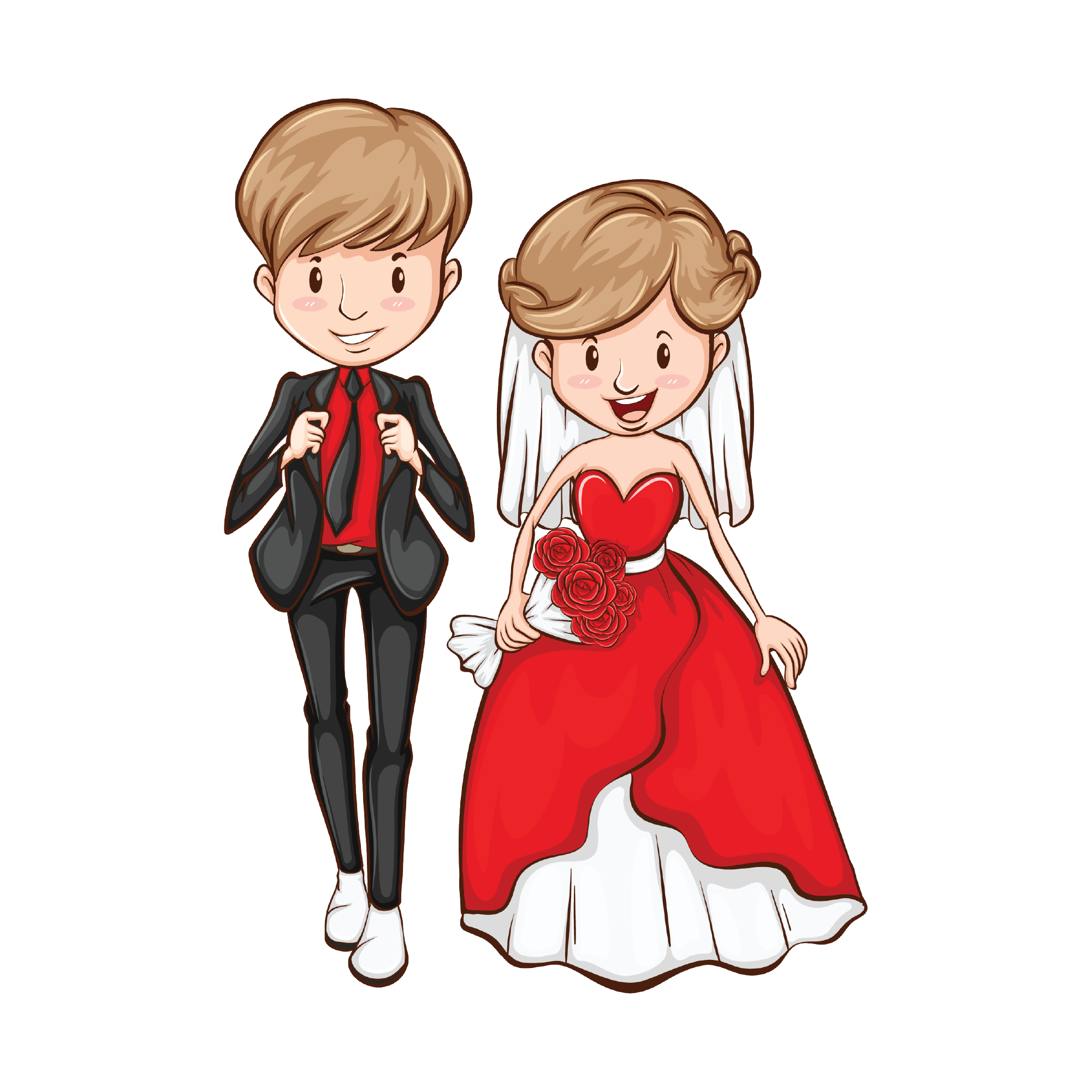 Wedding25 files
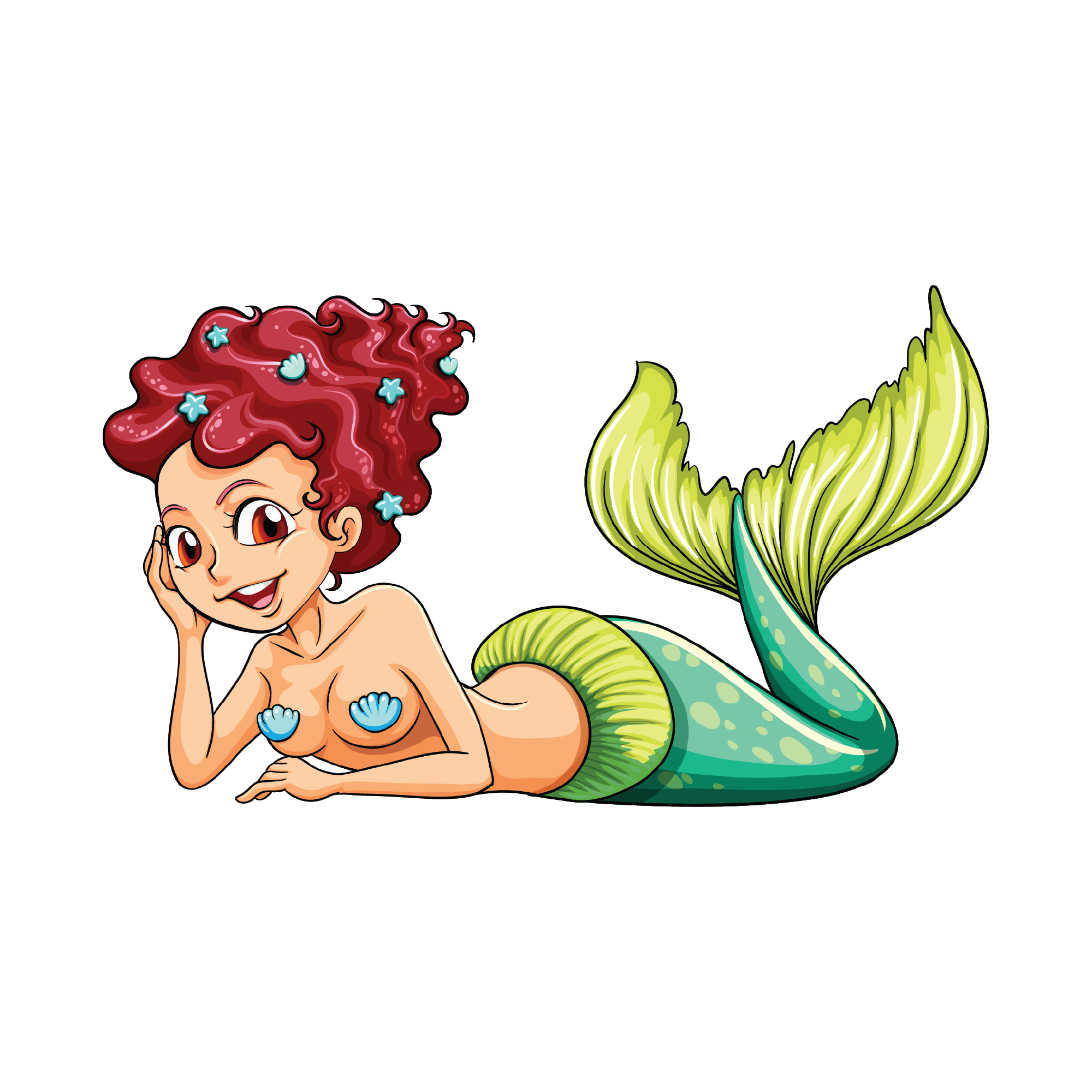 Mermaid25 files
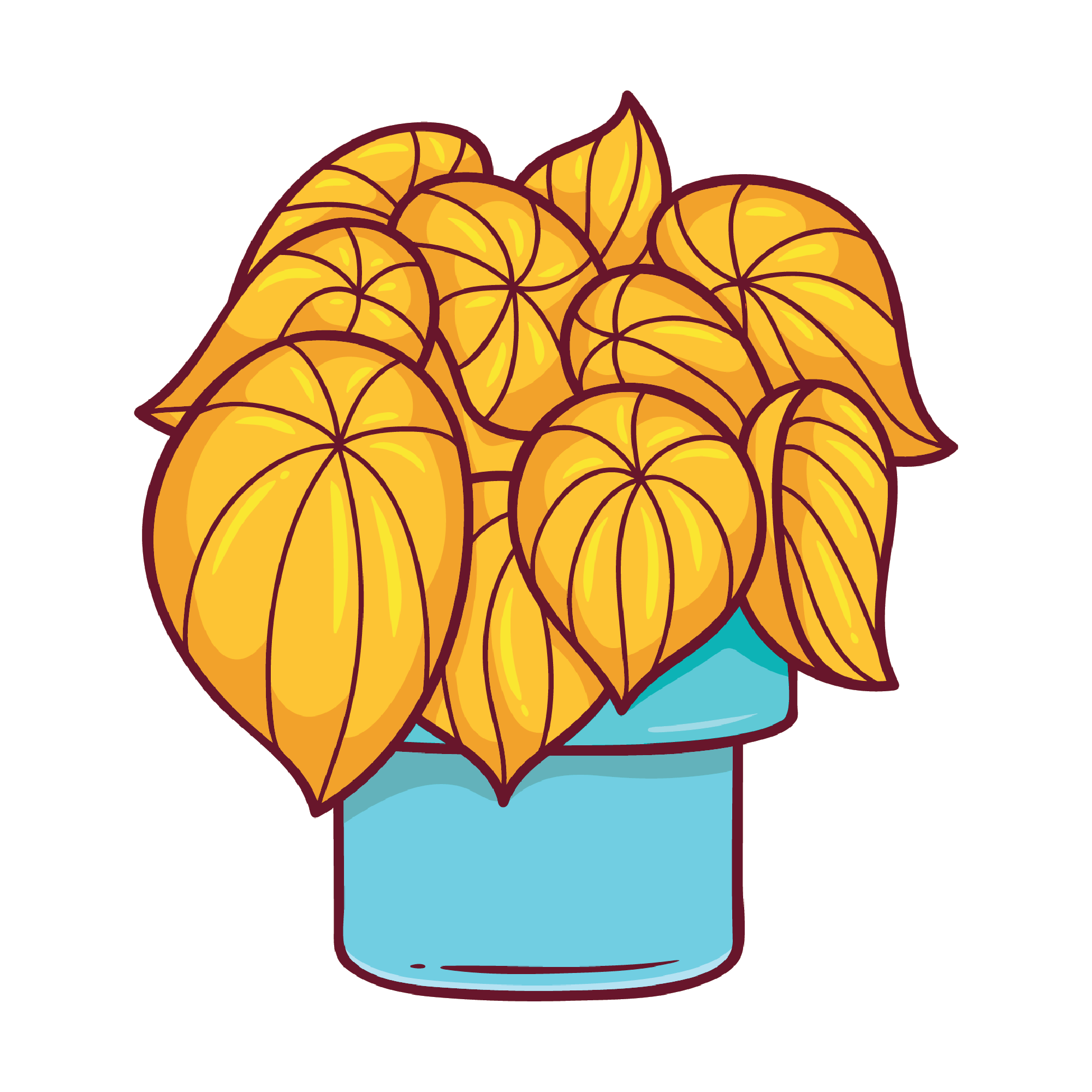 Plant25 files
 Coffee25 files
 Halloween25 files
 Unicorn25 files
 Ice Cream25 files
About stickers
Printable stickers combine two jobs: printing the artwork and cutting its outer contour. A vinyl decal uses a different workflow, with the blade cutting the design from a colored material. Choose the workflow before exporting so a detailed illustration is not accidentally treated as hundreds of small cuts.
For Print Then Cut stickers, bring your finished artwork into Cricut Design Space and prepare the offset, page layout and sensor marks there. Select the actual machine and paper size in that software; the usable printable area depends on those settings. Print a test sheet before making a full set of die cut stickers.
The first designs in each collection are free; premium artwork, PDF and DXF export require a paid plan. Compare plans and licensing before using a design for products you sell.
Project tutorials
Other categories
- Cut FilesLayered SVGs built for the blade
- MonogramsSplit letters, frames and initials
- ShapesClean silhouettes and icon sets
- SublimationsFull-colour art for transfers
- WatercolourPainterly clip art with soft edges
- T-Shirt DesignsWearable art sized for a front print
- Cap DesignsSmall-format art for embroidery hoops and patches
- Mug DesignsWrap-ready art for 11oz and 15oz blanks
- 3D StickersLayered stickers with depth and offset cuts
Stickers questions
Make your sticker project
- How to make Cricut stickers with Print Then CutMake Cricut stickers with Print Then Cut: upload artwork, prepare the border, print from Design Space and troubleshoot size or sensor problems.
- Cricut StickerPix Print or Print + Cut?Compare Cricut StickerPix Print and Print + Cut, check refill compatibility, and understand how these sticker printers differ from Maker and Explore.
- Choose Cricut vinyl, iron-on or sticker paperChoose adhesive vinyl for decals, iron-on for shirts or printable sticker paper for colour artwork. Check mats, blades and material settings before cutting.
Customize stickers online
Start with a free design or choose premium artwork, customize it in the browser, and export for your project.