7,870 SVG files for Cricut and craft projects
Browse SVG cut files, printable stickers, monogram designs and full-color artwork for craft projects. Open a design in CricutCraft Studio, customize it online, and export SVG for cutting or PNG for printing. 591 designs are free; the full library, PDF and DXF export require a paid plan.
- designs
- 7,870
- themed collections
- 197
- categories
- 10
- export formats
- SVG · PDF · DXF · PNG
designs
themed collections
categories
export formats
Browse the library
A sample from each category. Every thumbnail is the real file you get.
Sublimations1,250 designs · 30 collections
See allWatercolour1,350 designs · 34 collections
See allT-Shirt Designs30 designs
See all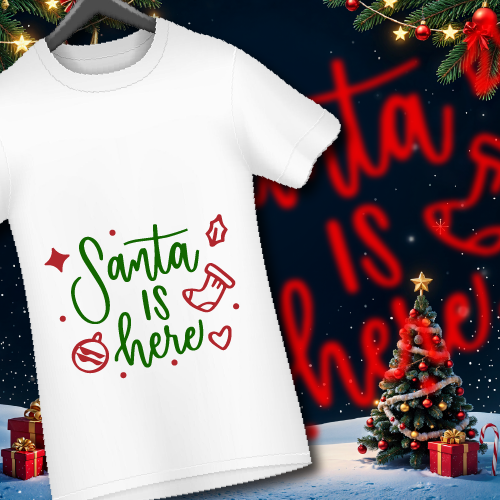
T-Shirt Designs
Design 1
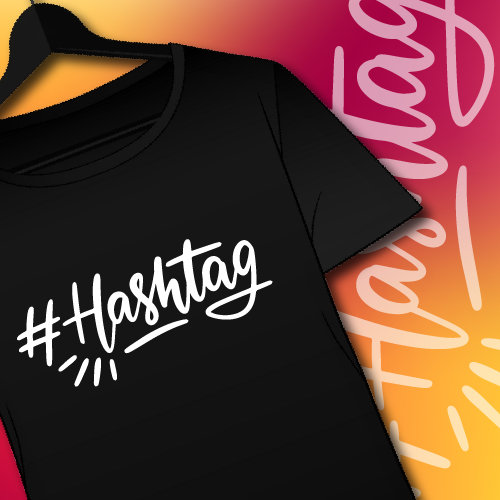
T-Shirt Designs
Design 2
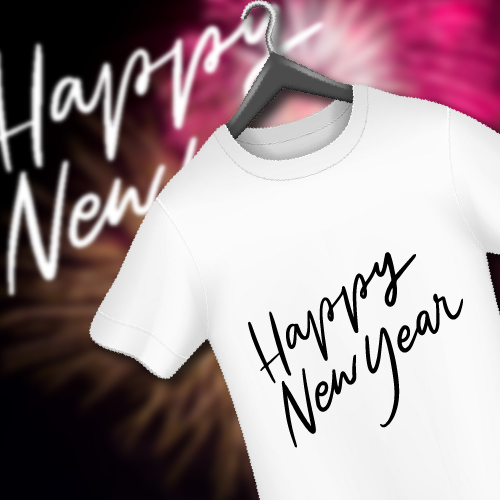
T-Shirt Designs
Design 3
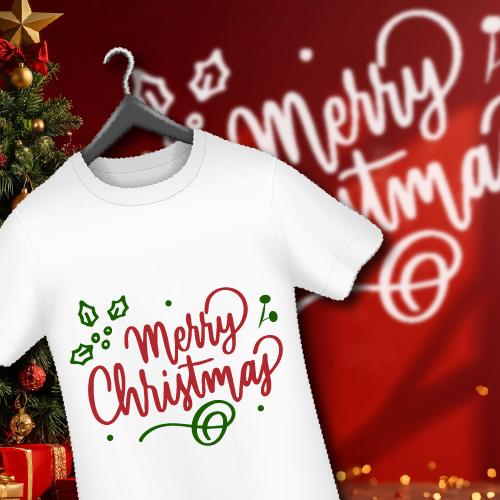 PRO
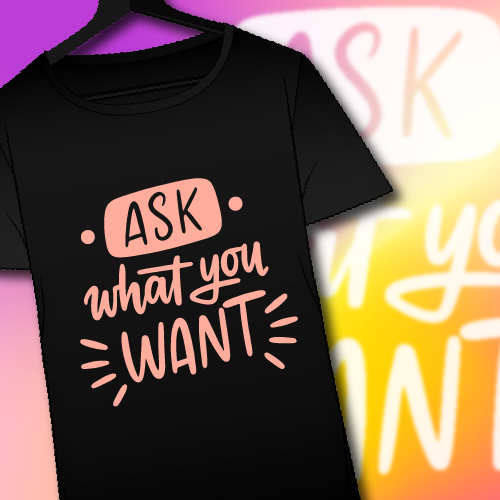
PROT-Shirt Designs
Design 4
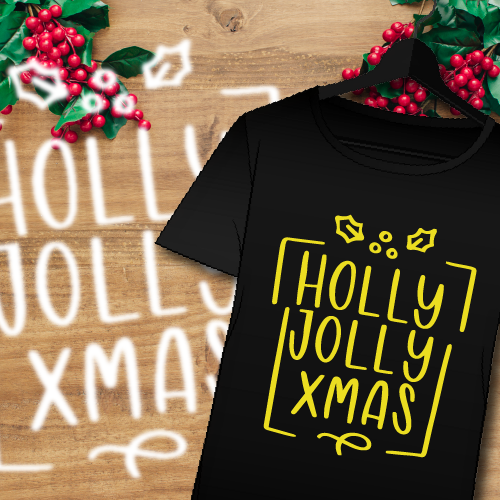
 PRO
PROT-Shirt Designs
Design 5
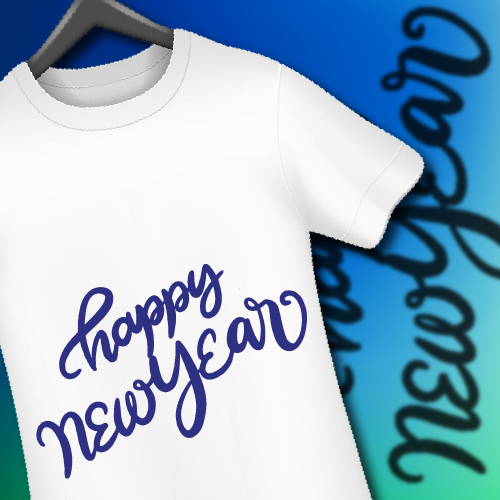
 PRO
PROT-Shirt Designs
Design 6
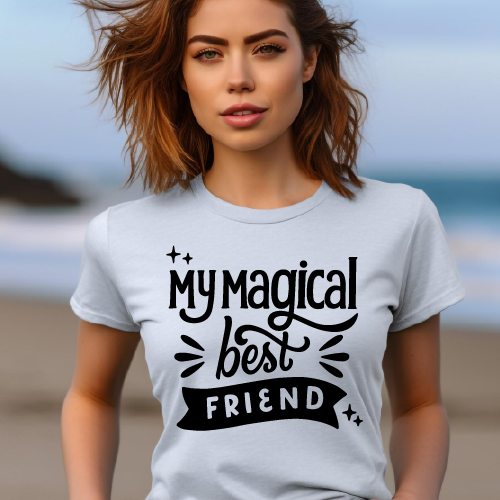
 PRO
PROT-Shirt Designs
Design 7
 PRO
PROT-Shirt Designs
Design 8
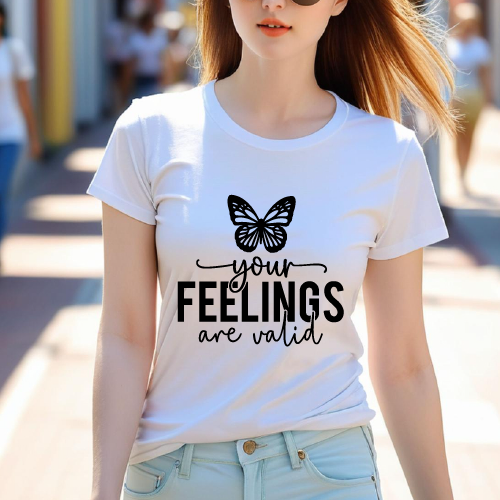 PRO
PROT-Shirt Designs
Design 9
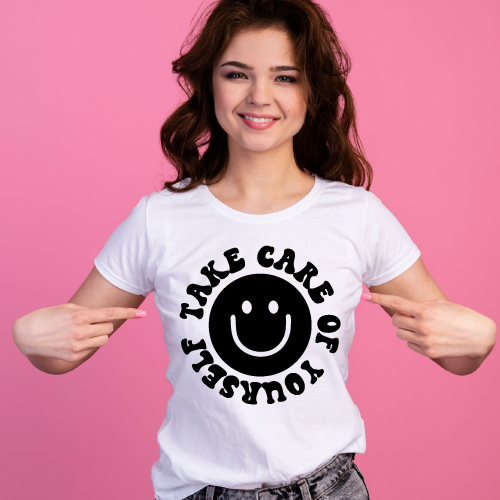 PRO
PROT-Shirt Designs
Design 10
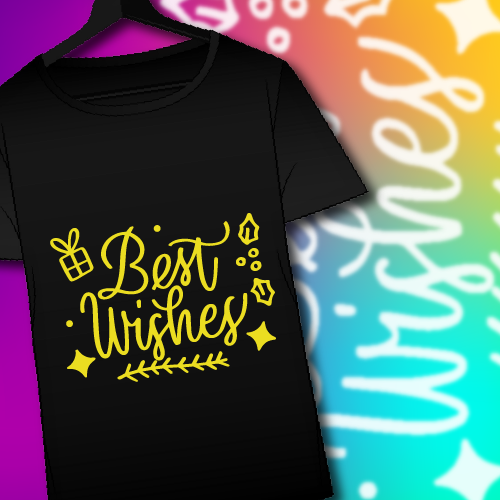 PRO
PROT-Shirt Designs
Design 11
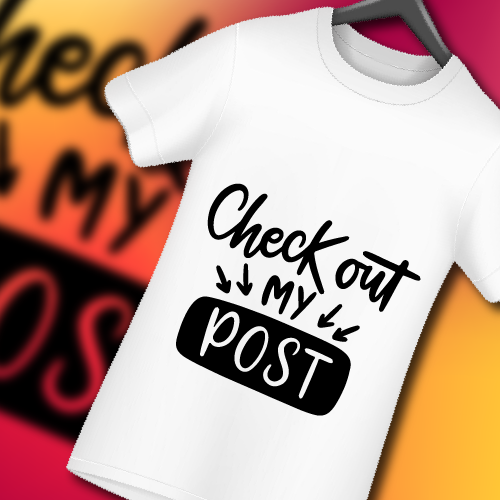 PRO
PROT-Shirt Designs
Design 12
Cap Designs30 designs
See all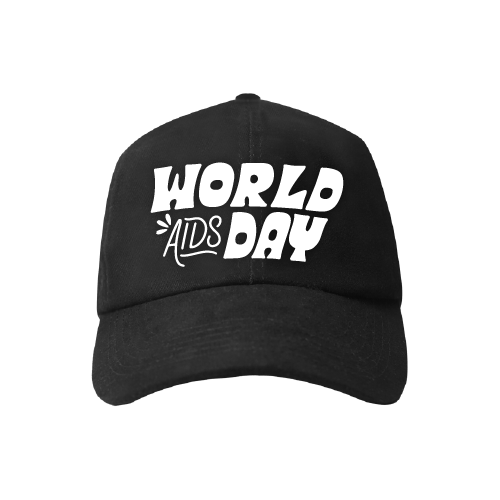
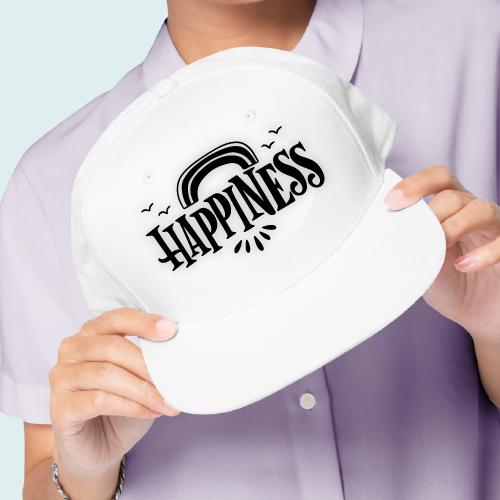
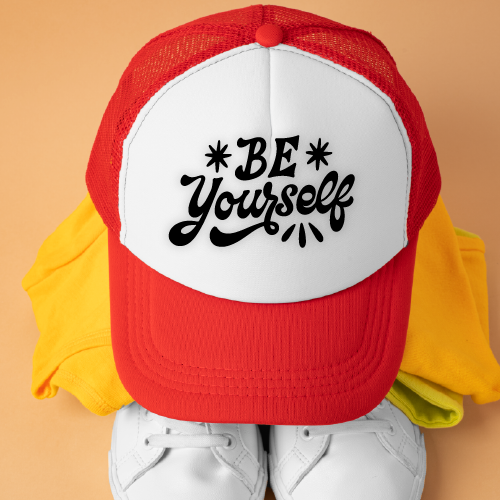
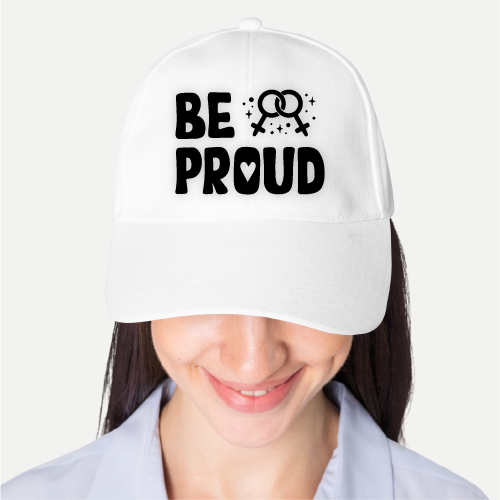
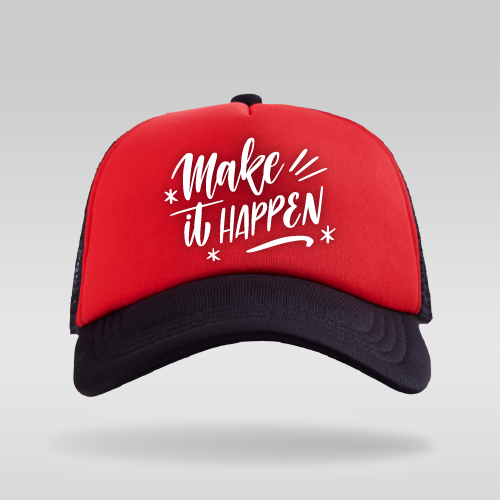
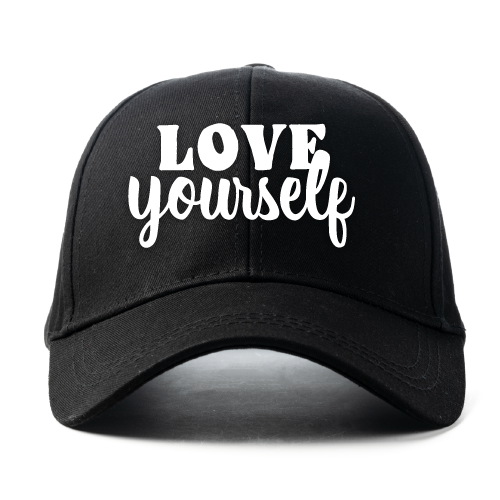
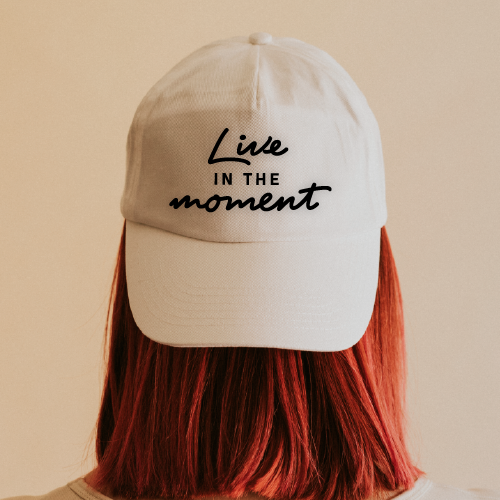
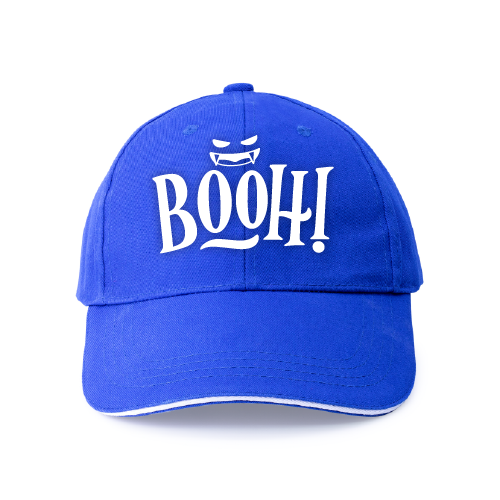
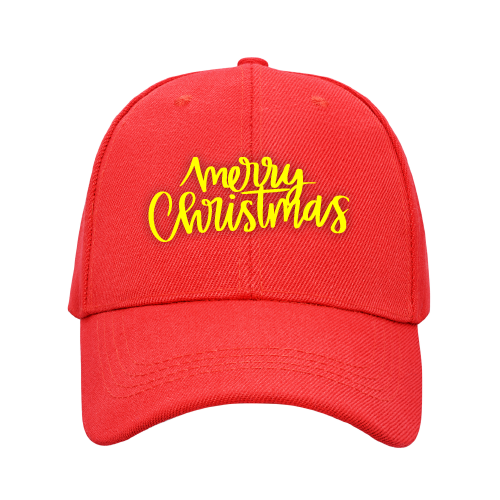
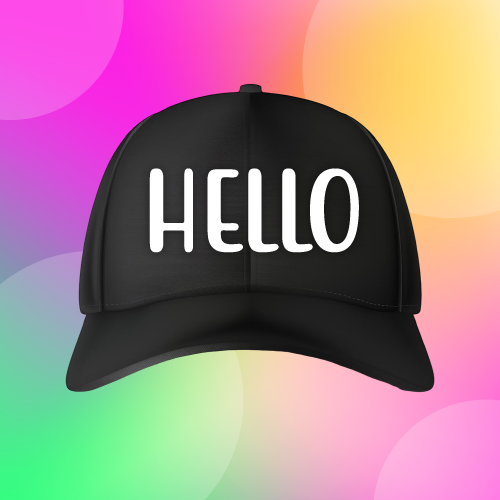
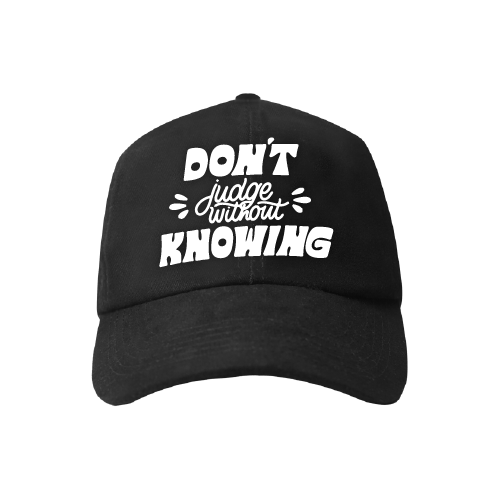
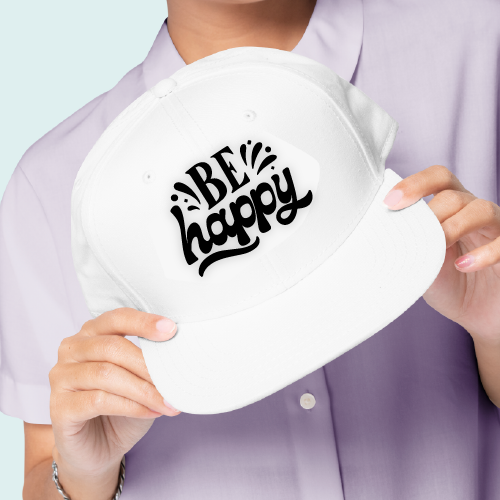
Mug Designs30 designs
See all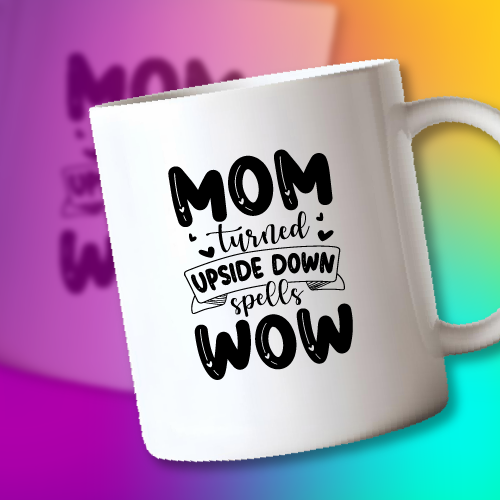
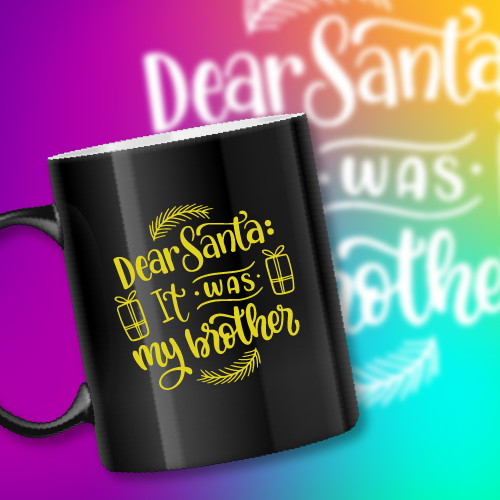
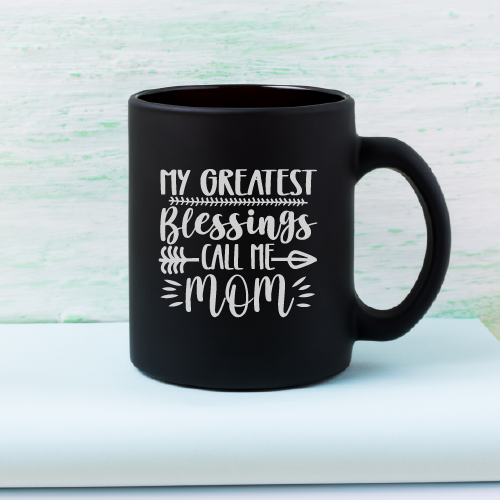
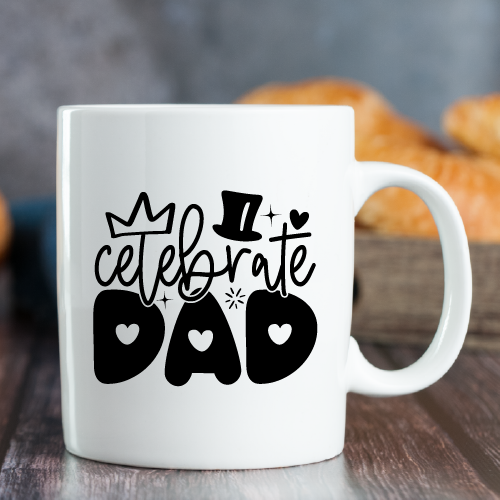
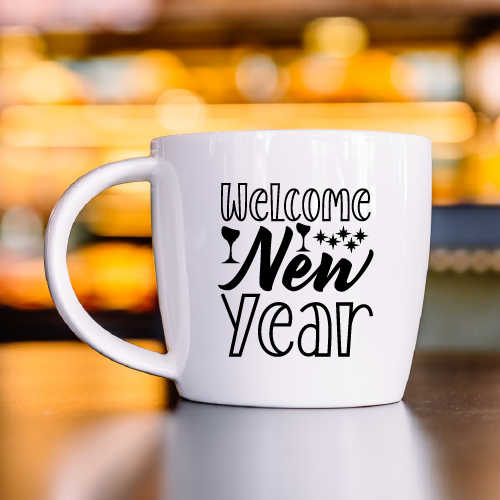
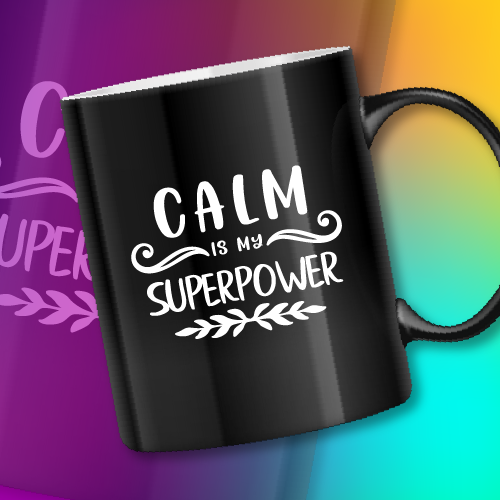
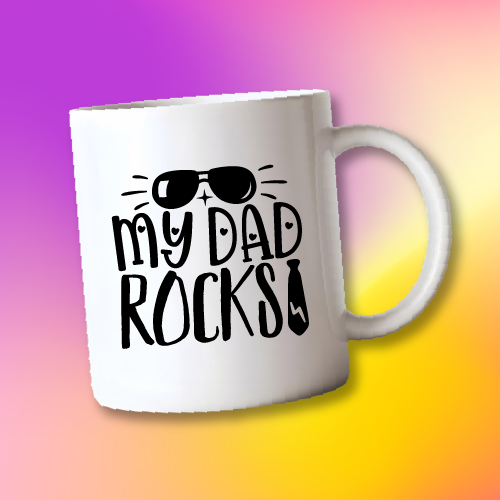
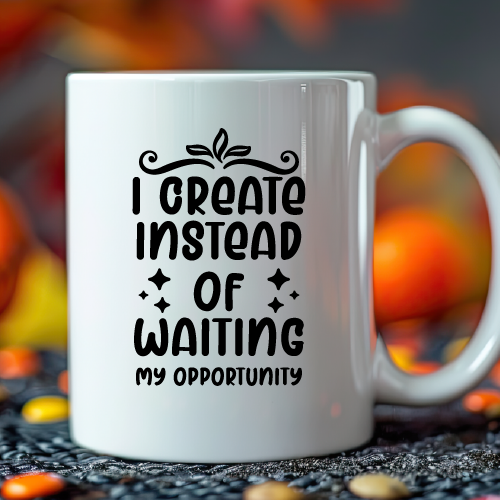
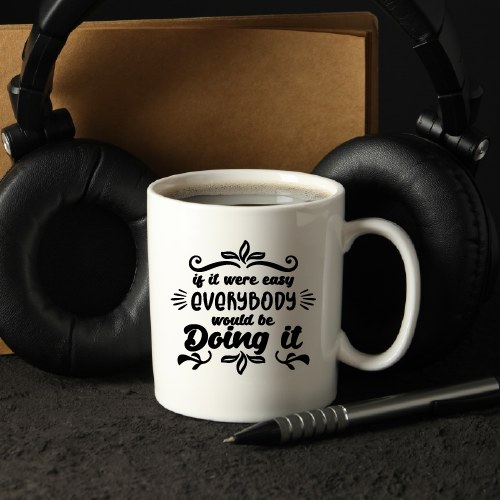
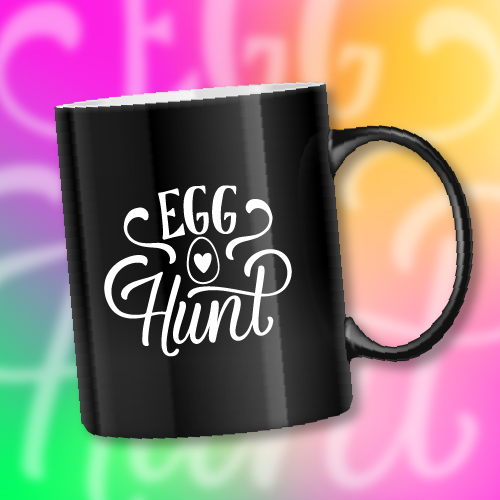
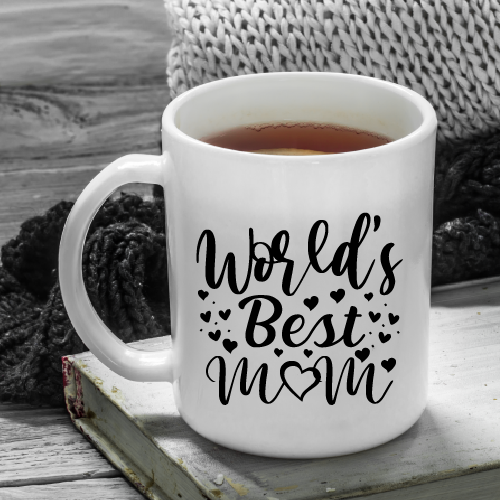

3D Stickers30 designs
See all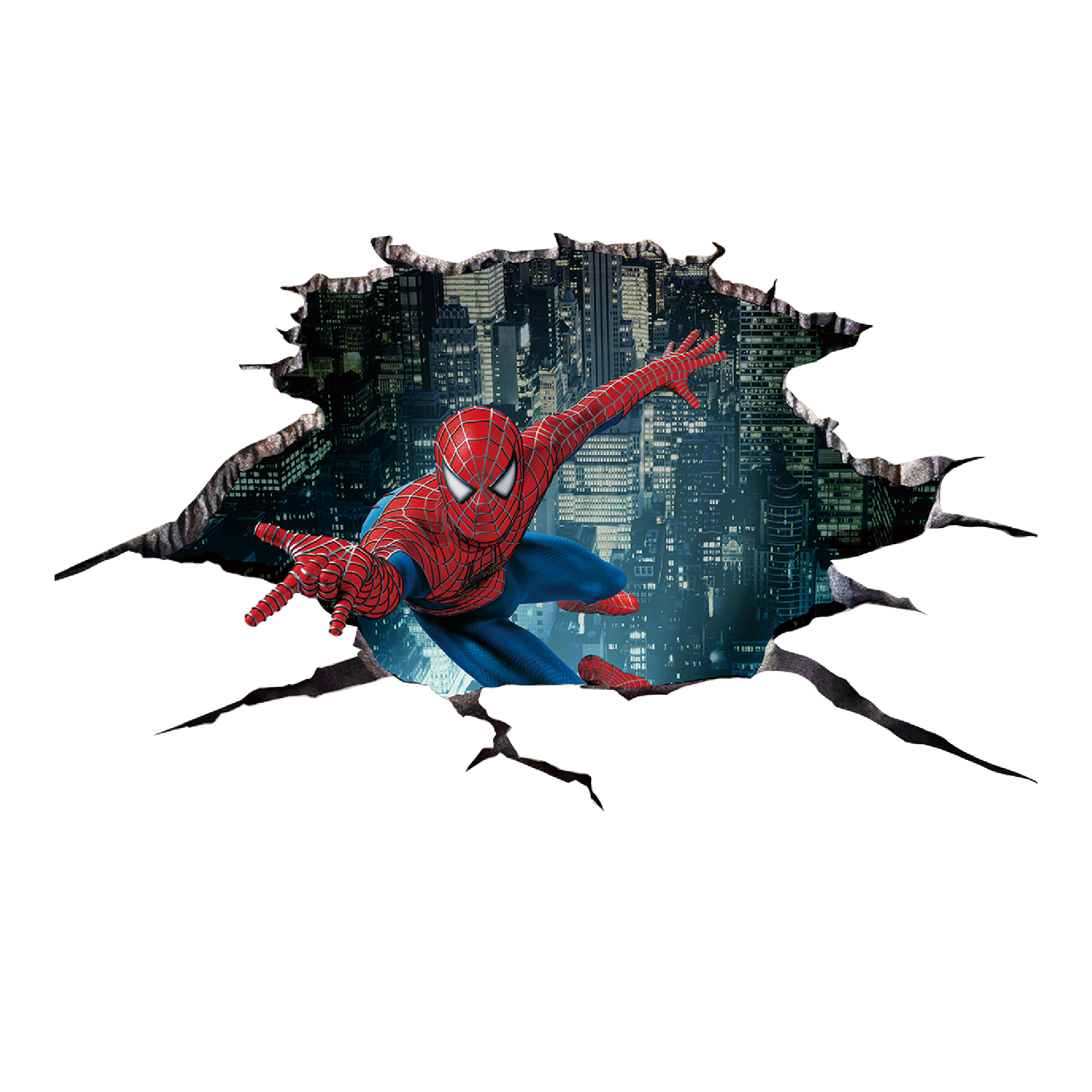
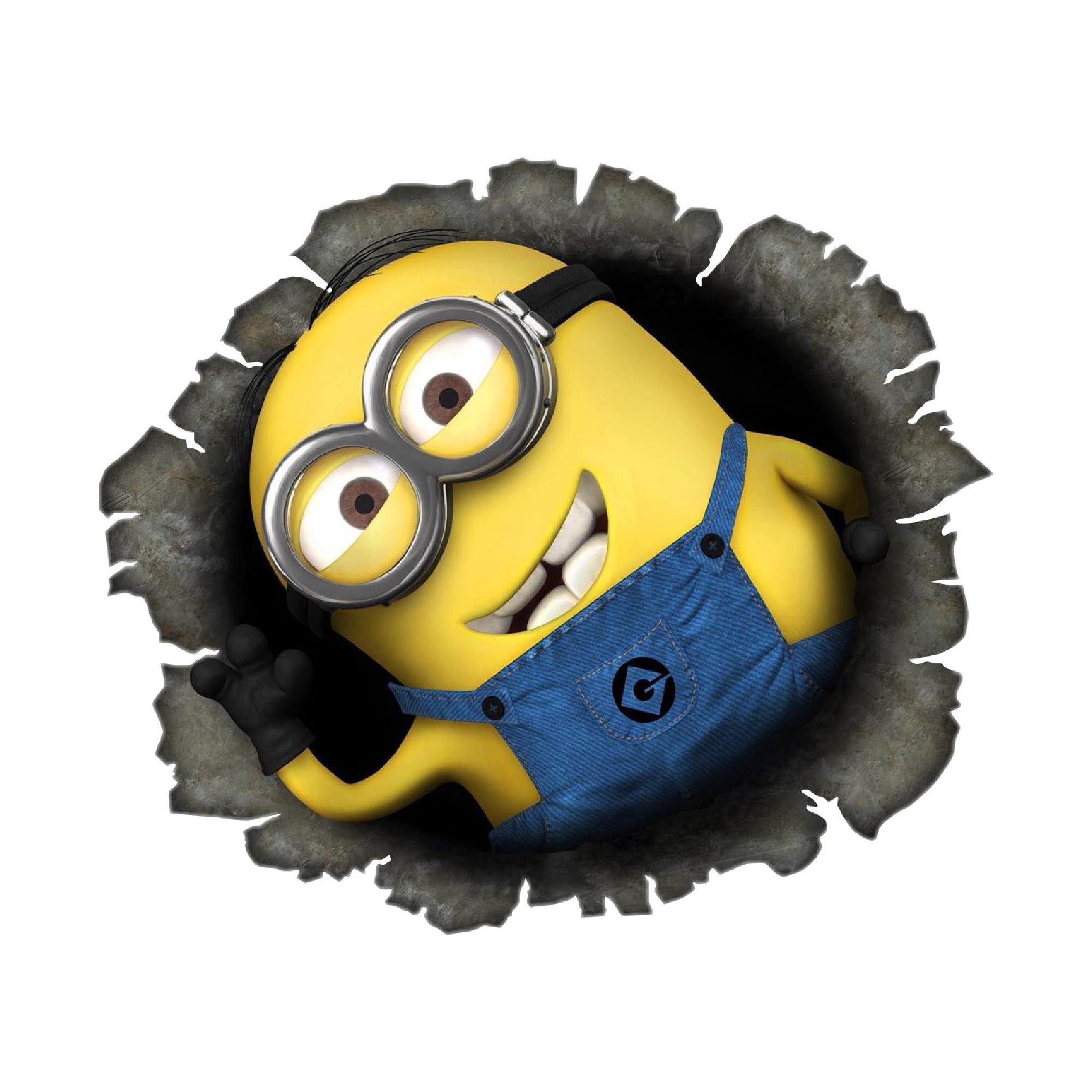
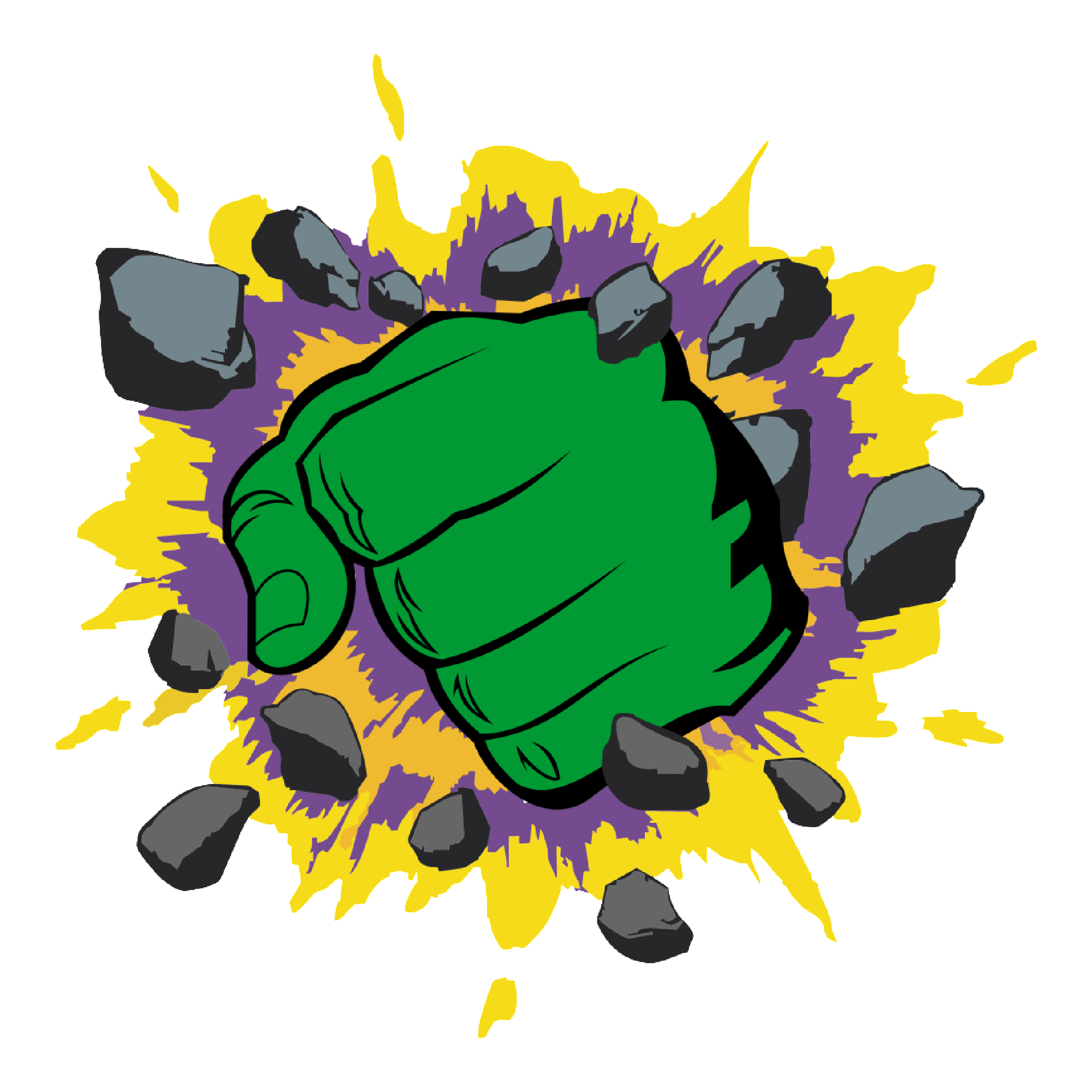
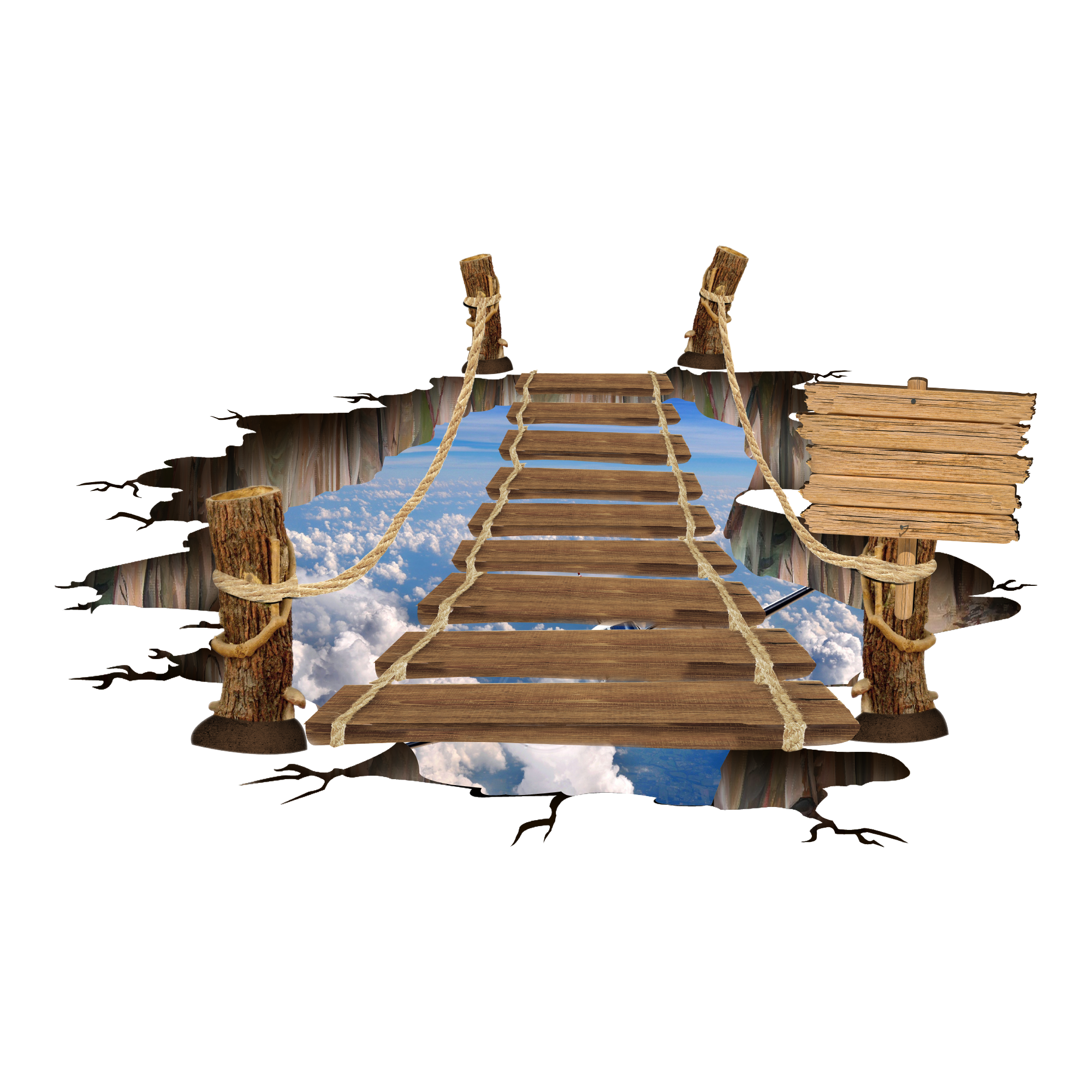
Go Maker
Unlock all 7,870 designs
591 are free on every plan. Maker adds the rest, a full commercial licence and no watermark anywhere.
See plansEvery collection
All 197 themed collections across 10 categories. Each one opens as a browsable page with every design in it.
Want a faster, text-only directory? View all SVG collections.
Cut Files
34 collections · 1,400 designs
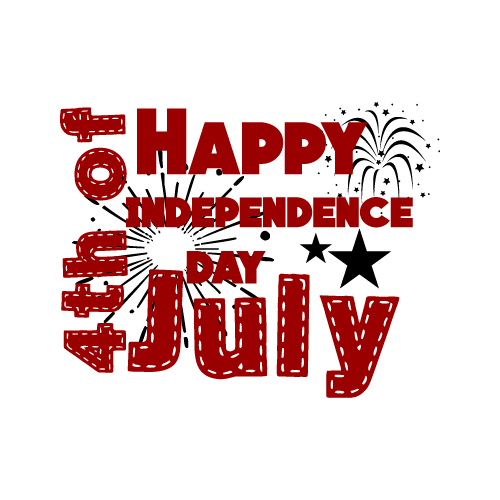 4th of July100 files
 Adventure50 files
 Autism50 files
 Autumn50 files
 Baby25 files
 Back to School50 files
 Baseball50 files
 Beach50 files
 Bee50 files
 Birthday25 files
 Black Friday50 files
 Breast Cancer Awareness50 files
 Butterfly50 files
 Cat50 files
 Christmas25 files
 Coffee50 files
 Dog50 files
 Doormat50 files
 Easter25 files
 Fall50 files
 Family25 files
 Father's Day25 files
 Gym25 files
 Mermaid50 files
 Mom25 files
 New Year25 files
 Nurse25 files
 Quotes50 files
 Spring25 files
 Summer50 files
 Teacher25 files
 Valentine's Day25 files
 Wedding25 files
 Weed50 files
Monograms
30 collections · 1,125 designs
 4th of July25 files
 Animals50 files
 Apple50 files
 Baby25 files
 Bear50 files
 Bee25 files
 Butterfly25 files
 Cactus50 files
 Cats50 files
 Christmas25 files
 Coffee25 files
 Crown50 files
 Easter25 files
 Elephant50 files
 Fish50 files
 Flowers25 files
 Food50 files
 Frames50 files
 Halloween25 files
 Heart50 files
 Ice Cream25 files
 Jar50 files
 Mandala50 files
 Plants50 files
 Pumpkin25 files
 Ribbon50 files
 Spider25 files
 Teacher25 files
 Valentine's Day25 files
 Wedding25 files
Shapes
35 collections · 1,375 designs
 American Flag50 files
 Animal25 files
 Architecture25 files
 Automobile50 files
 Baby25 files
 Bear25 files
 Butterfly25 files
 Cactus25 files
 Camping50 files
 Cat25 files
 Celebrations50 files
 Construction50 files
 Crown50 files
 Dad50 files
 Dinosaur50 files
 Education50 files
 Emoji25 files
 Flowers25 files
 Fruit25 files
 Game25 files
 Mandala25 files
 Plants50 files
 Pumpkin Face50 files
 Rainbow50 files
 School50 files
 Sea50 files
 Shoes50 files
 Skeleton25 files
 Snowflake50 files
 Spider25 files
 Sports25 files
 Summer50 files
 Sunflower50 files
 Transportation50 files
 Wedding50 files
Sublimations
30 collections · 1,250 designs
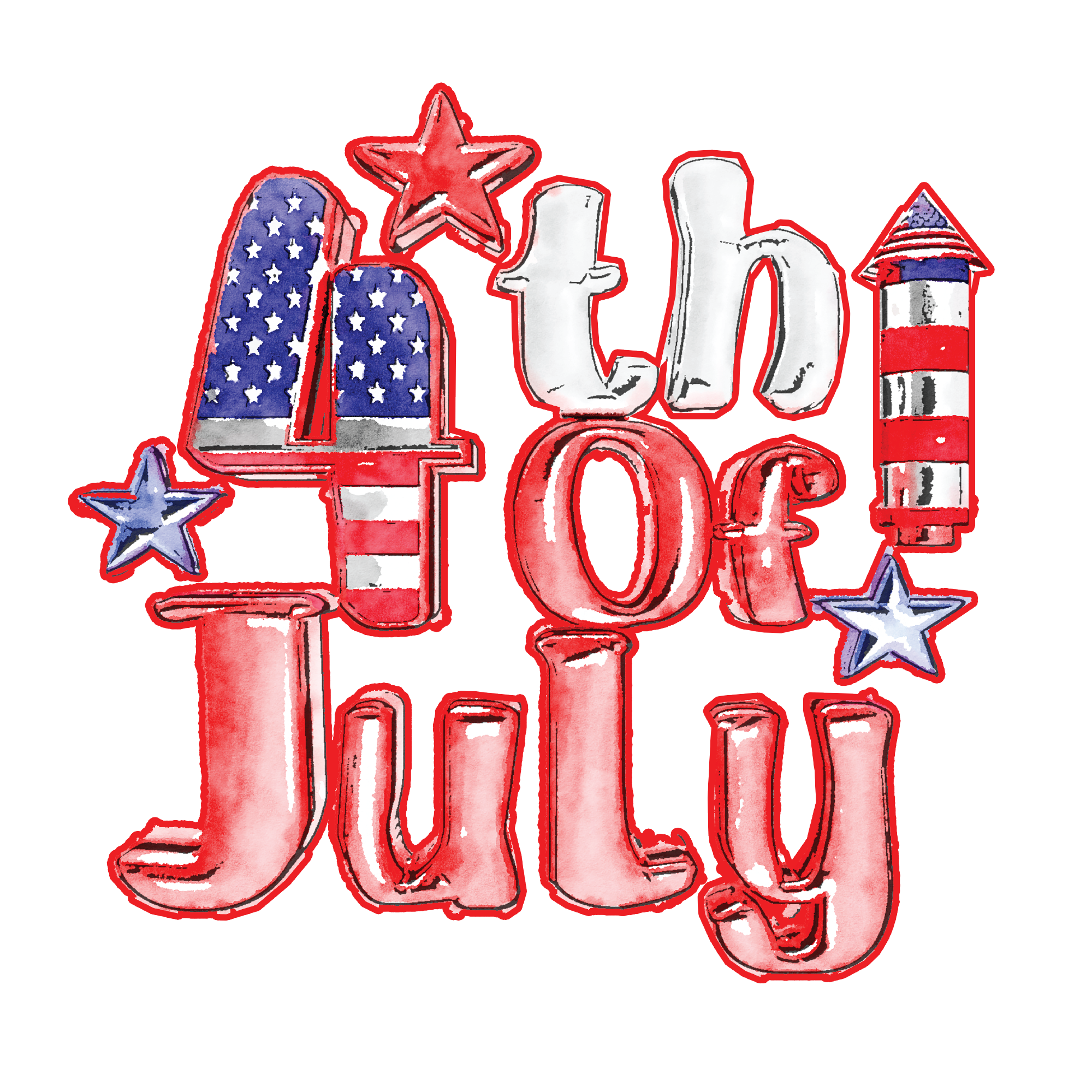 4th of July25 files
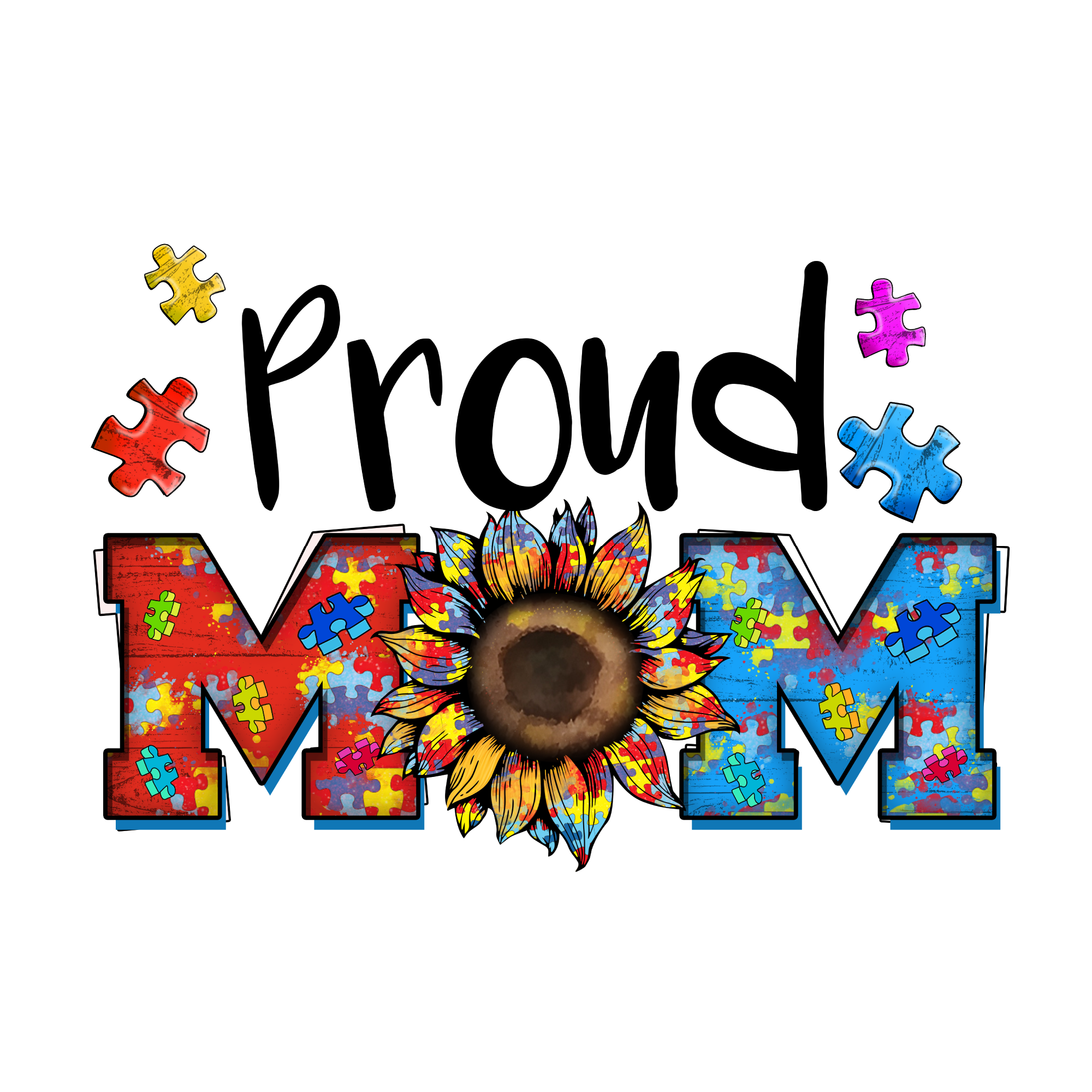 Autism50 files
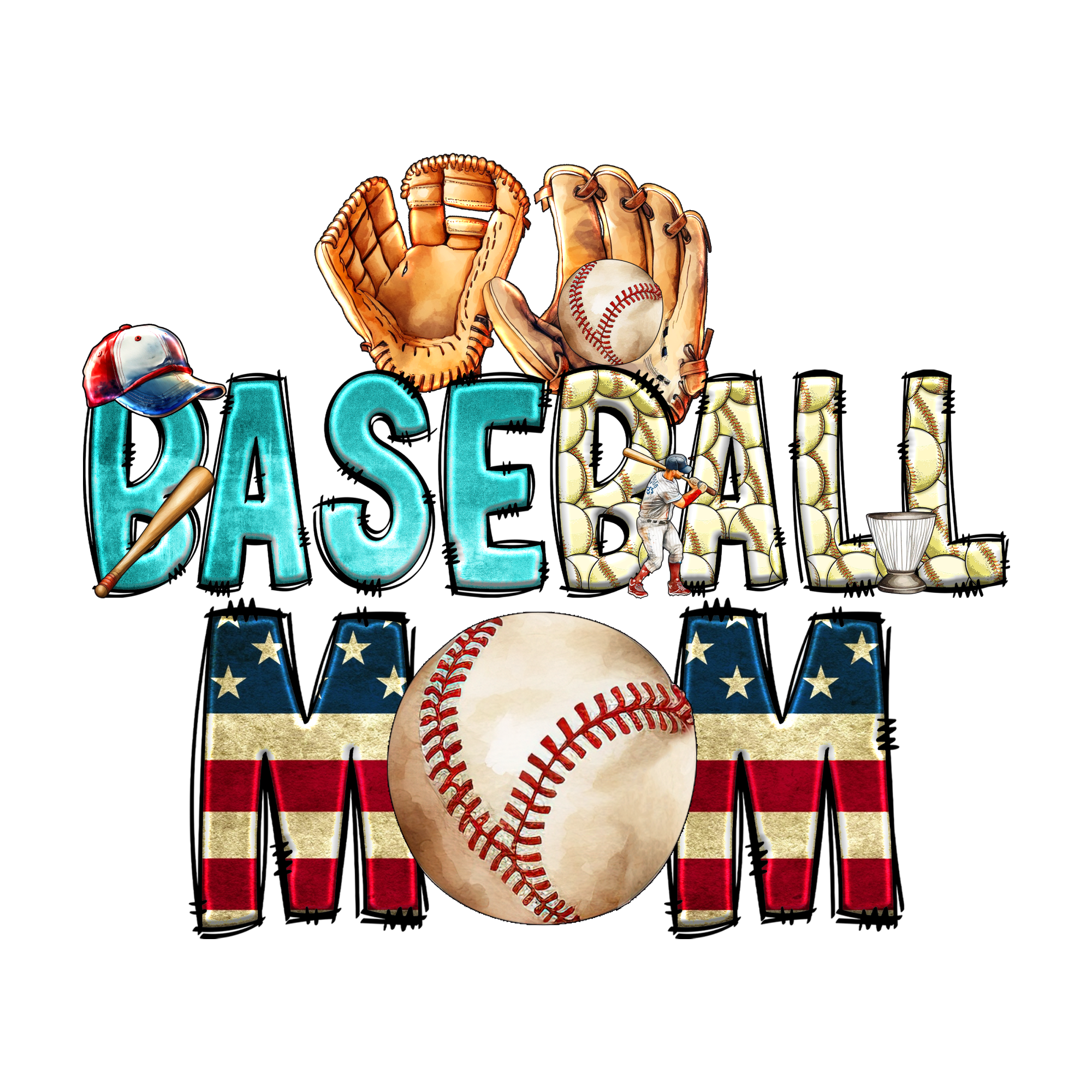 Baseball50 files
 Beach50 files
 Bee50 files
 Birthday50 files
 Breast Cancer Awareness25 files
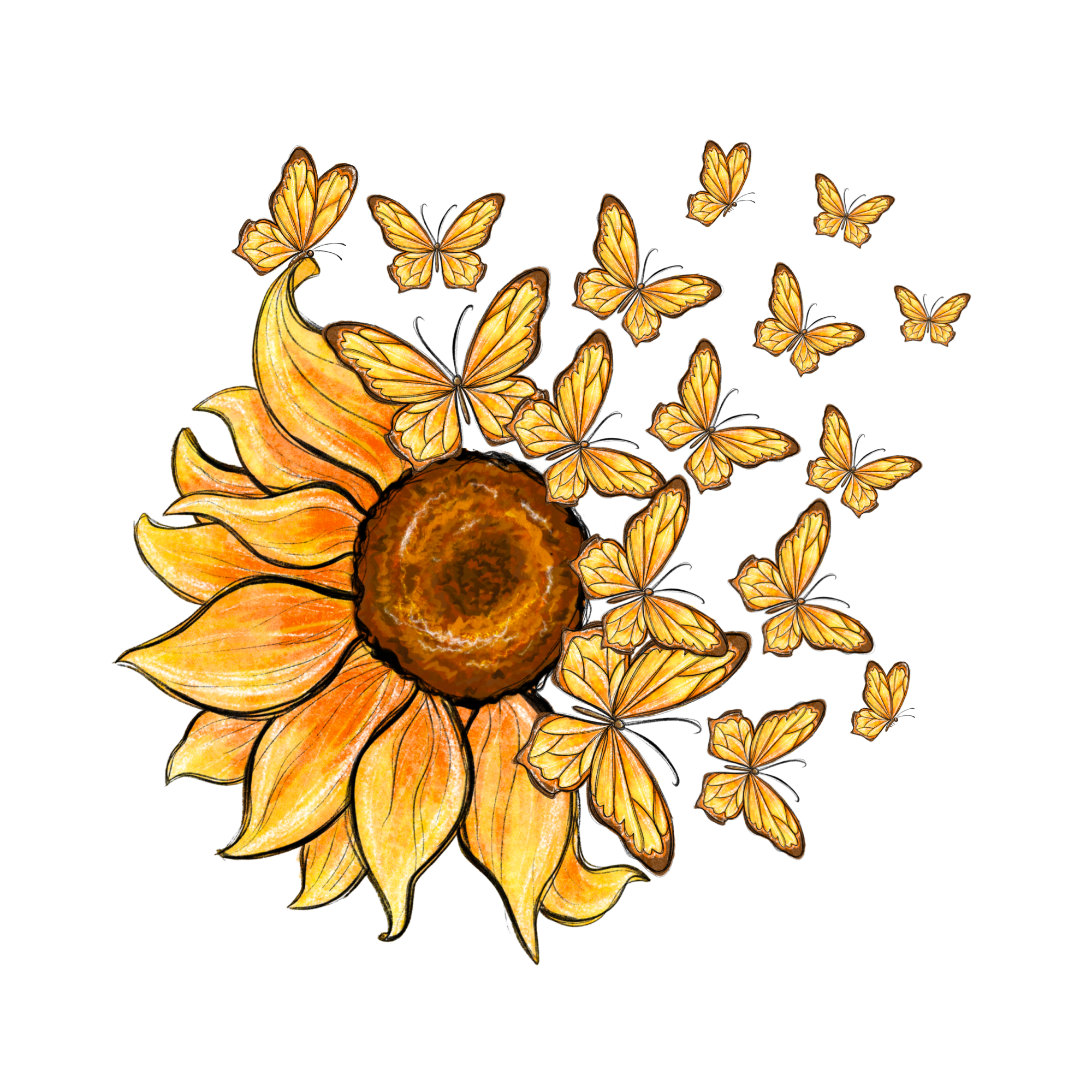 Butterfly50 files
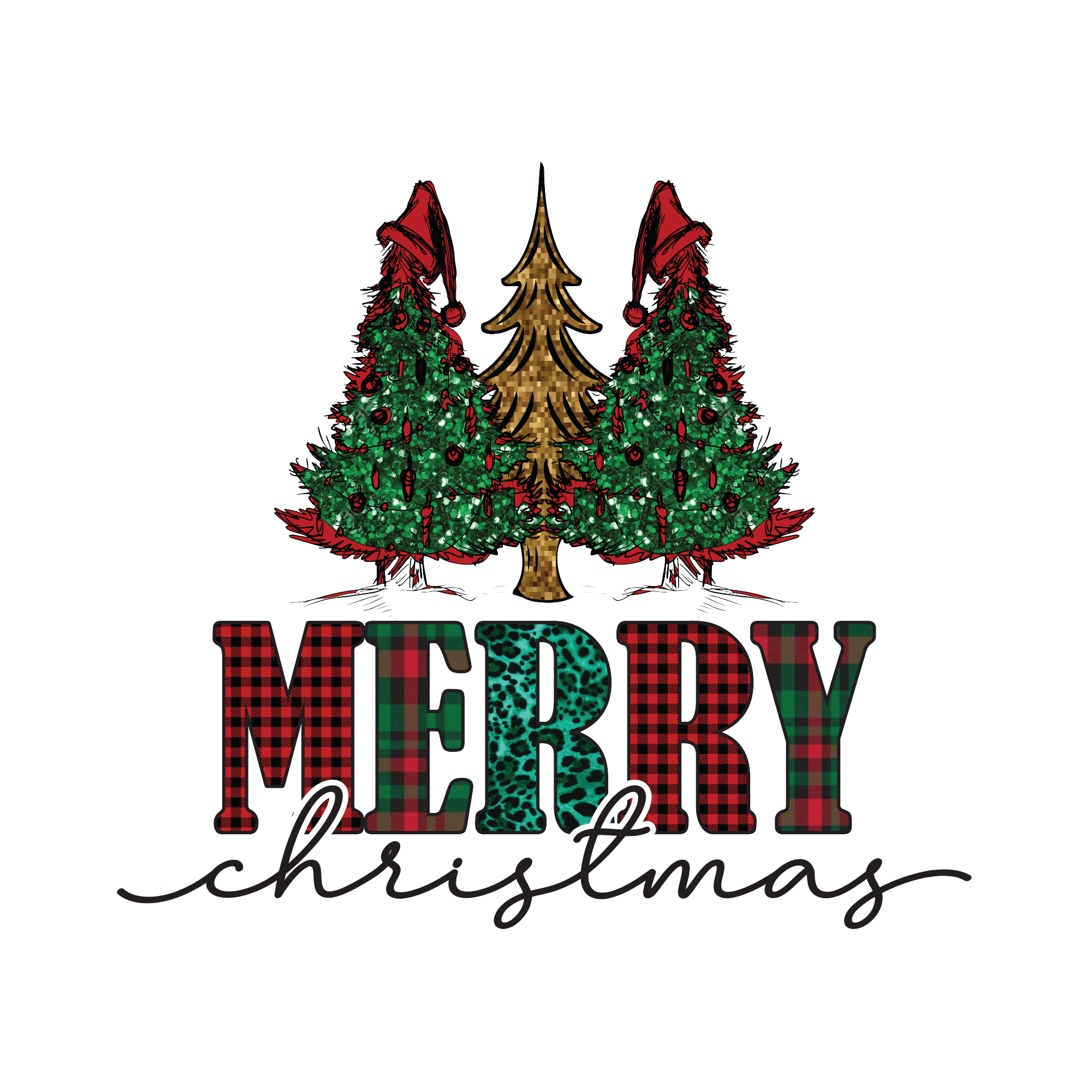 Christmas25 files
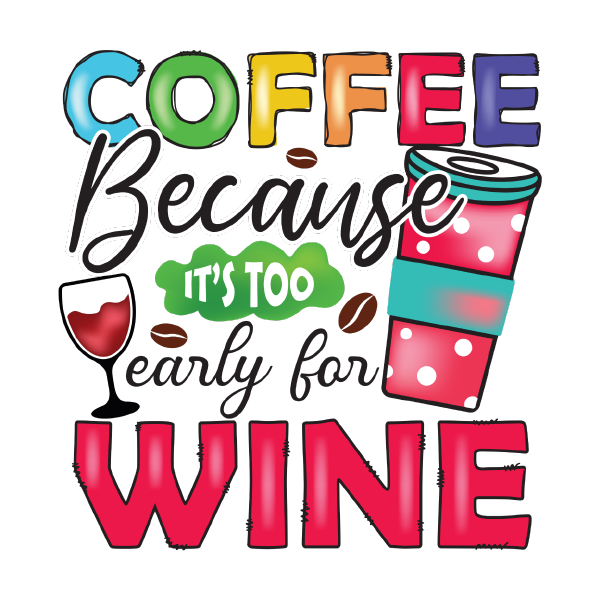 Coffee50 files
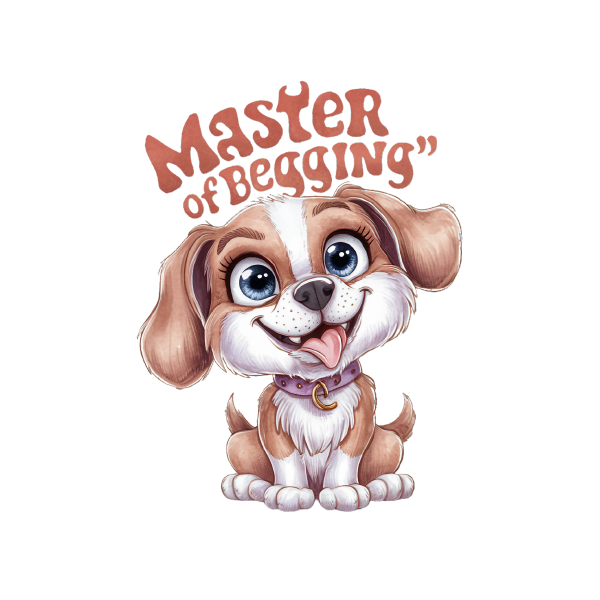 Dog50 files
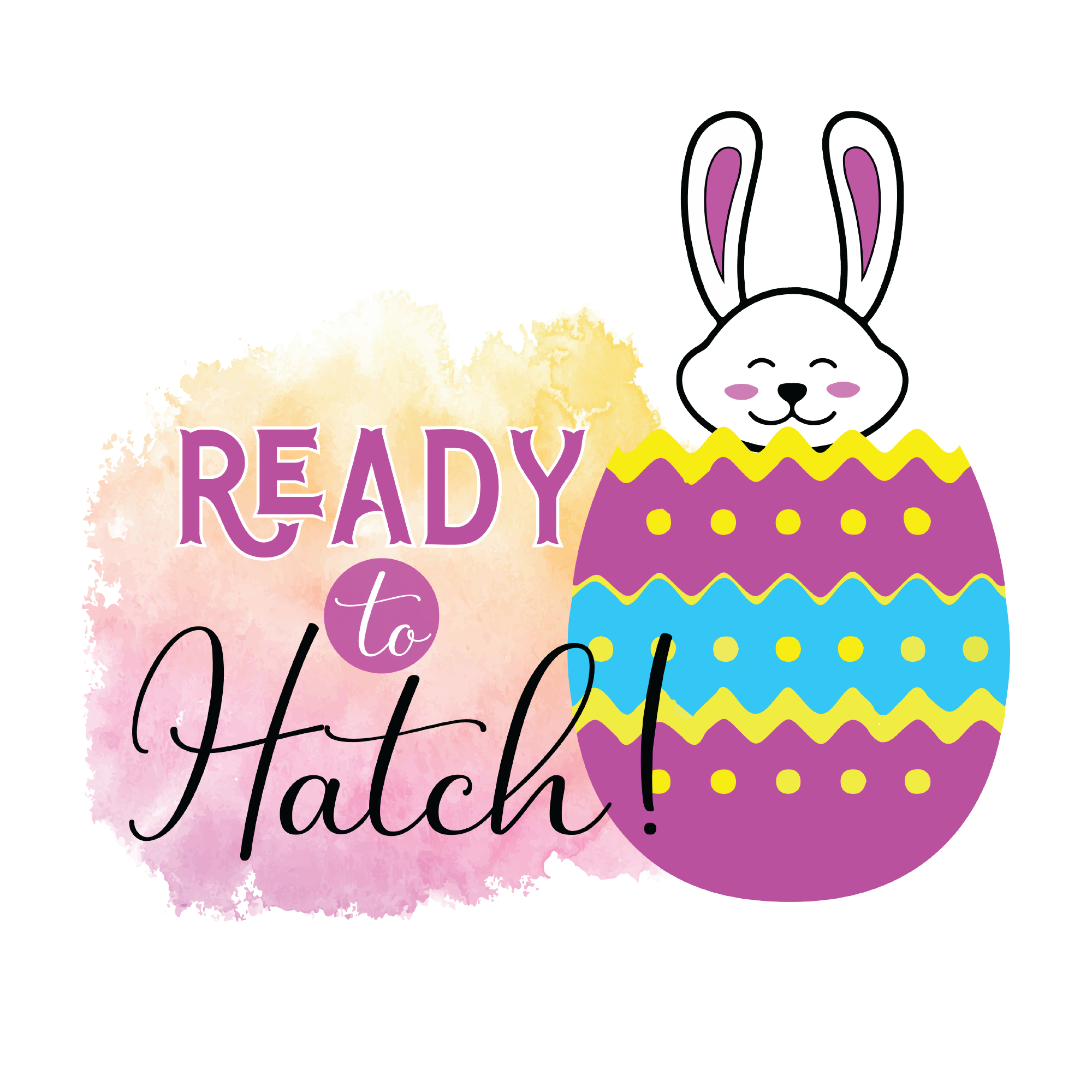 Easter25 files
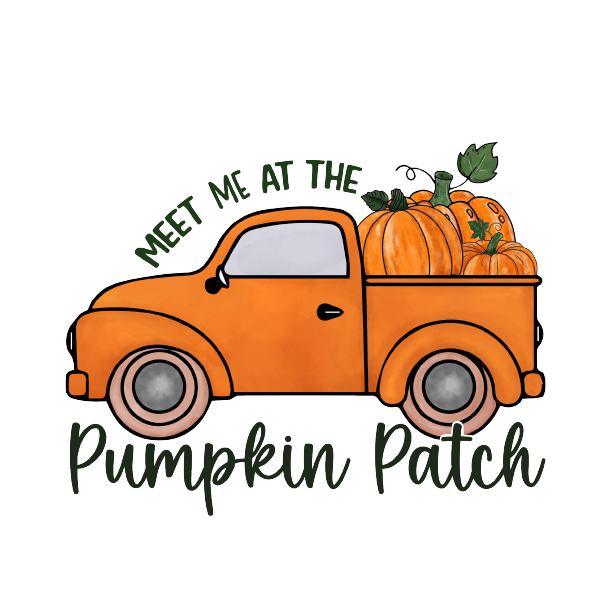 Fall50 files
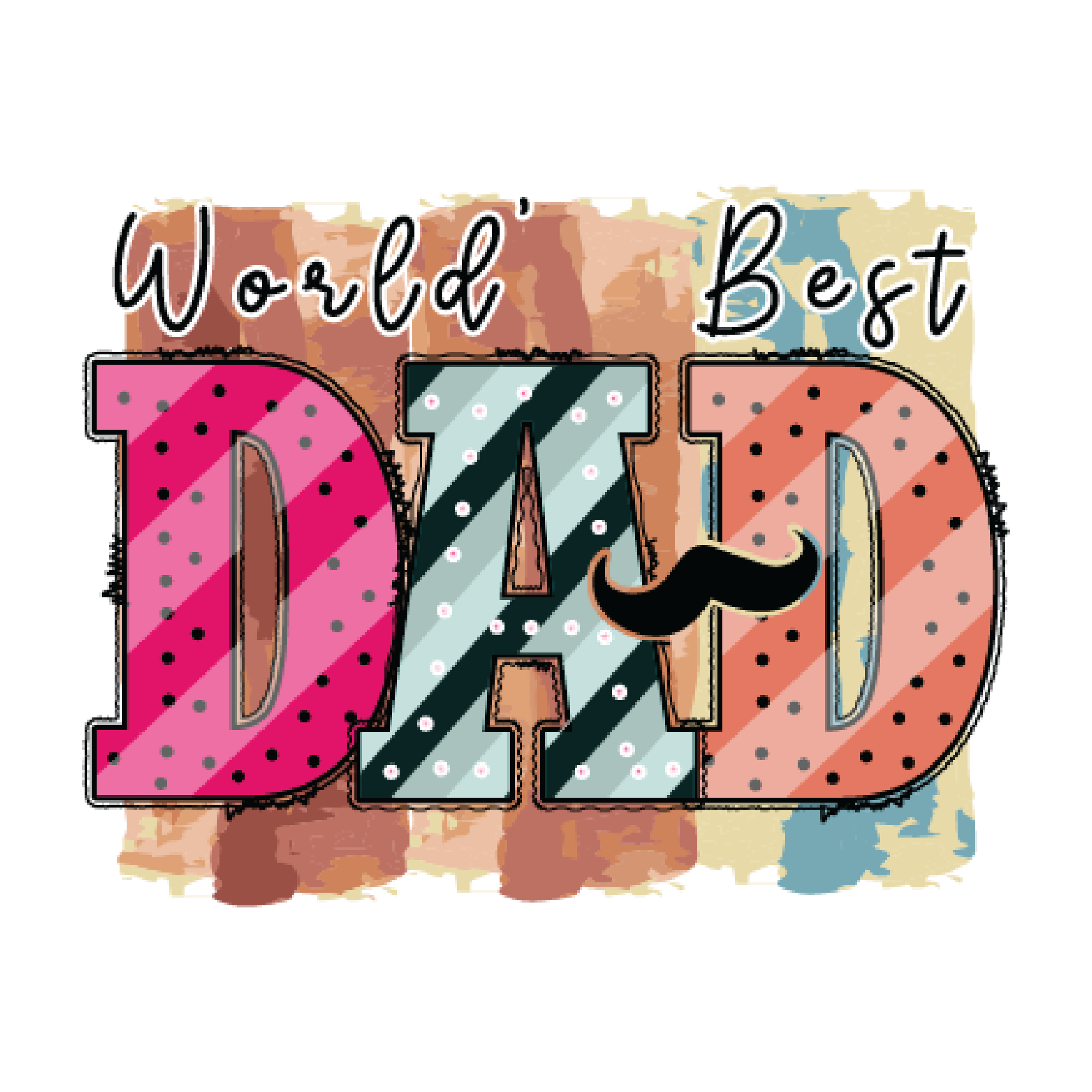 Father's Day25 files
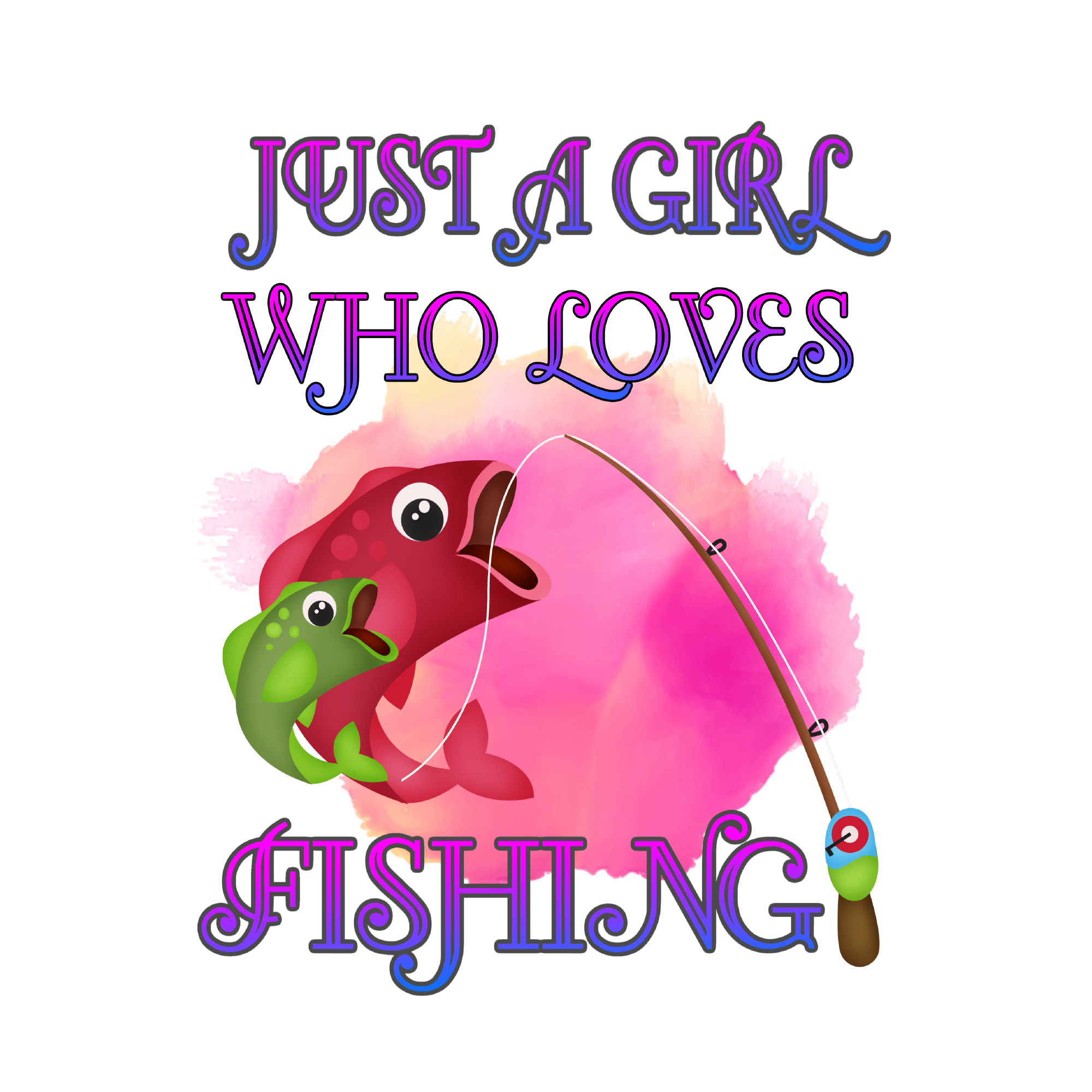 Fishing50 files
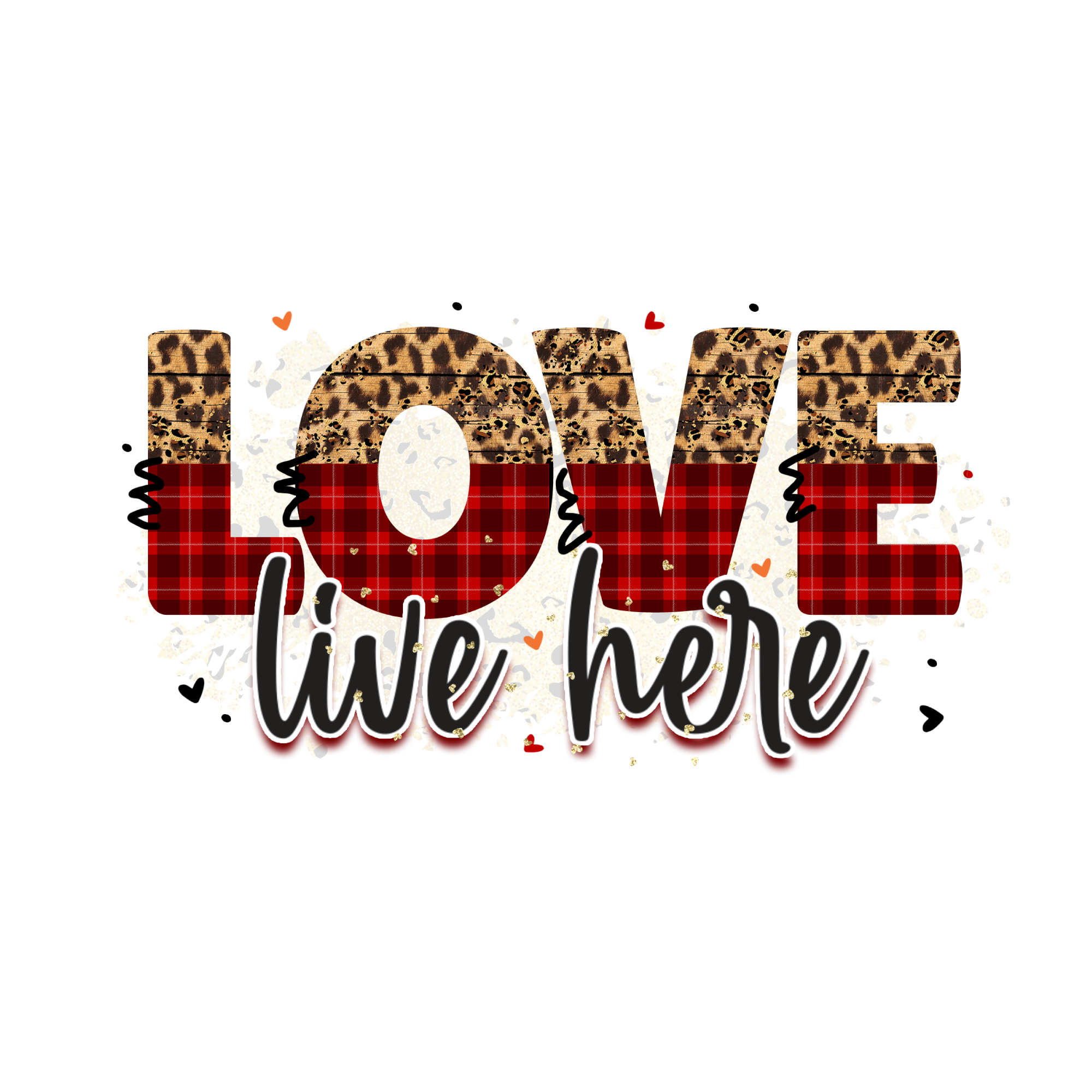 Funny Family50 files
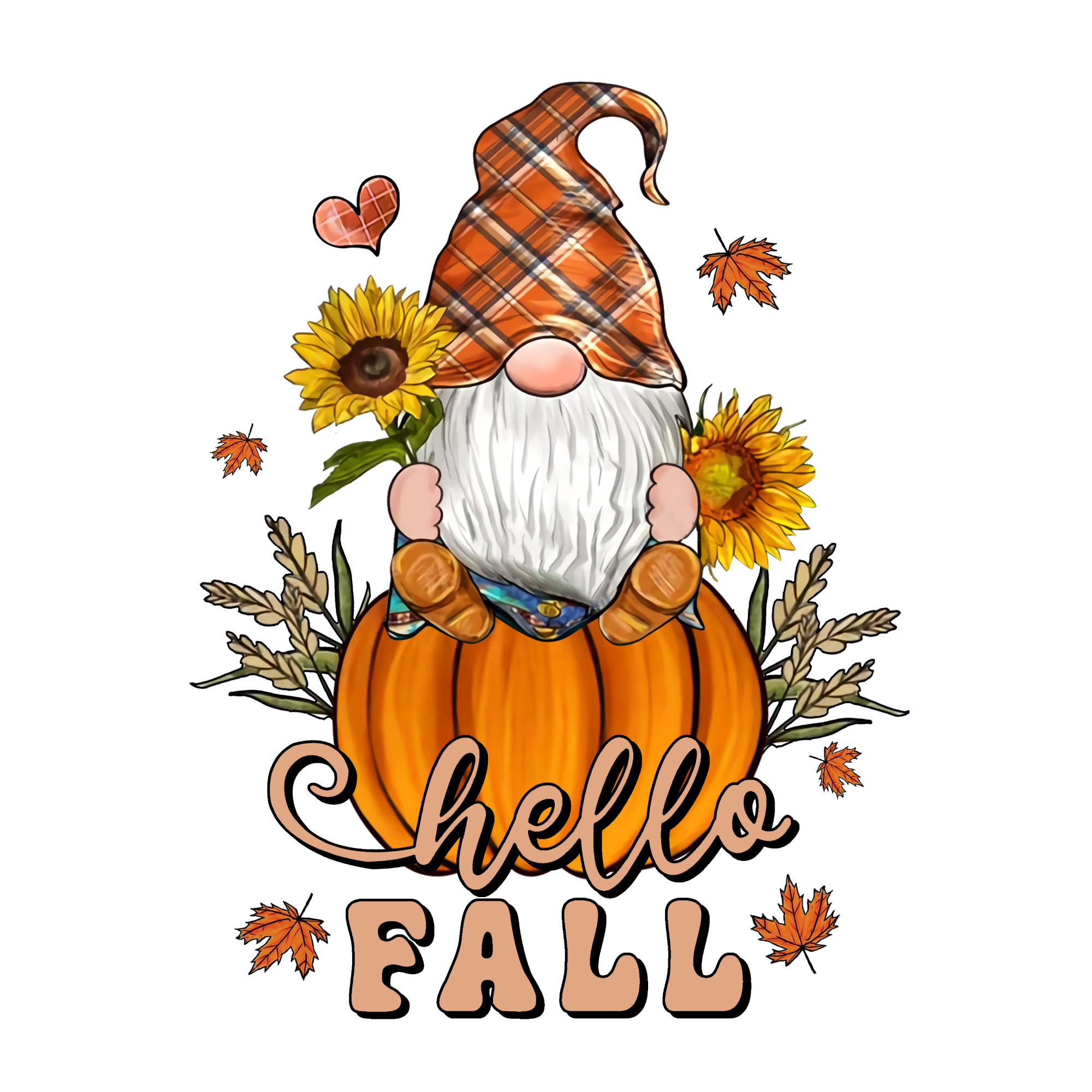 Gnome50 files
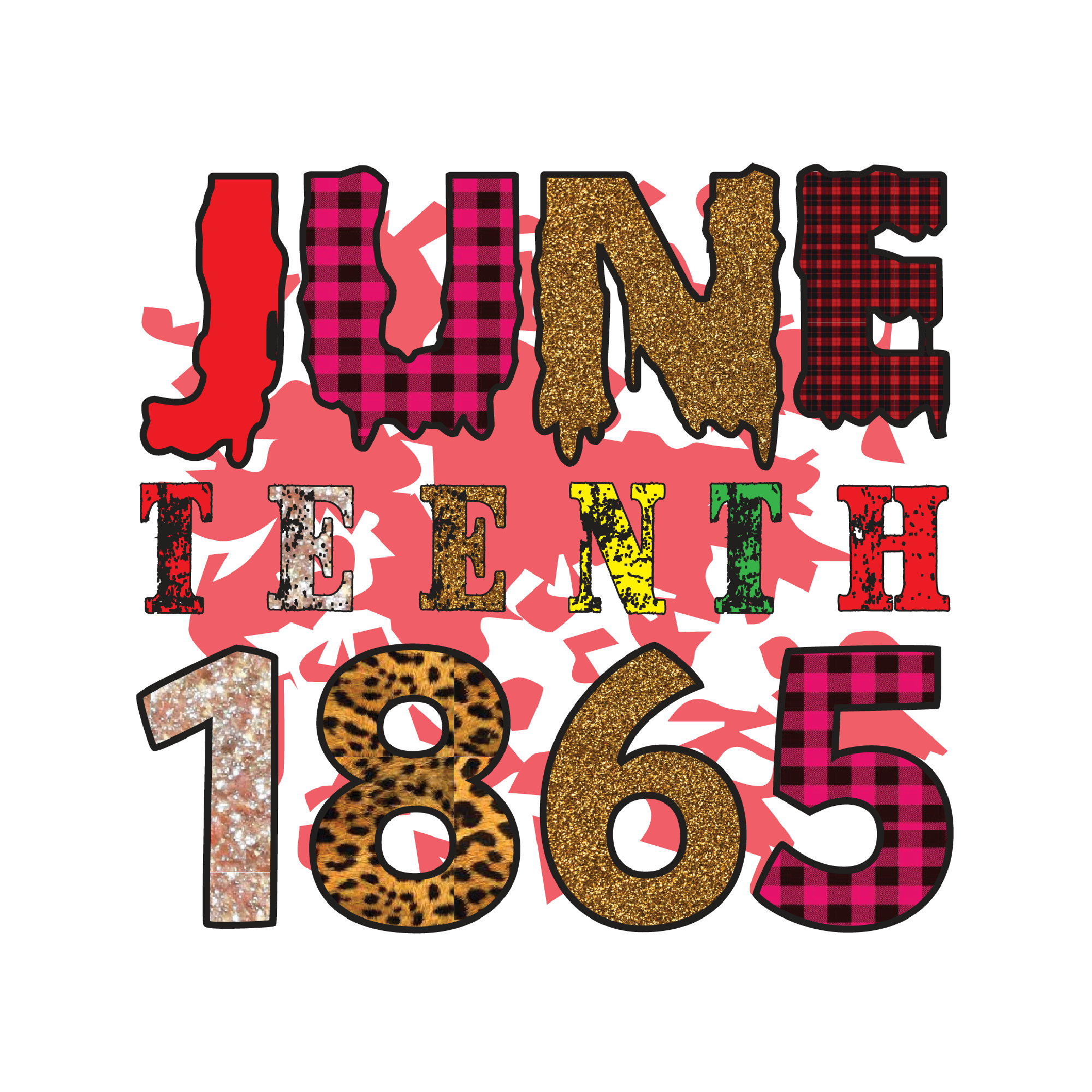 Juneteenth50 files
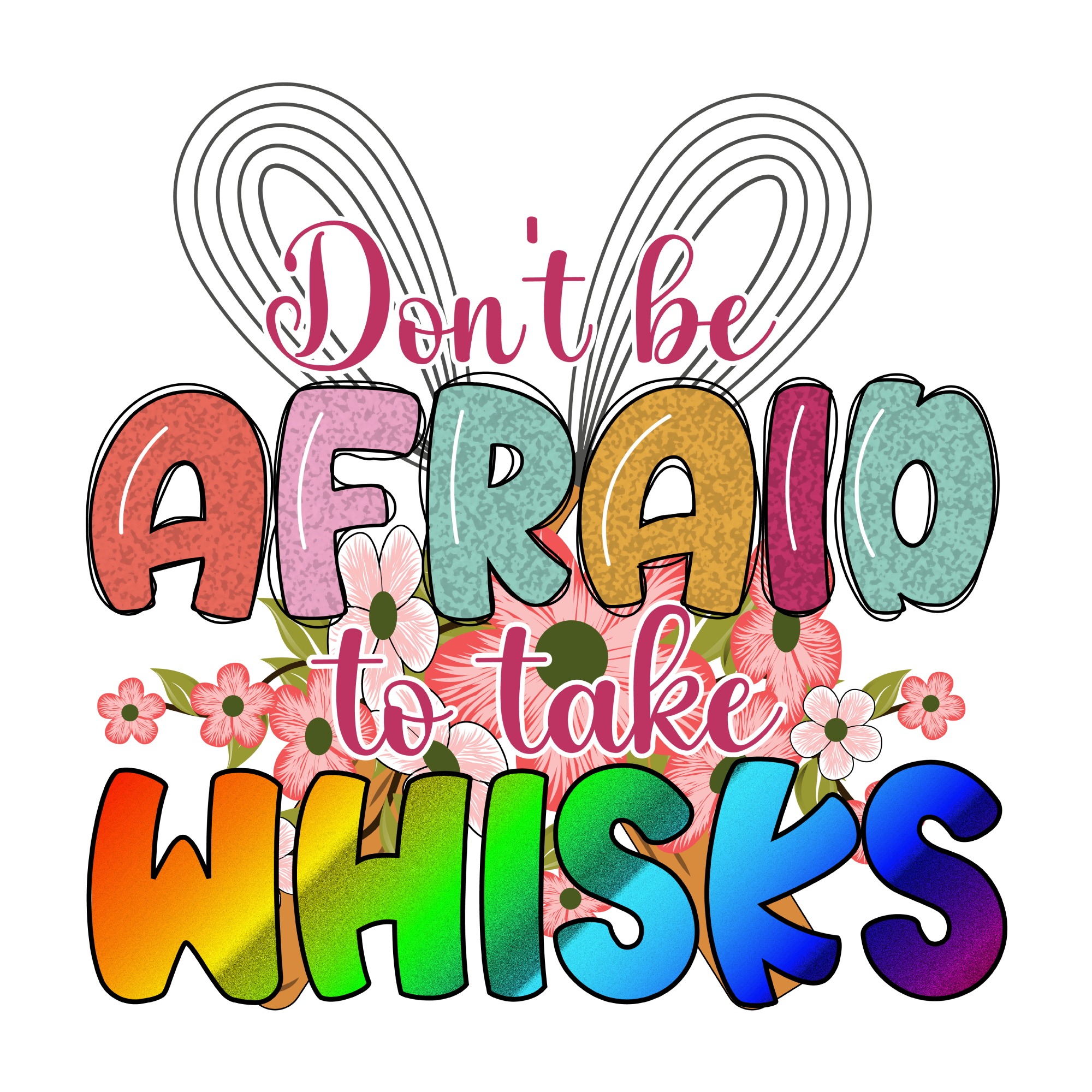 Kitchen50 files
 Motivation25 files
 Religious50 files
 Sport25 files
 Spring50 files
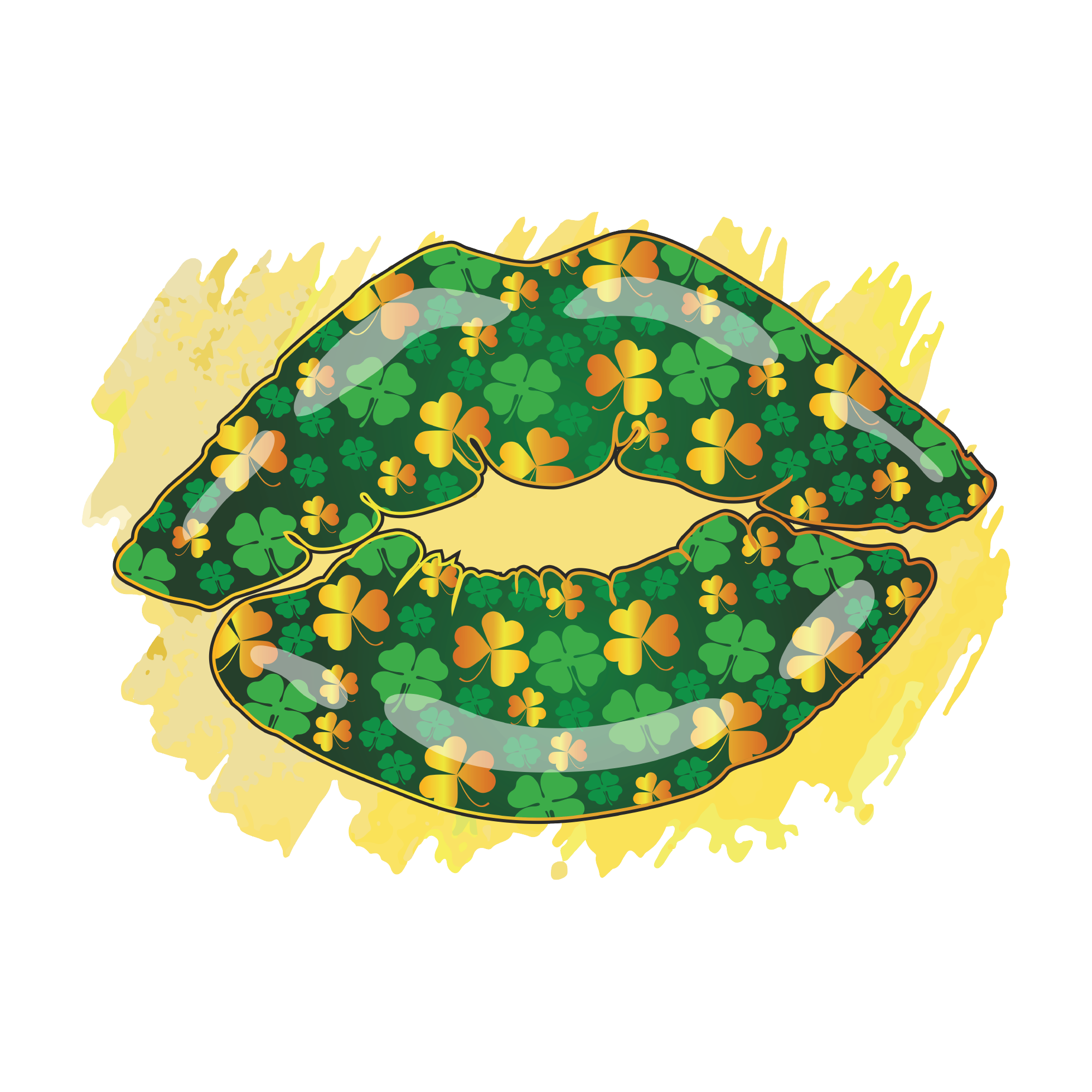 St Patrick's Day25 files
 Summer25 files
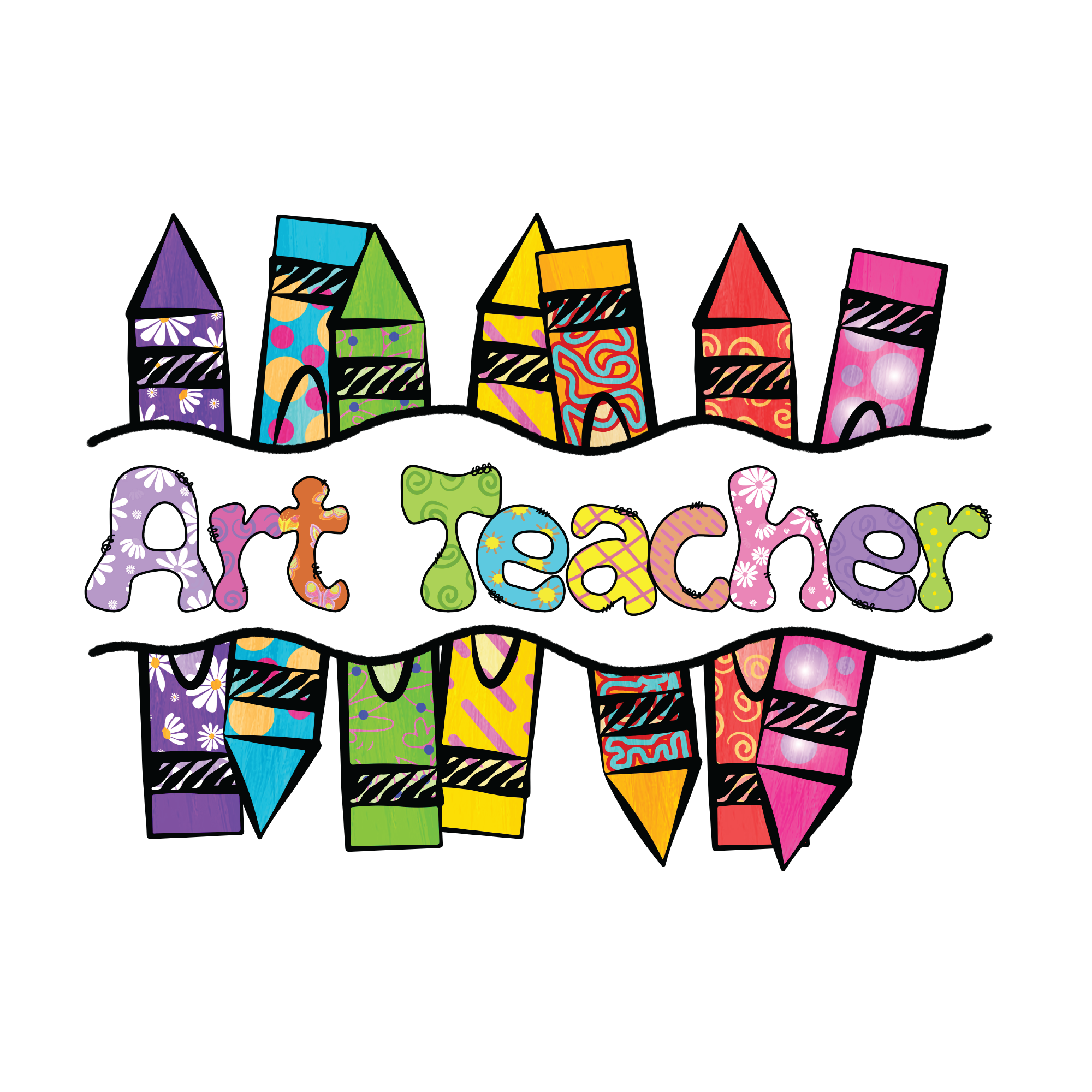 Teacher25 files
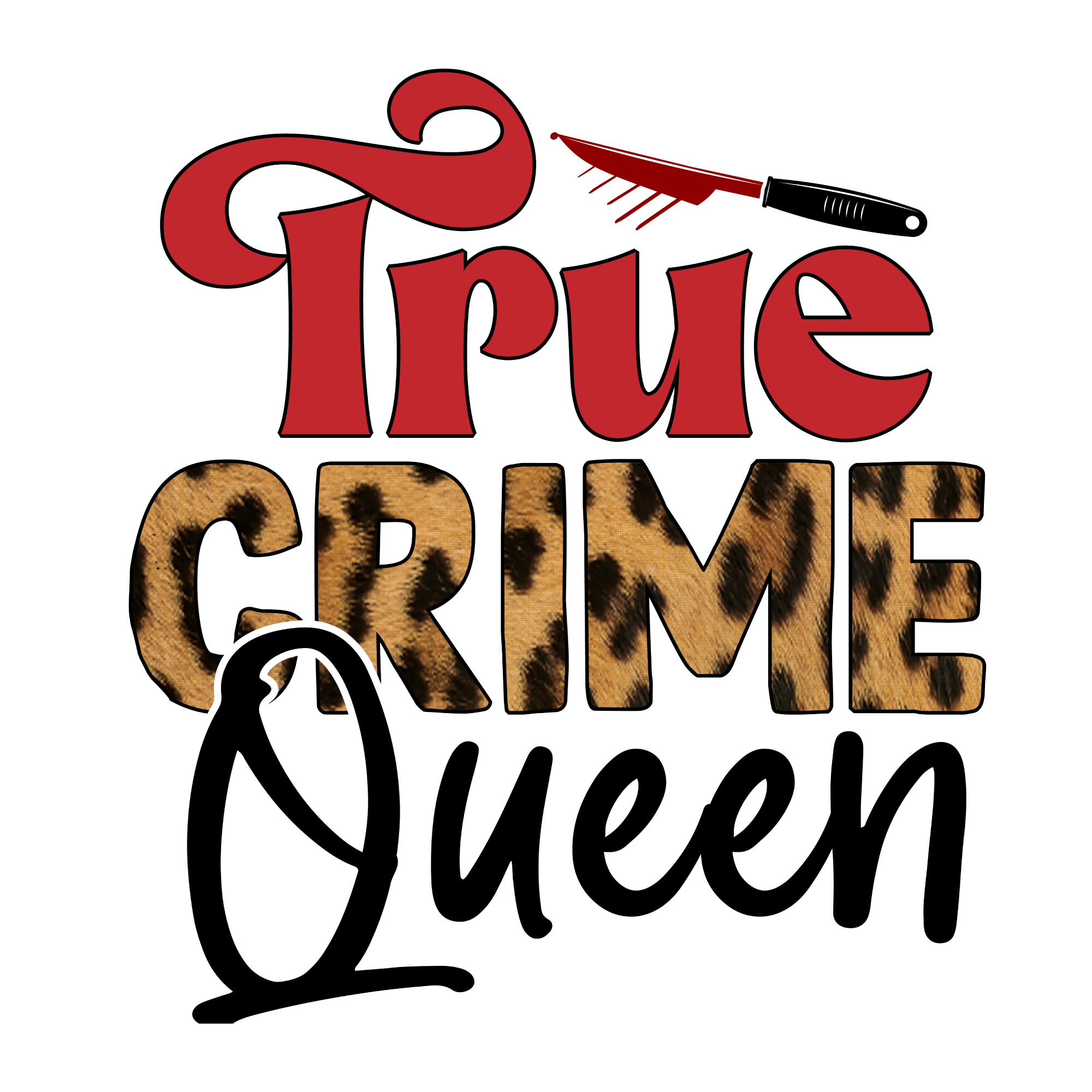 True Crime50 files
 Wedding50 files
 Weed50 files
 Wildflower50 files
Watercolour
34 collections · 1,350 designs
 4th of July50 files
 Adventure50 files
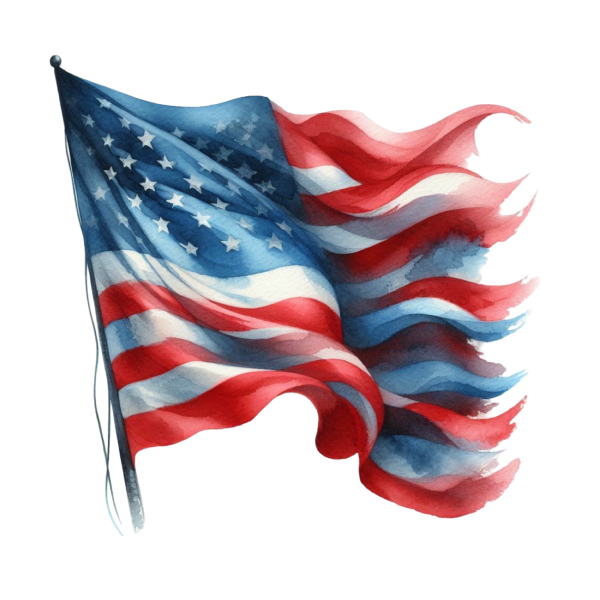 American Flag50 files
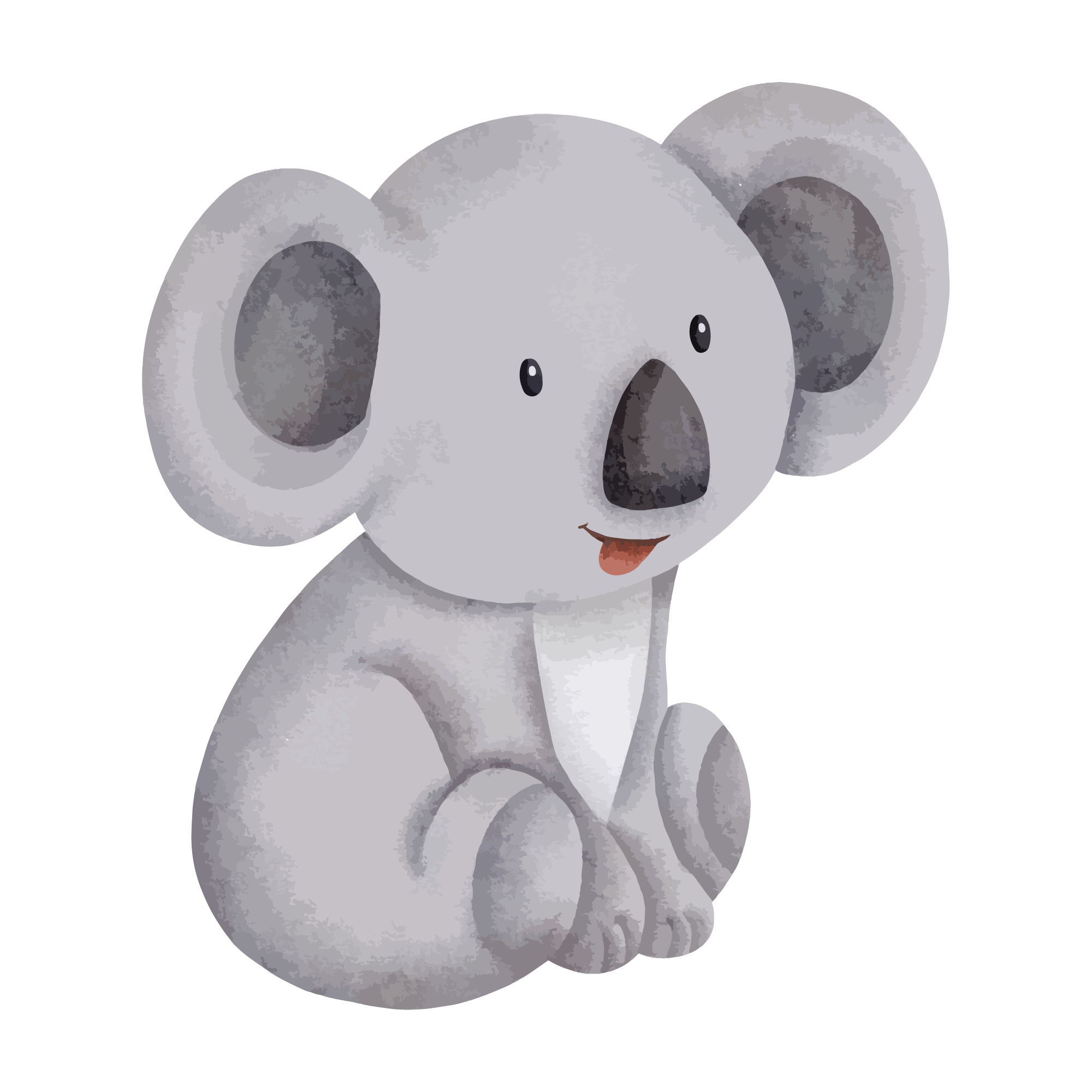 Animal25 files
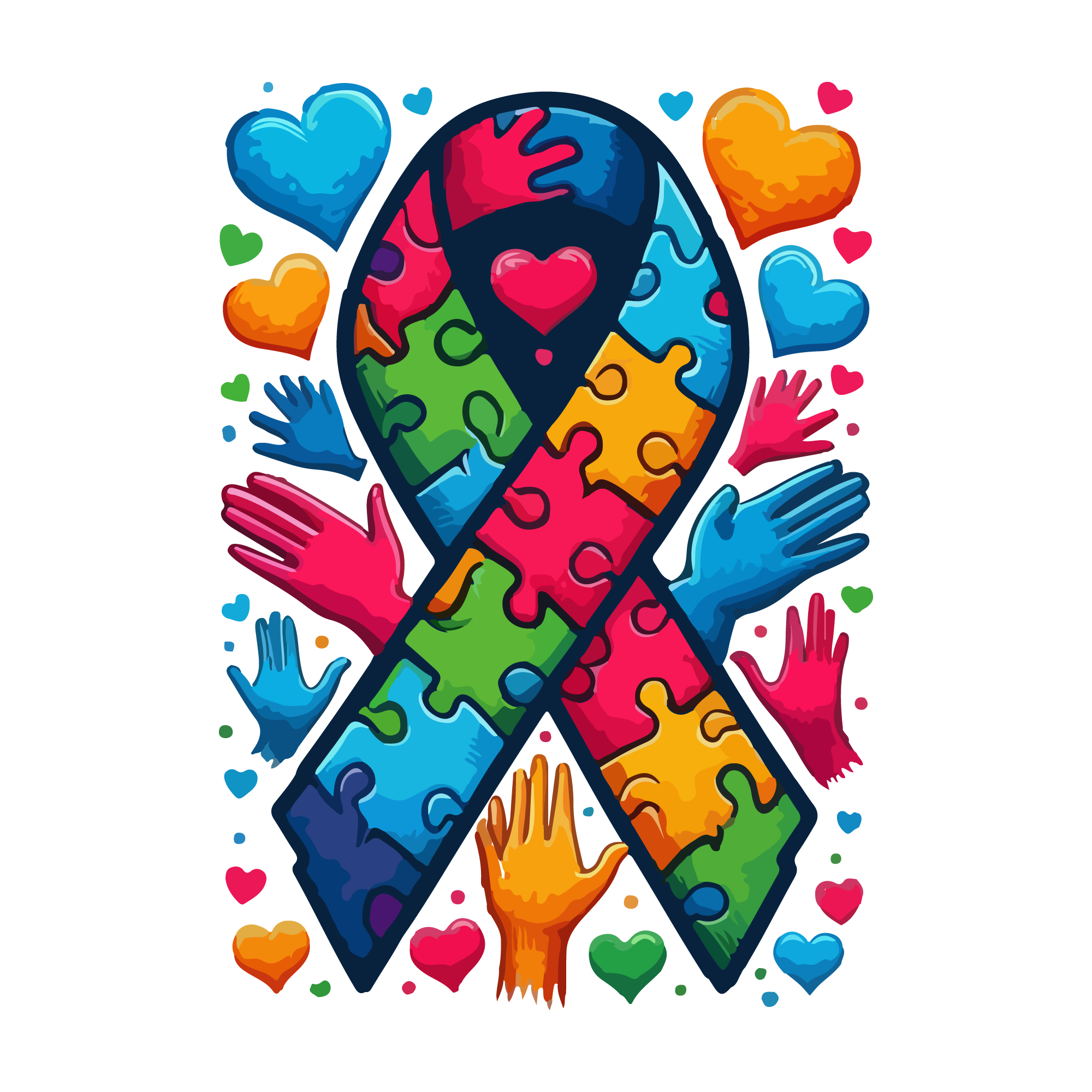 Autism50 files
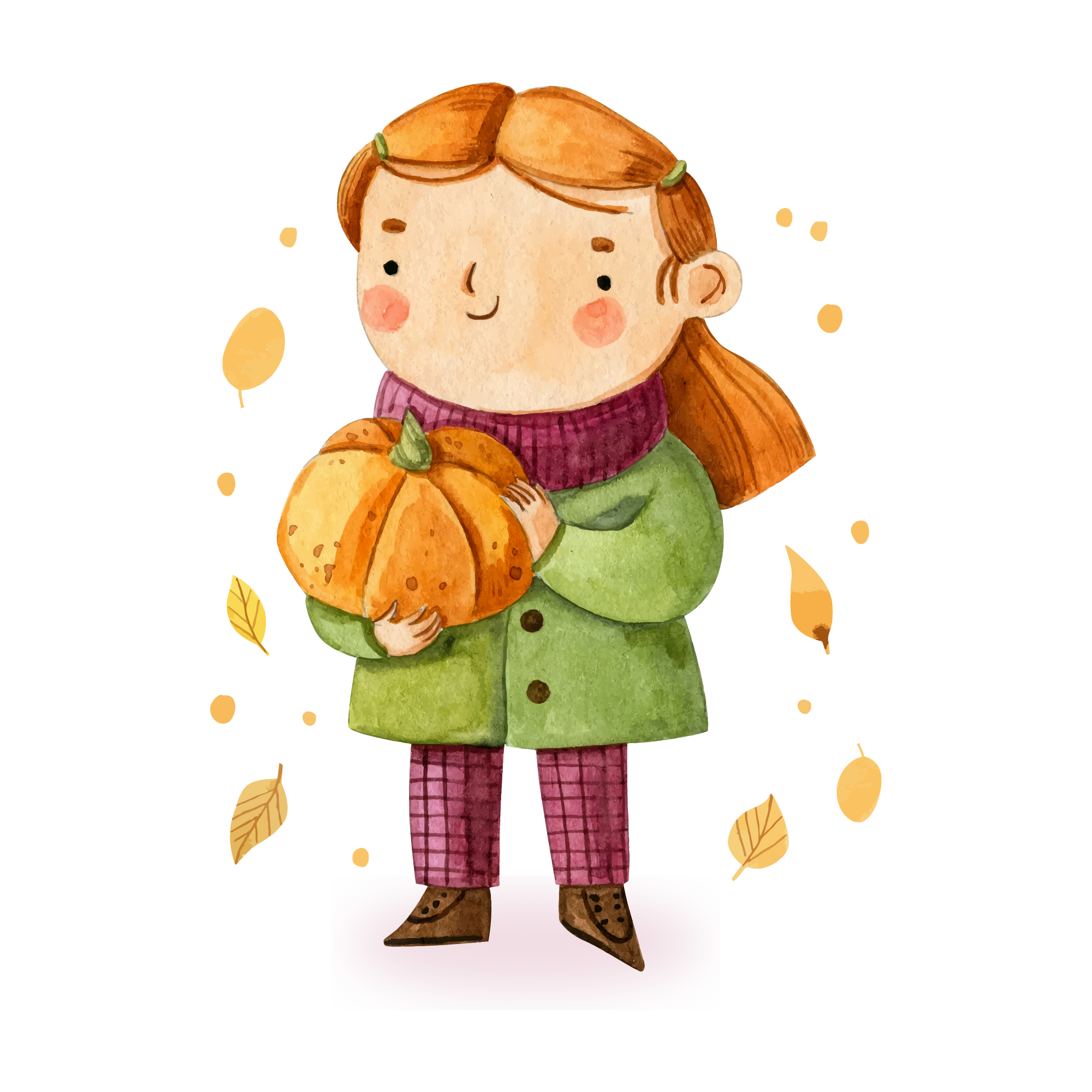 Autumn50 files
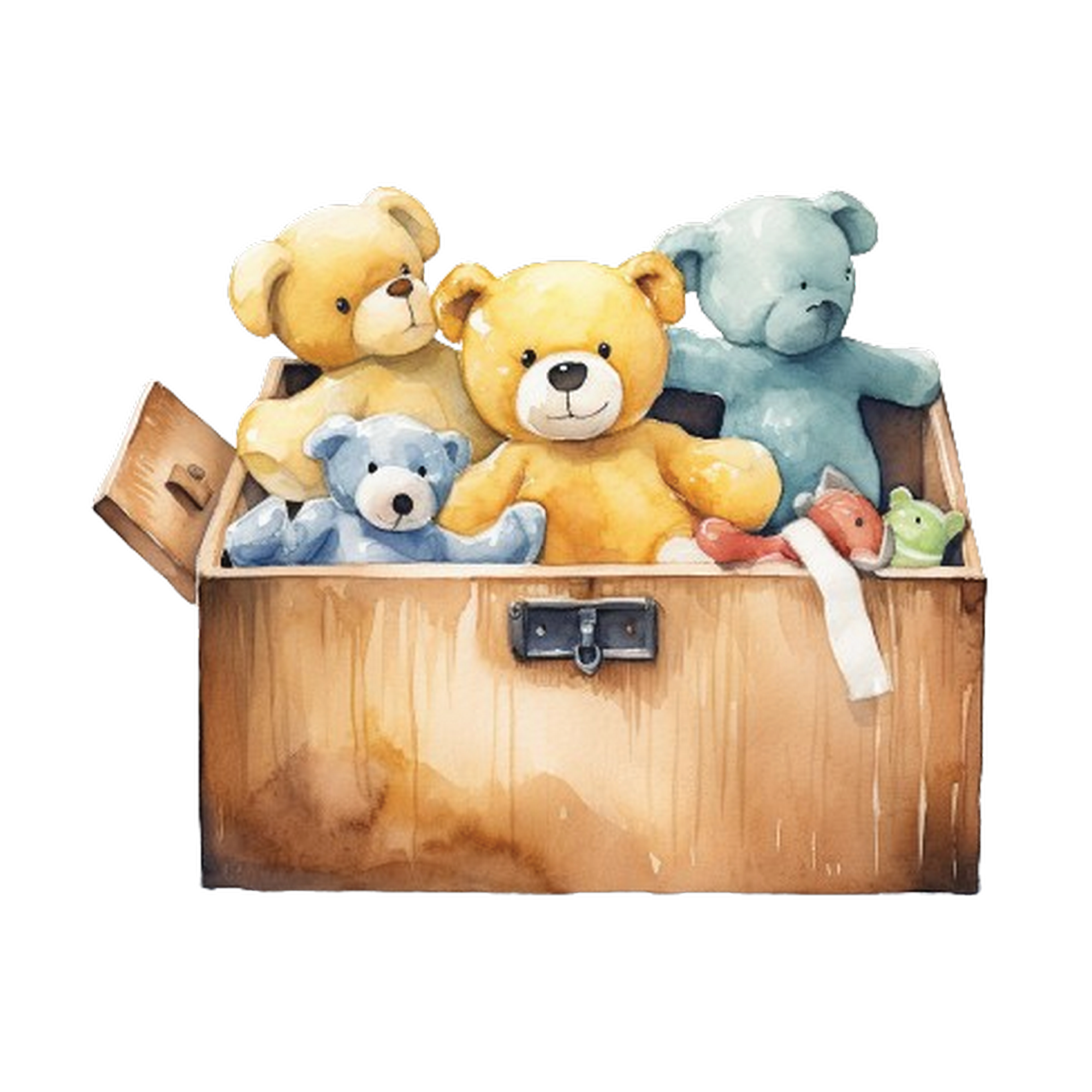 Baby25 files
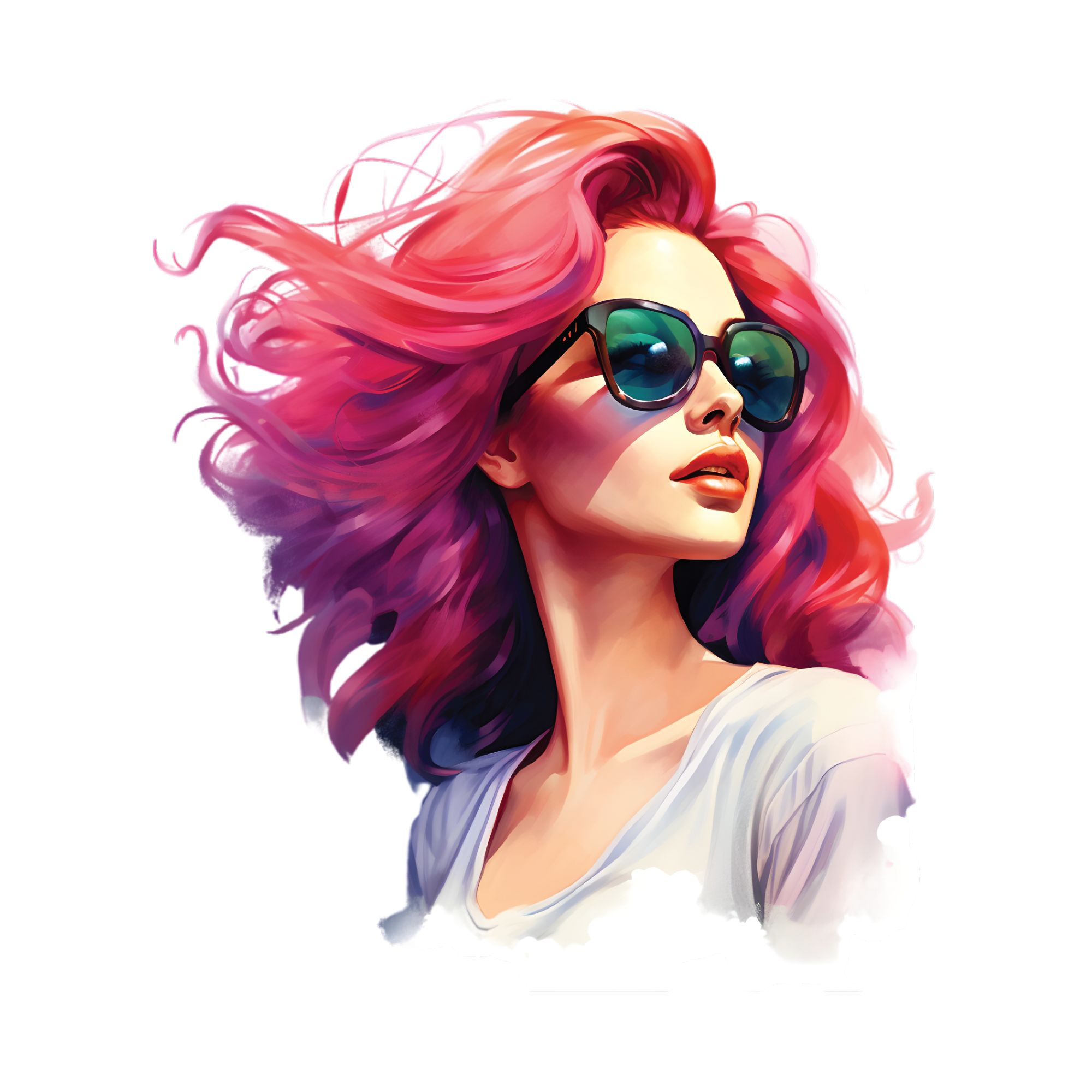 Beach25 files
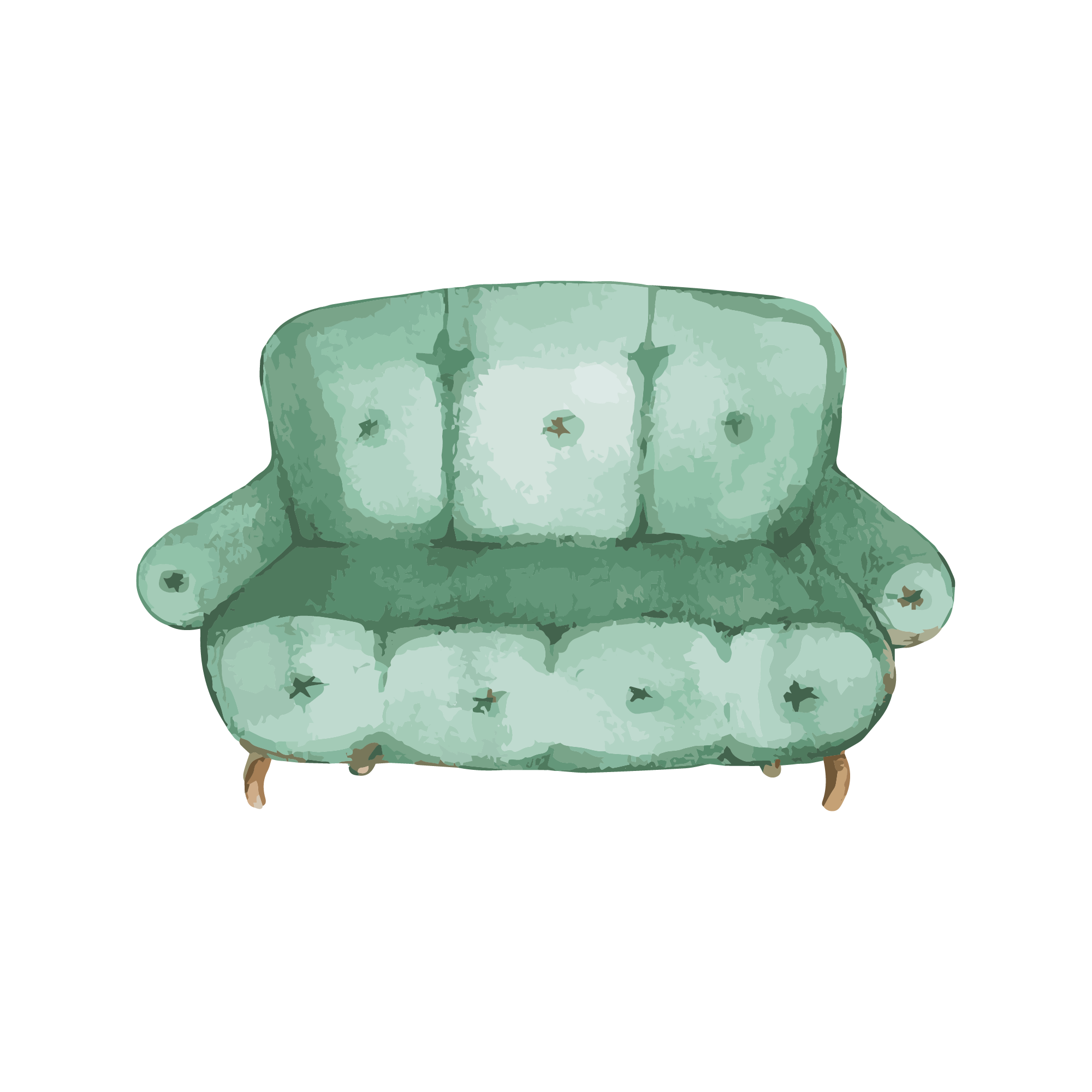 Bedroom50 files
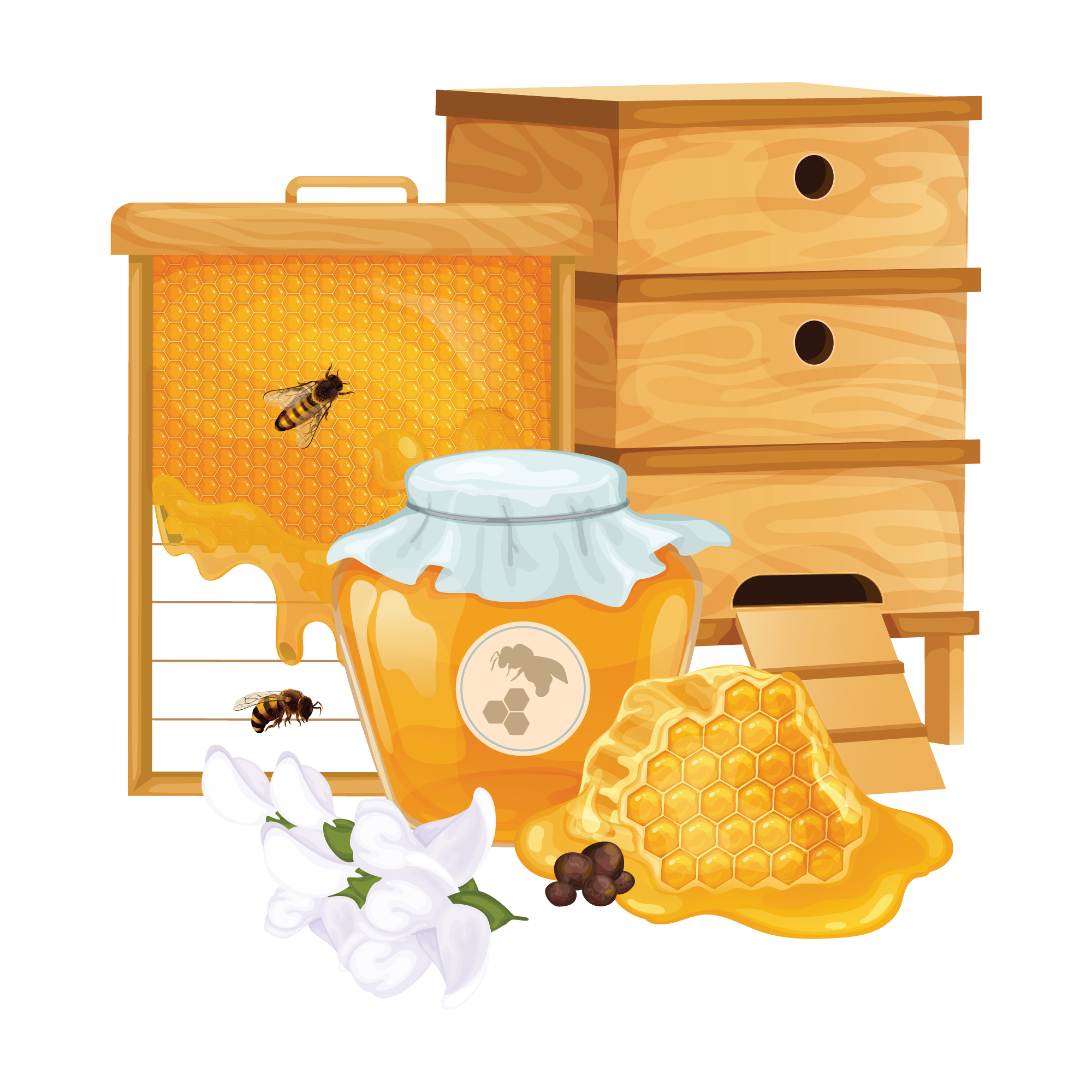 Bee25 files
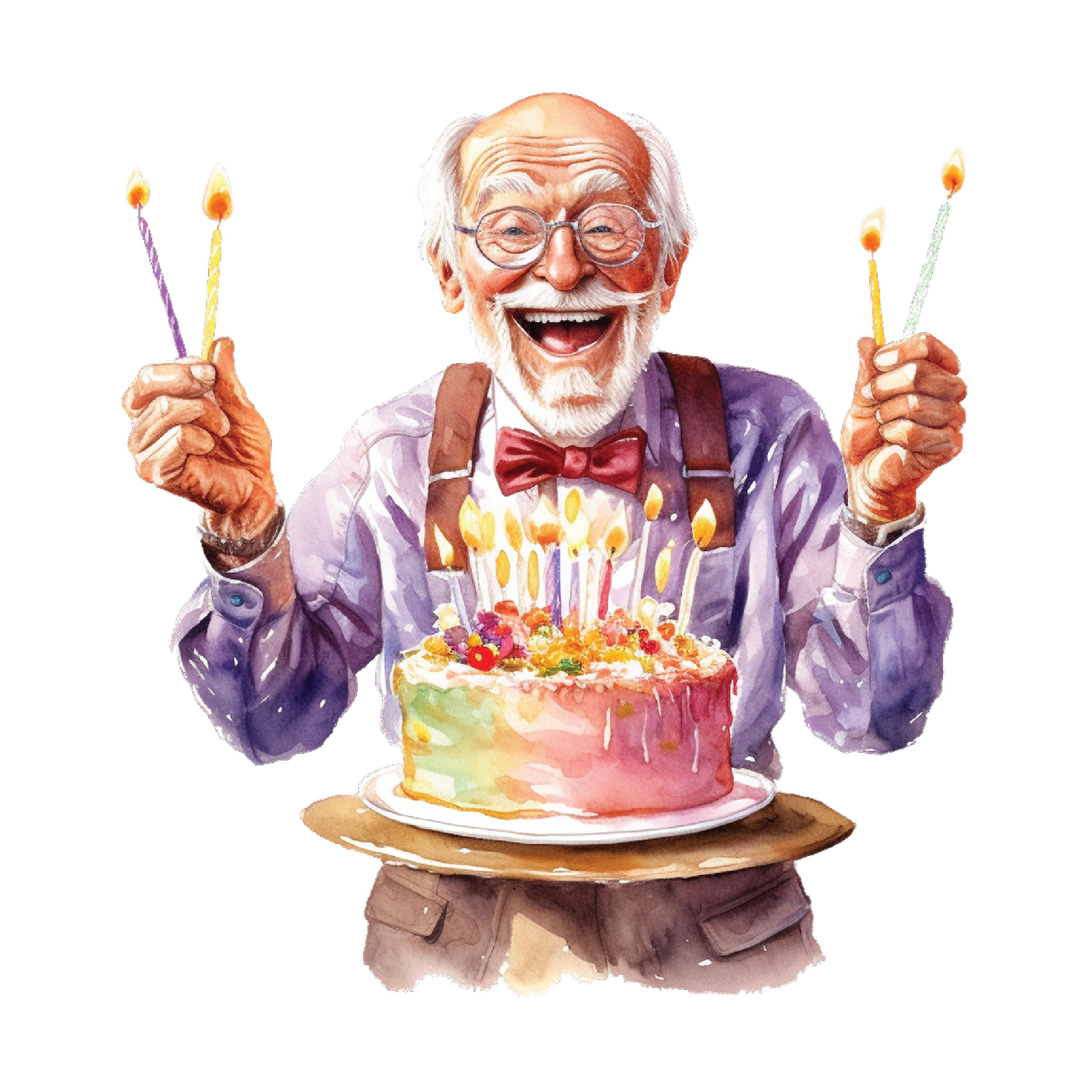 Birthday25 files
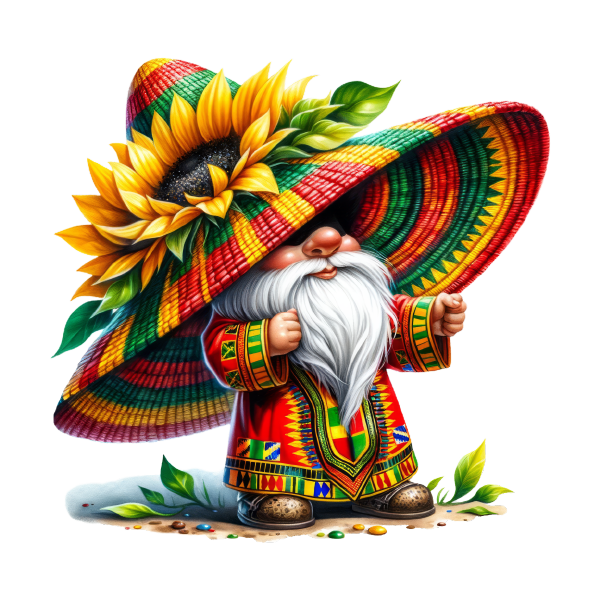 Black History Month50 files
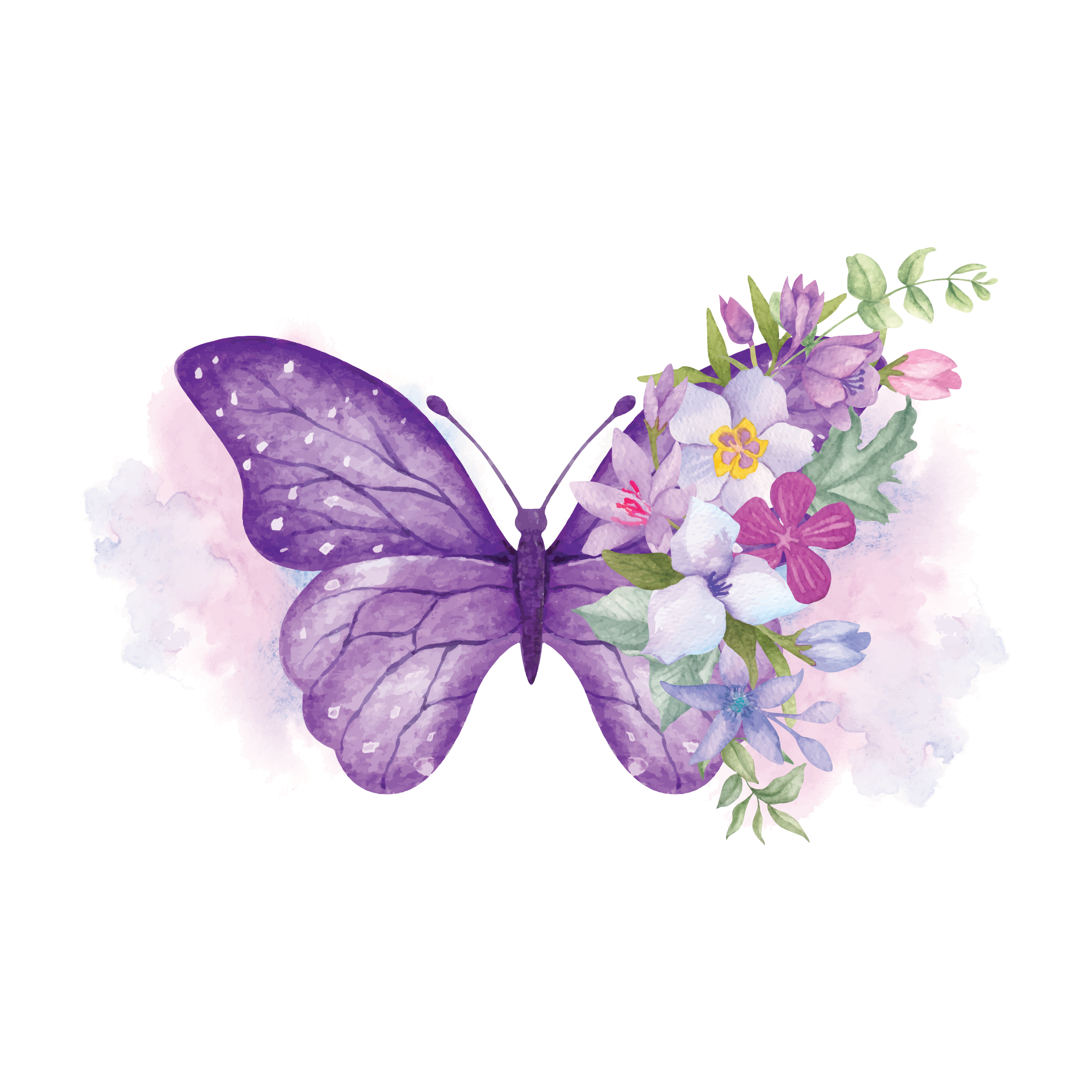 Butterfly25 files
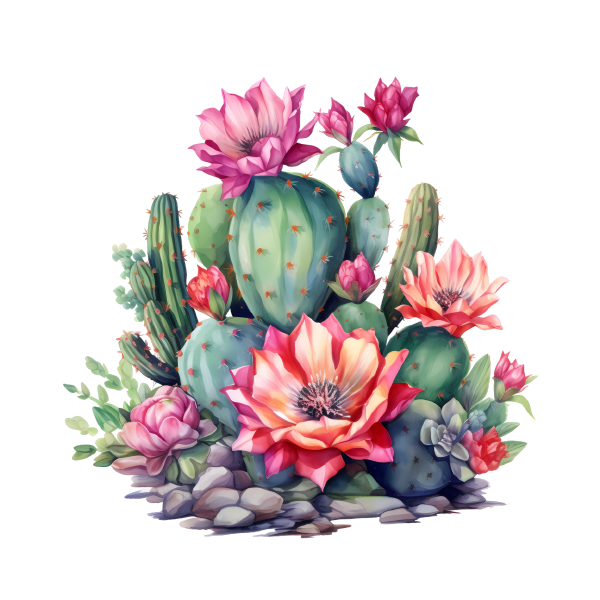 Cactus50 files
 Cancer50 files
 Easter50 files
 Field Day50 files
 Fishing25 files
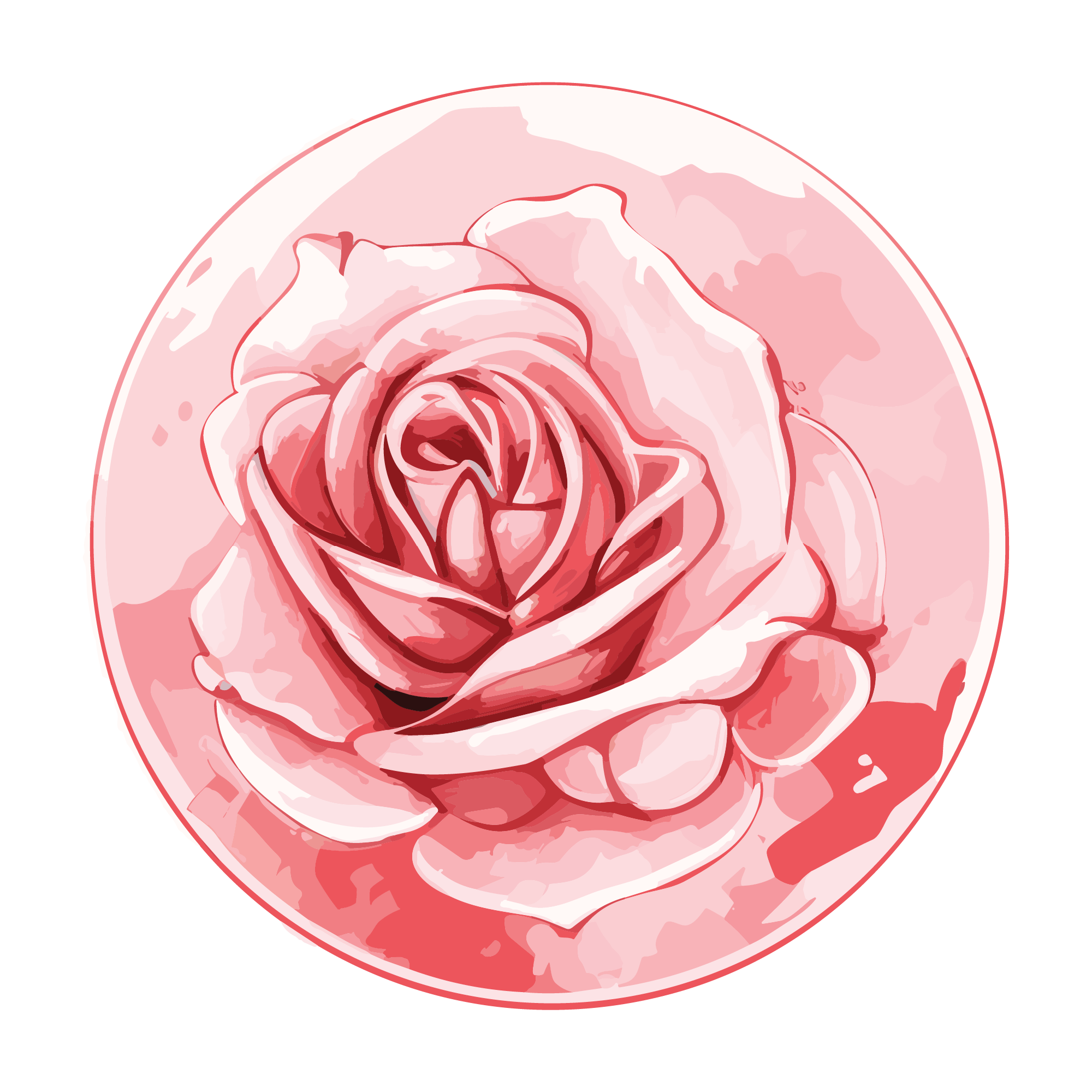 Flowers25 files
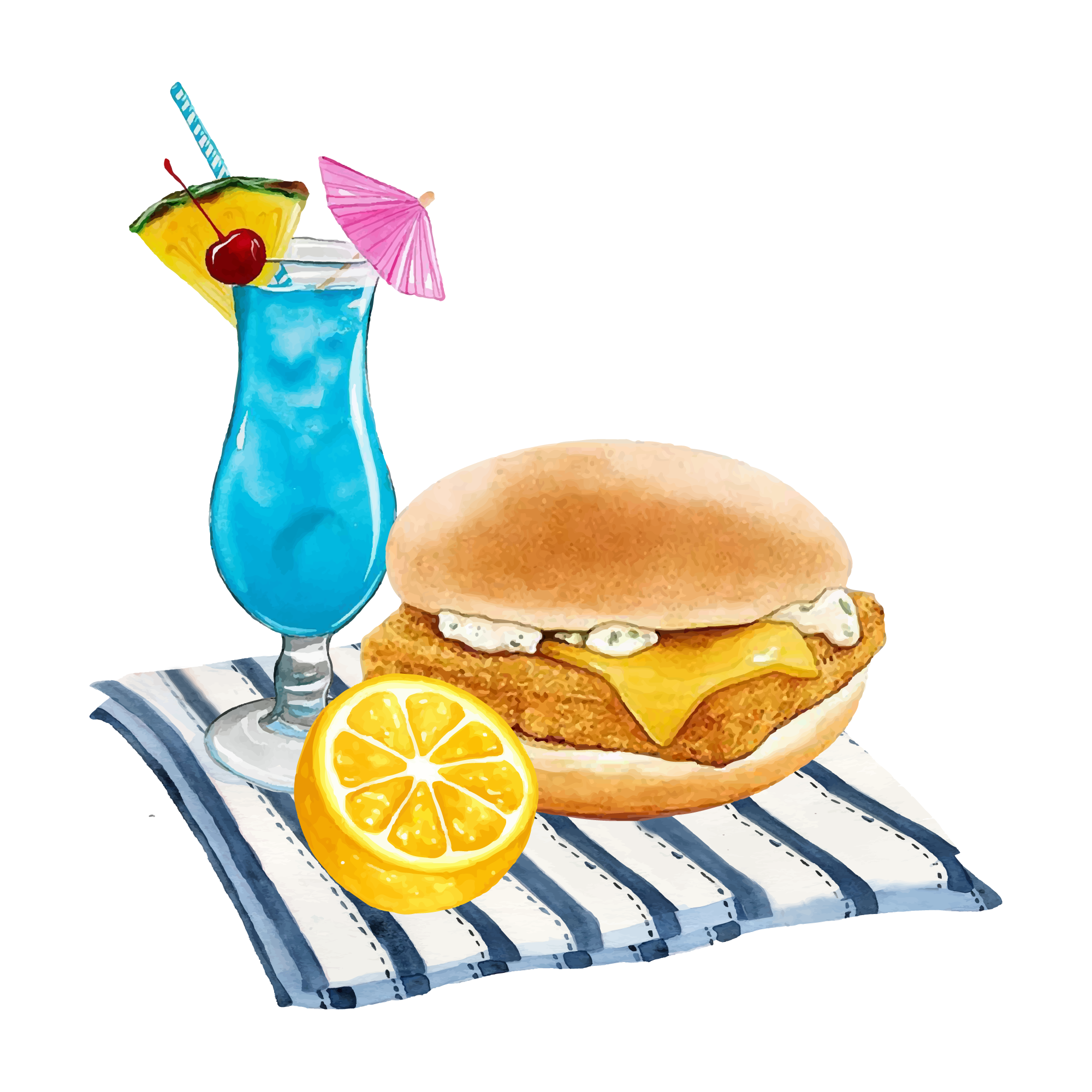 Food50 files
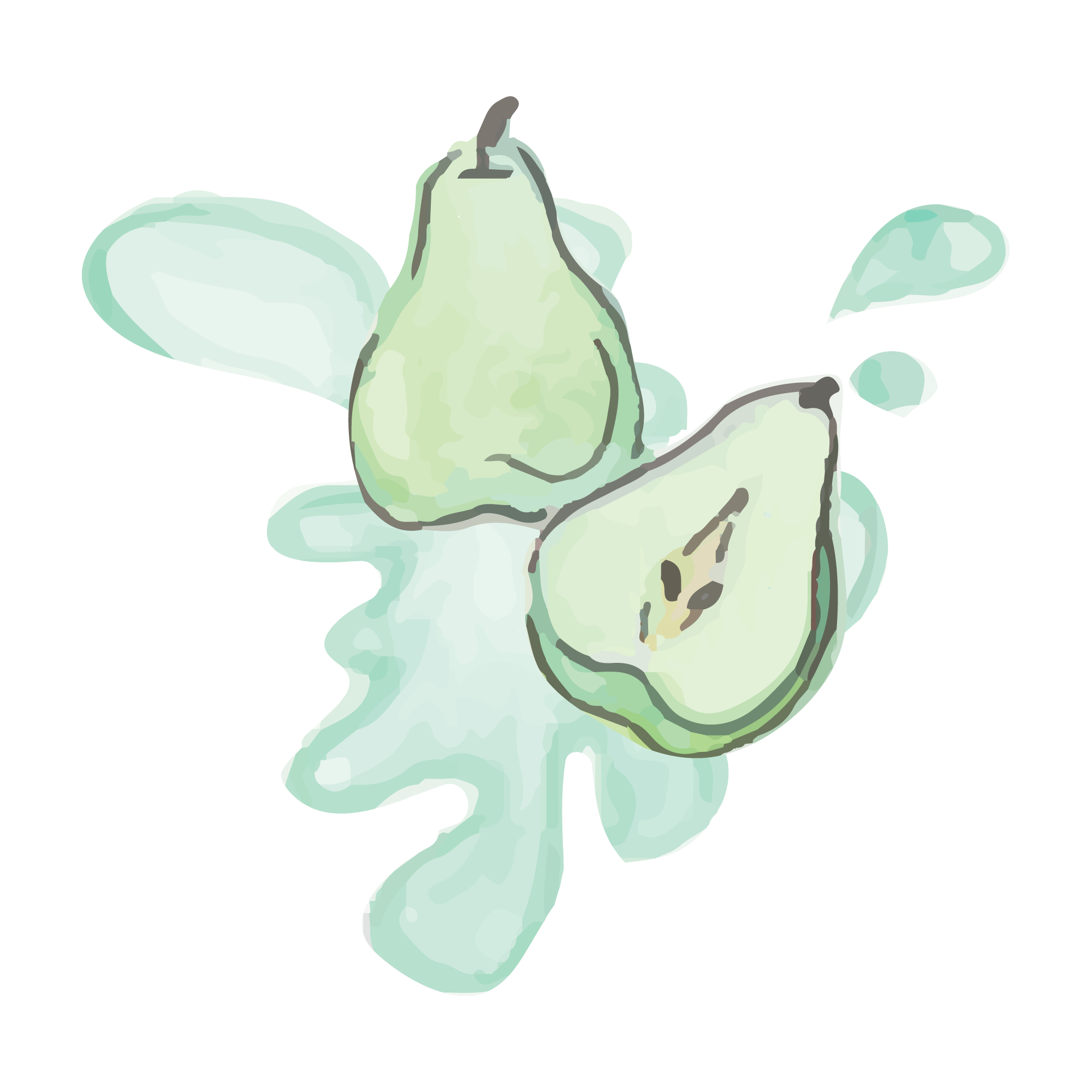 Fruit25 files
 Gaming50 files
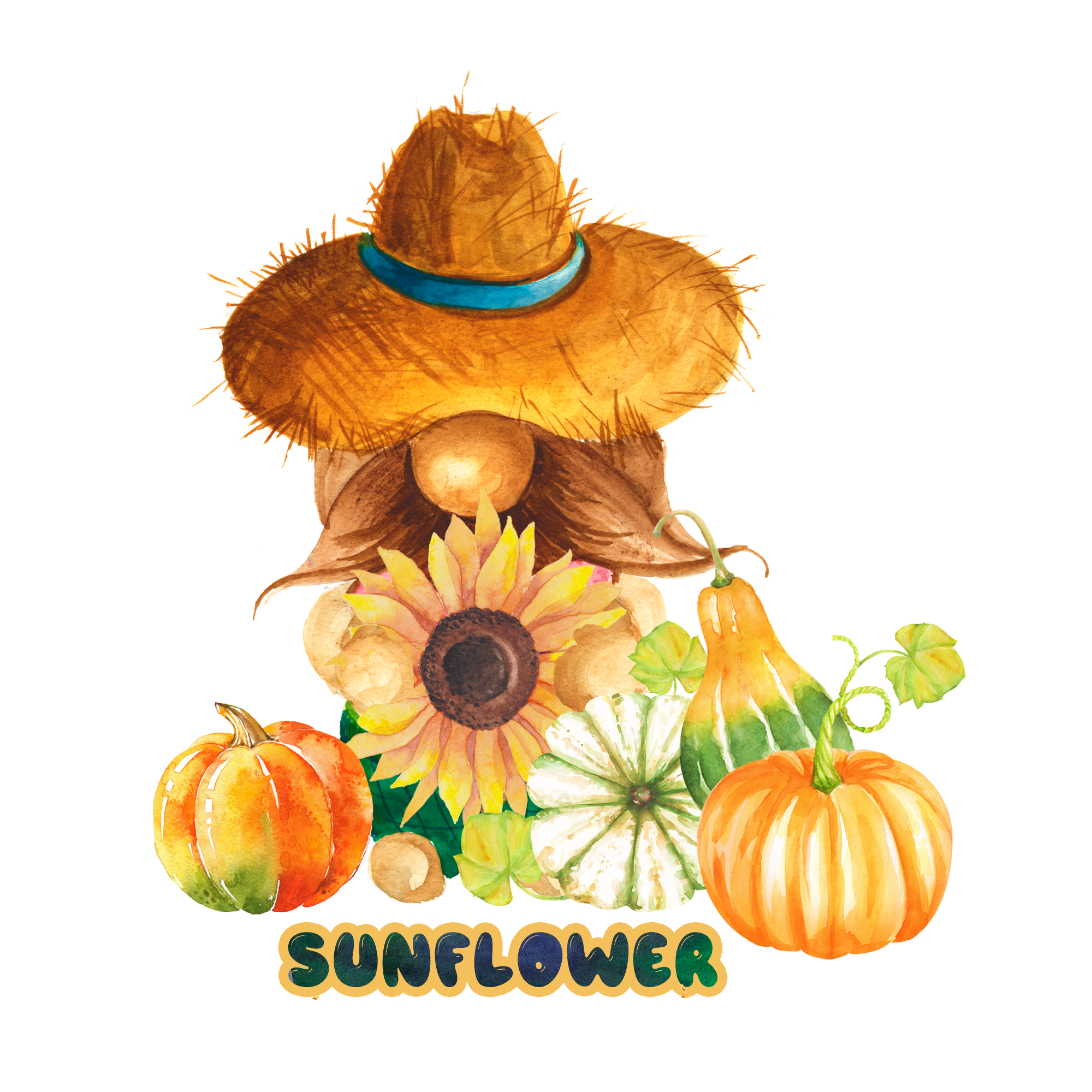 Gnome50 files
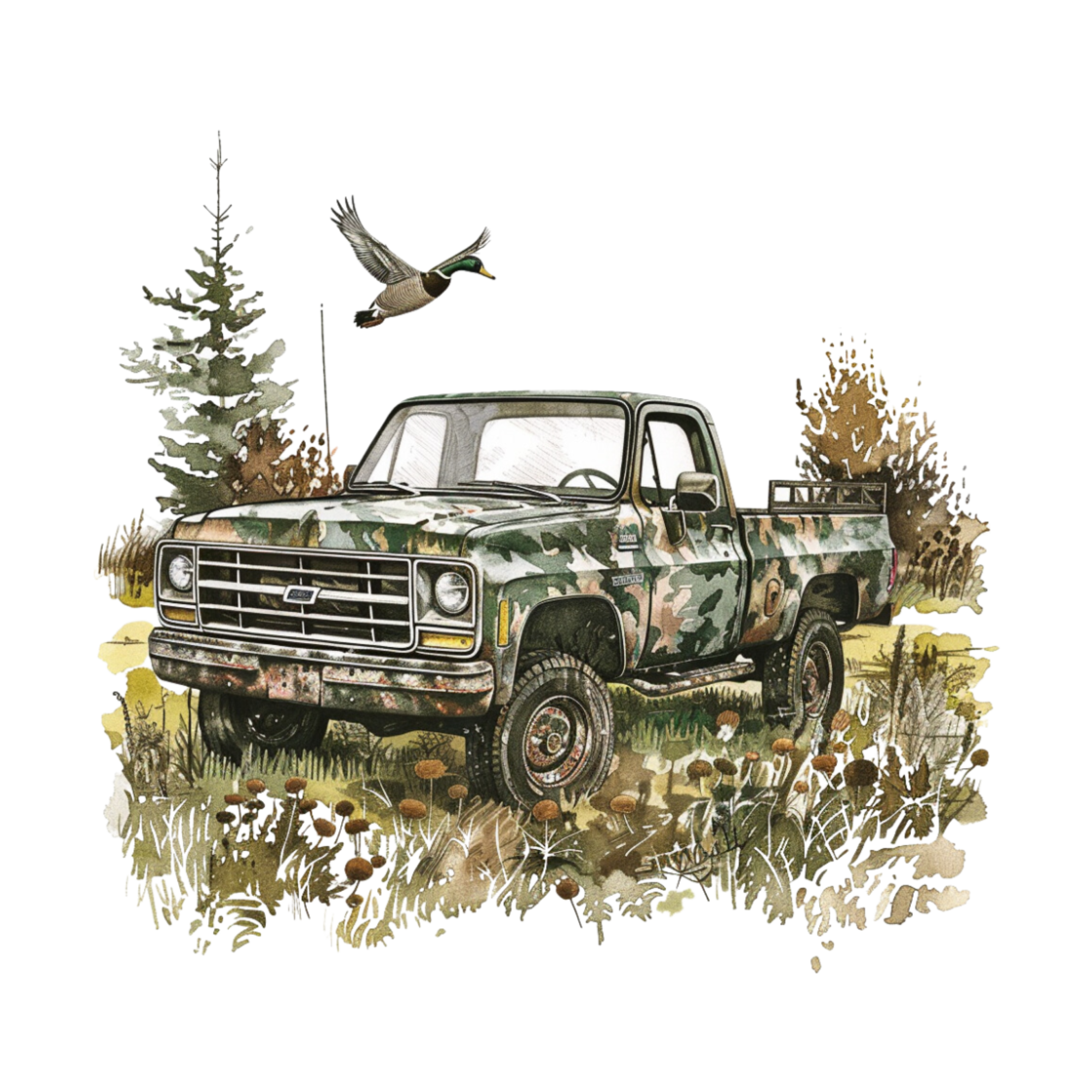 Hunting50 files
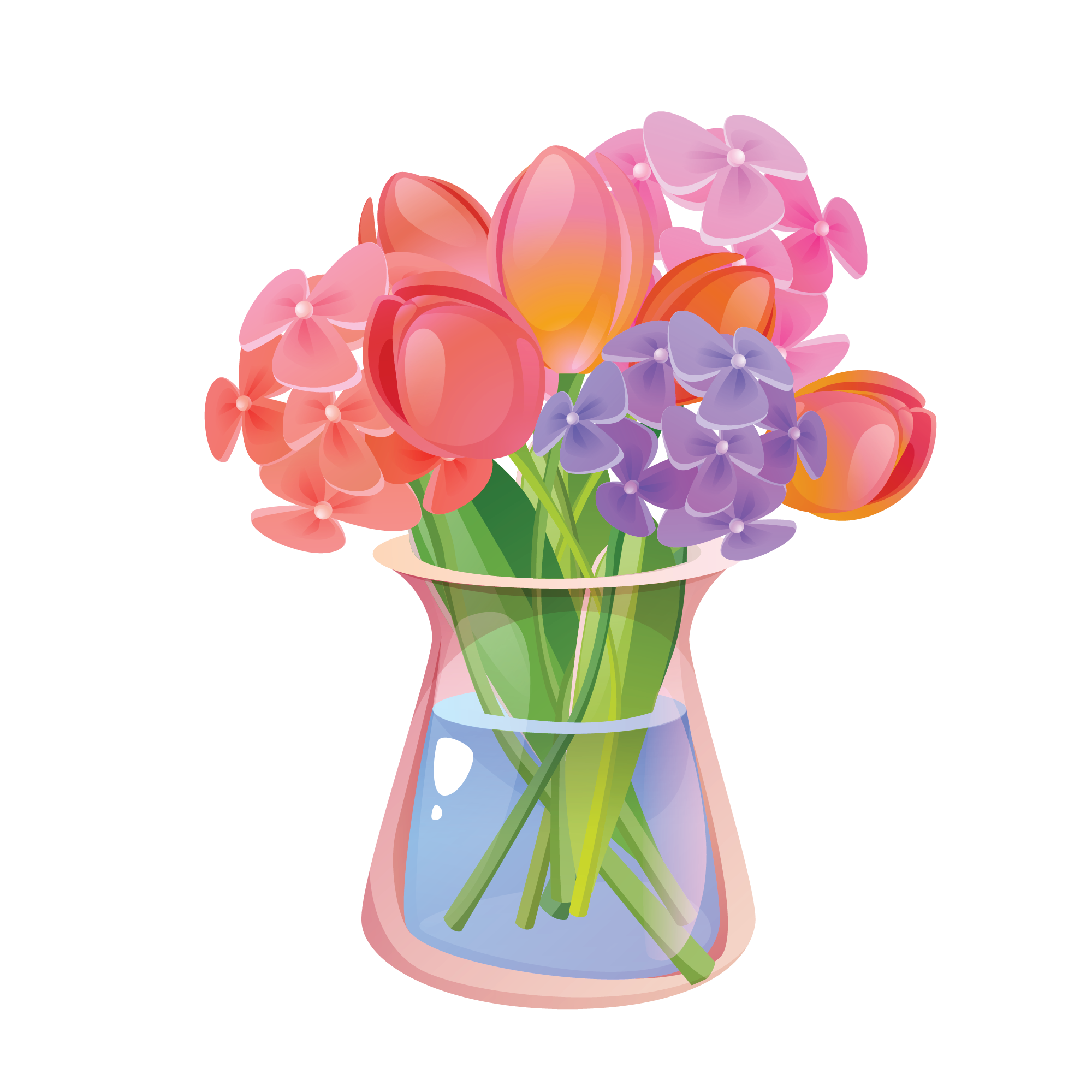 Jar Flower25 files
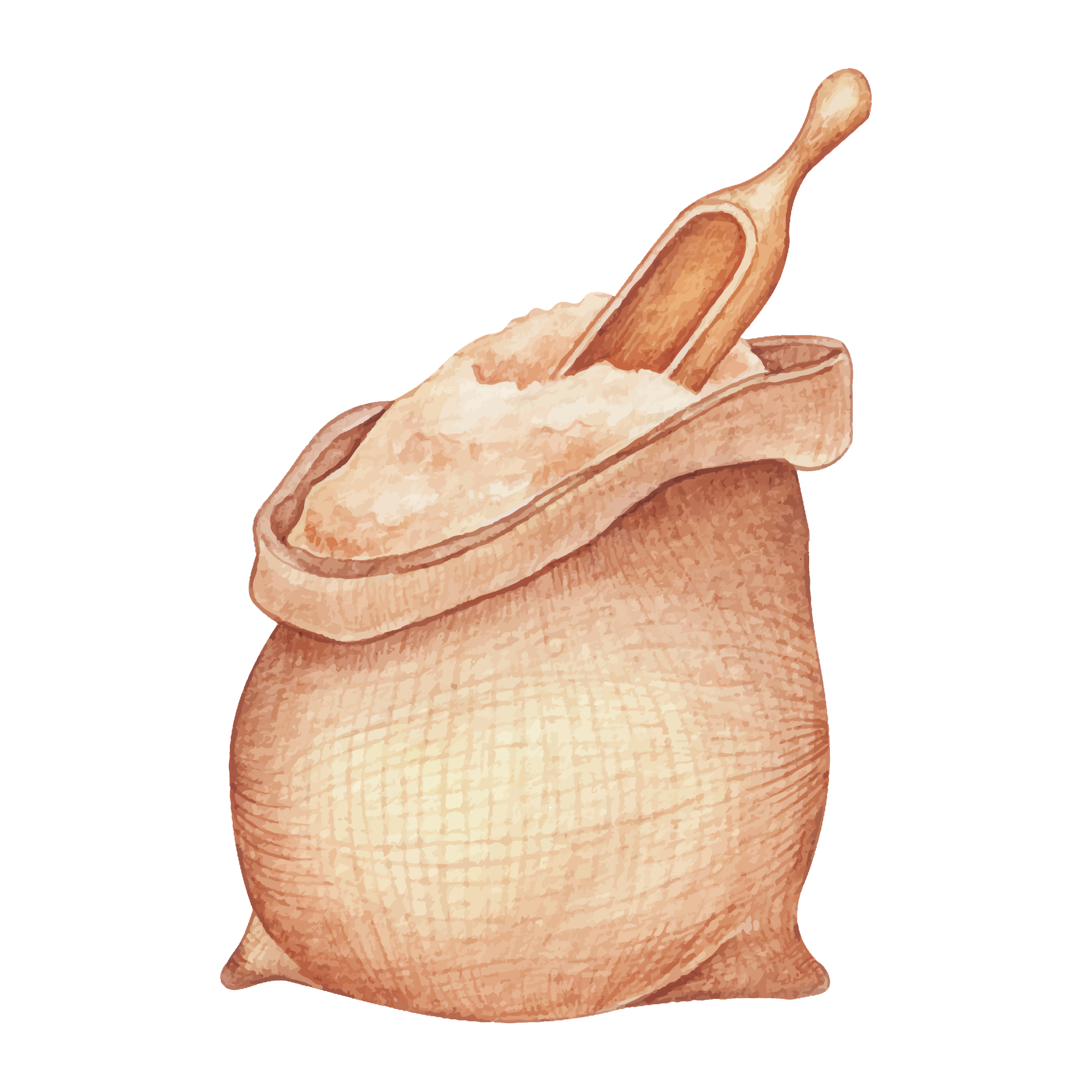 Kitchen50 files
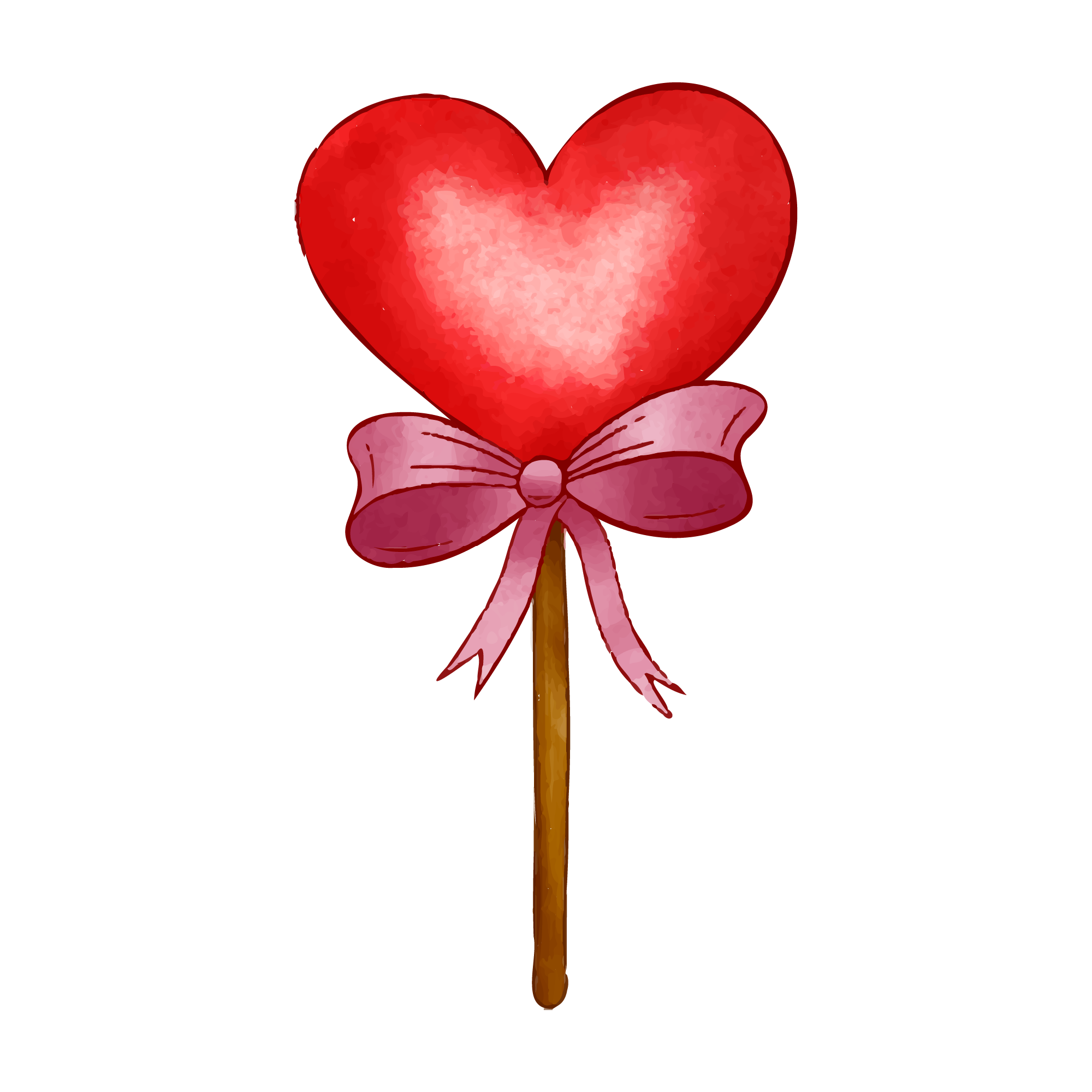 Love50 files
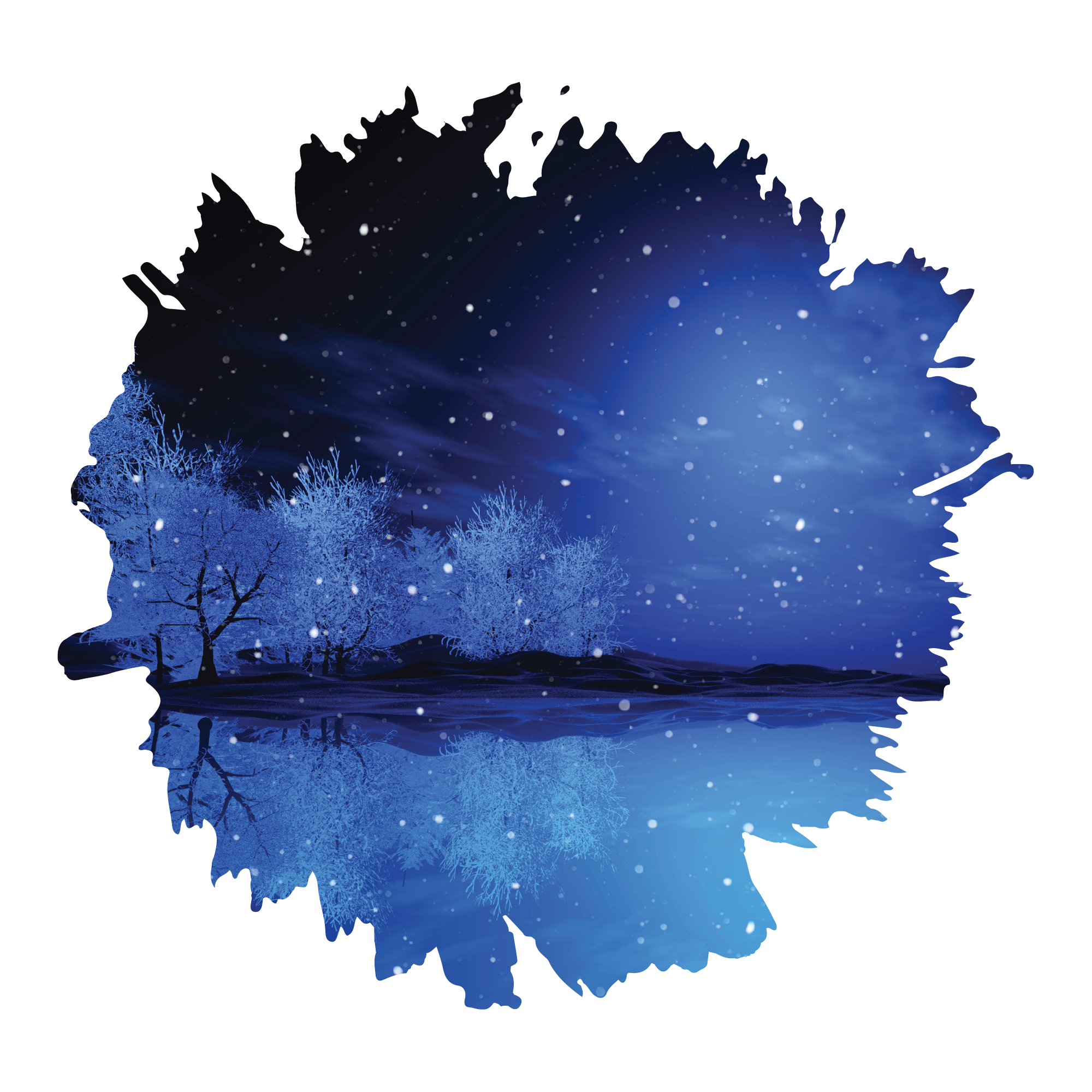 Night Sky25 files
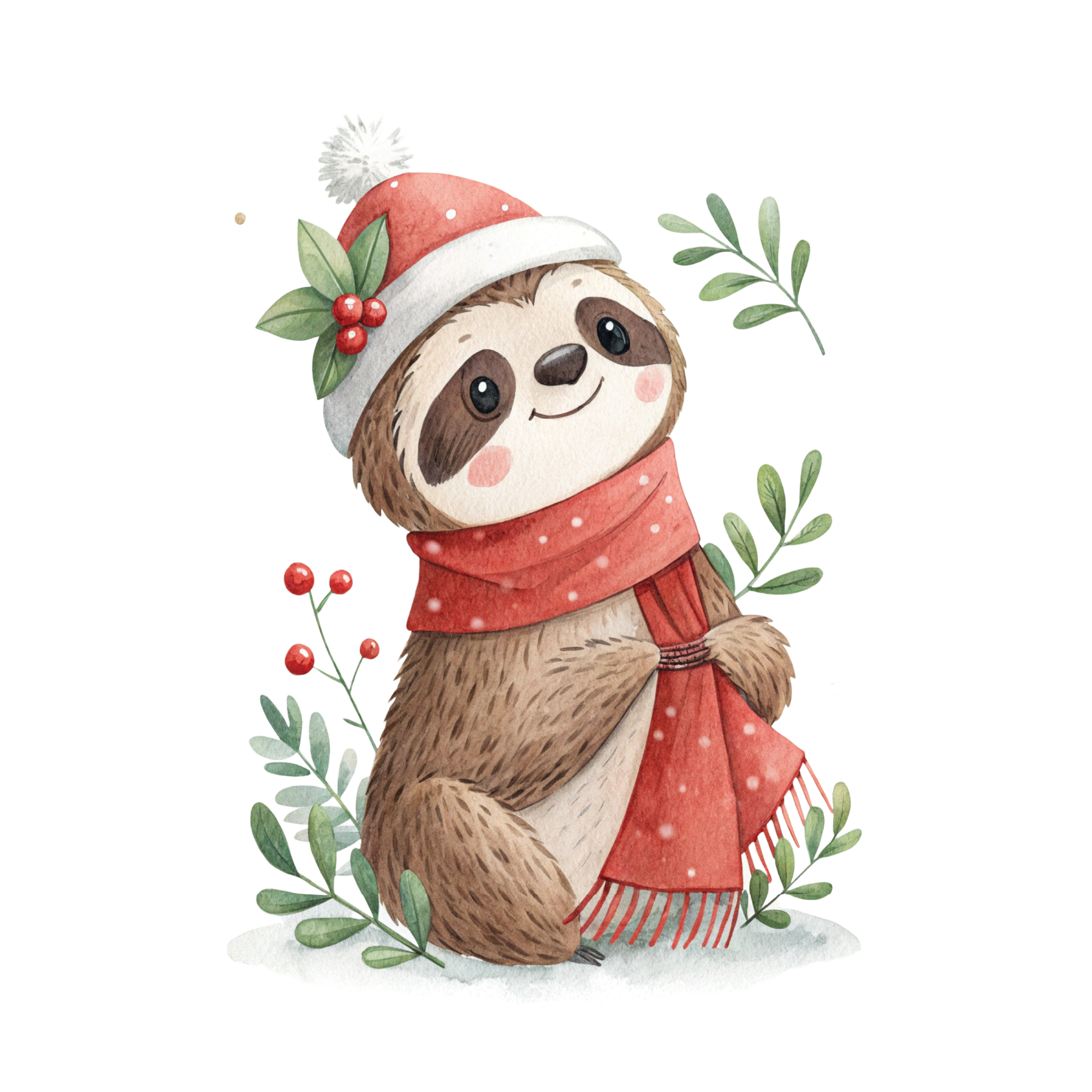 Sloth25 files
 Summer50 files
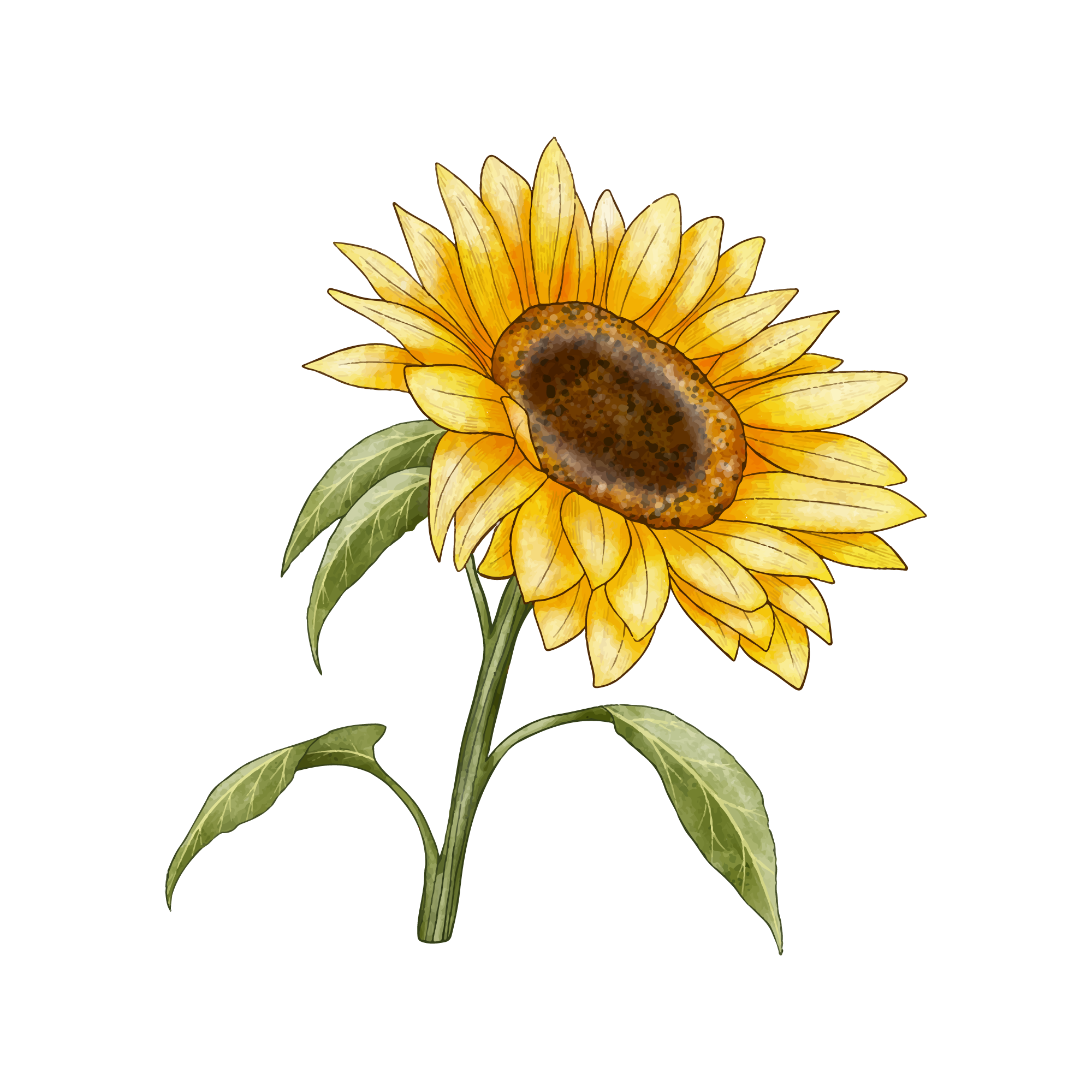 Sunflower50 files
 Teacher50 files
 Unicorn25 files
 Valentine's Day25 files
Stickers
30 collections · 1,250 designs
 4th of July50 files
 Autism50 files
 Back to School50 files
 Beach50 files
 Bedroom50 files
 Butterfly50 files
 Coffee25 files
 Easter50 files
 Flower50 files
 Food50 files
 Halloween25 files
 Ice Cream25 files
 Juneteenth50 files
 Mermaid25 files
 Mother's Day25 files
 New Year25 files
 Nurse25 files
 Plant25 files
 Pumpkin Face50 files
 Sloth50 files
 Spider50 files
 Spring50 files
 Summer50 files
 Sunflower50 files
 Teacher50 files
 Unicorn25 files
 Wedding25 files
 Weed50 files
 Wonder50 files
 Yoga50 files
T-Shirt Designs
1 collections · 30 designs
Cap Designs
1 collections · 30 designs
Mug Designs
1 collections · 30 designs
3D Stickers
1 collections · 30 designs
Popular collections
Explore a selection of themes from the library. Each collection opens as a browsable page with design previews and online editing.
Shop by occasion
The dates that drive craft sales, and every collection in the library that fits them. Seasonal listings want to be live weeks before the day, not on it.
Browse by category
Cut Files
Find SVG cut files by theme for vinyl decals, iron-on shirts and paper crafts. Open a design in CricutCraft Studio, set its size and customize the artwork before exporting it to your machine software.
34 collections · 1,400 designs
Monograms
Choose a monogram design for a name, initials or a personalized gift. Browse the themed collections, including floral monogram SVG styles, then add your text in the online editor.
30 collections · 1,125 designs
Shapes
Explore themed shapes and silhouettes to use on their own or combine with text. Choose a collection, open its SVG artwork in CricutCraft Studio, and set the size for your project.
35 collections · 1,375 designs
Sublimations
Browse full-color sublimation graphics by theme, then customize a design for your project. CricutCraft Studio can export PNG artwork for the printing stage; choose the size and resolution to match your blank and printing workflow.
30 collections · 1,250 designs
Watercolour
Explore watercolor clipart, also spelled watercolour, for card fronts, printable stickers and personalized gifts. Customize the artwork online and export a PNG sized for your print project.
34 collections · 1,350 designs
Stickers
Explore sticker designs for planners, labels and gifts. Customize your artwork in CricutCraft Studio, export a PNG for printing, or use SVG when your project needs editable vector shapes.
30 collections · 1,250 designs
T-Shirt Designs
Find t-shirt design artwork to personalize with names, text and your own layout. Prepare shirt cut files for heat transfer vinyl, or export a PNG when your project uses a printed transfer.
1 collections · 30 designs
Cap Designs
Browse artwork for cap and hat projects, then personalize a design in the browser. Start with the printable or pressable area of your actual cap rather than assuming every blank has the same front panel.
1 collections · 30 designs
Mug Designs
Choose artwork for a personalized mug, add text, and arrange the design in CricutCraft Studio. Match the layout to the measured printable area of your own blank before exporting.
1 collections · 30 designs
3D Stickers
Explore the 3D sticker collection and choose artwork for your next sticker project. Review each preview, then open a design in the editor to check its structure, colors and size.
1 collections · 30 designs
Cut files, clipart and templates, which one do you want?
People search for all three and mean slightly different things, so it is worth being precise about what is in here. A cut file is a vector whose outline the blade follows: closed paths, flat colour, no gradients. That is the cut files, monogram and shape categories.
Clipart , or clip art, is finished artwork meant to be printed rather than cut through: the watercolor clipart and sublimation sets. You still cut it, but the blade runs a contour around the outside rather than through the detail, which is the print-then-cut workflow. Clipart that has been auto-traced into a cut file is the single most common reason a design tears on cardstock, so the two are kept apart here rather than mixed into one bucket.
A template is a design built to be changed before you cut it, a split-letter monogram waiting for a surname, a shirt front sized to a real print area, a 3D paper craft with its fold lines and glue tabs already scored. Those open in the studio with the editable parts still editable, which is the point of not shipping them as flattened images.
Nothing here needs downloading first. Every design opens straight in the browser, and you download once at the end, as SVG, PDF, DXF or PNG, when the file is finished and sized for your machine.
What makes a cut file actually cut well
The difference between an SVG that cuts cleanly and one that fights you is almost always node count. A design auto-traced from a JPEG carries thousands of redundant control points; the blade stutters at every one, and the result is a ragged edge on vinyl and a torn corner on cardstock.
For vinyl or cardstock, choose the cut-file category and inspect the outlines at the size you plan to make. Printed artwork follows a different workflow: keep its color detail and prepare an outer contour if needed. Follow the SVG upload tutorial to check your exported file in Design Space before cutting.
Open it, do not download it
Clicking a design opens it in the studio rather than dropping a ZIP in your downloads folder. From there you can weld overlapping script, add a contour offset for a sticker border, slice one shape out of another, lay the pieces out on a real mat, and export the result, without a round trip through a second application.
Export formats
SVG for Design Space and Silhouette Designer Edition. DXF for Silhouette Studio Basic and laser software. PDF at true physical size for print layouts. PNG with transparency for sublimation and mockups. PDF and DXF export require a paid plan.
Designing for your machine
- Cricut Maker 3Cut width, import formats and the export workflow for the Cricut Maker 3.
- Cricut Explore 3Cut width, import formats and the export workflow for the Cricut Explore 3.
- Cricut Joy & Joy XtraCut width, import formats and the export workflow for the Cricut Joy & Joy Xtra.
- Silhouette Cameo 4 & 5Cut width, import formats and the export workflow for the Silhouette Cameo 4 & 5.
- Brother ScanNCutCut width, import formats and the export workflow for the Brother ScanNCut.
- GlowforgeCut width, import formats and the export workflow for the Glowforge.
Common questions
Open any of 7,870 designs in the browser
Choose a free design or premium artwork, customize it online, and export the finished file for your project.