Coffee SVG cut files
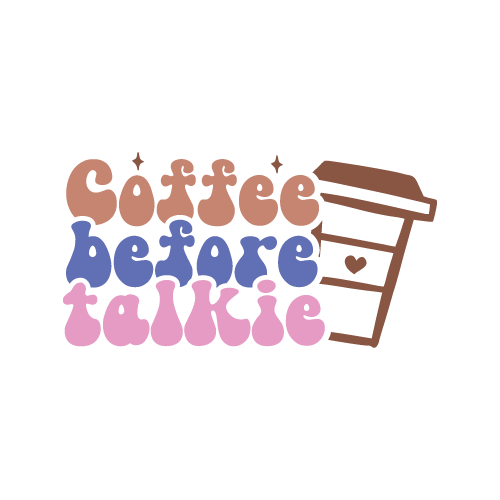
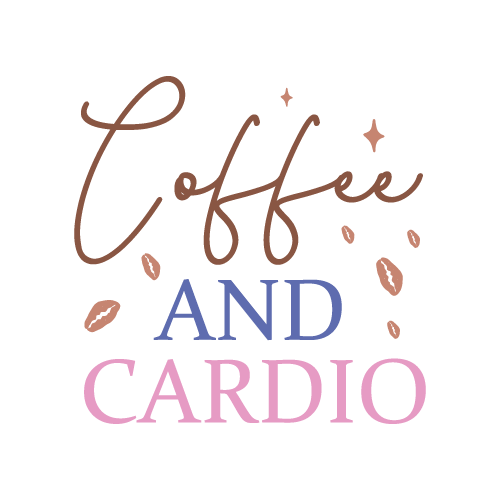
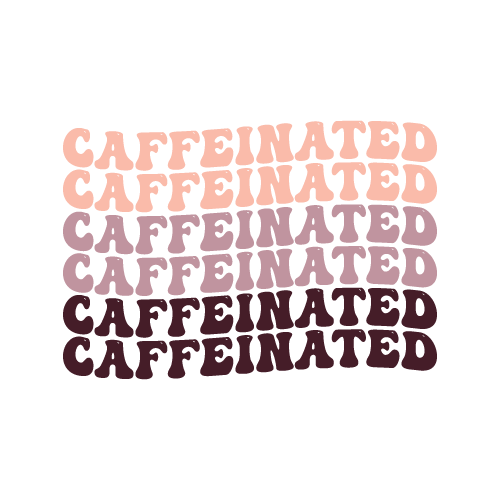
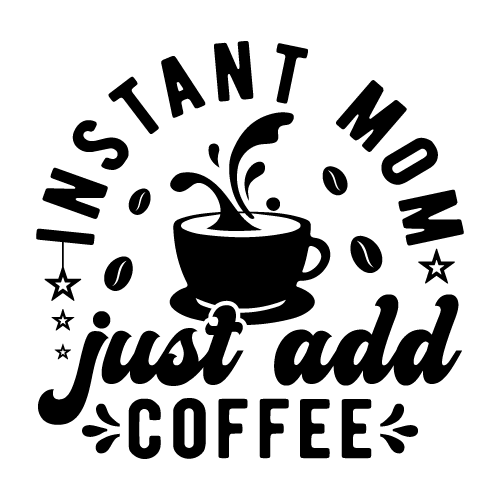
50 coffee designs, drawn as layered SVG cut files with the colours already separated onto their own layers. The set covers cups, beans, steam motifs and coffee-humour lettering. They are made for mugs, tumblers, kitchen towels, pantry labels, aprons, cutting-board vinyl and bar-cart signs.
50 designsCut FilesNew



 Included with the Maker plan
 Included with the Maker plan
 Included with the Maker plan
 Included with the Maker plan
 Included with the Maker plan
 Included with the Maker plan
 Included with the Maker plan
 Included with the Maker plan
 Included with the Maker plan
 Included with the Maker plan
 Included with the Maker plan
 Included with the Maker plan
 Included with the Maker plan
 Included with the Maker plan
 Included with the Maker plan
 Included with the Maker plan
 Included with the Maker plan
 Included with the Maker plan
 Included with the Maker plan
 Included with the Maker plan
 Included with the Maker plan
 Included with the Maker plan
 Included with the Maker plan
 Included with the Maker plan
 Included with the Maker plan
 Included with the Maker plan
 Included with the Maker plan
 Included with the Maker plan
 Included with the Maker plan
 Included with the Maker plan
 Included with the Maker plan
 Included with the Maker plan
 Included with the Maker plan
 Included with the Maker plan
 Included with the Maker plan
 Included with the Maker plan
 Included with the Maker plan
 Included with the Maker plan
 Included with the Maker plan
 Included with the Maker plan
 Included with the Maker plan
 Included with the Maker plan
 Included with the Maker plan
 Included with the Maker plan
 Included with the Maker plan
 Included with the Maker plan
 Included with the Maker plan
What people make with coffee cut files
Mugs, tumblers, kitchen towels, pantry labels, aprons, cutting-board vinyl and bar-cart signs — those are the pieces this collection gets used for. In this format they go on cotton or blend shirts, tote bags, hard-surface decals, glassware and painted signs — anywhere adhesive vinyl or HTV will bond.
Cutting and weeding
Each colour is a separate cut and a separate weed, so the export gives your machine one file per vinyl sheet rather than a flattened outline you would have to take apart by hand. Set the size in real inches before you cut — scaling afterwards is where designs come out a quarter-inch off — then weed from the outside in, pulling the waste first and the interior counters last.
Getting coffee designs right
Vinyl is unforgiving about thin strokes: anything under about a sixteenth of an inch at final size lifts with the waste while you weed it, so check the finest line at cut size before you commit a sheet. Mug designs sit in a 3.5in tall band. Anything taller runs into the rim or the base and will not apply flat. Anything that touches food or goes through a dishwasher needs permanent vinyl and a hand-wash caveat. Keep the design at least half an inch below a mug rim — that is the zone a dishwasher jet attacks first.
Exporting for your machine
Export SVG for Cricut Design Space or Silhouette Designer Edition, DXF for Silhouette Studio Basic and laser software, or PDF at true physical size for print-then-cut.
Cut, score, draw and engrave operations are written as named layers, so Cricut Design Space, Silhouette Studio and laser software map them to the right tool without manual reassignment. For a printed sheet, the print-then-cut guide covers registration and bleed.
Coffee in other formats
The same theme drawn for a different medium — printed, pressed or cut.
Questions
Open a coffee design now
Free, in the browser, no install. Edit it and export a cut-ready file in minutes.