Cactus monogram SVGs
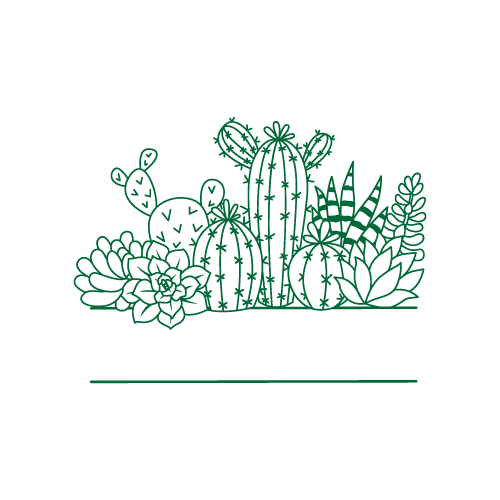
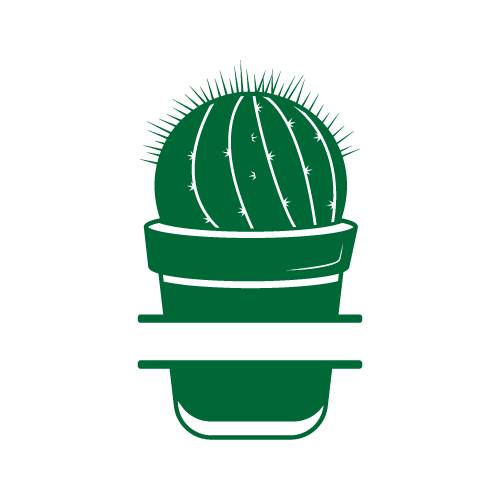
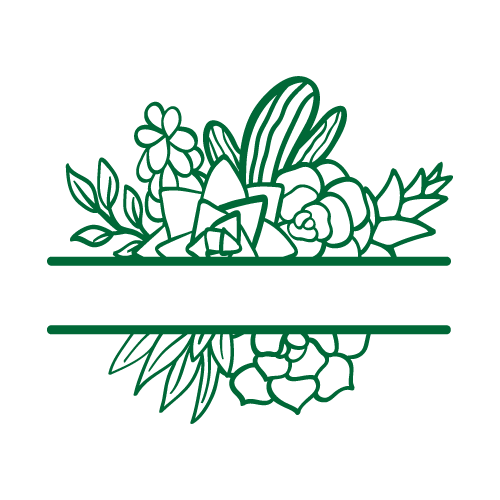
50 cactus designs, drawn as split-letter and framed monogram files built for a name or an initial to drop into. The set covers potted cacti, saguaro silhouettes and spine detail. They are made for wall art, tote bags, kitchen towels, journal covers, wedding stationery and layered shadow-box pieces.
50 designsMonogramsNew
3 free designs in this collection. Premium artwork, PDF and DXF export require a paid plan.


 Included with the Maker plan
 Included with the Maker plan
 Included with the Maker plan
 Included with the Maker plan
 Included with the Maker plan
 Included with the Maker plan
 Included with the Maker plan
 Included with the Maker plan
 Included with the Maker plan
 Included with the Maker plan
 Included with the Maker plan
 Included with the Maker plan
 Included with the Maker plan
 Included with the Maker plan
 Included with the Maker plan
 Included with the Maker plan
 Included with the Maker plan
 Included with the Maker plan
 Included with the Maker plan
 Included with the Maker plan
 Included with the Maker plan
 Included with the Maker plan
 Included with the Maker plan
 Included with the Maker plan
 Included with the Maker plan
 Included with the Maker plan
 Included with the Maker plan
 Included with the Maker plan
 Included with the Maker plan
 Included with the Maker plan
 Included with the Maker plan
 Included with the Maker plan
 Included with the Maker plan
 Included with the Maker plan
 Included with the Maker plan
 Included with the Maker plan
 Included with the Maker plan
 Included with the Maker plan
 Included with the Maker plan
 Included with the Maker plan
 Included with the Maker plan
 Included with the Maker plan
 Included with the Maker plan
 Included with the Maker plan
 Included with the Maker plan
 Included with the Maker plan
 Included with the Maker plan
What people make with cactus monograms
Wall art, tote bags, kitchen towels, journal covers, wedding stationery and layered shadow-box pieces, those are the pieces this collection gets used for. In this format they go on tumblers, tote bags, car windows, front doors, hoodies and anything that gets a name on it.
Setting the name
A split monogram is a frame with a gap for text, so the type has to sit on the same baseline as the split or the whole thing looks tilted. Drop the text in, align to the split, then weld the letter and frame into a single outline, otherwise the blade cuts them as two overlapping shapes and the join gets sliced through.
Getting cactus designs right
A monogram stands or falls on the join: the letter and the frame have to weld into one closed outline before the blade sees them, or the split gets cut straight through. Spines are optional detail, drop them for anything under 6in and the cactus still reads perfectly. Florals are the most layer-heavy subject in the catalogue, petals, leaves and centres are separate colours. Nest all layers on one mat before cutting; a five-layer floral laid out naively wastes more vinyl than any other design type.
Exporting for your machine
Export SVG once the name is welded to the frame, or DXF for Silhouette Studio Basic. Weld before exporting or the frame and the letter arrive as two overlapping cuts.
For cutting projects, import the SVG into Cricut Design Space, Silhouette Studio and laser software and check the operation assigned to each layer before making the project. For a printed sheet, the print-then-cut guide covers registration and bleed.
SVG and PNG exports are available in the free studio. PDF and DXF export require a paid plan. Check plans and commercial-use licensing before making products to sell.
Make your project
- How to weld in CricutJoin overlapping lettering and shapes before cutting on Cricut.
- Create and export a multi-layer SVGKeep vector pieces separate, understand operation groups and inspect the imported cut layers.
- How to upload SVG to Cricut Design SpaceMove your finished SVG into the software that controls your cutting machine.
Cactus in other formats
The same theme drawn for a different medium, printed, pressed or cut.
Questions
Open a cactus design now
Start with a free design from this collection and customize it in the browser. Premium designs require a paid plan.