Weed sticker SVGs
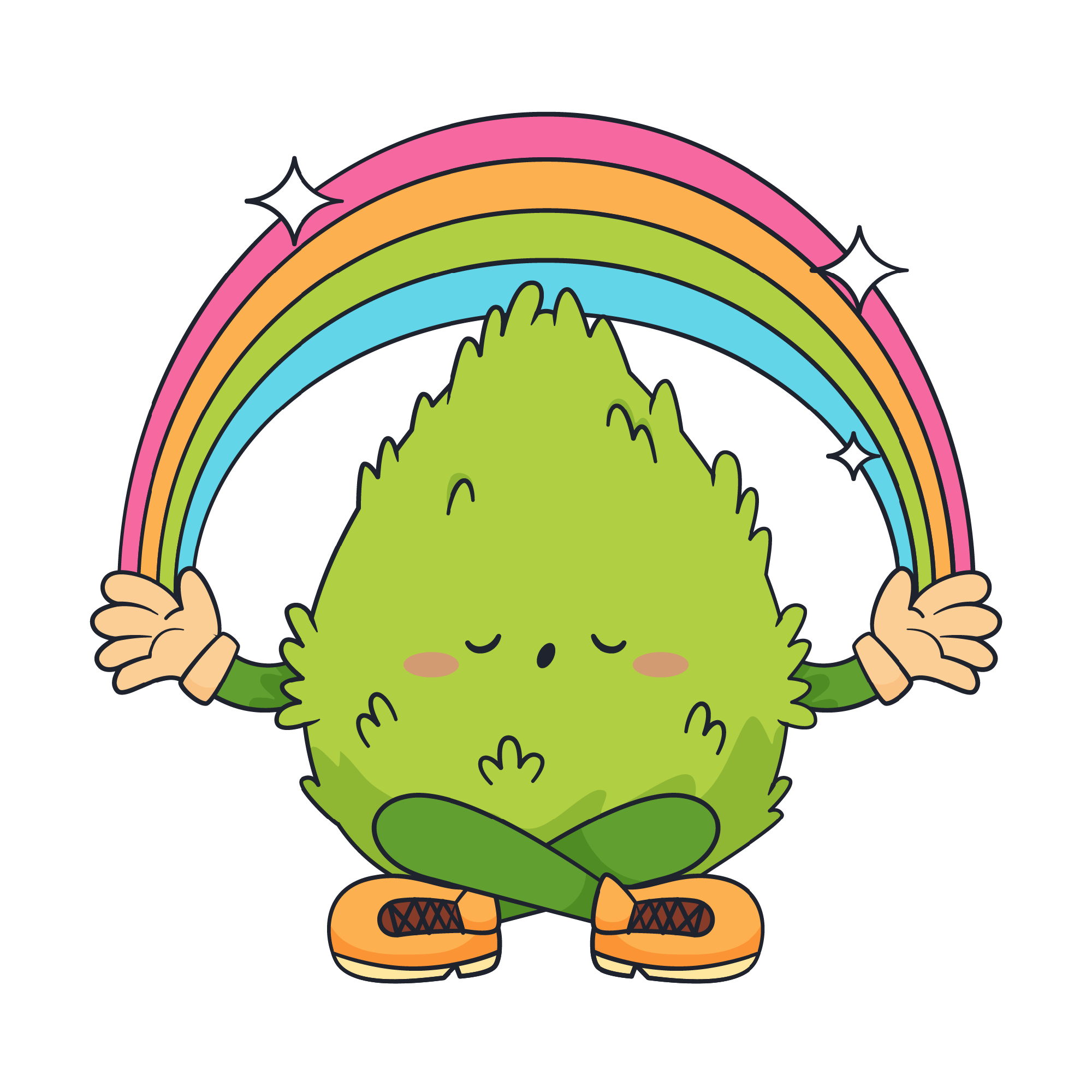
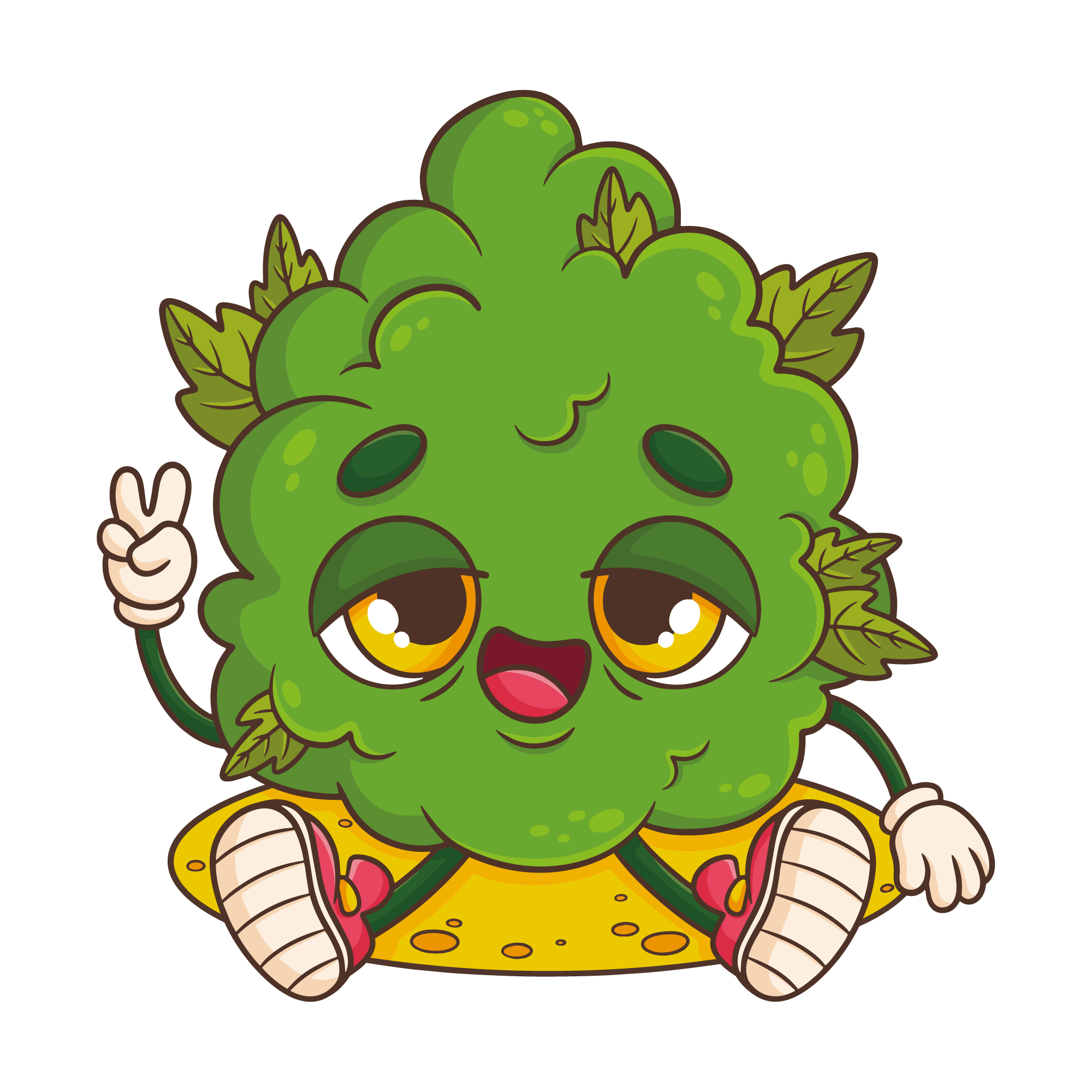
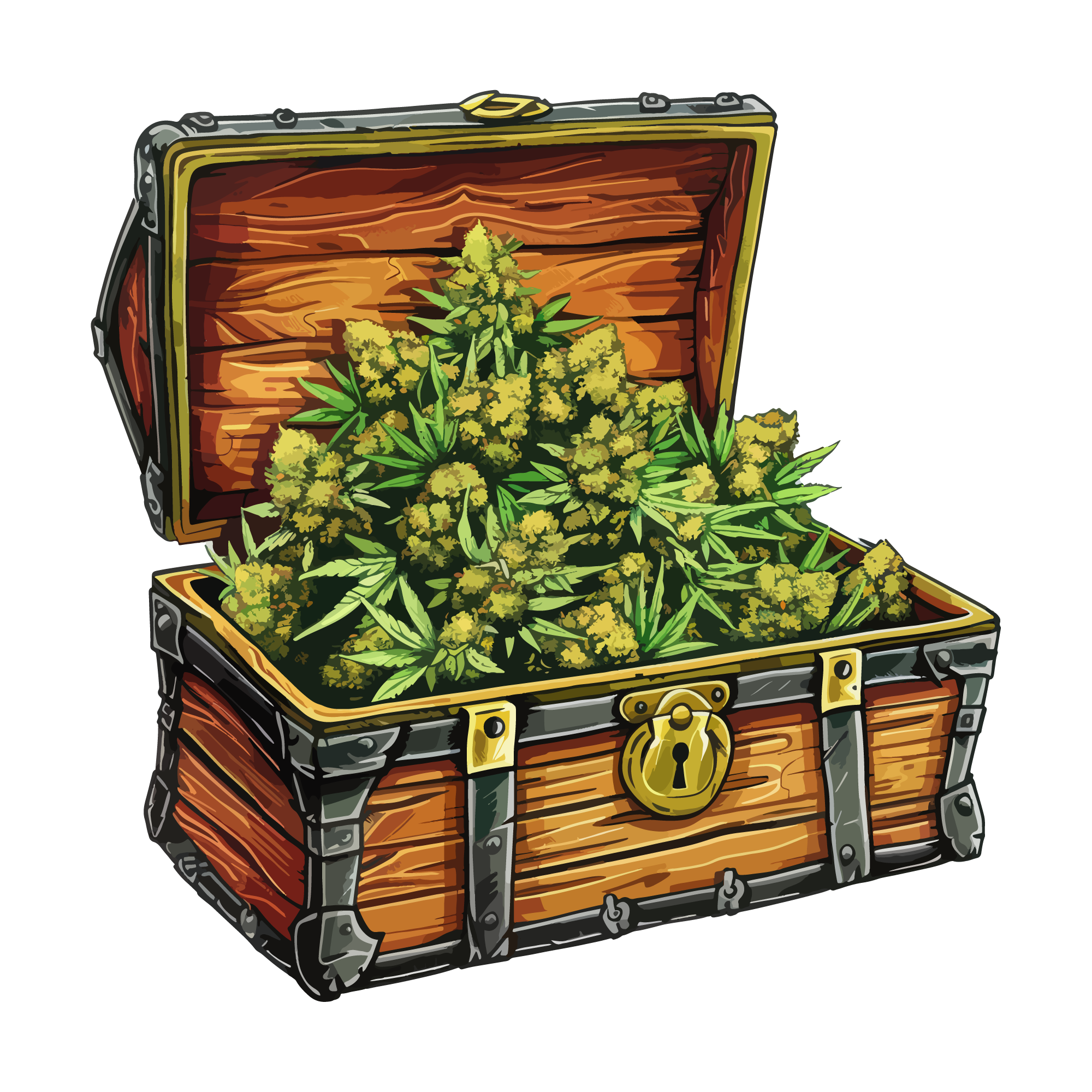
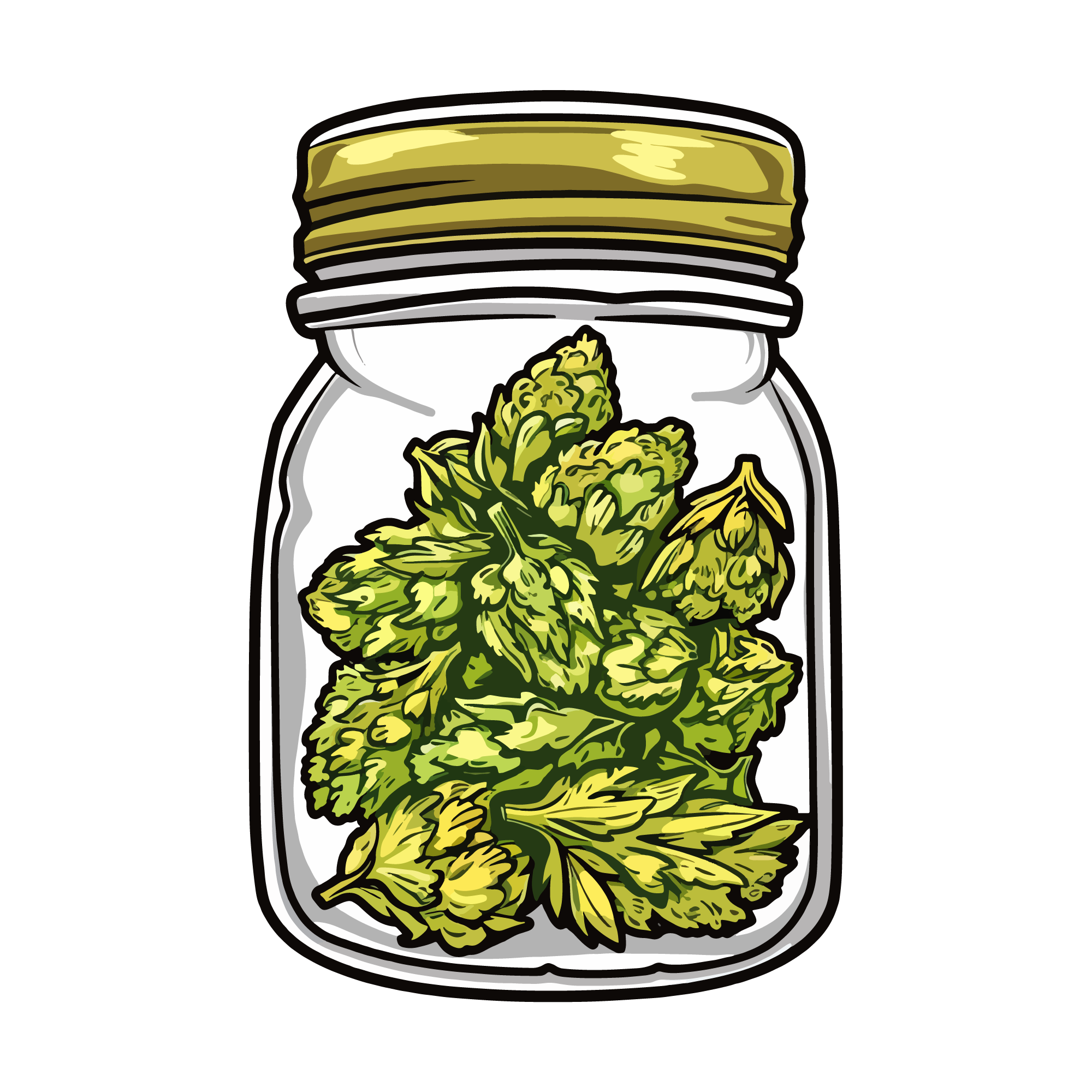
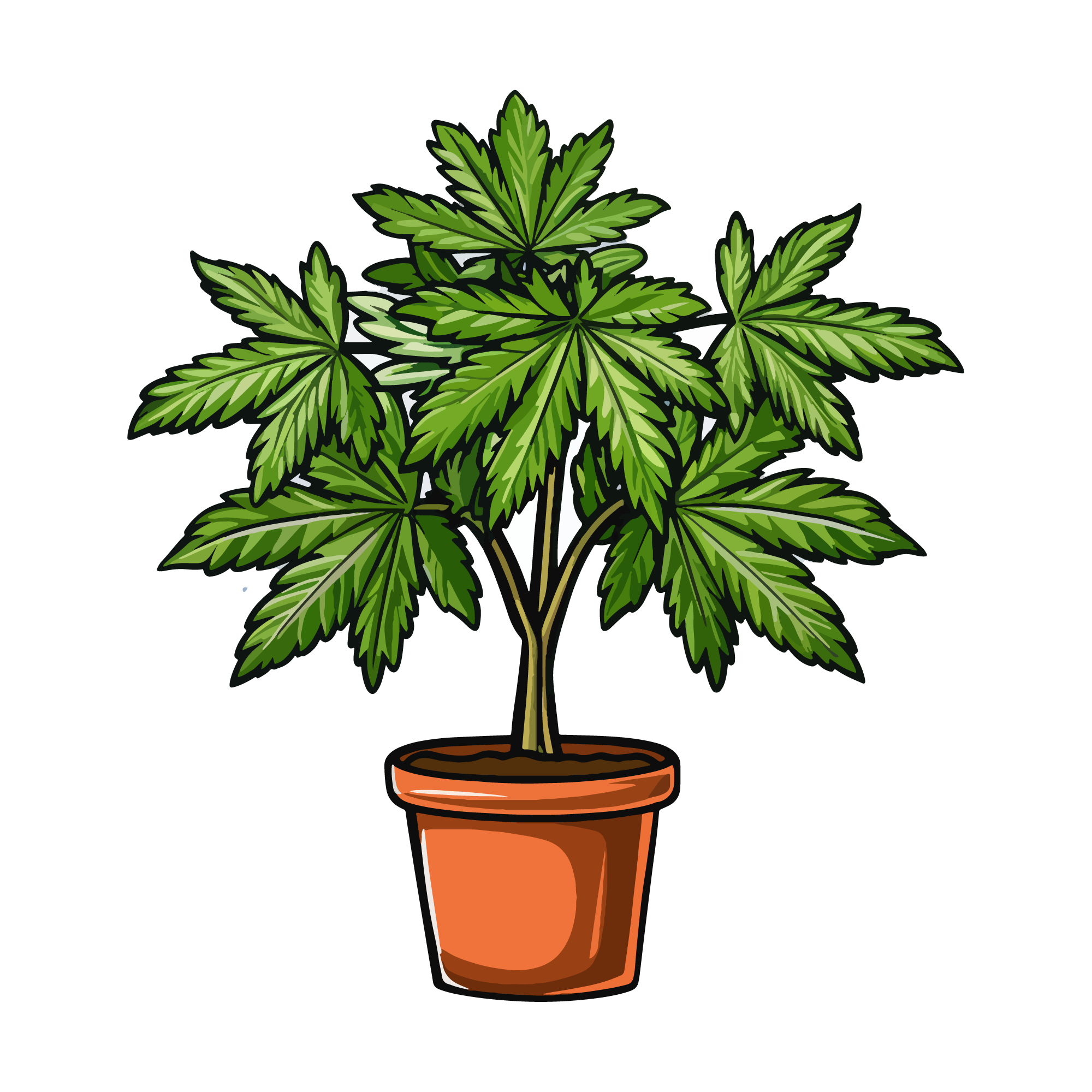
50 weed designs, drawn as die-cut-ready sticker art with offset borders already built in. The set covers leaf motifs, relaxed-lifestyle lettering and 420 designs. They are made for team shirts, gym bags, water bottles, car decals, equipment labels and the sign that goes over a home gym door.
50 designsStickersNew



 Included with the Maker plan
 Included with the Maker plan
 Included with the Maker plan
 Included with the Maker plan
 Included with the Maker plan
 Included with the Maker plan
 Included with the Maker plan
 Included with the Maker plan
 Included with the Maker plan
 Included with the Maker plan
 Included with the Maker plan
 Included with the Maker plan
 Included with the Maker plan
 Included with the Maker plan
 Included with the Maker plan
 Included with the Maker plan
 Included with the Maker plan
 Included with the Maker plan
 Included with the Maker plan
 Included with the Maker plan
 Included with the Maker plan
 Included with the Maker plan
 Included with the Maker plan
 Included with the Maker plan
 Included with the Maker plan
 Included with the Maker plan
 Included with the Maker plan
 Included with the Maker plan
 Included with the Maker plan
 Included with the Maker plan
 Included with the Maker plan
 Included with the Maker plan
 Included with the Maker plan
 Included with the Maker plan
 Included with the Maker plan
 Included with the Maker plan
 Included with the Maker plan
 Included with the Maker plan
 Included with the Maker plan
 Included with the Maker plan
 Included with the Maker plan
 Included with the Maker plan
 Included with the Maker plan
 Included with the Maker plan
 Included with the Maker plan
 Included with the Maker plan
 Included with the Maker plan
What people make with weed stickers
Team shirts, gym bags, water bottles, car decals, equipment labels and the sign that goes over a home gym door — those are the pieces this collection gets used for. In this format they go on planner pages, water bottles, laptops, packaging inserts and sticker sheets for sale.
Print-then-cut
Print the sheet, then let the machine read the registration marks and cut each sticker on its own contour. The white border around each design is a contour offset, not part of the artwork — adjust it before printing if you want a fatter or tighter edge. Keep the whole sheet inside the print-then-cut size limit, which is 6.75in by 9.25in on most Cricut machines unless you have switched the setting to the larger area.
Getting weed designs right
A die-cut sticker needs an offset border wide enough for the blade to track around. Too narrow and the cut wanders into the artwork; too wide and the sticker reads as a sheet of white. Leaf points are sharp and thin — cut above 4in or the tips round off and it stops reading as a leaf. Curved surfaces — bottles, bats, helmets — need a design that is narrow enough not to wrinkle. Anything wider than about 3in on a standard bottle will crease at the edges no matter how carefully it is applied.
When to make these
Follows season schedules: spring for baseball, autumn for football, January for gym. If you sell, that is the window the listings need to be live in — search traffic for a seasonal theme arrives weeks before the date, not on it. Sticker sheets sell in multiples, so lay out the full sheet before you print rather than cutting singles — the per-unit cost of a seasonal run is set at the layout stage.
Exporting for your machine
Export PDF at true physical size for print-then-cut so the registration marks land correctly, or SVG if you only need the contour cut line. Keep the sheet inside the 6.75in × 9.25in print-then-cut limit.
Cut, score, draw and engrave operations are written as named layers, so Cricut Design Space, Silhouette Studio and laser software map them to the right tool without manual reassignment. For a printed sheet, the print-then-cut guide covers registration and bleed.
Weed in other formats
The same theme drawn for a different medium — printed, pressed or cut.
Questions
Open a weed design now
Free, in the browser, no install. Edit it and export a cut-ready file in minutes.