Teacher sticker SVGs
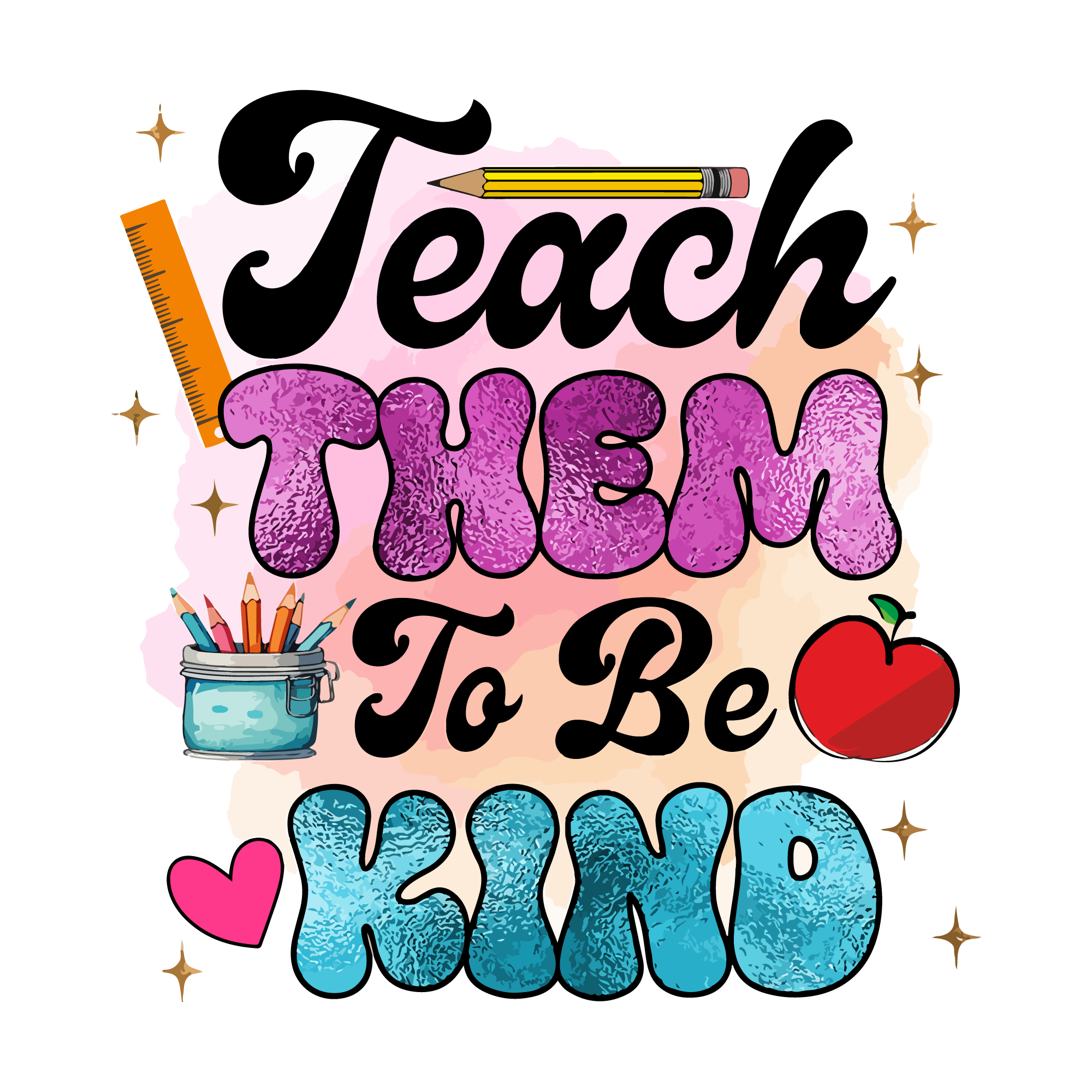
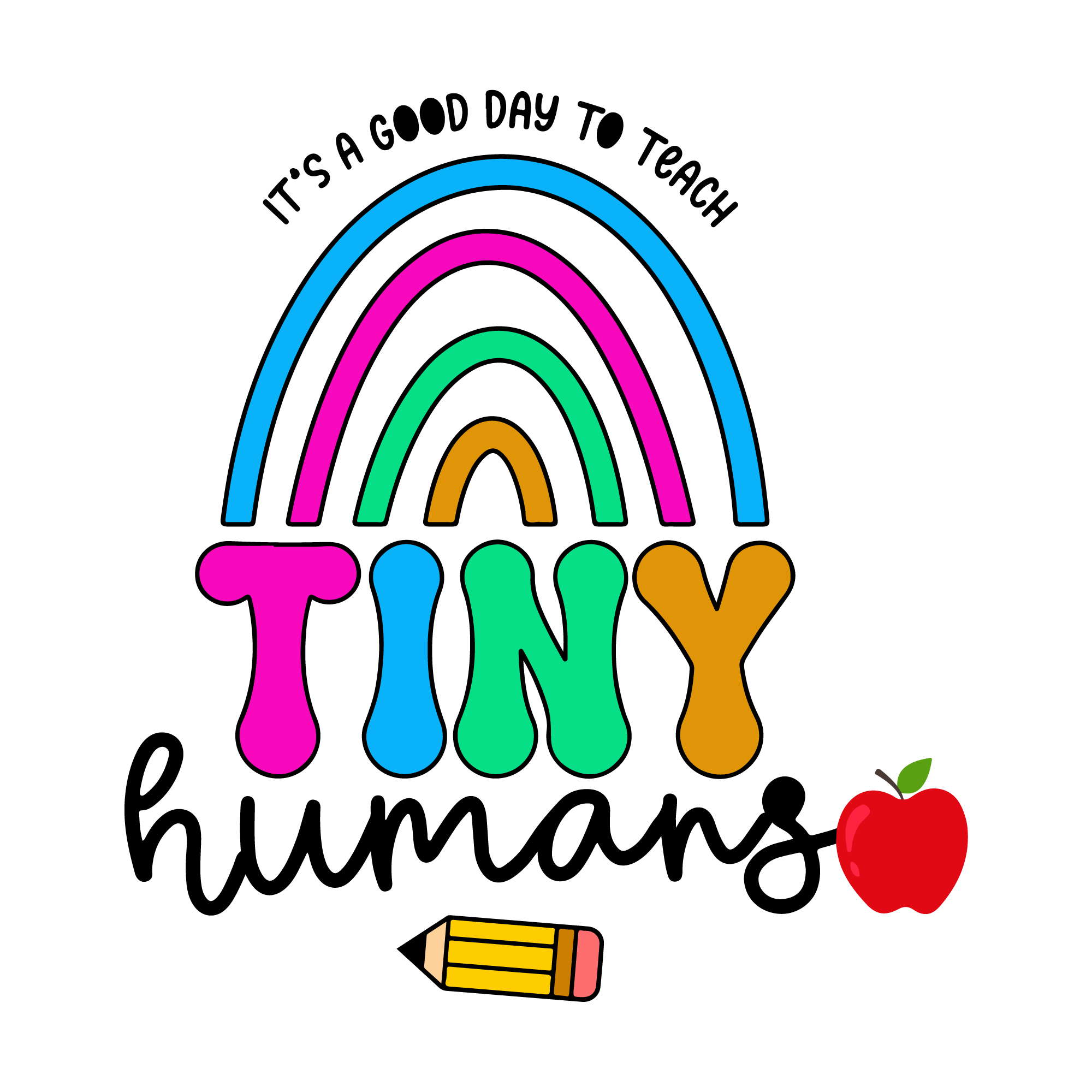
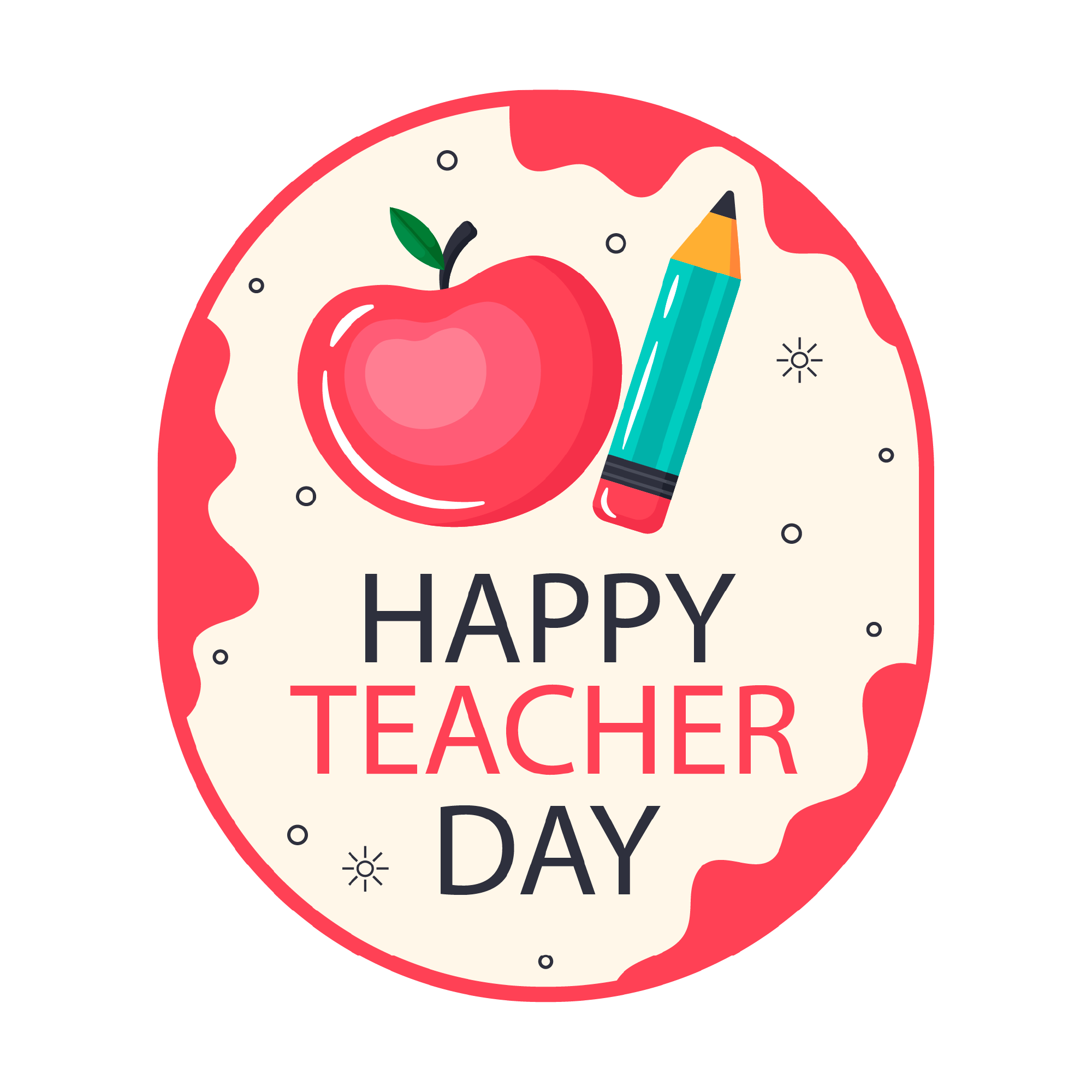
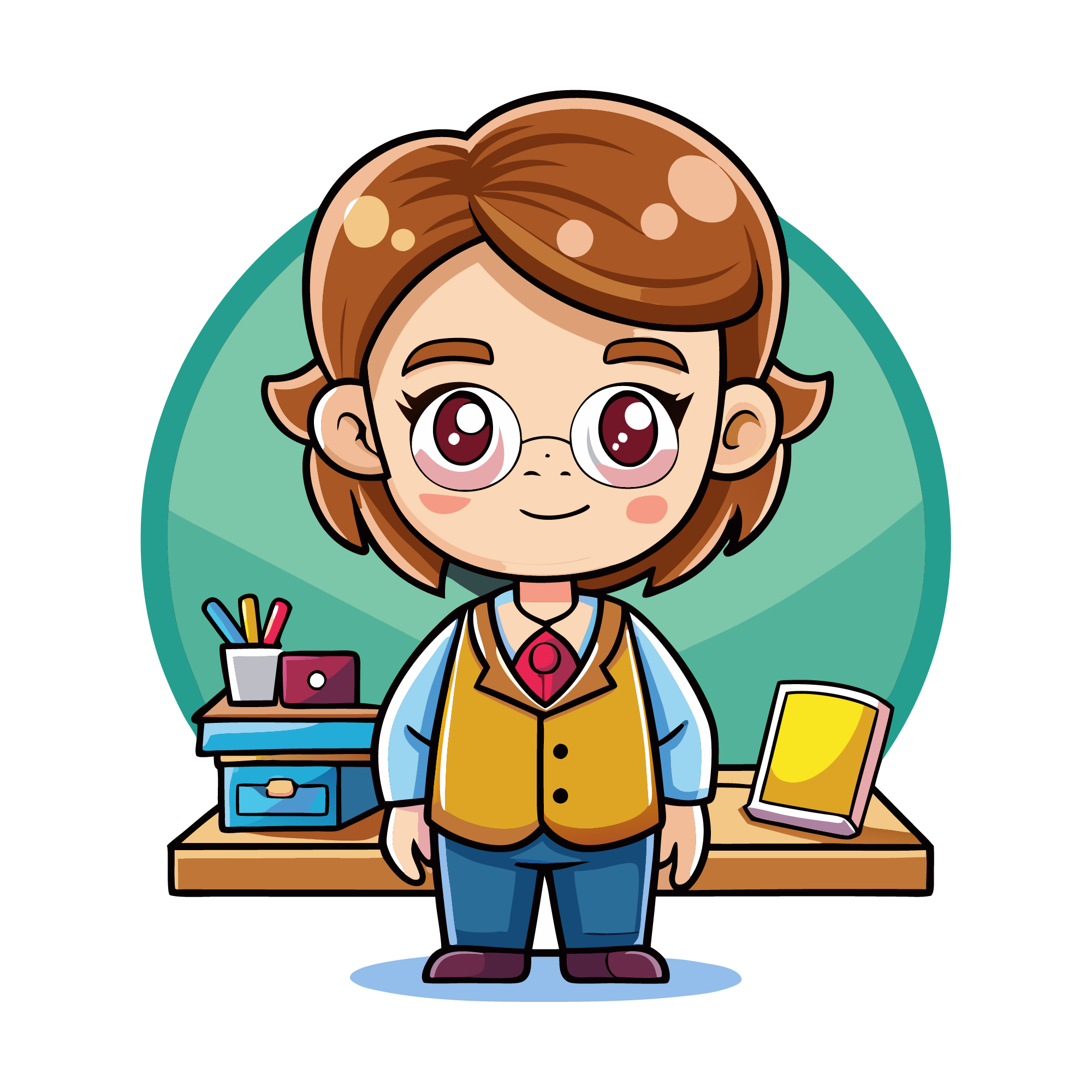
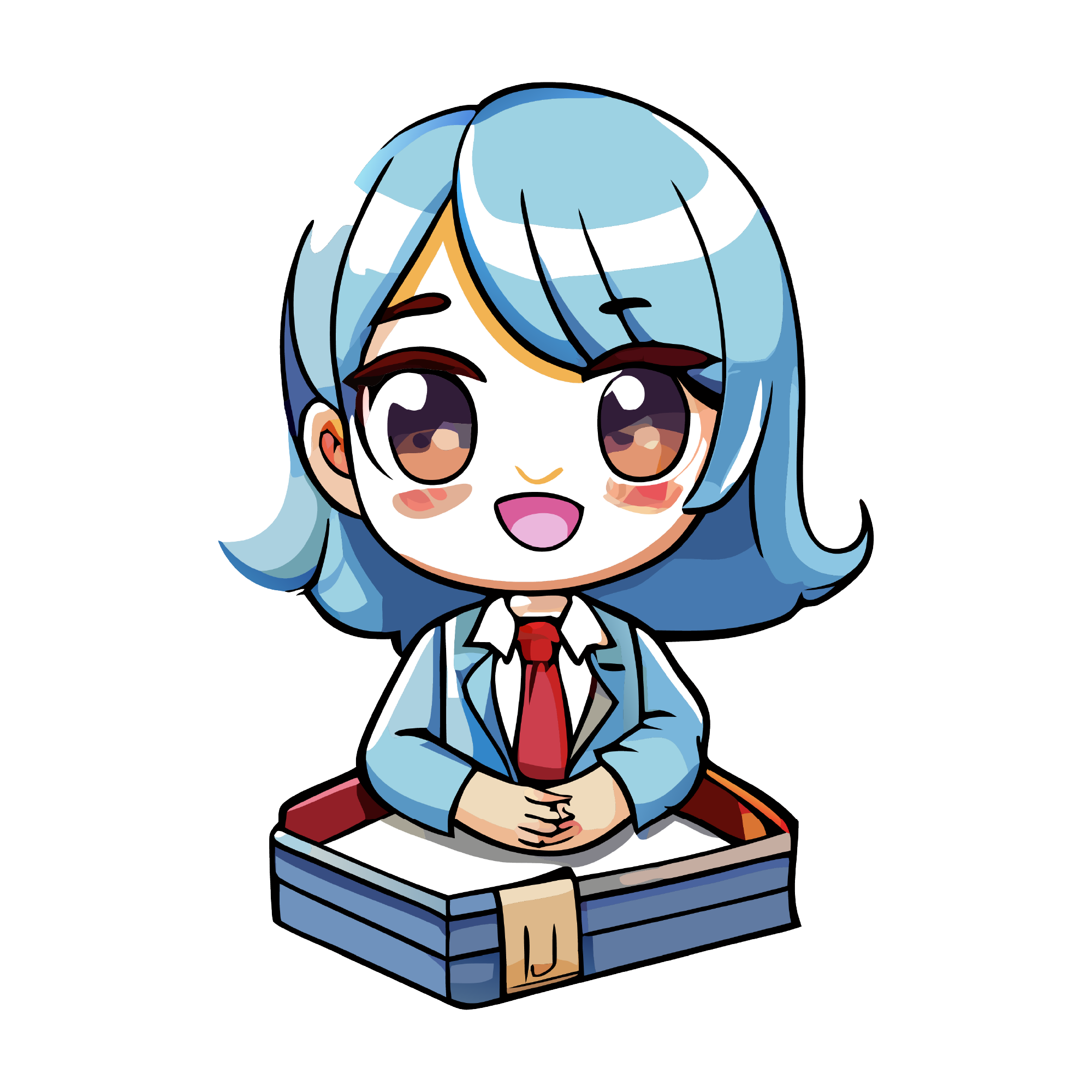
50 teacher designs, drawn as sticker artwork to customize before preparing the printed sheet and cut contour. The set covers apples, pencils, rulers, classroom lettering and teacher-name plates. They are made for teacher gifts, classroom door decor, name labels, first-day-of-school boards, lanyards and the tote every teacher gets in September.
50 designsStickersNew
3 free designs in this collection. Premium artwork, PDF and DXF export require a paid plan.


 Included with the Maker plan
 Included with the Maker plan
 Included with the Maker plan
 Included with the Maker plan
 Included with the Maker plan
 Included with the Maker plan
 Included with the Maker plan
 Included with the Maker plan
 Included with the Maker plan
 Included with the Maker plan
 Included with the Maker plan
 Included with the Maker plan
 Included with the Maker plan
 Included with the Maker plan
 Included with the Maker plan
 Included with the Maker plan
 Included with the Maker plan
 Included with the Maker plan
 Included with the Maker plan
 Included with the Maker plan
 Included with the Maker plan
 Included with the Maker plan
 Included with the Maker plan
 Included with the Maker plan
 Included with the Maker plan
 Included with the Maker plan
 Included with the Maker plan
 Included with the Maker plan
 Included with the Maker plan
 Included with the Maker plan
 Included with the Maker plan
 Included with the Maker plan
 Included with the Maker plan
 Included with the Maker plan
 Included with the Maker plan
 Included with the Maker plan
 Included with the Maker plan
 Included with the Maker plan
 Included with the Maker plan
 Included with the Maker plan
 Included with the Maker plan
 Included with the Maker plan
 Included with the Maker plan
 Included with the Maker plan
 Included with the Maker plan
 Included with the Maker plan
 Included with the Maker plan
What people make with teacher stickers
Teacher gifts, classroom door decor, name labels, first-day-of-school boards, lanyards and the tote every teacher gets in September, those are the pieces this collection gets used for. In this format they go on planner pages, water bottles, laptops, packaging inserts and sticker sheets for sale.
Print-then-cut
Import your exported artwork into the software that controls your cutting machine. Set the offset, layout and sensor marks there, using the actual machine and paper size. Print and cut one test sheet to check alignment before producing a batch. The supported sheet size and usable printable area are different measurements.
Getting teacher designs right
A die-cut sticker needs an offset border wide enough for the blade to track around. Too narrow and the cut wanders into the artwork; too wide and the sticker reads as a sheet of white. Name plates want bulk personalisation: merge the staff list and cut the whole set in one pass. This theme lives on names, which means bulk personalisation rather than one design at a time. Merge a class list from a CSV and cut thirty labels in one pass instead of editing the text field thirty times.
When to make these
A hard peak from late July through the first week of September, and a second one at end of term. If you sell, that is the window the listings need to be live in, search traffic for a seasonal theme arrives weeks before the date, not on it. Sticker sheets sell in multiples, so lay out the full sheet before you print rather than cutting singles, the per-unit cost of a seasonal run is set at the layout stage.
Exporting for your machine
Export PNG for printed artwork or SVG for a vector workflow. For Cricut Print Then Cut, prepare the final layout and sensor marks in Design Space after importing your artwork. Select your actual machine and page size there.
For cutting projects, import the SVG into Cricut Design Space, Silhouette Studio and laser software and check the operation assigned to each layer before making the project. For a printed sheet, the print-then-cut guide covers registration and bleed.
SVG and PNG exports are available in the free studio. PDF and DXF export require a paid plan. Check plans and commercial-use licensing before making products to sell.
Make your project
Teacher in other formats
The same theme drawn for a different medium, printed, pressed or cut.
Questions
Open a teacher design now
Start with a free design from this collection and customize it in the browser. Premium designs require a paid plan.