Black History Month watercolor clipart
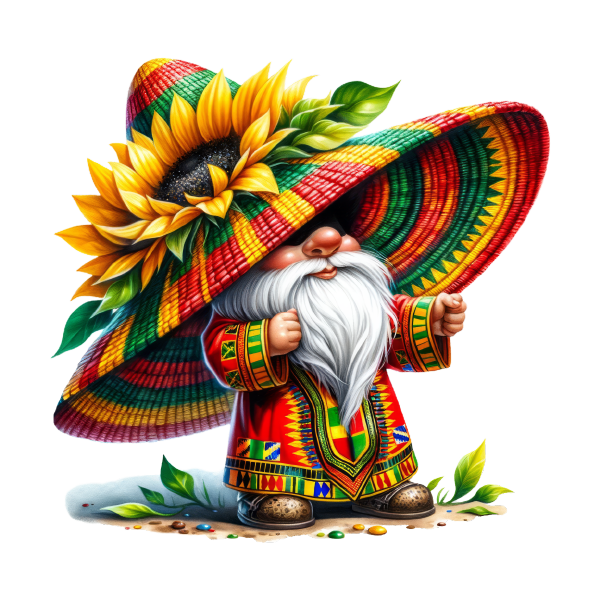
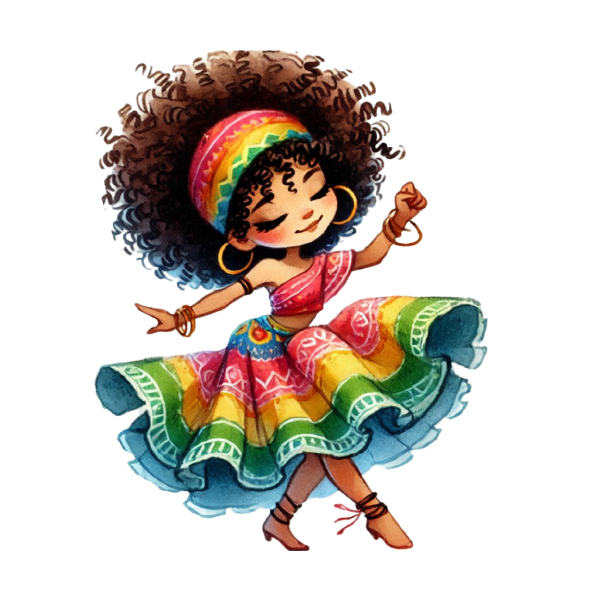
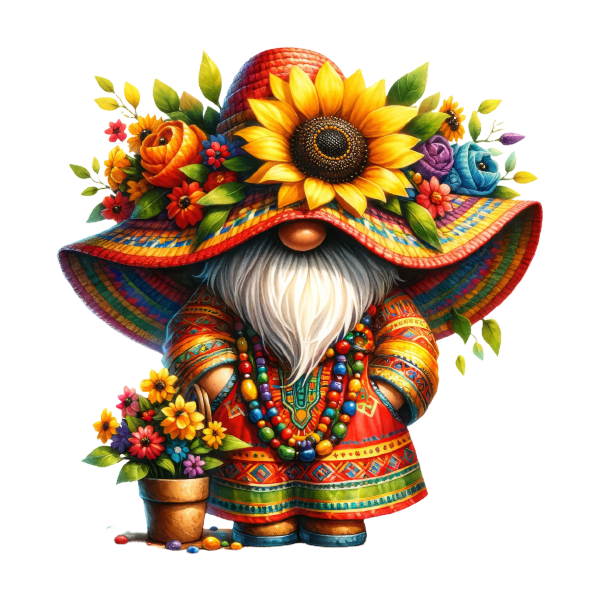
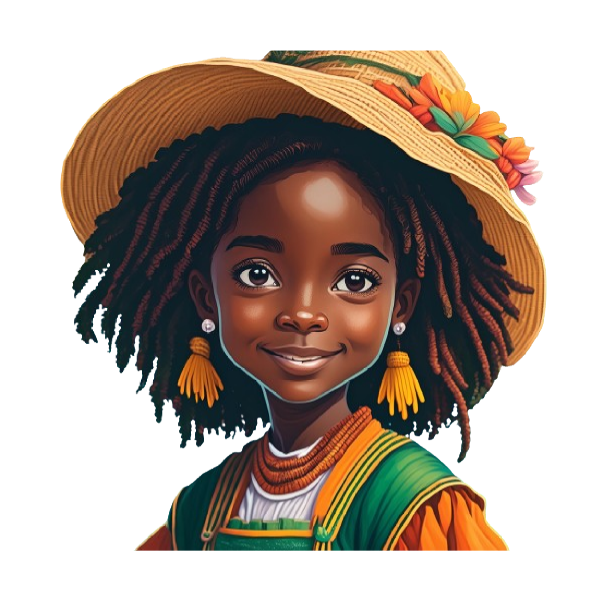
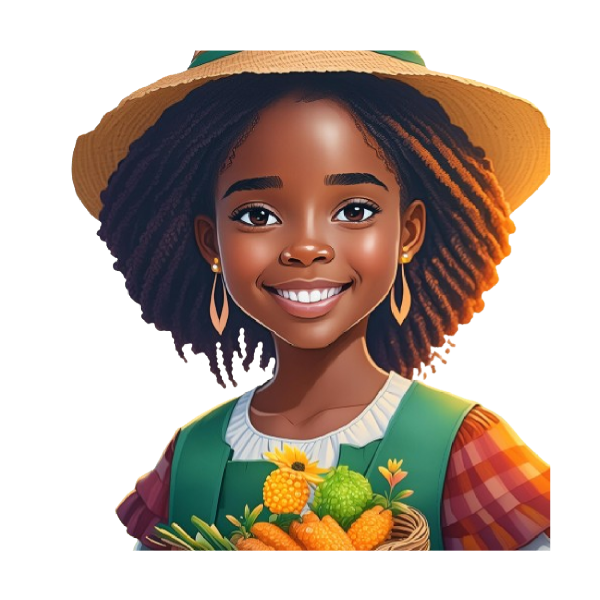
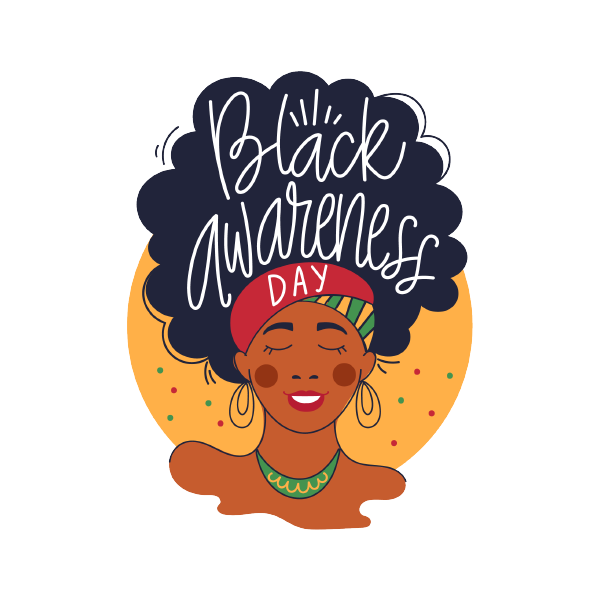
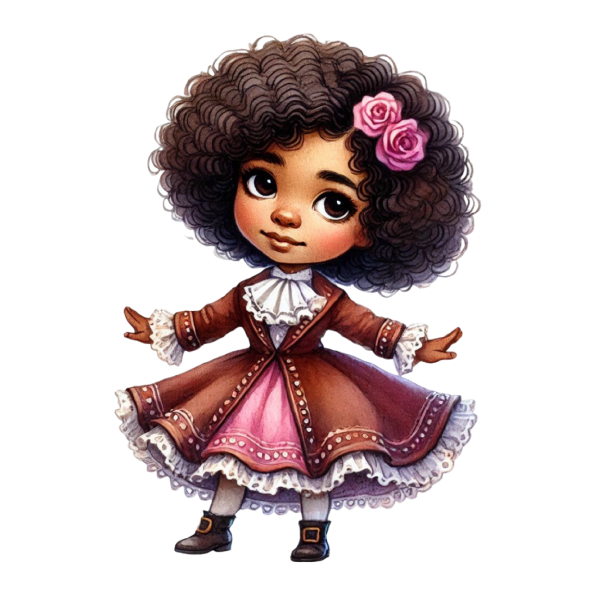
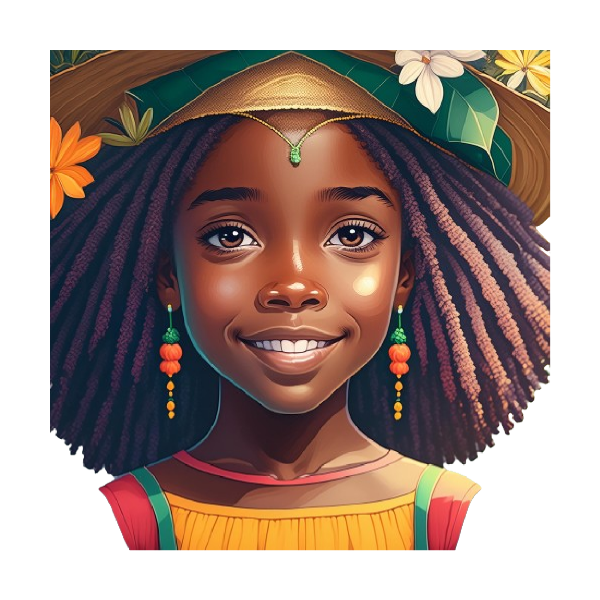
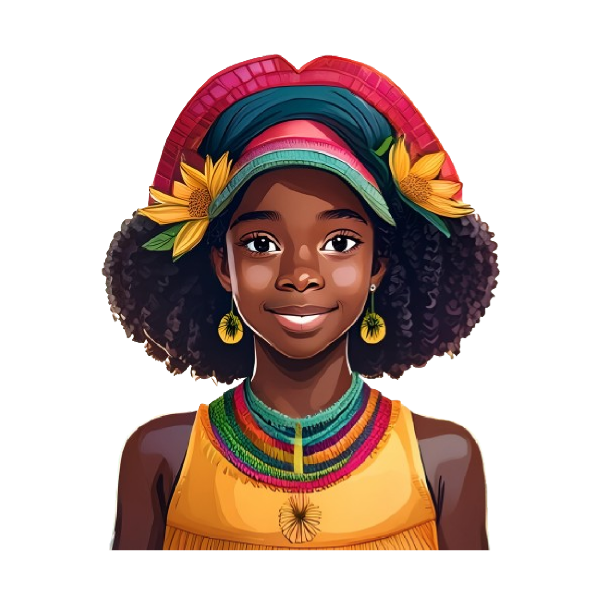
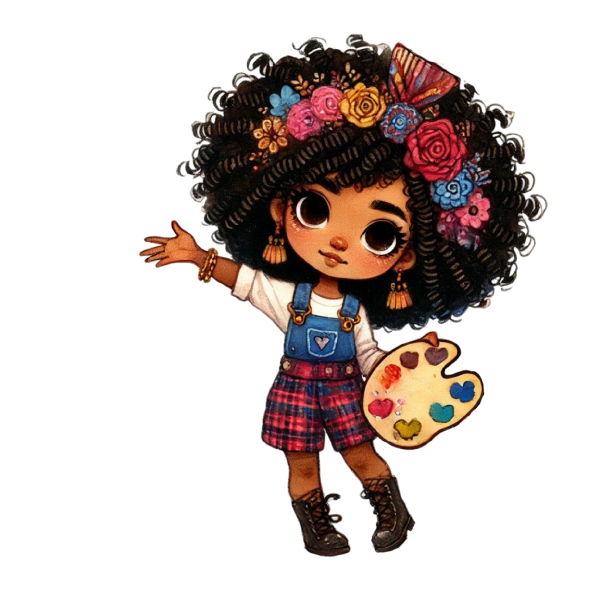
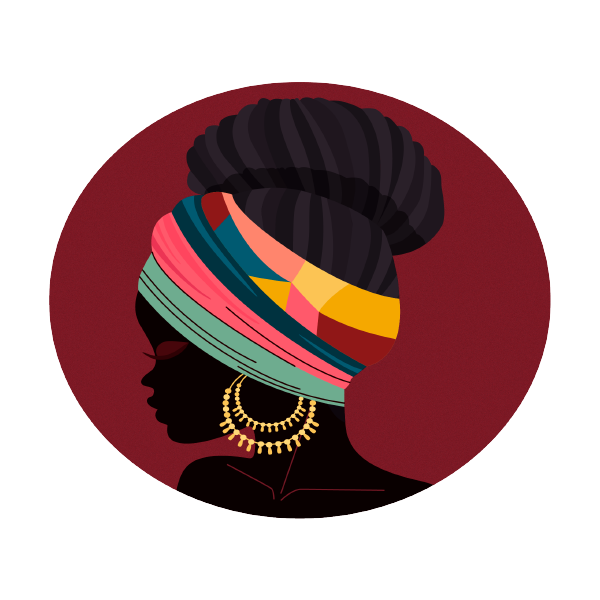
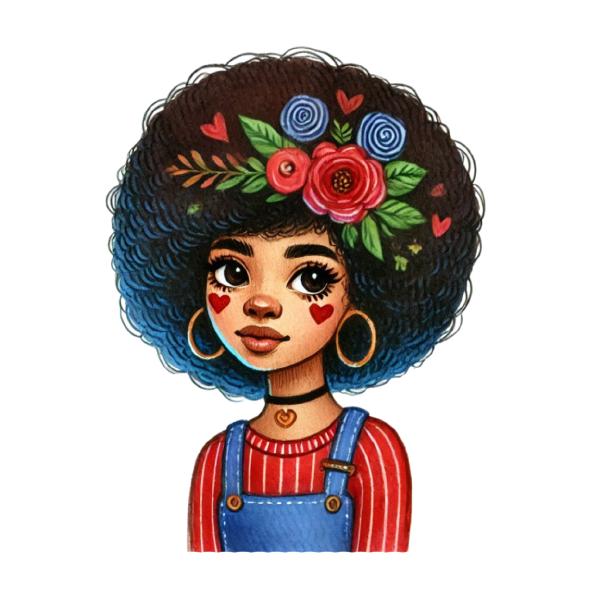
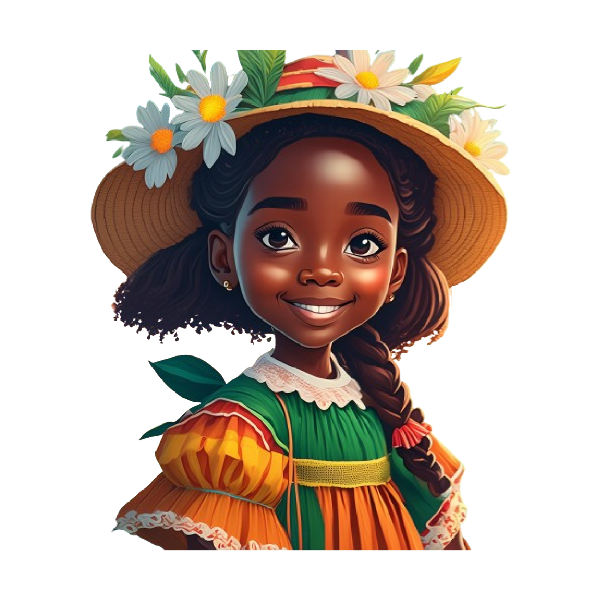
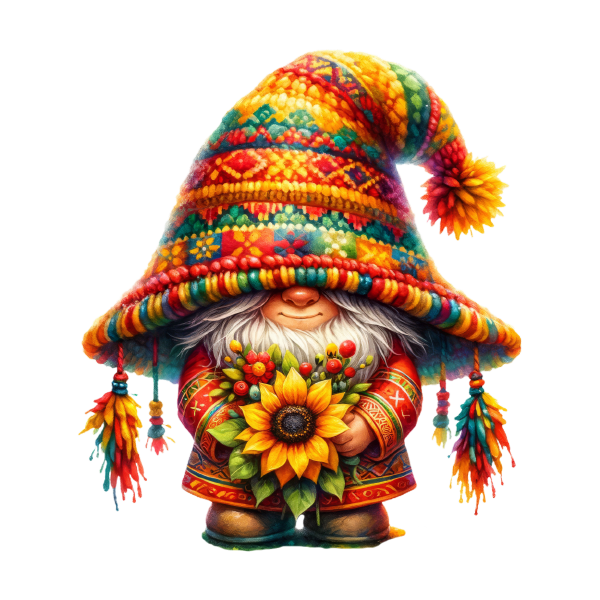
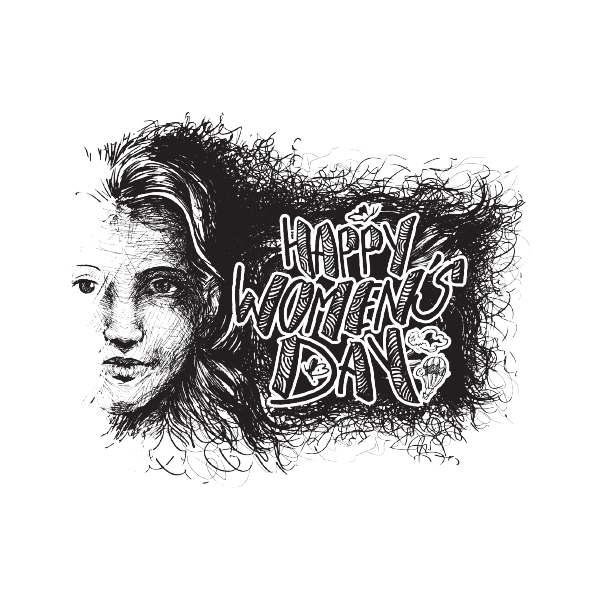
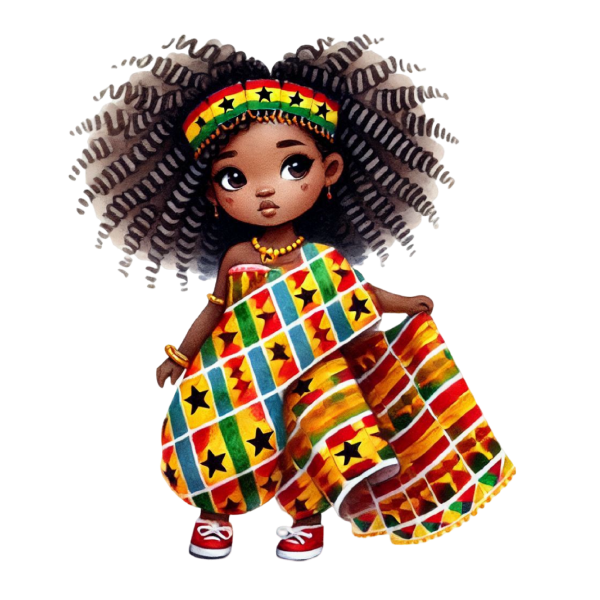
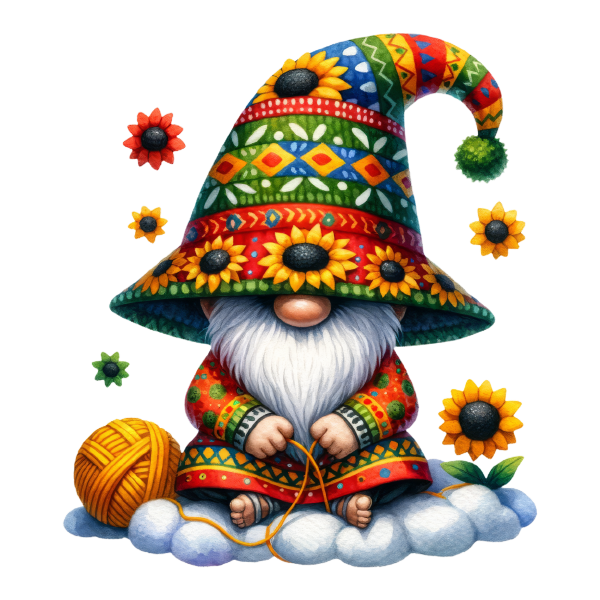
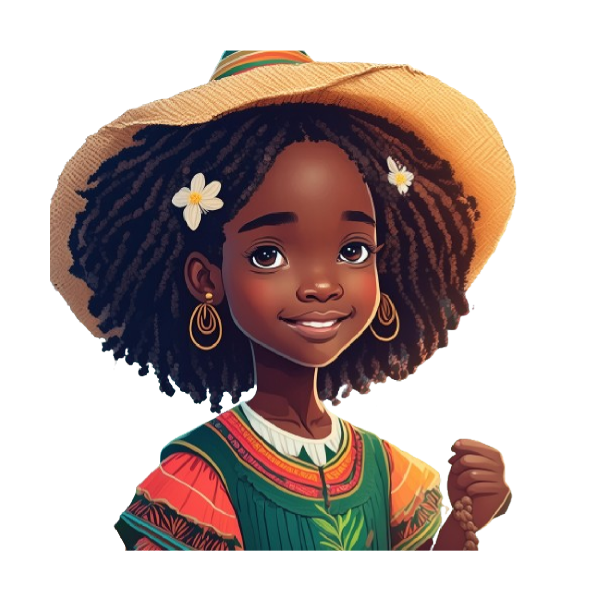
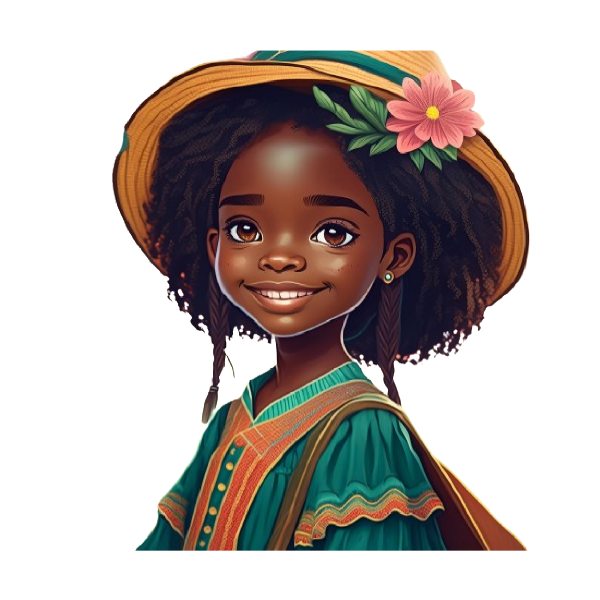
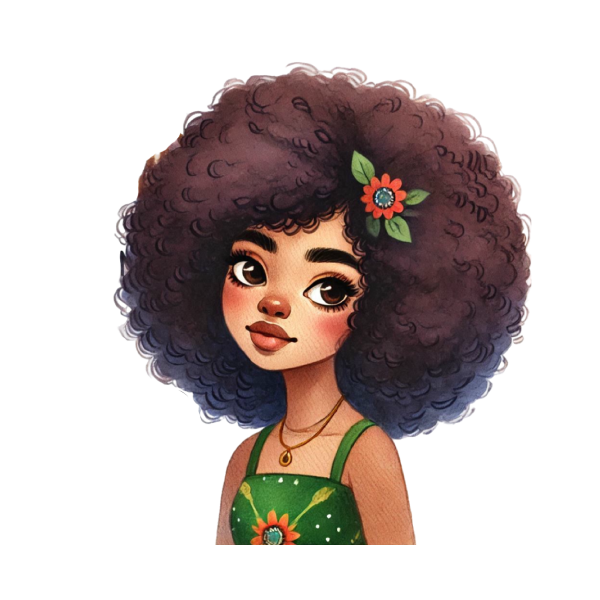
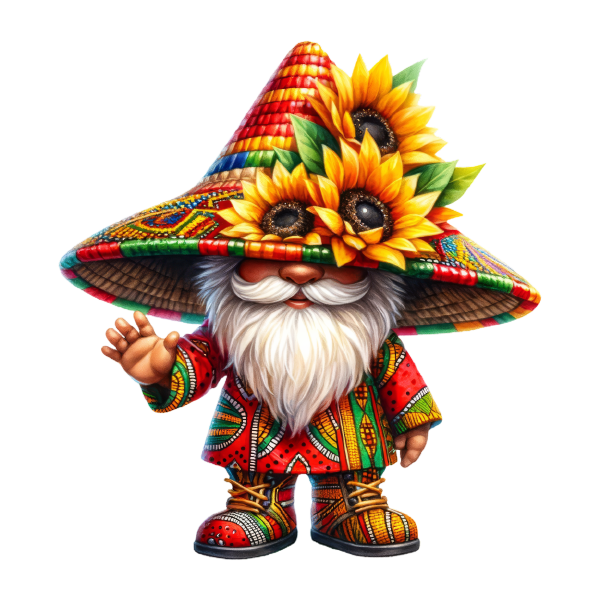
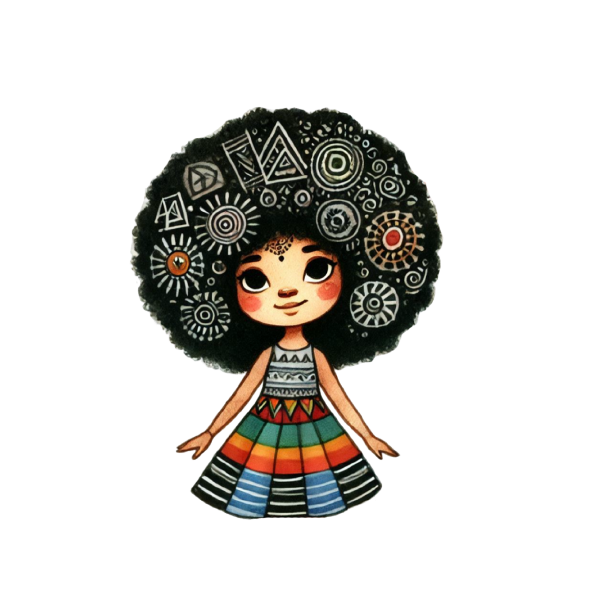
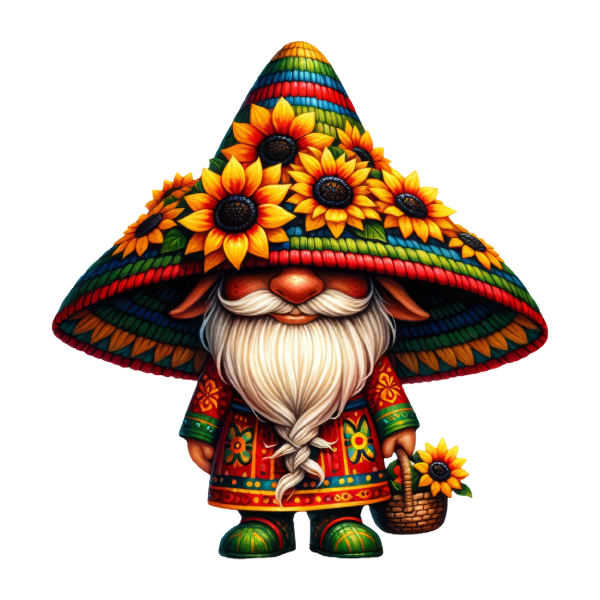
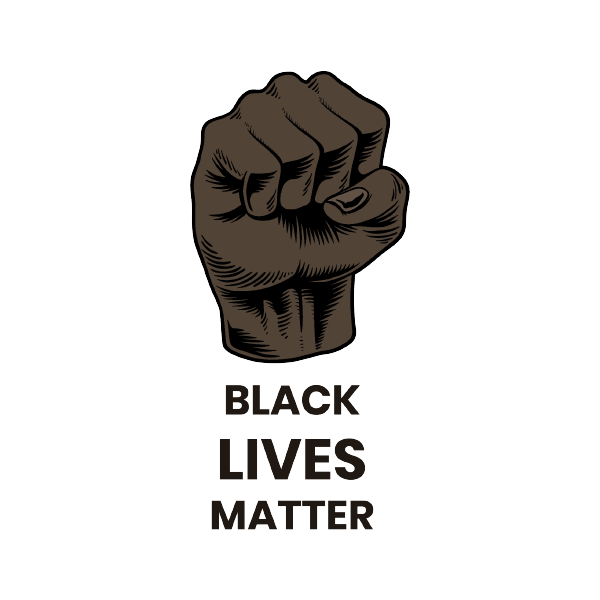
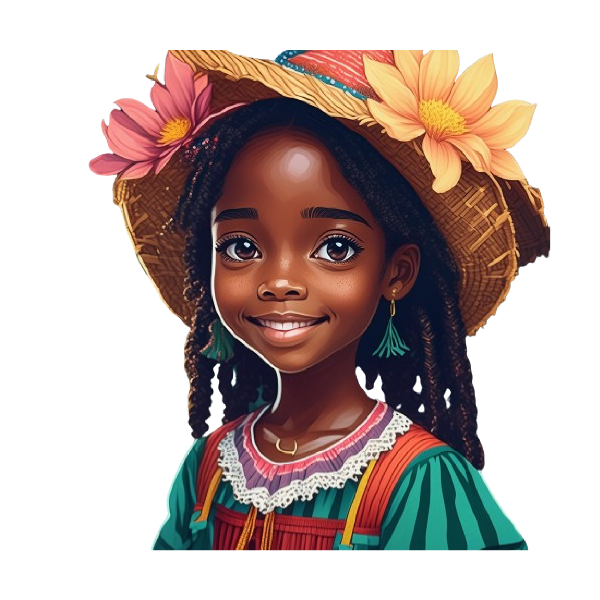
50 black history month designs, drawn as watercolour clip art for print, sublimation and digital layouts. The set covers commemorative portraits, lettering and heritage motifs. They are made for fundraiser shirts, walk-day signs, car magnets, ribbon decals and the bulk orders a team places three weeks before an event.
50 designsWatercolourNew
3 free designs in this collection. Premium artwork, PDF and DXF export require a paid plan.
 Included with the Maker plan
 Included with the Maker plan
 Included with the Maker plan
 Included with the Maker plan
 Included with the Maker plan
 Included with the Maker plan
 Included with the Maker plan
 Included with the Maker plan
 Included with the Maker plan
 Included with the Maker plan
 Included with the Maker plan
 Included with the Maker plan
 Included with the Maker plan
 Included with the Maker plan
 Included with the Maker plan
 Included with the Maker plan
 Included with the Maker plan
 Included with the Maker plan
 Included with the Maker plan
 Included with the Maker plan
 Included with the Maker plan
 Included with the Maker plan
 Included with the Maker plan
 Included with the Maker plan
 Included with the Maker plan
 Included with the Maker plan
 Included with the Maker plan
 Included with the Maker plan
 Included with the Maker plan
 Included with the Maker plan
 Included with the Maker plan
 Included with the Maker plan
 Included with the Maker plan
 Included with the Maker plan
 Included with the Maker plan
 Included with the Maker plan
 Included with the Maker plan
 Included with the Maker plan
 Included with the Maker plan
 Included with the Maker plan
 Included with the Maker plan
 Included with the Maker plan
 Included with the Maker plan
 Included with the Maker plan
 Included with the Maker plan
 Included with the Maker plan
 Included with the Maker plan
What people make with black history month watercolour
Fundraiser shirts, walk-day signs, car magnets, ribbon decals and the bulk orders a team places three weeks before an event, those are the pieces this collection gets used for. In this format they go on printed wall art, greeting cards, planner pages, sublimation blanks and digital layouts.
Printing at quality
Watercolour art lives or dies on print resolution. Export at the final physical size and at least 300 DPI, a file that looks crisp on screen at 72 DPI will band and soften the moment it is printed at 8in. Soft watercolour edges also need a white or very light substrate; on a coloured blank the pale washes at the edge of each stroke disappear entirely.
Getting black history month designs right
Soft edges are the whole point, which makes this print-then-cut territory: the cut line goes around the artwork, never through the wash, or you lose the feathered edge that distinguishes it. Portrait work is high-detail and suits print-then-cut better than a vinyl cut. These are almost always bulk runs in mixed sizes: forty shirts, four sizes, sometimes with names on the back. Cut the fronts as one nested job, then merge the name list separately, it halves the mat changes.
When to make these
Tied to awareness months, which are fixed: October for breast cancer, April for autism, February for Black History Month. If you sell, that is the window the listings need to be live in, search traffic for a seasonal theme arrives weeks before the date, not on it. Print a single sheet before the run, watercolour shifts further between screen and paper than flat vector does, and the colour you approved may not be the colour that arrives.
Exporting for your machine
Export PNG at 300 DPI or higher for printing and sublimation, or PDF at true physical size for a press-ready layout. A cut line is optional: add a contour offset first if you want print-then-cut.
For cutting projects, import the SVG into Cricut Design Space, Silhouette Studio and laser software and check the operation assigned to each layer before making the project. For a printed sheet, the print-then-cut guide covers registration and bleed.
SVG and PNG exports are available in the free studio. PDF and DXF export require a paid plan. Check plans and commercial-use licensing before making products to sell.
Questions
Open a black history month design now
Start with a free design from this collection and customize it in the browser. Premium designs require a paid plan.