Fruit watercolour clip art
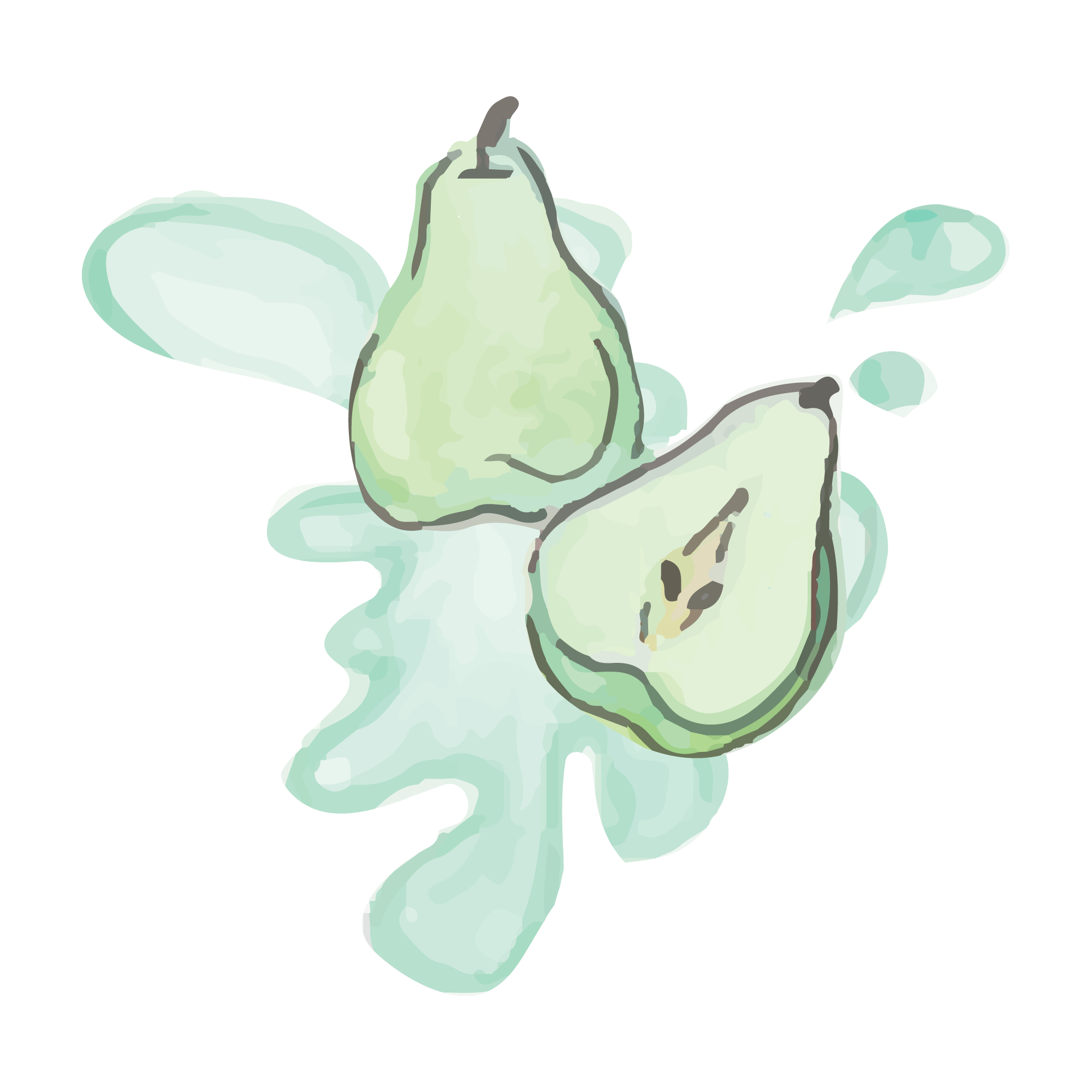
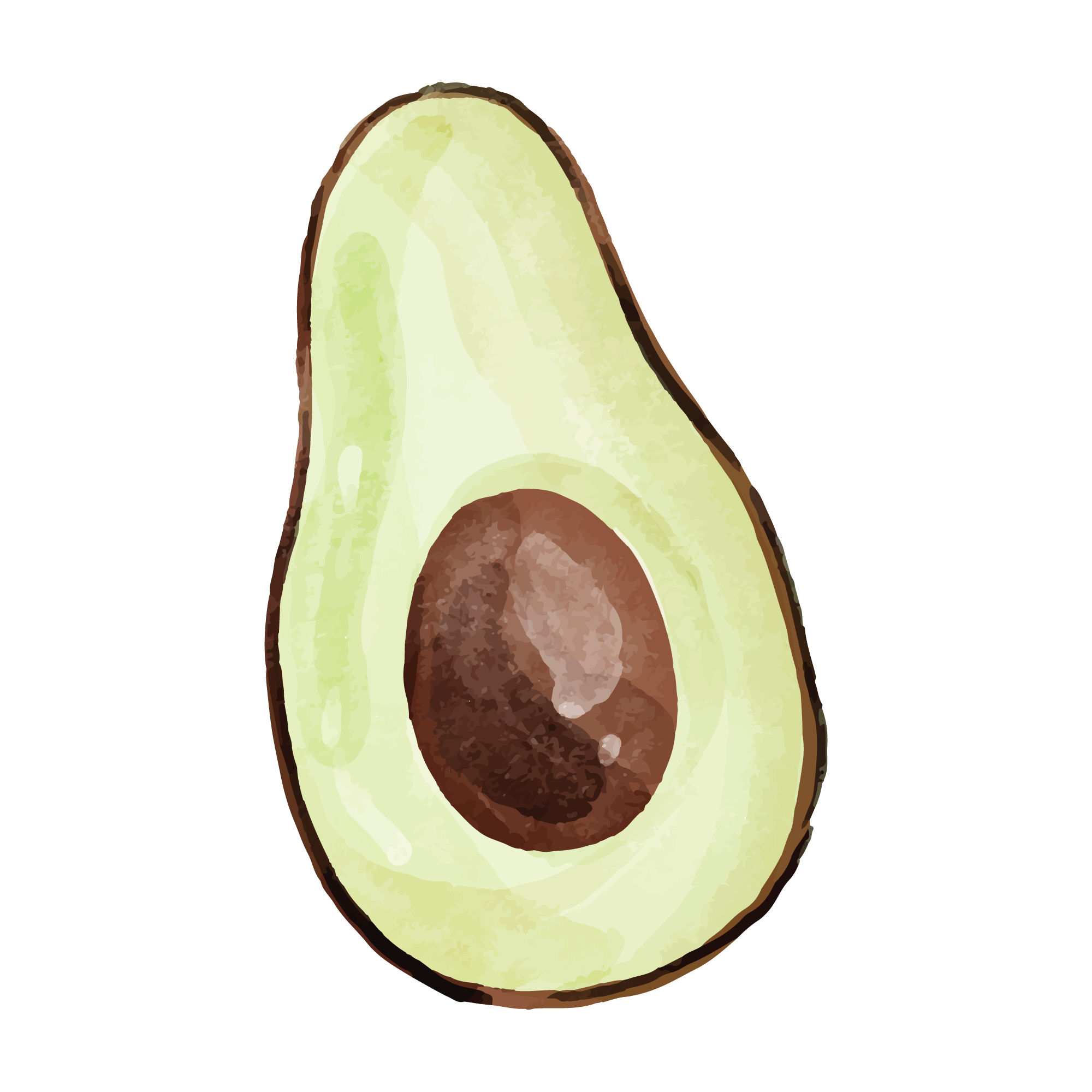
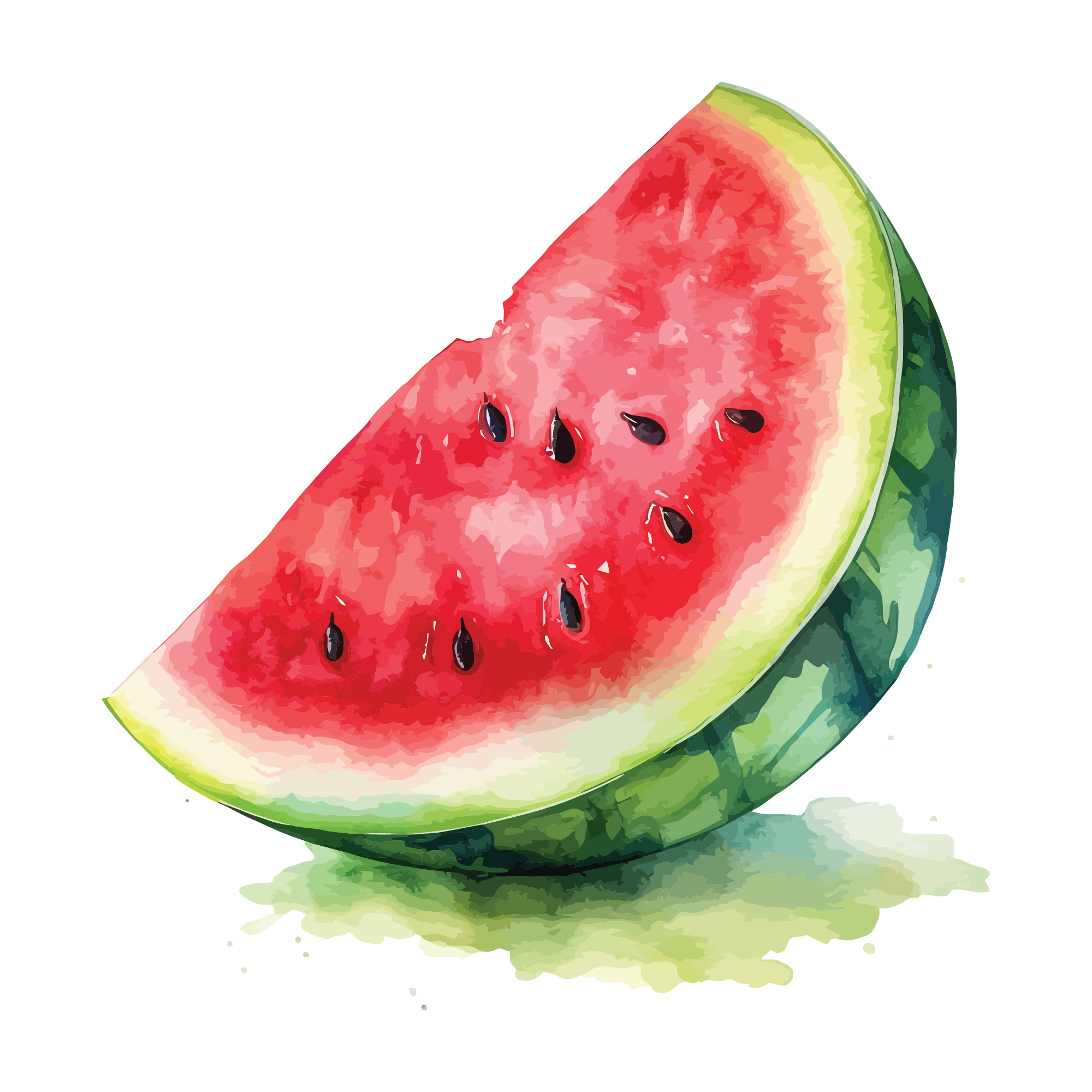
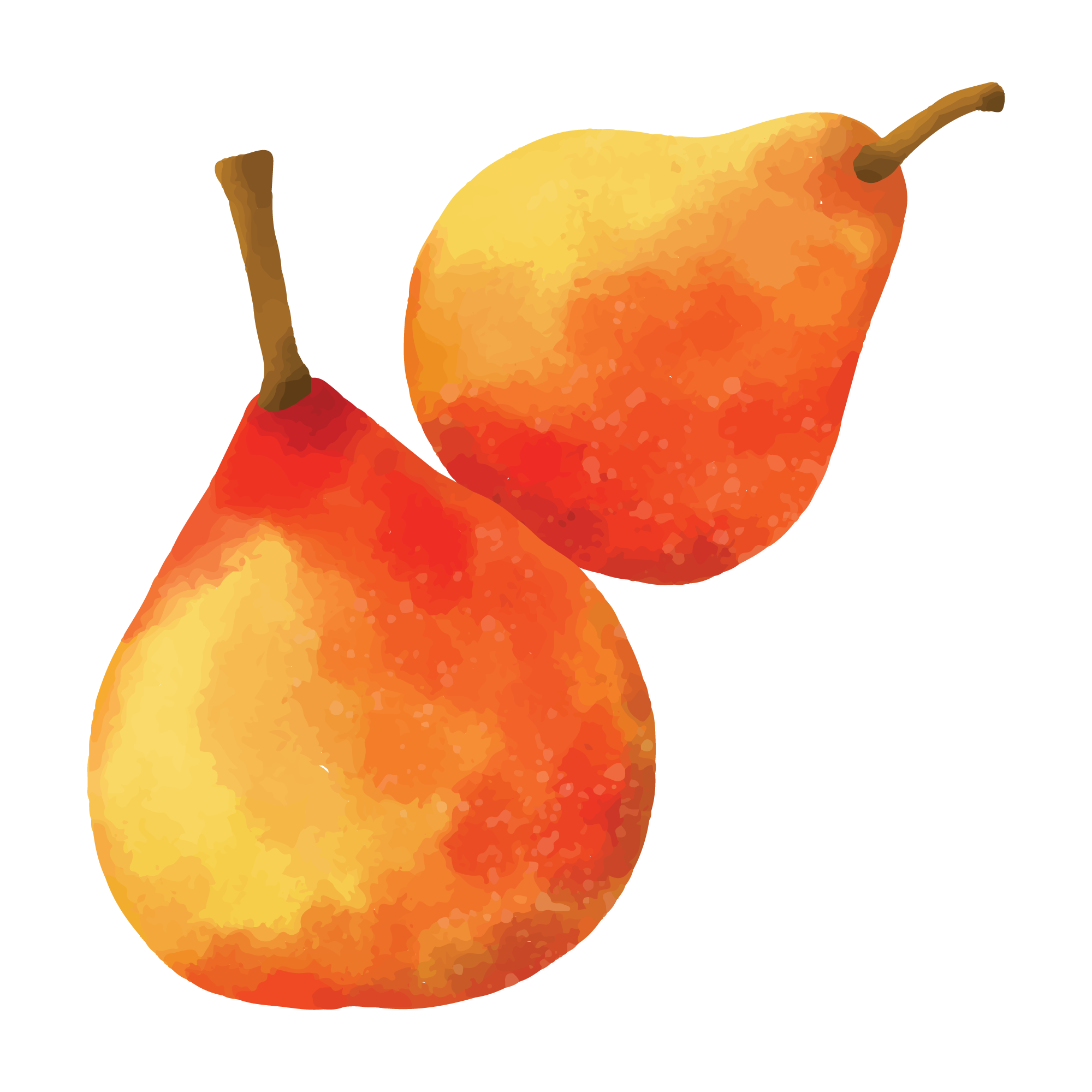
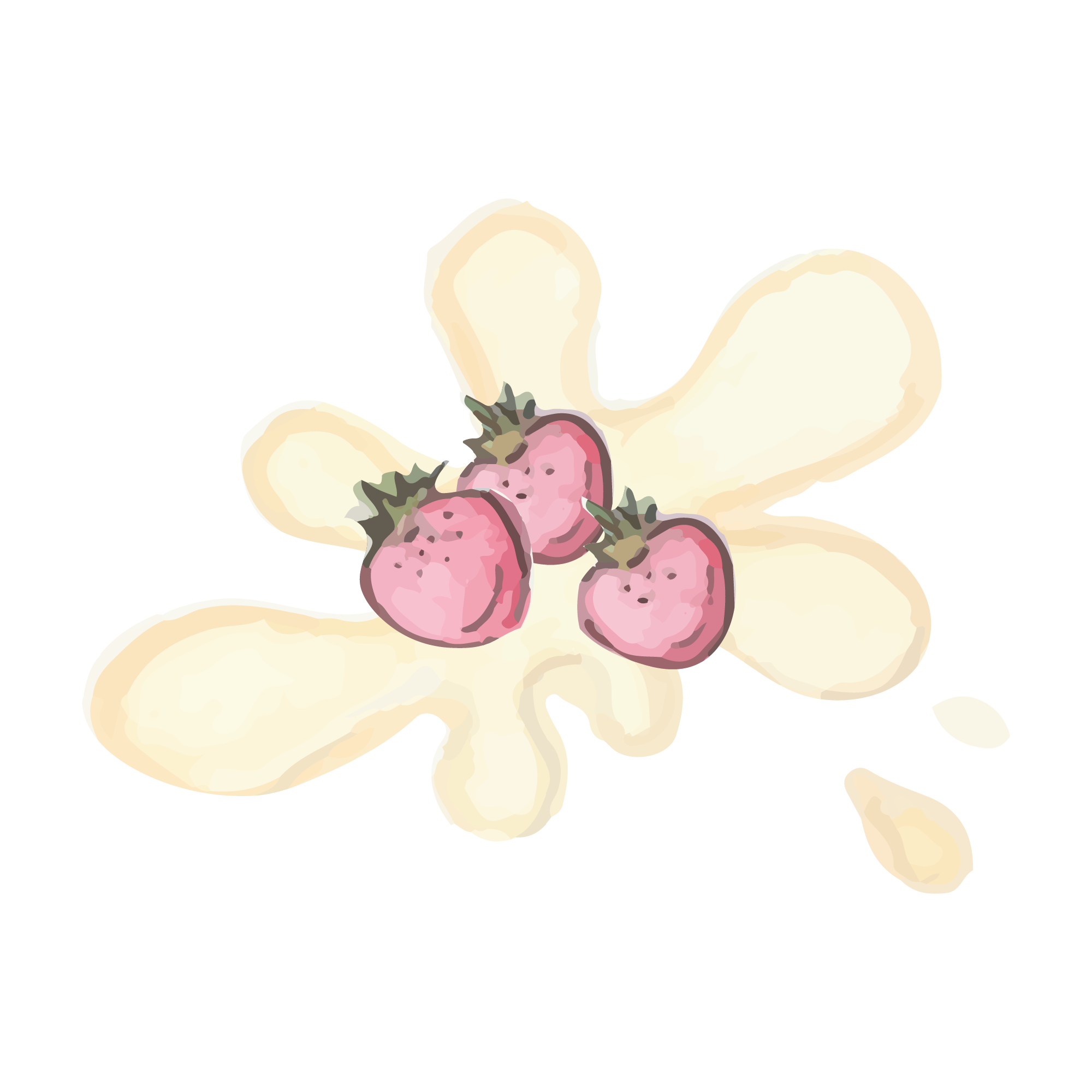
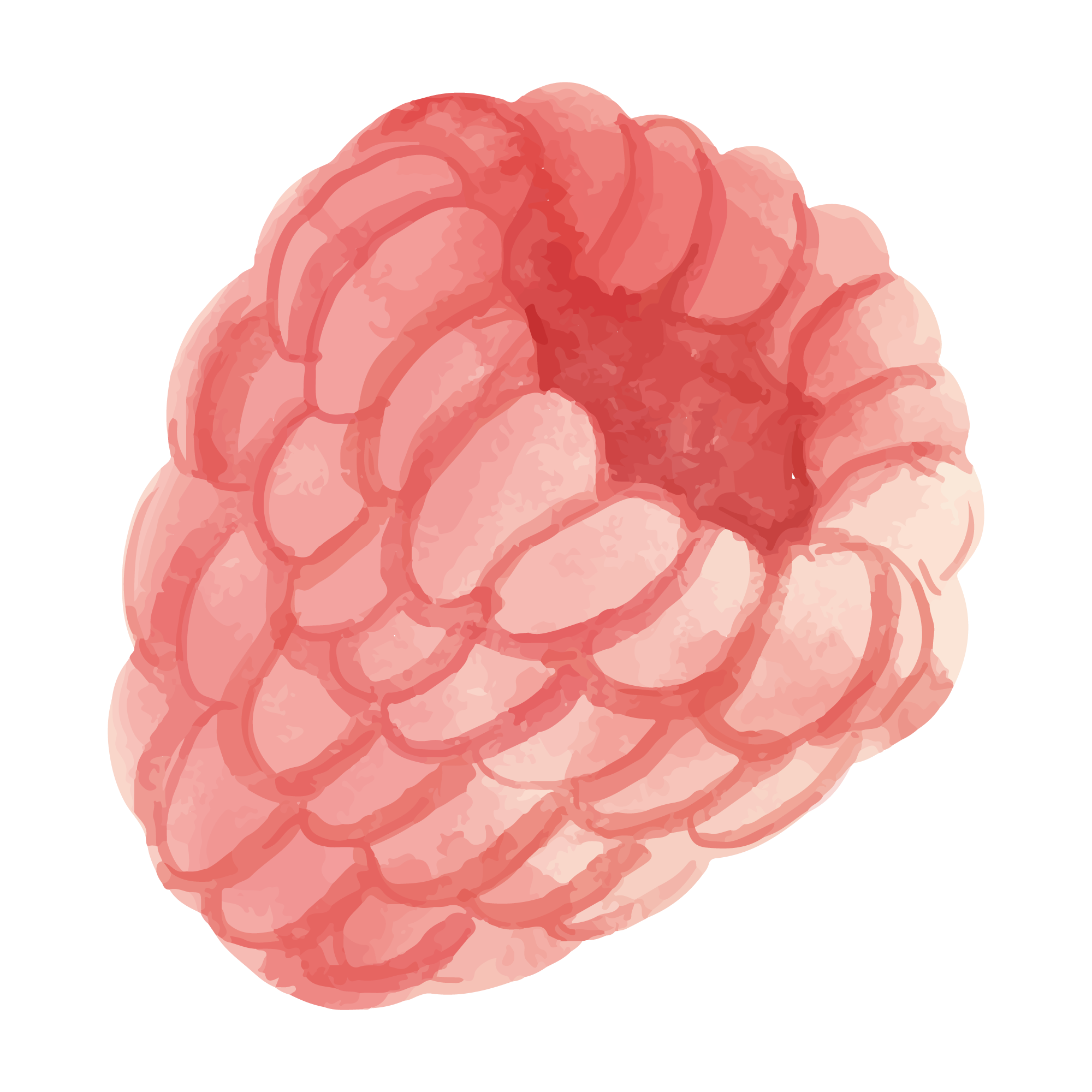
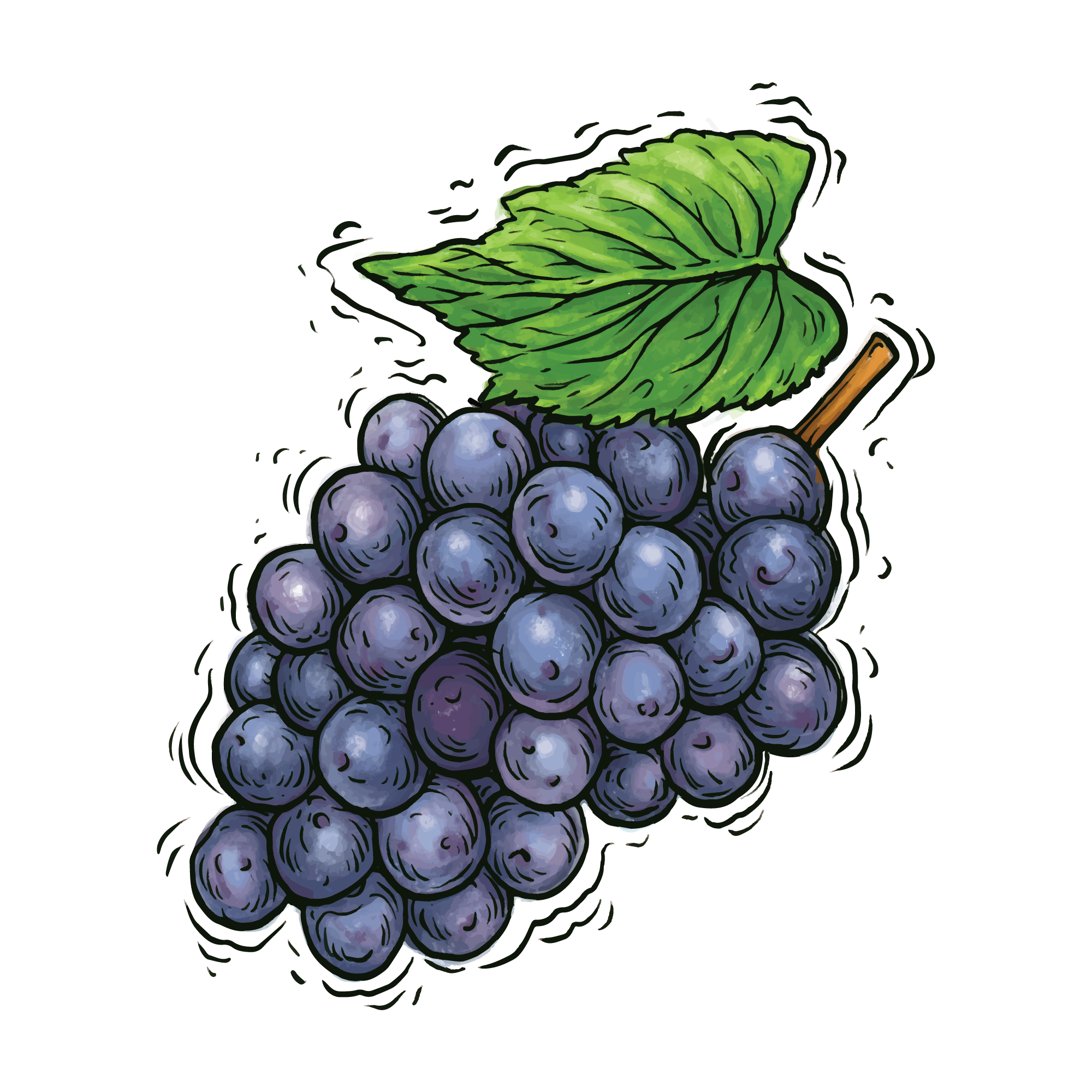
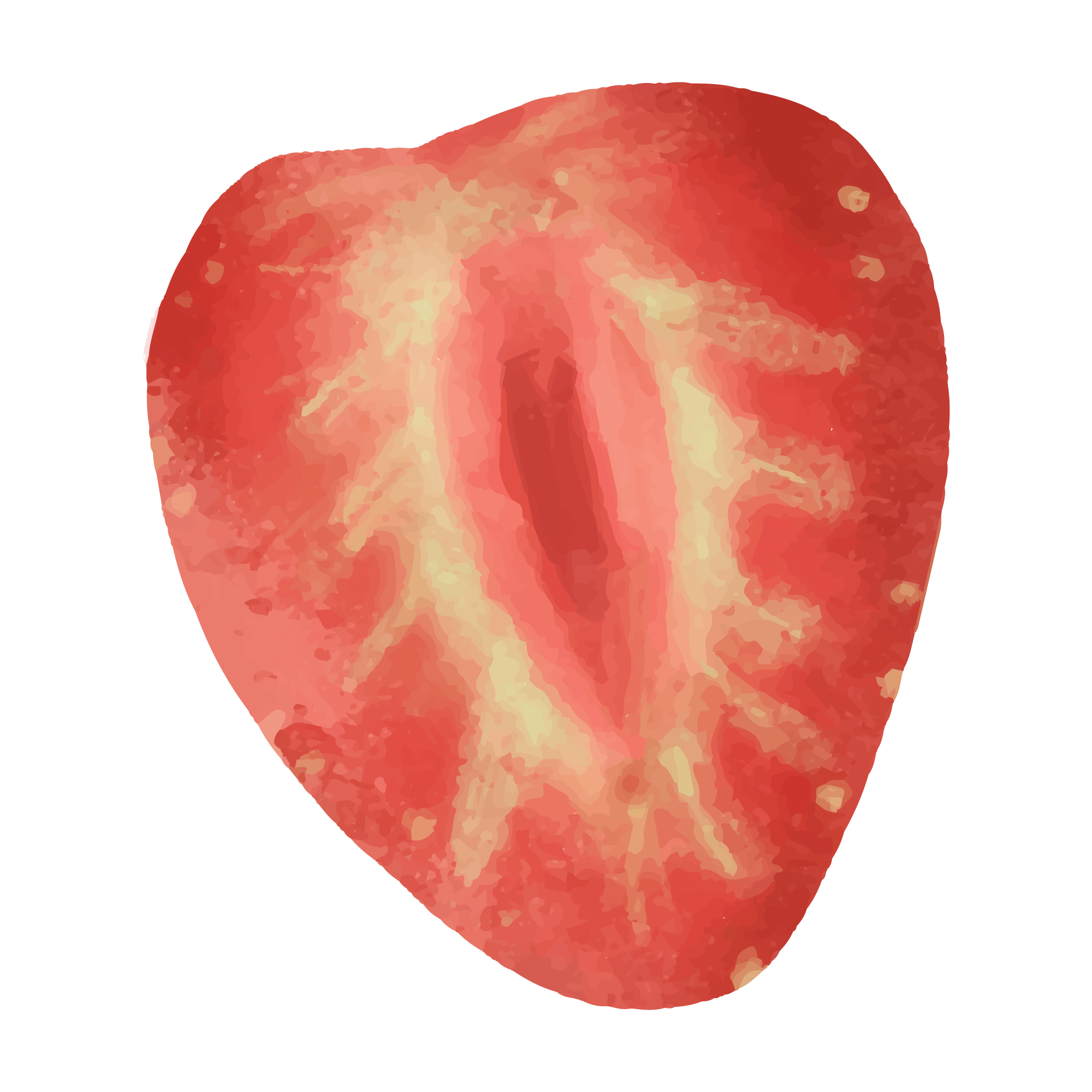
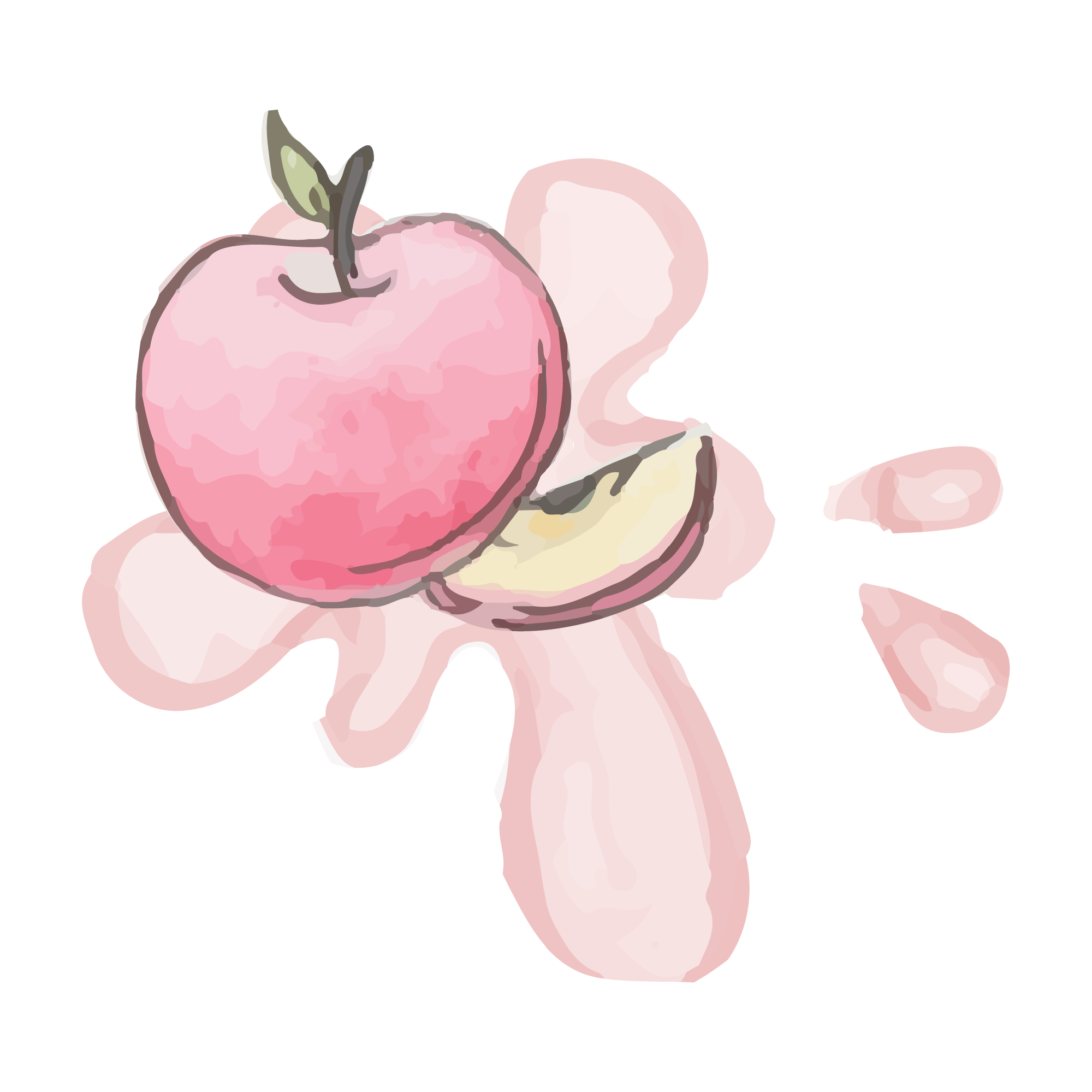
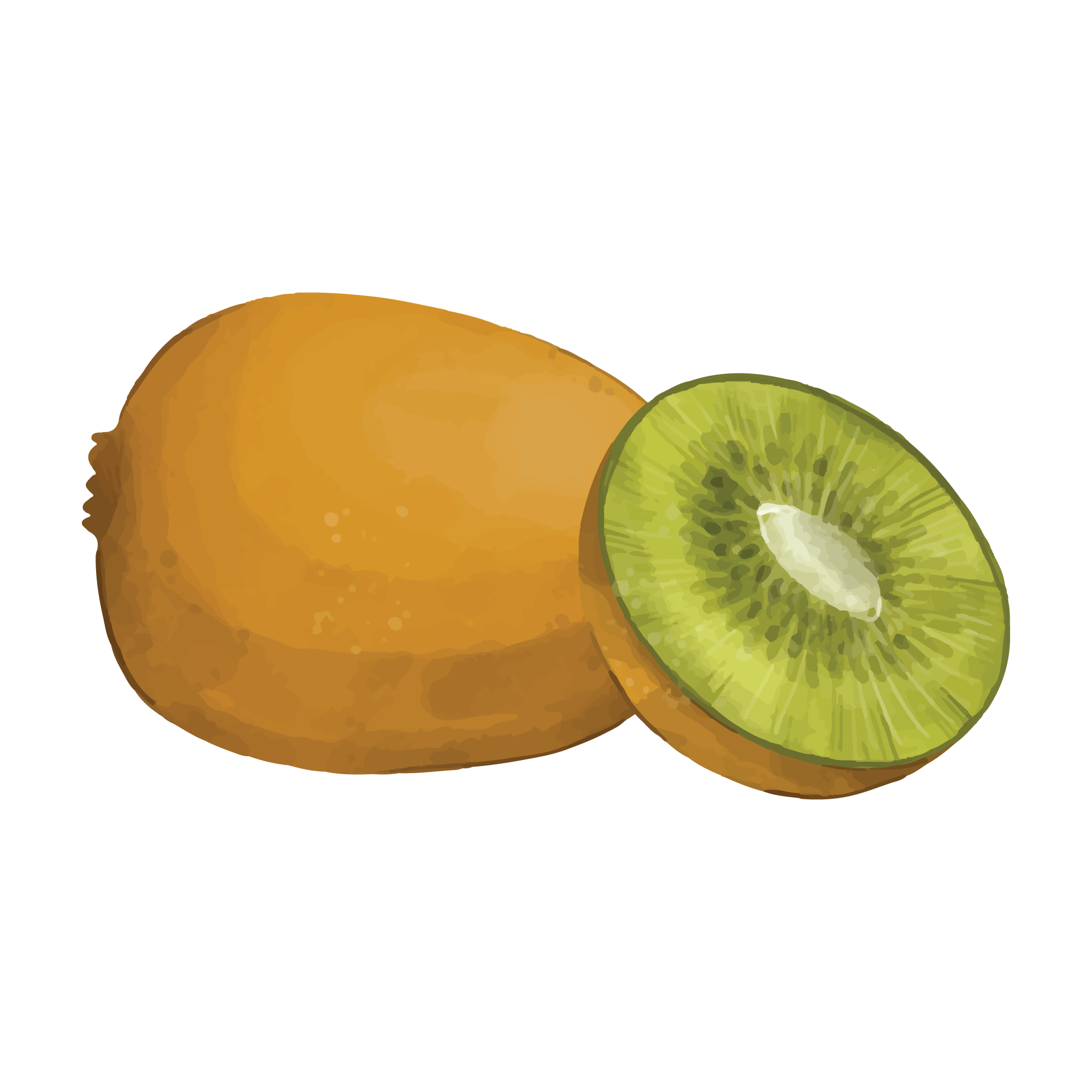
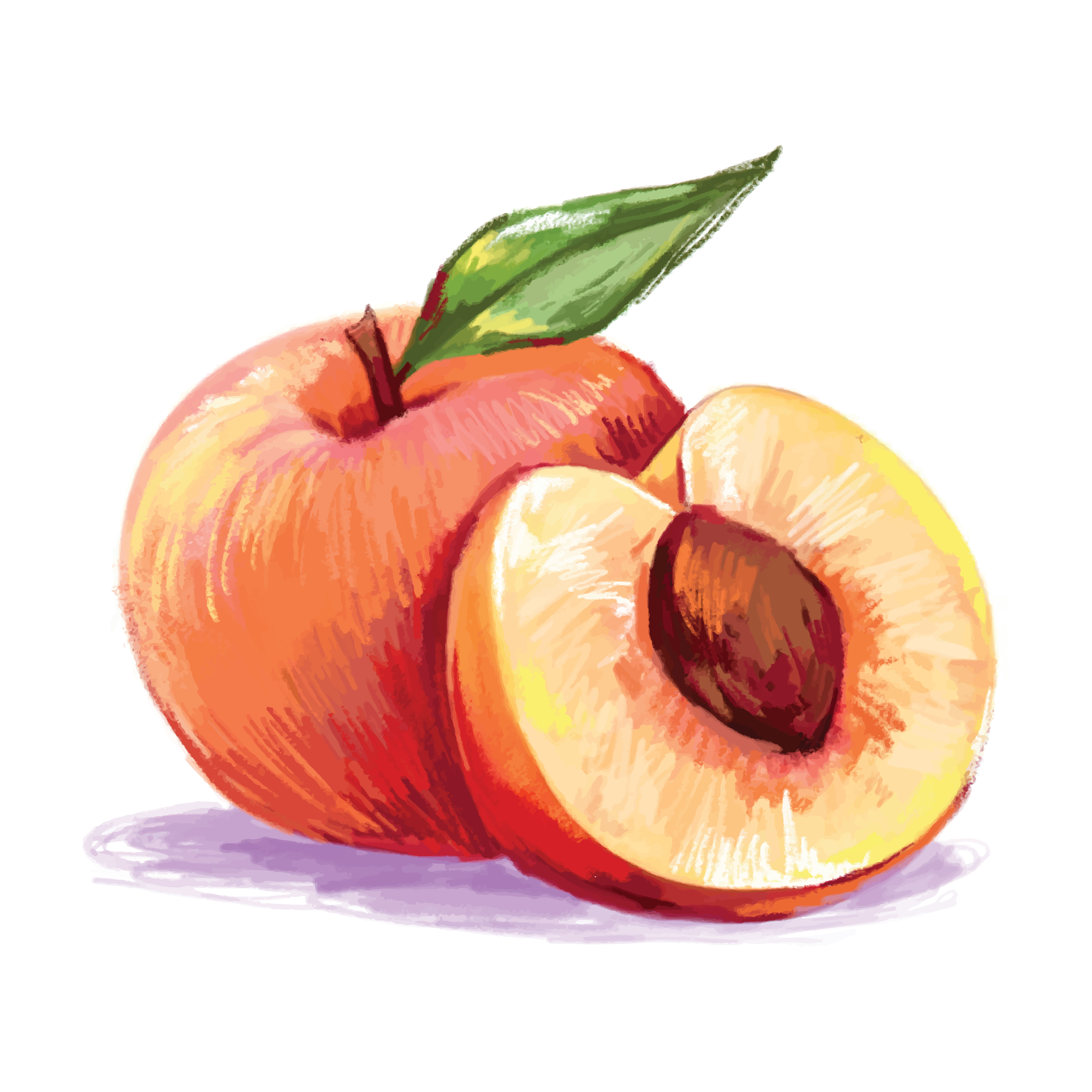
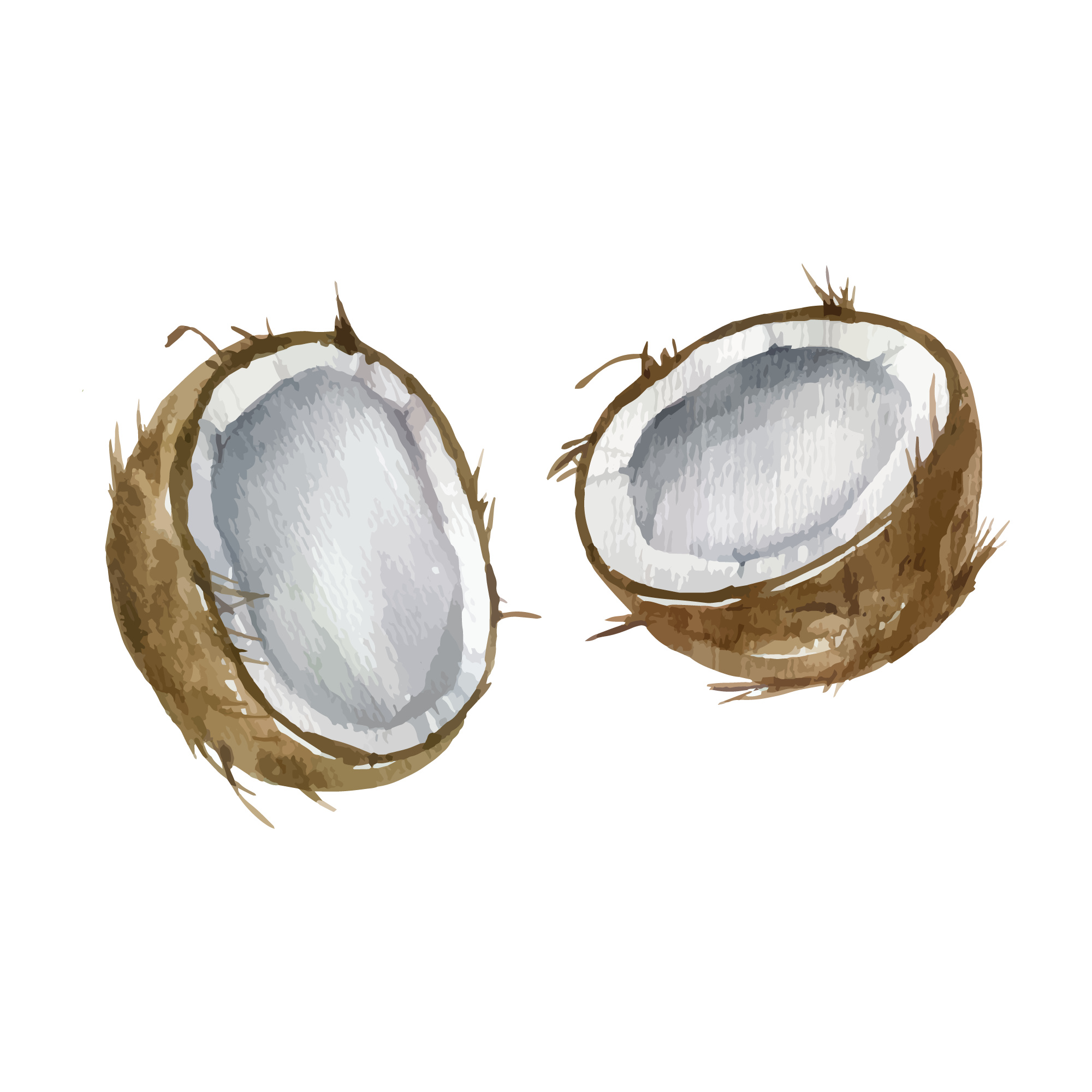
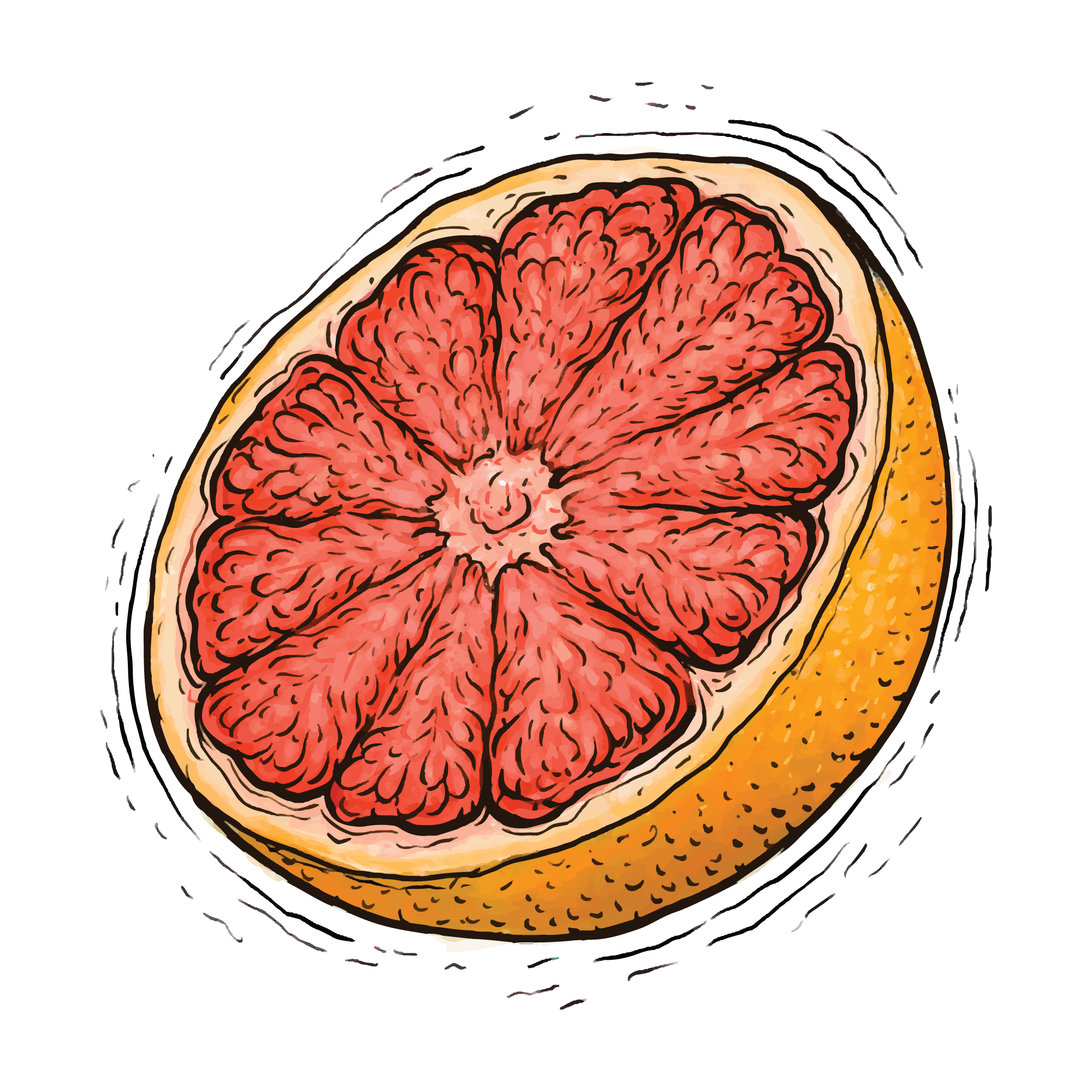
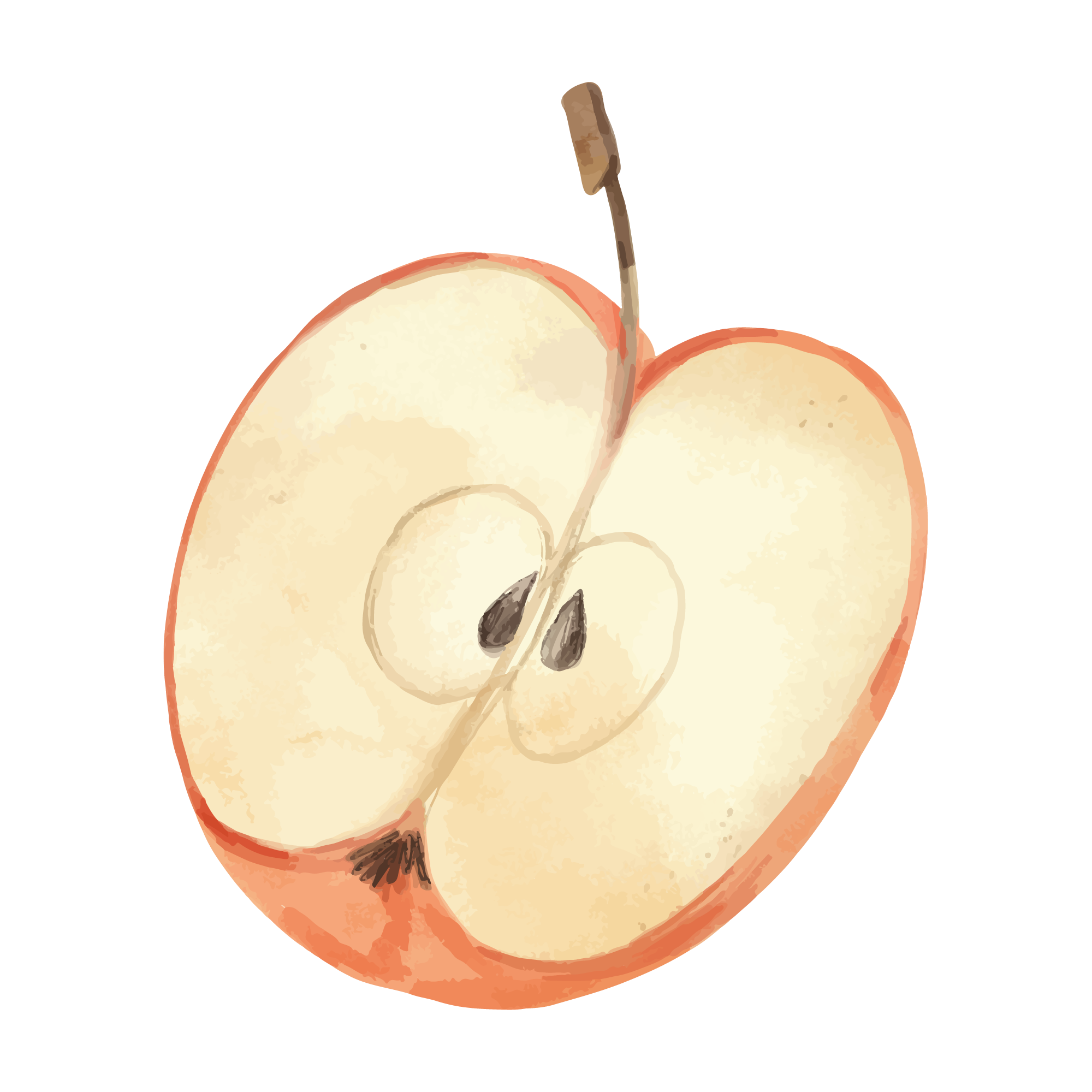
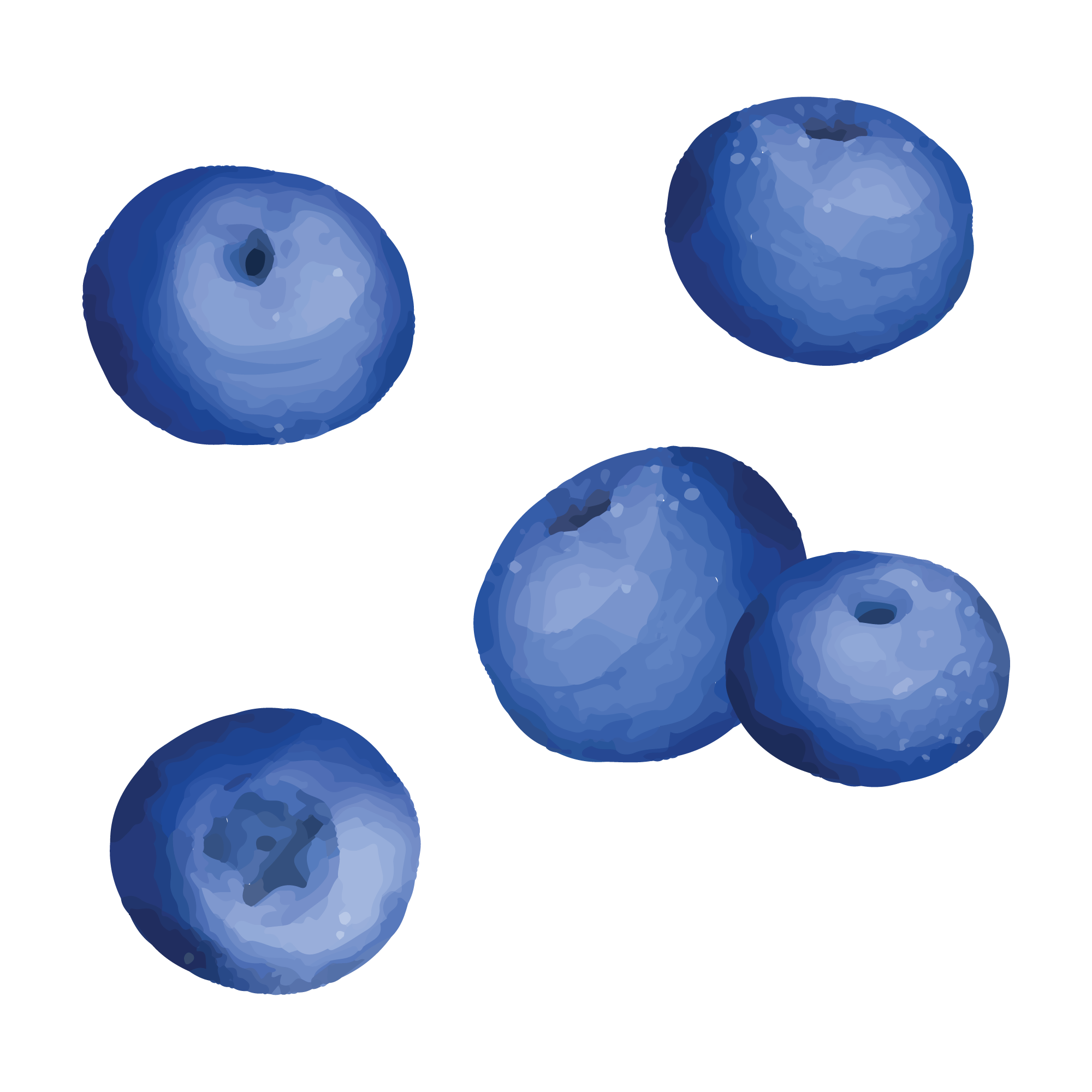
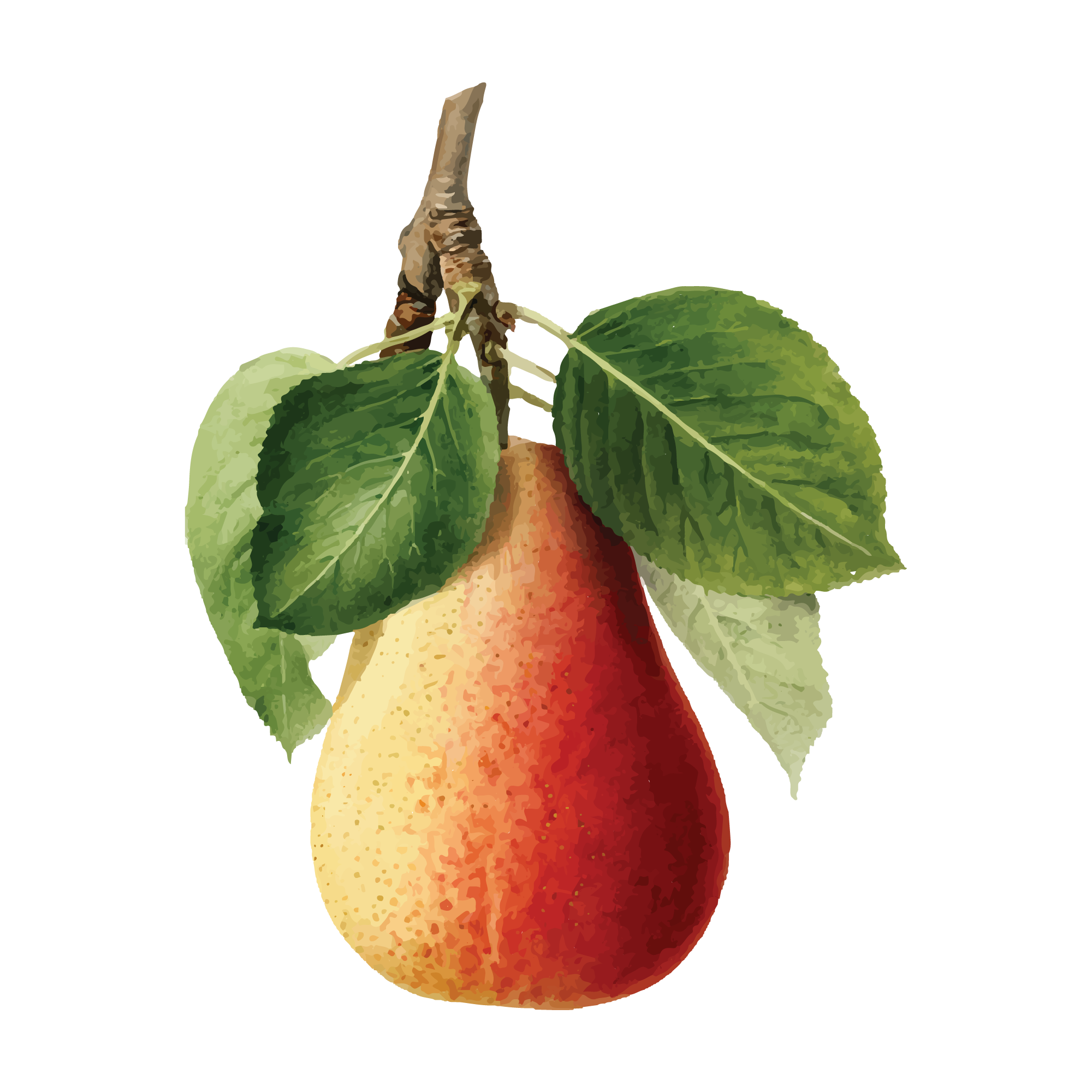
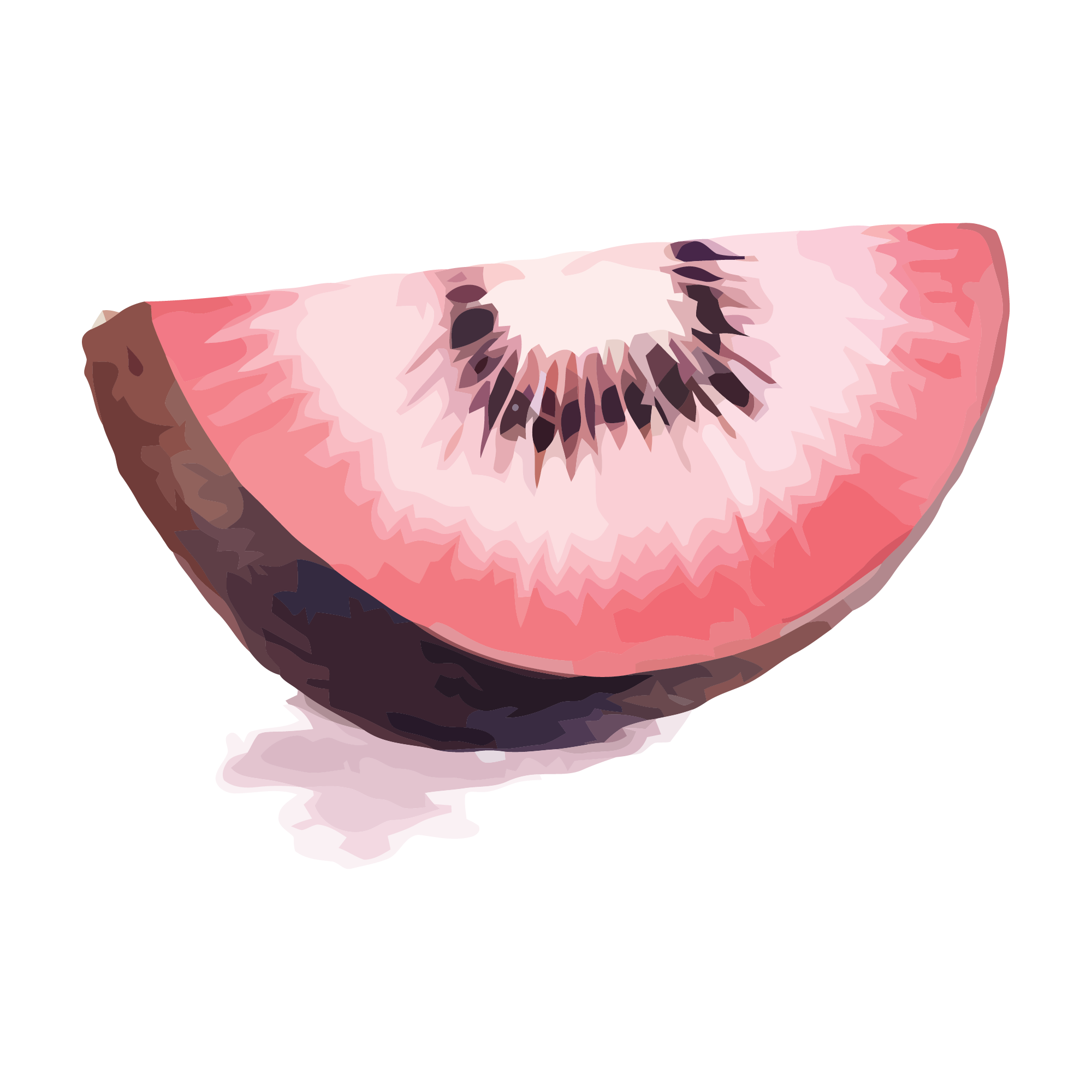
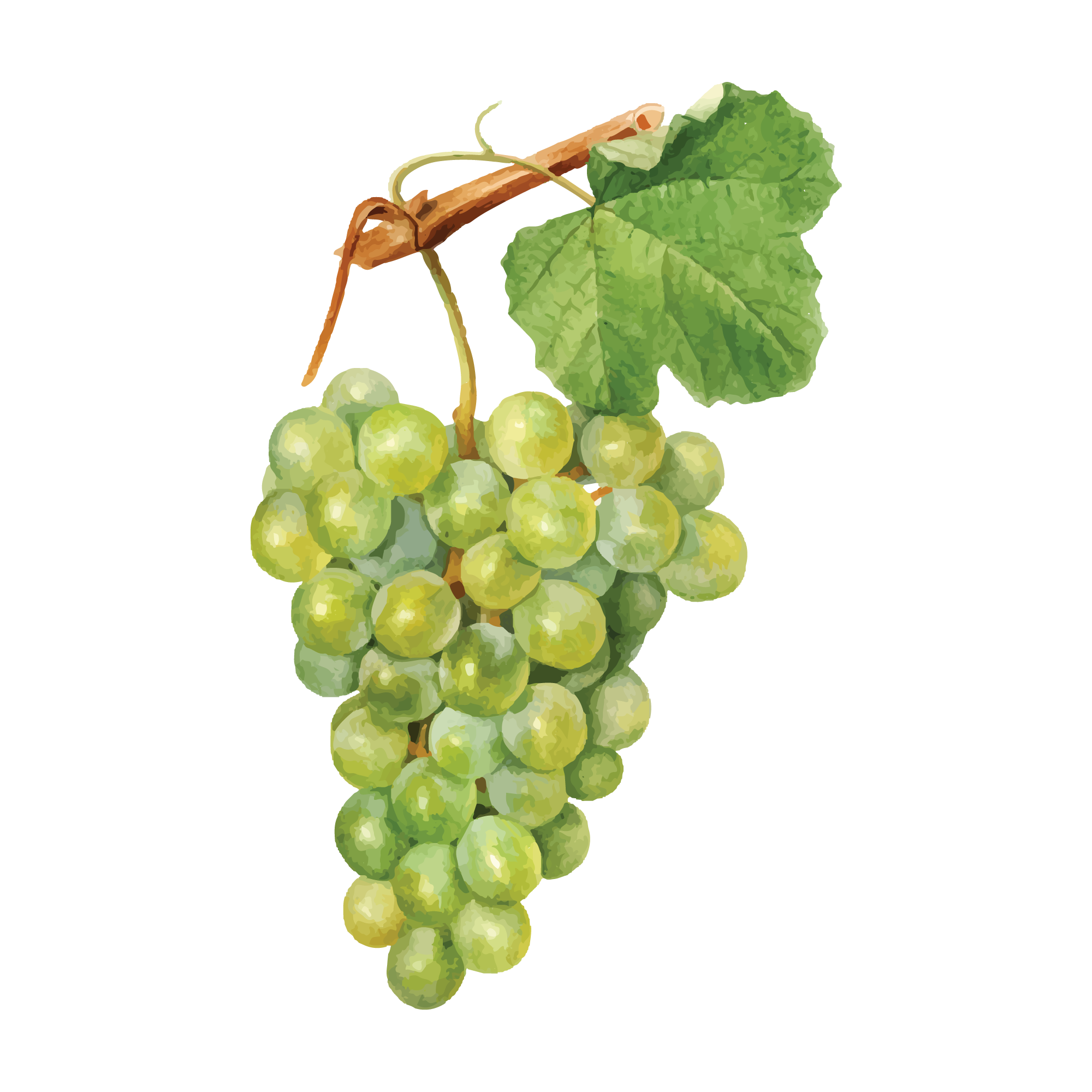
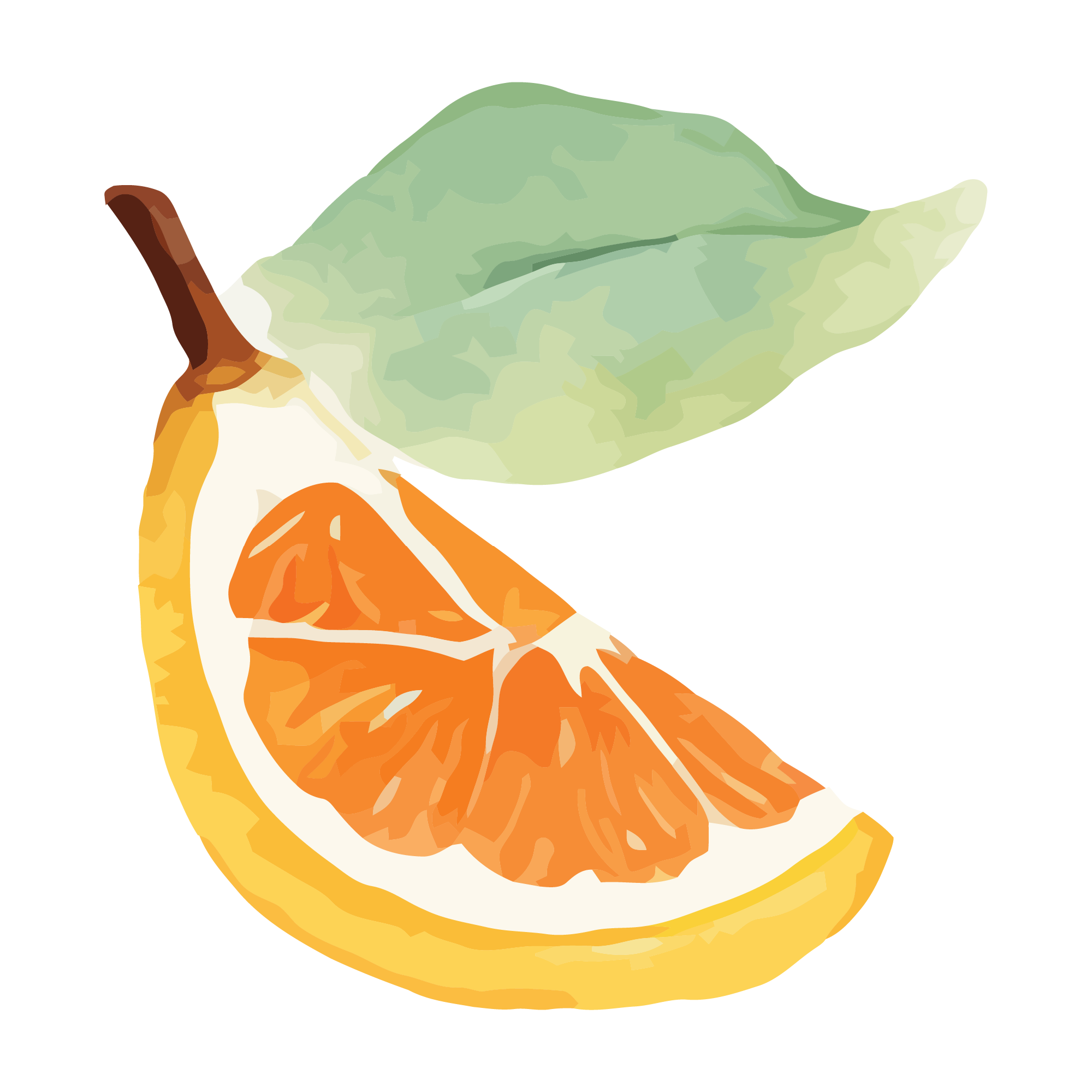
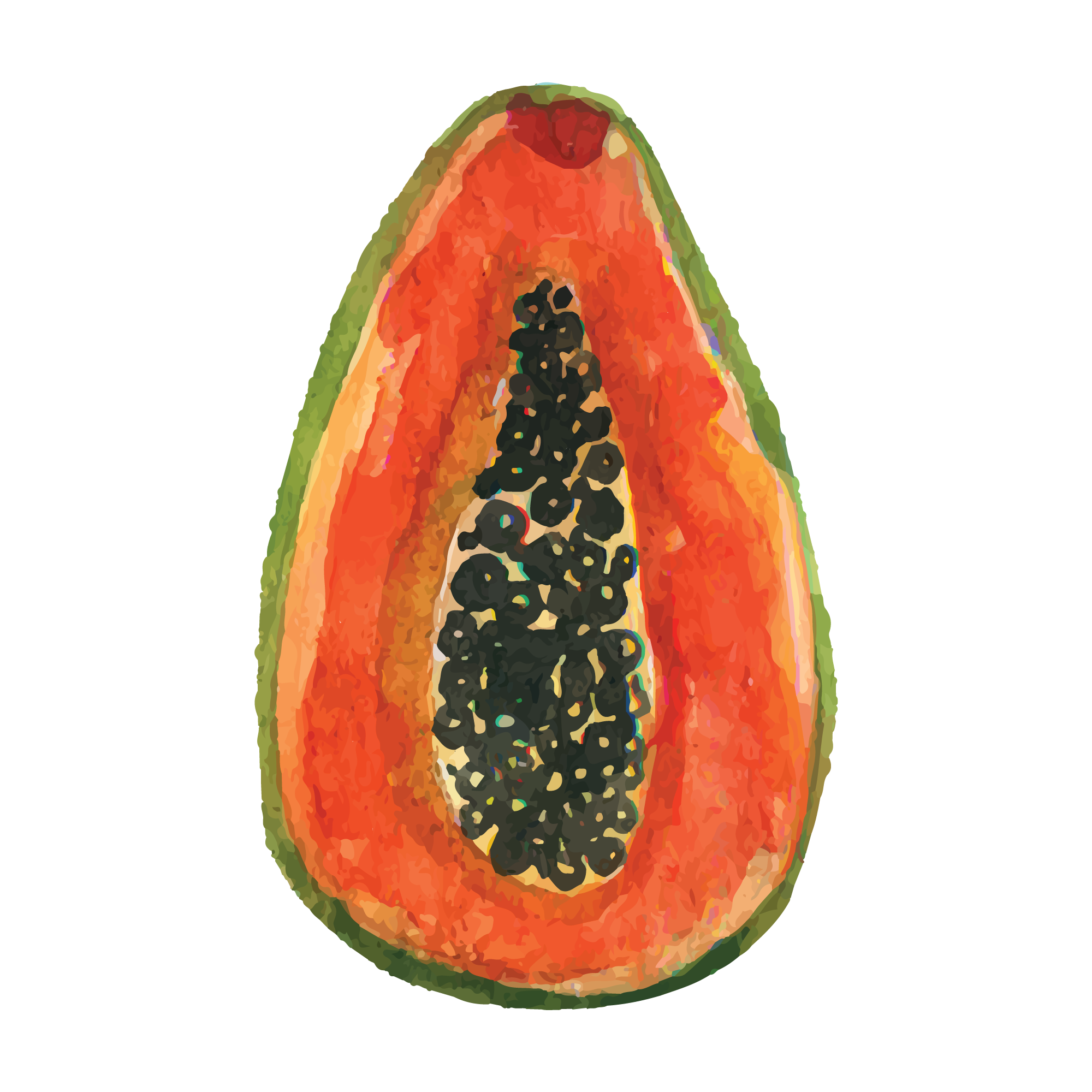
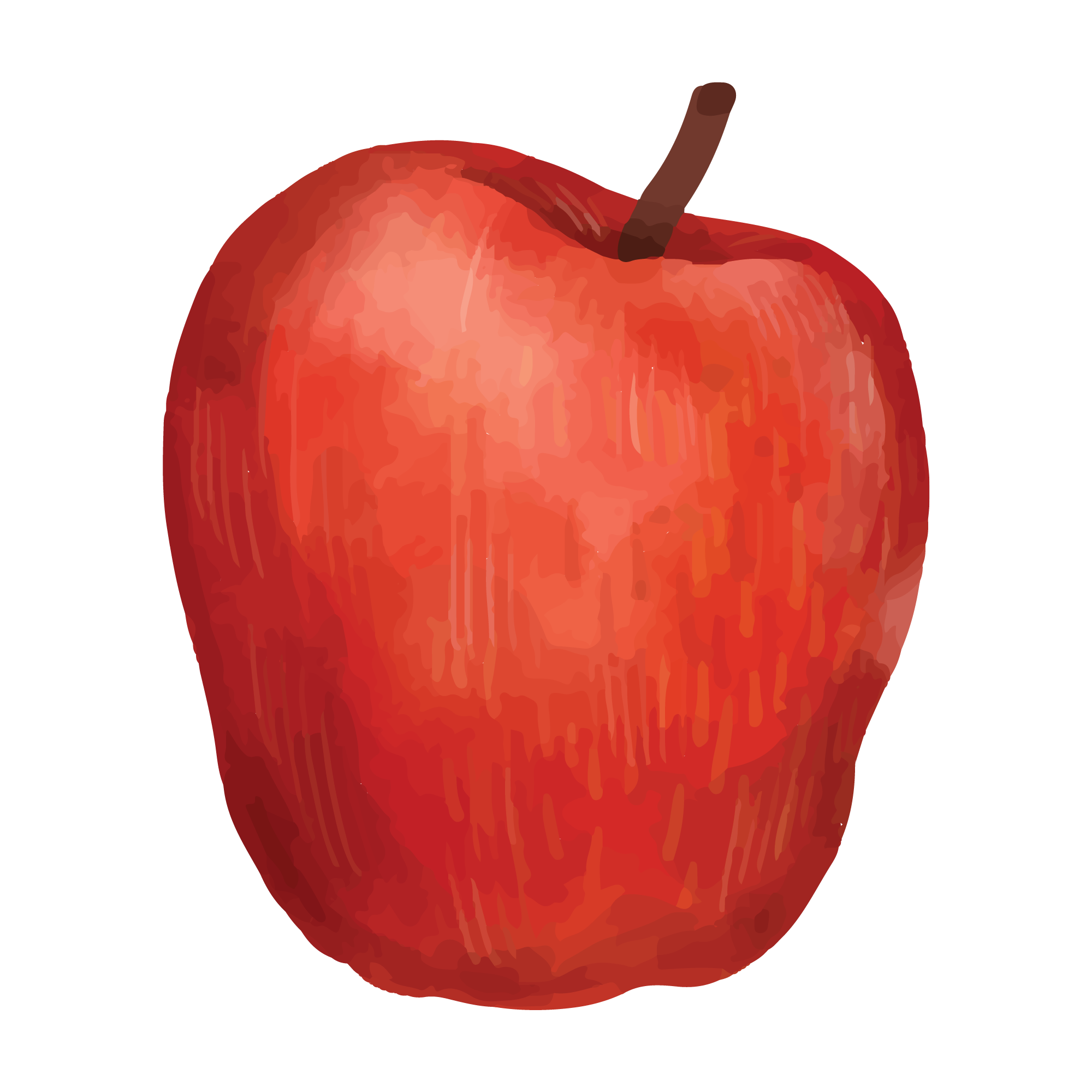
25 fruit designs, drawn as watercolour clip art for print, sublimation and digital layouts. The set covers whole and sliced fruit, leaves and seed detail. They are made for mugs, tumblers, kitchen towels, pantry labels, aprons, cutting-board vinyl and bar-cart signs.
25 designsWatercolourNew
 Included with the Maker plan
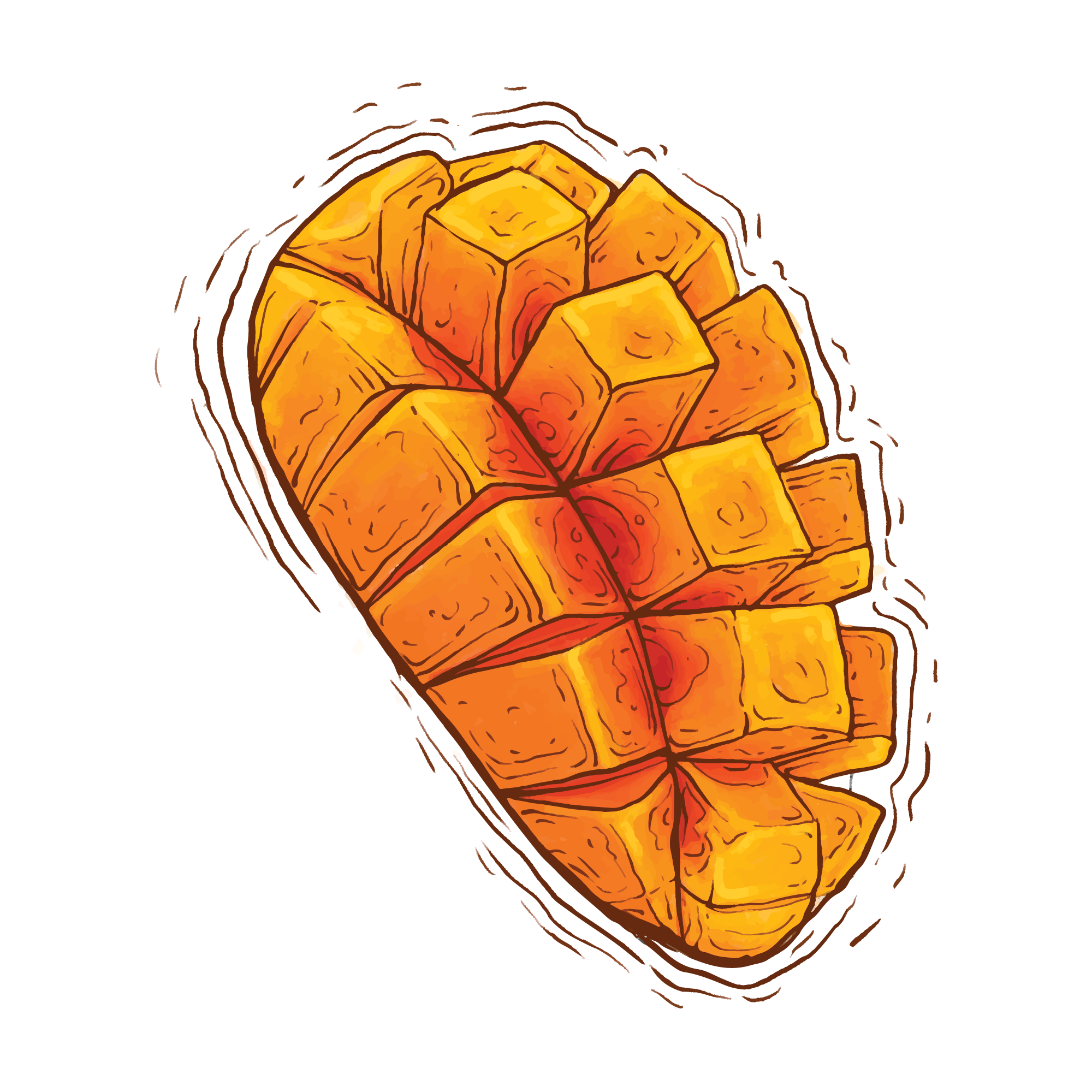 Included with the Maker plan
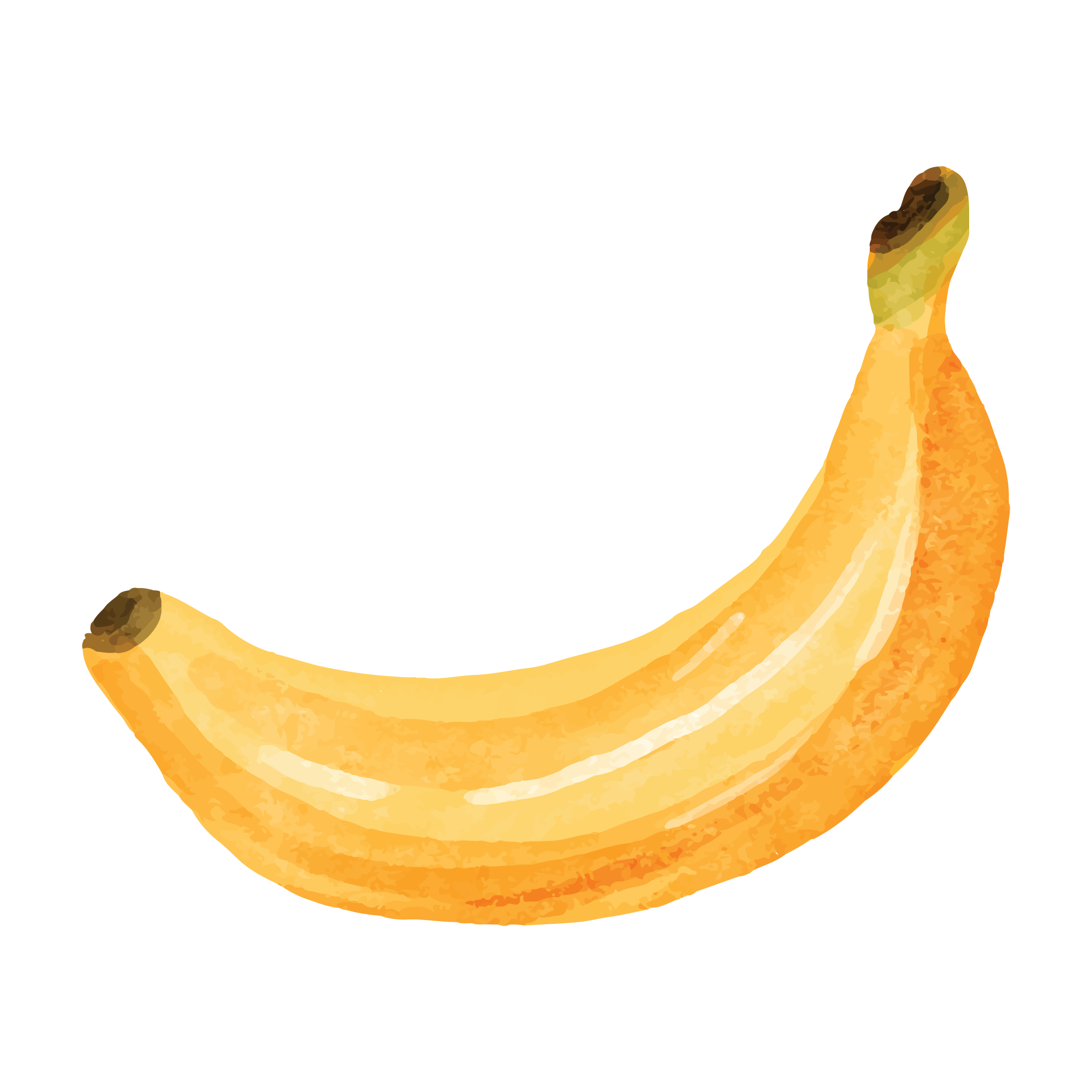 Included with the Maker plan
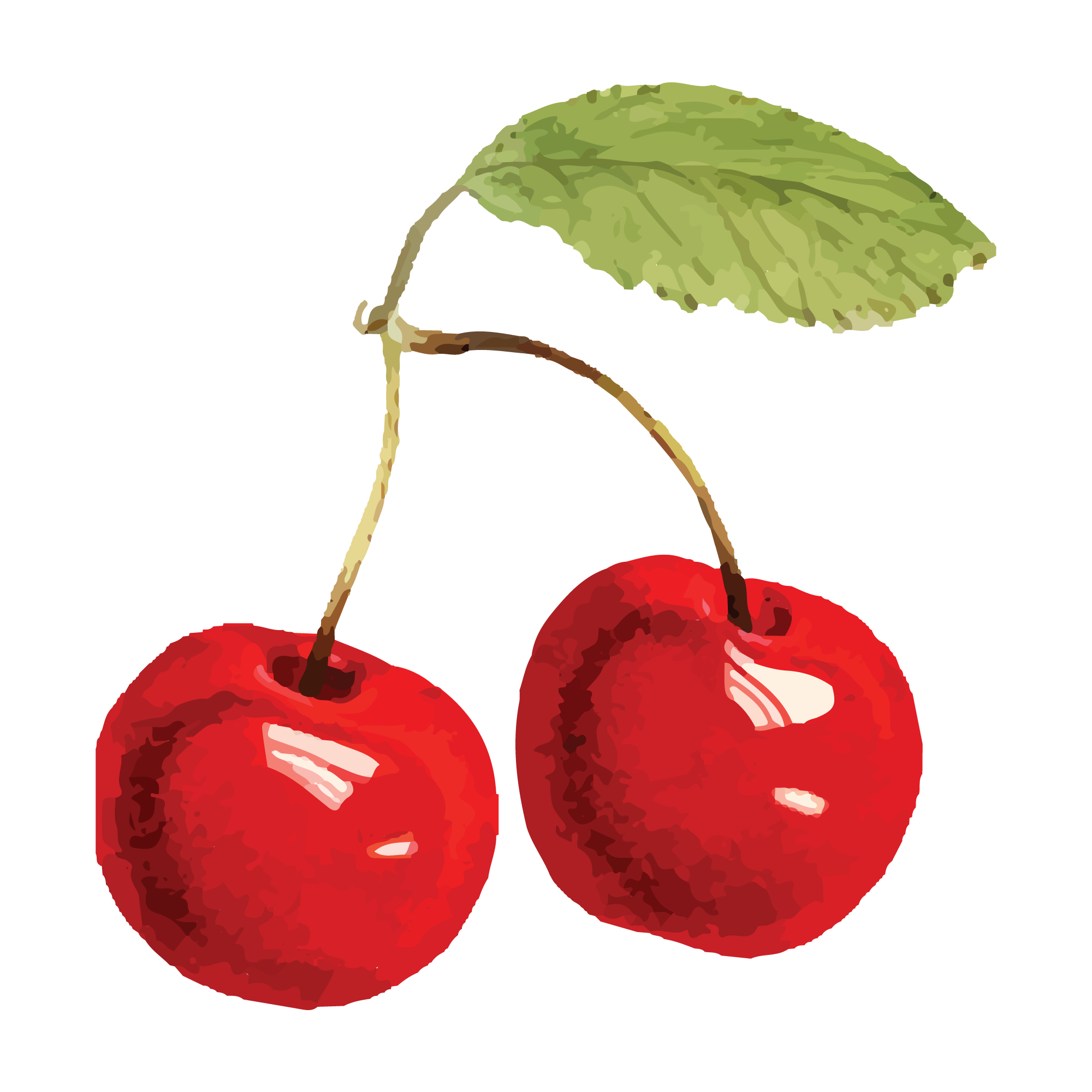 Included with the Maker plan
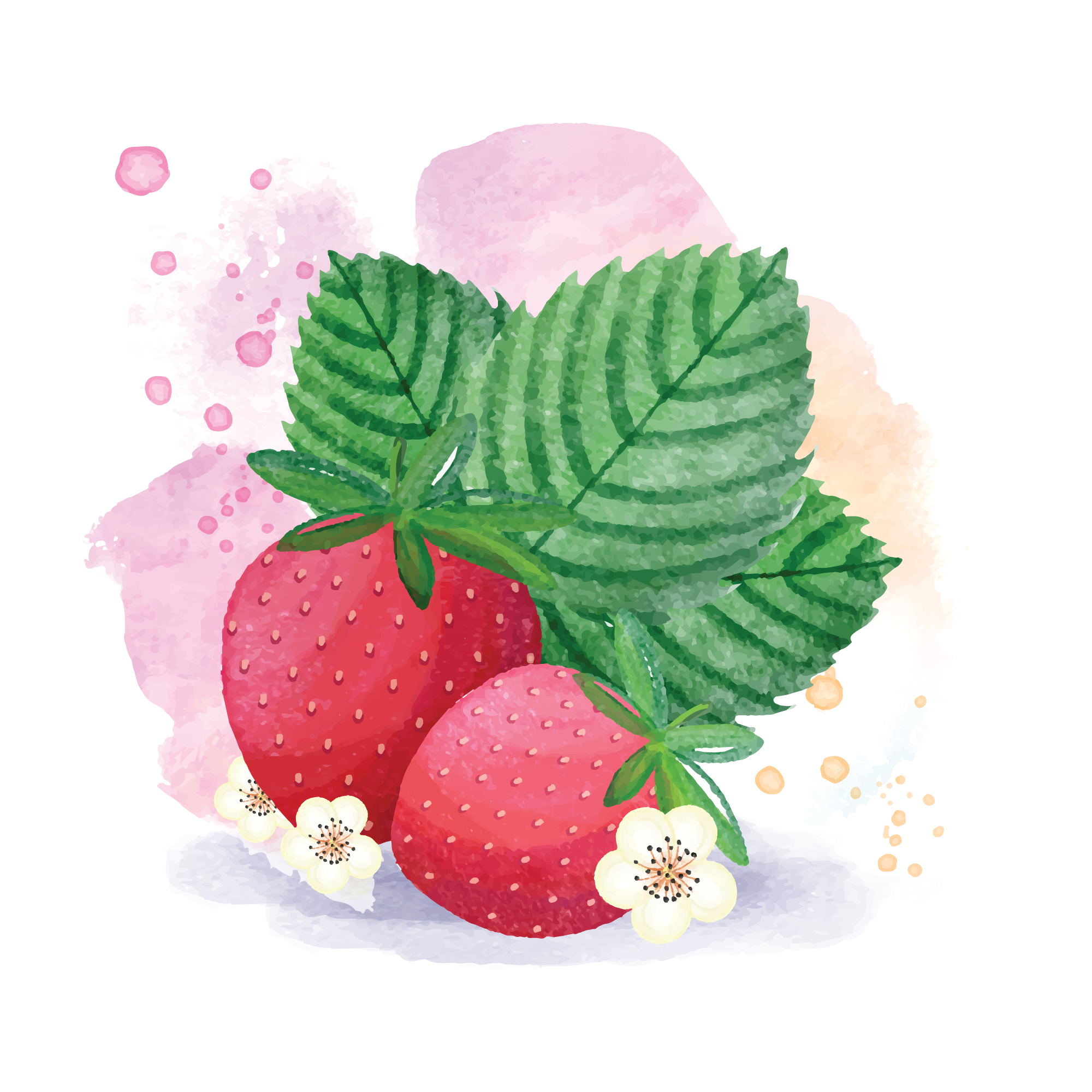 Included with the Maker plan
 Included with the Maker plan
 Included with the Maker plan
 Included with the Maker plan
 Included with the Maker plan
 Included with the Maker plan
 Included with the Maker plan
 Included with the Maker plan
 Included with the Maker plan
 Included with the Maker plan
 Included with the Maker plan
 Included with the Maker plan
 Included with the Maker plan
 Included with the Maker plan
 Included with the Maker plan
 Included with the Maker plan
 Included with the Maker plan
 Included with the Maker plan
What people make with fruit watercolour
Mugs, tumblers, kitchen towels, pantry labels, aprons, cutting-board vinyl and bar-cart signs — those are the pieces this collection gets used for. In this format they go on printed wall art, greeting cards, planner pages, sublimation blanks and digital layouts.
Printing at quality
Watercolour art lives or dies on print resolution. Export at the final physical size and at least 300 DPI — a file that looks crisp on screen at 72 DPI will band and soften the moment it is printed at 8in. Soft watercolour edges also need a white or very light substrate; on a coloured blank the pale washes at the edge of each stroke disappear entirely.
Getting fruit designs right
Soft edges are the whole point, which makes this print-then-cut territory: the cut line goes around the artwork, never through the wash, or you lose the feathered edge that distinguishes it. Sliced fruit is concentric layers — cut them nested so the segments stay aligned. Anything that touches food or goes through a dishwasher needs permanent vinyl and a hand-wash caveat. Keep the design at least half an inch below a mug rim — that is the zone a dishwasher jet attacks first.
Exporting for your machine
Export PNG at 300 DPI or higher for printing and sublimation, or PDF at true physical size for a press-ready layout. A cut line is optional: add a contour offset first if you want print-then-cut.
Cut, score, draw and engrave operations are written as named layers, so Cricut Design Space, Silhouette Studio and laser software map them to the right tool without manual reassignment. For a printed sheet, the print-then-cut guide covers registration and bleed.
Fruit in other formats
The same theme drawn for a different medium — printed, pressed or cut.
Questions
Open a fruit design now
Free, in the browser, no install. Edit it and export a cut-ready file in minutes.