Wedding SVG cut files
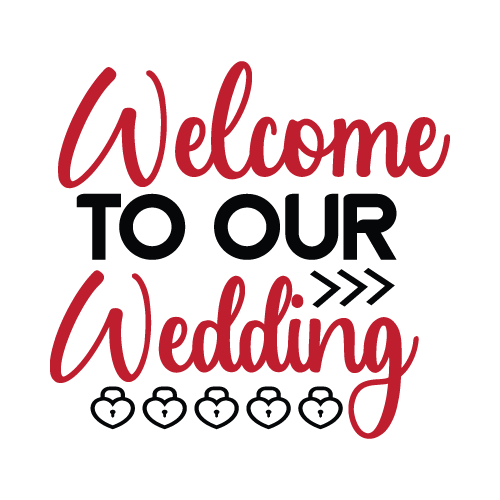
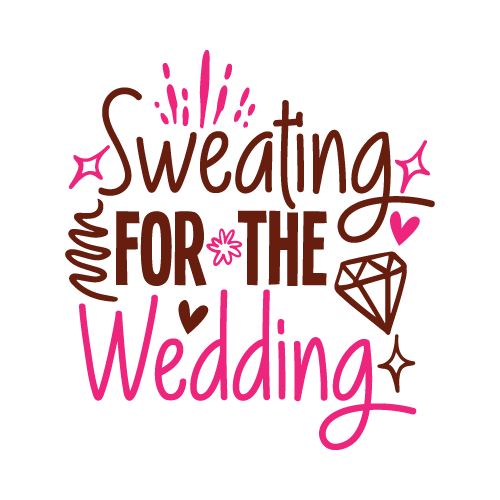
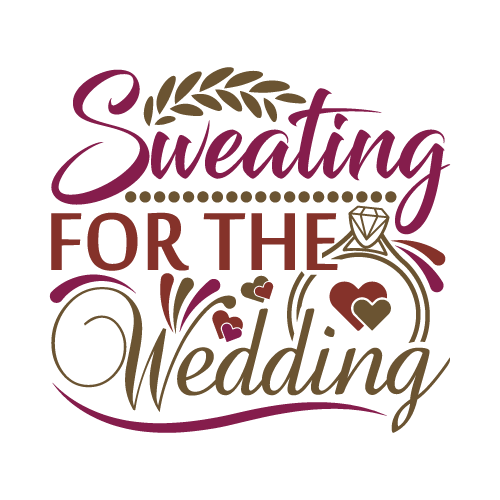
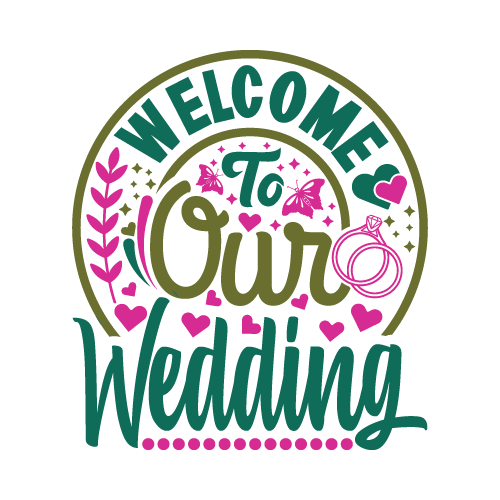
25 wedding designs, drawn as layered SVG cut files with the colours already separated onto their own layers. The set covers rings, florals, script names, dates and venue-sign lettering. They are made for welcome signs, table numbers, place cards, favour boxes, bridal-party shirts, cake toppers and the vinyl on forty champagne flutes.
25 designsCut FilesNew
3 free designs in this collection. Premium artwork, PDF and DXF export require a paid plan.

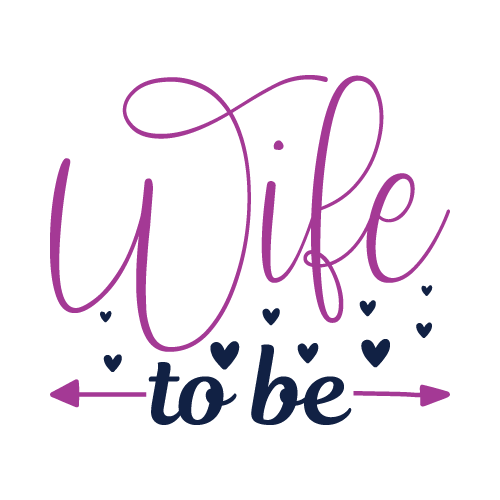
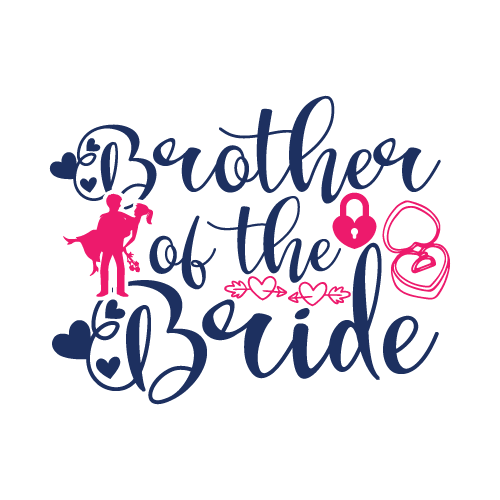
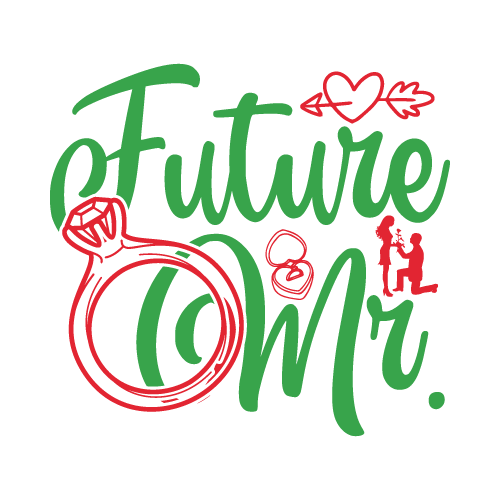 Included with the Maker plan
 Included with the Maker plan
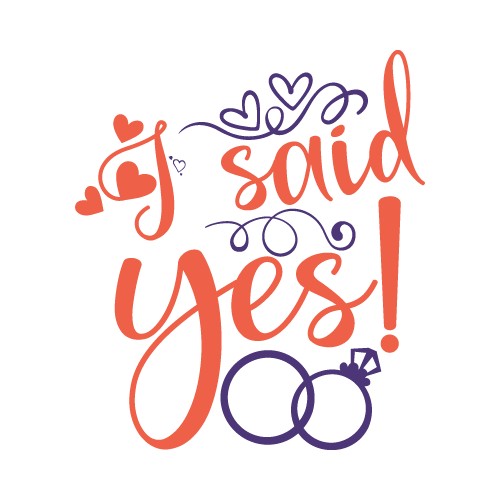 Included with the Maker plan
 Included with the Maker plan
 Included with the Maker plan
 Included with the Maker plan
 Included with the Maker plan
 Included with the Maker plan
 Included with the Maker plan
 Included with the Maker plan
 Included with the Maker plan
 Included with the Maker plan
 Included with the Maker plan
 Included with the Maker plan
 Included with the Maker plan
 Included with the Maker plan
 Included with the Maker plan
 Included with the Maker plan
 Included with the Maker plan
 Included with the Maker plan
 Included with the Maker plan
 Included with the Maker plan
What people make with wedding cut files
Welcome signs, table numbers, place cards, favour boxes, bridal-party shirts, cake toppers and the vinyl on forty champagne flutes, those are the pieces this collection gets used for. In this format they go on cotton or blend shirts, tote bags, hard-surface decals, glassware and painted signs, anywhere adhesive vinyl or HTV will bond.
Cutting and weeding
Each colour is a separate cut and a separate weed, so the export gives your machine one file per vinyl sheet rather than a flattened outline you would have to take apart by hand. Set the size in real inches before you cut, scaling afterwards is where designs come out a quarter-inch off, then weed from the outside in, pulling the waste first and the interior counters last.
Getting wedding designs right
Vinyl is unforgiving about thin strokes: anything under about a sixteenth of an inch at final size lifts with the waste while you weed it, so check the finest line at cut size before you commit a sheet. Every piece in a wedding set must share one font and one weight. Set them once and reuse across all forty items. Weddings are the highest-count personalisation job most makers take on: forty names, each one different, all needing to be identical in style. Script must be welded, and the whole set should be cut from one merged run so letter spacing does not drift between guest three and guest thirty-eight.
When to make these
Bookings run March through October, with planning traffic six months ahead. If you sell, that is the window the listings need to be live in, search traffic for a seasonal theme arrives weeks before the date, not on it. Cut one test piece in the vinyl you will actually use, colours weed differently on the mat than they look on screen, and a seasonal batch is the wrong place to discover that.
Exporting for your machine
Export SVG for Cricut Design Space or Silhouette Designer Edition, DXF for Silhouette Studio Basic and laser software, or PDF at true physical size for print layouts.
For cutting projects, import the SVG into Cricut Design Space, Silhouette Studio and laser software and check the operation assigned to each layer before making the project. For a printed sheet, the print-then-cut guide covers registration and bleed.
SVG and PNG exports are available in the free studio. PDF and DXF export require a paid plan. Check plans and commercial-use licensing before making products to sell.
Make your project
Wedding in other formats
The same theme drawn for a different medium, printed, pressed or cut.
Questions
Open a wedding design now
Start with a free design from this collection and customize it in the browser. Premium designs require a paid plan.